
FluxBoard PRO: Multi-User Kanban – Local Team Task Board
FluxBoard PRO brings powerful, private multi-user Kanban boards straight to your Chrome browser—no accounts, no cloud, no data collection. Perfect for teams needing shared task visibility, drag-and-drop organization, and reliable offline access. Collaborate seamlessly with coworkers using local storage only—ideal for shift teams, small businesses, remote crews, or anyone who values privacy and simplicity.
Why FluxBoard?
Say goodbye to clunky spreadsheets, expensive SaaS tools, or sync issues. FluxBoard is a full-featured Kanban board that lives entirely in your browser: lightweight, fast, and 100% local. All your boards, tasks, notes, and settings stay on your device (or shared Chrome profiles) with chrome.storage.local—no servers involved.
Key Features
- Multi-User Kanban Boards – Share tasks across team members via local storage or synced Chrome profiles.
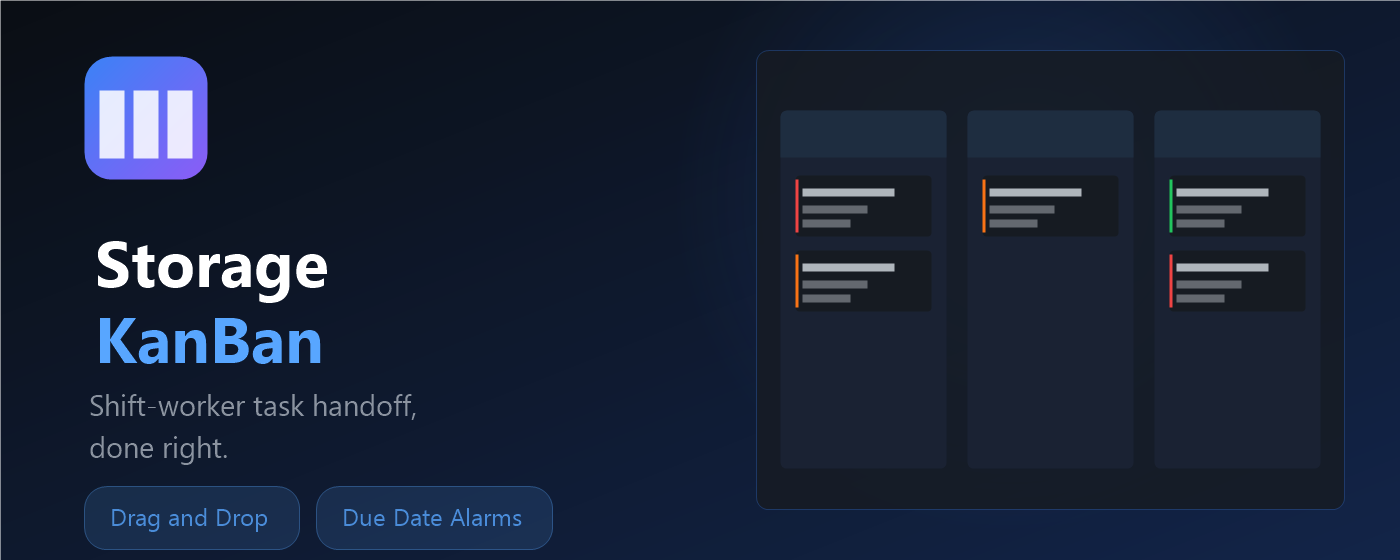
- Drag-and-Drop Workflow – Move tasks effortlessly between custom columns (To Do, In Progress, Done, and more—up to 5 columns).
- Rich Task Cards – Add titles, priorities (urgent/high/med/low), icons/emojis, unit numbers, tags, due dates, alarms, descriptions (rich text + checklists), assigned users, and threaded notes.
- Notifications & Alarms – Set due-date reminders with Chrome notifications for timely follow-ups.
- Unread Notes Tracking – See unread comment counts on tasks for quick team communication.
- Customizable Appearance – Light/dark themes, company logo, background images (compressed & local), and emoji icons for columns/tasks.
- Task Log History – View completed/deleted tasks with snapshots (filterable, clearable).
- Export/Import Backup – Download JSON backups or import to restore/migrate data easily.
- Offline-First Design – Works fully offline; no internet required after install.
- Privacy-Focused – Zero data leaves your device. No tracking, no analytics, no external servers.
Perfect For
Teams that want a simple, visual task manager without subscriptions or privacy risks—small businesses, remote collaborators, shift workers, project crews, or personal multi-profile use.
How It Works
Open FluxBoard from the extension popup (opens in a full tab) → create boards/columns → add tasks → assign users/notes → drag to update status → set alarms → export backups as needed. Everything persists locally.
Install FluxBoard today and experience seamless team task flow—private, powerful, and browser-native.