
Paycheck Budget Spreadsheet Google Sheets & Excel, 2027 Budget Planner, Bill Tracker, Debt Snowball, Subscription Tracker, Classic Serif
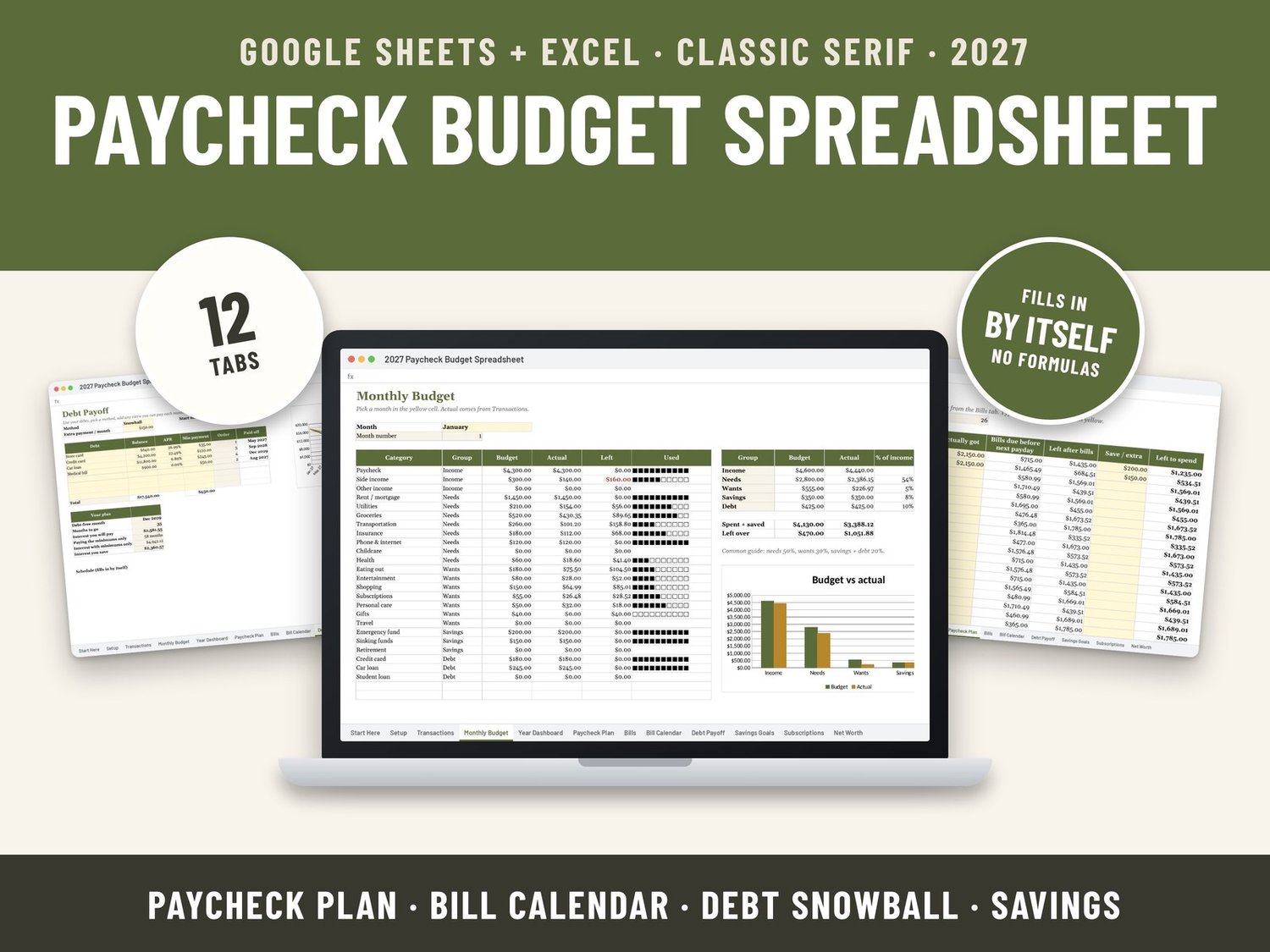
GOOGLE SHEETS + EXCEL: you get a PDF with your own "Make a copy" link for Google Sheets, plus the Excel (.xlsx) file. Type in your pay and your spending; the budget, the paycheck plan, the bill calendar and the charts fill in by themselves.
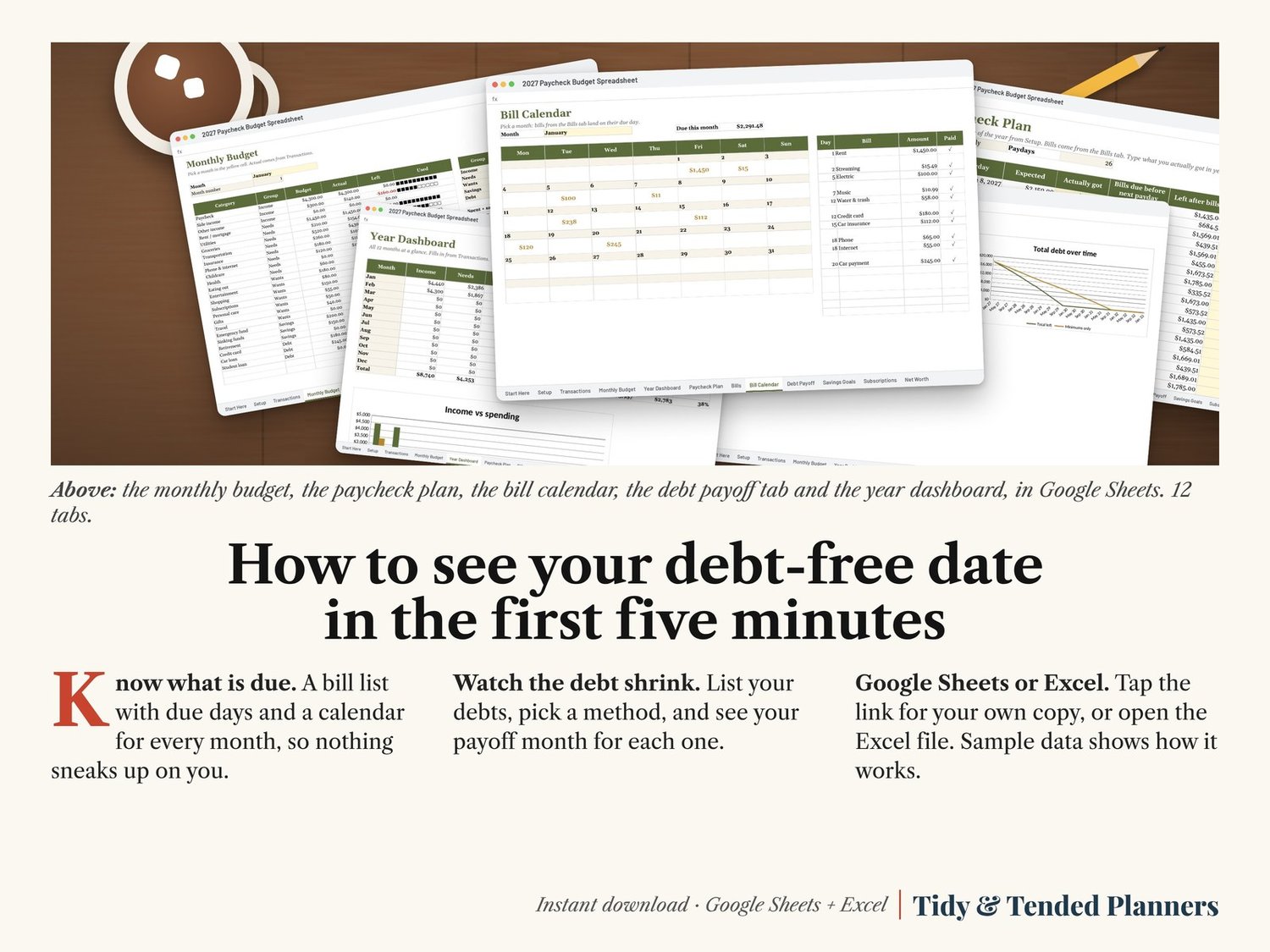
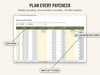
A 2027 paycheck budget spreadsheet with 12 tabs: plan every payday, track your spending, see every bill on a calendar, and get a debt payoff plan with your debt-free date. Pick snowball or avalanche, add any extra you can pay, and it shows the interest you save.
Short on time? Fill in the Setup tab and the Bills tab once. After that it is one line per purchase.
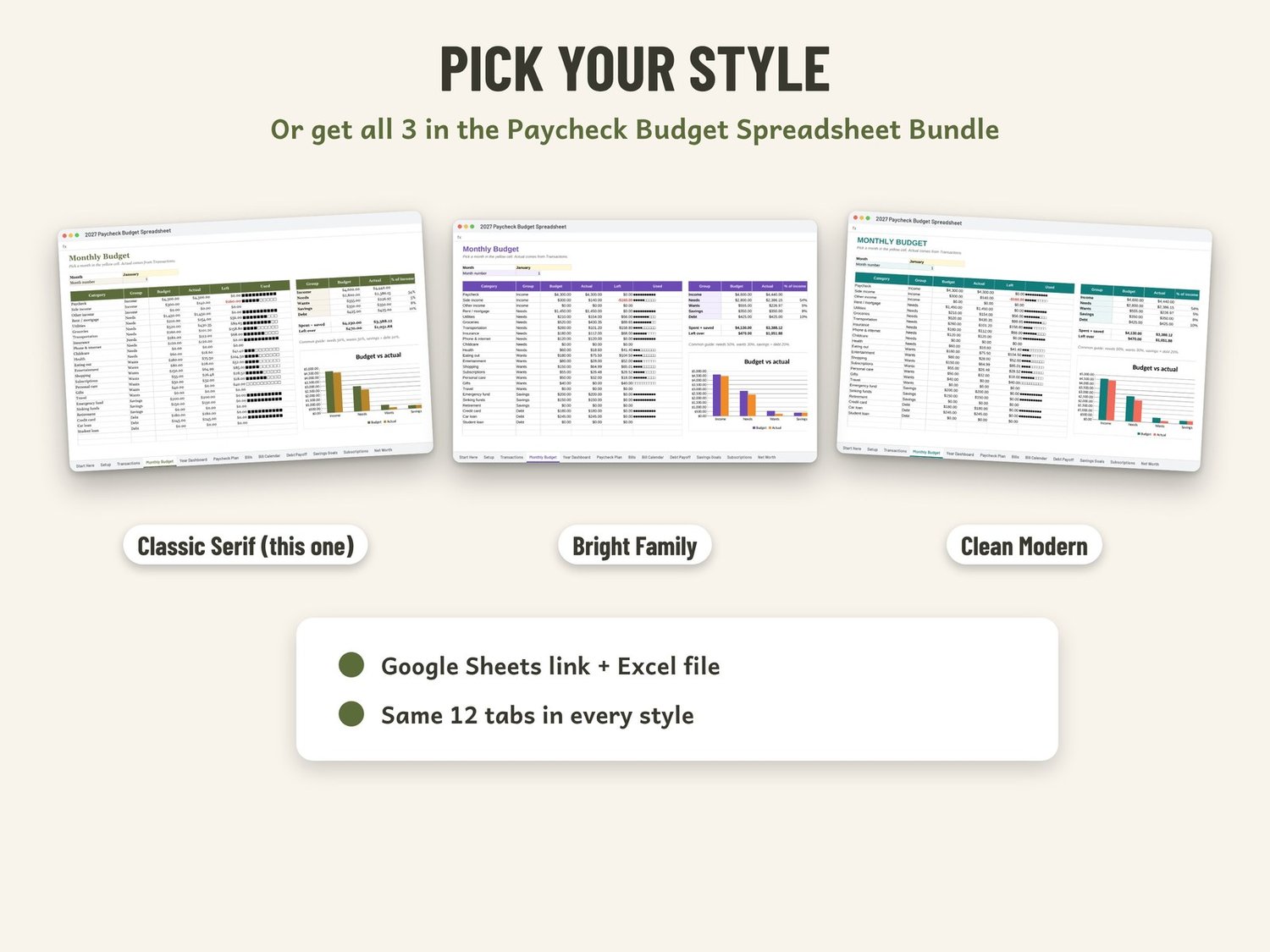
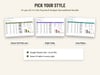
This is the Classic Serif style: olive green, warm cream and an elegant Georgia serif. It also comes in Bright Family and Clean Modern, or all three in the Paycheck Budget Spreadsheet Bundle.
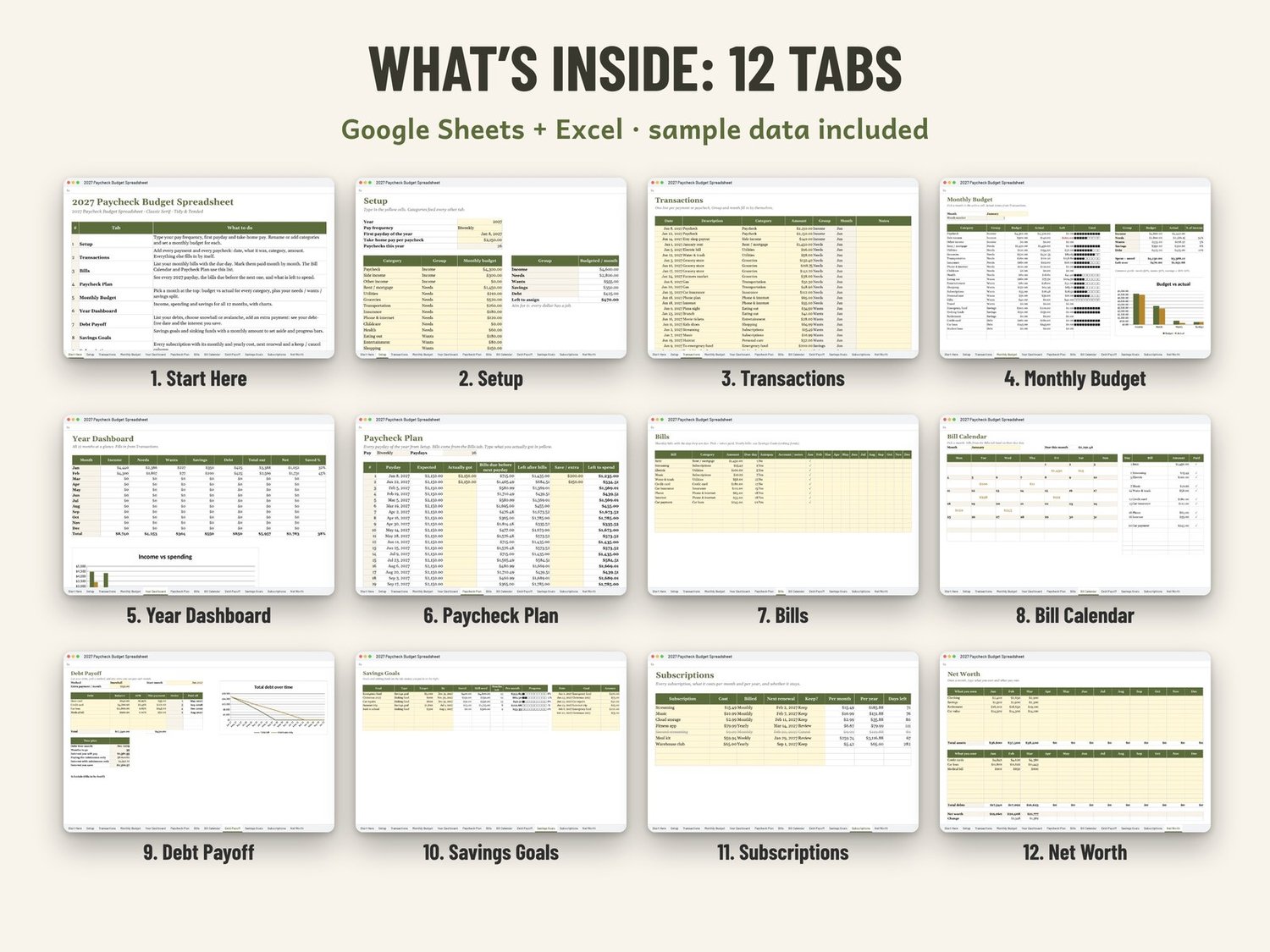
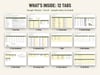
WHAT'S INSIDE (12 tabs)
1. START HERE: how it works, in plain words
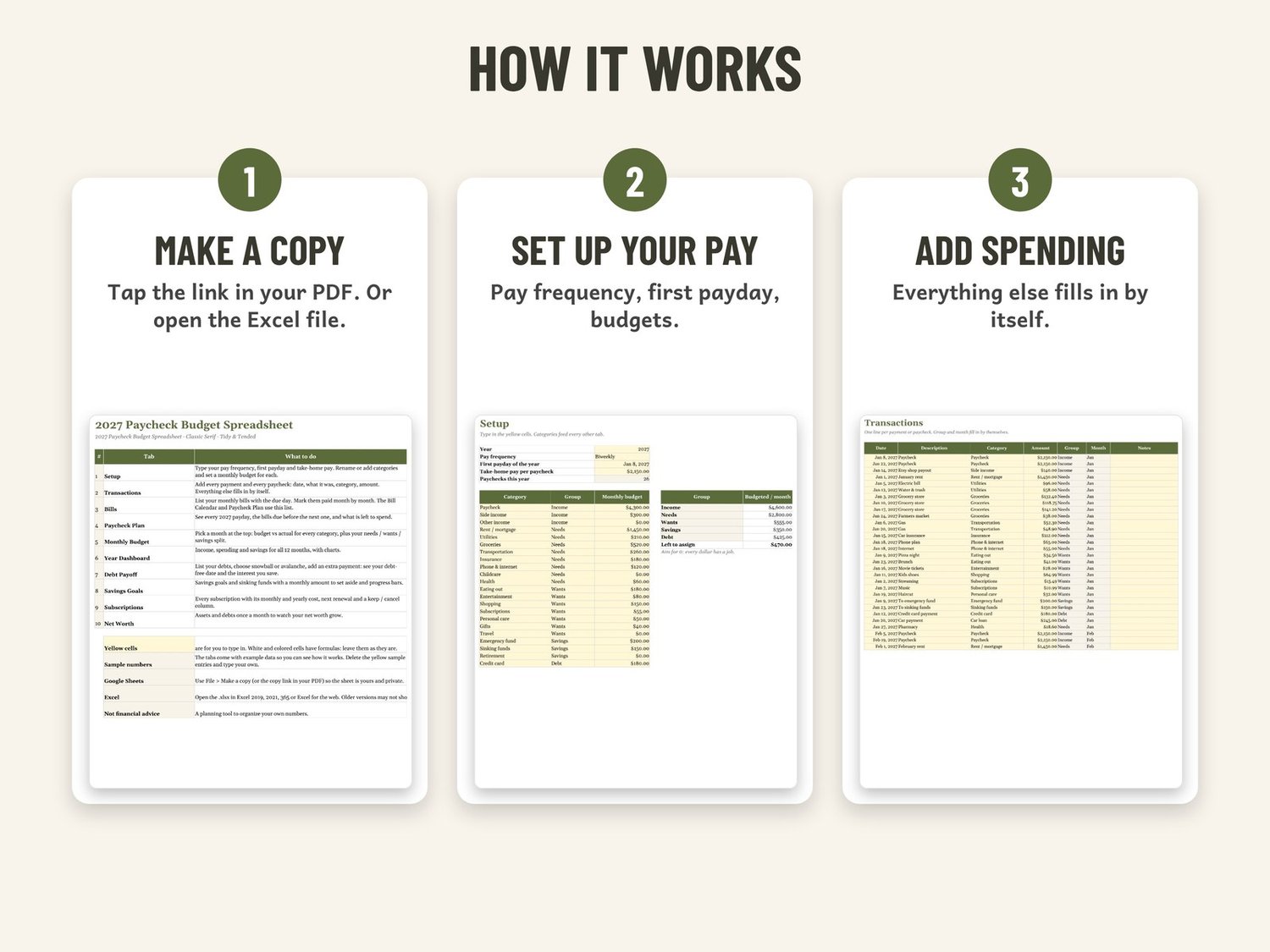
2. SETUP: pay frequency (weekly, biweekly, semi-monthly or monthly), first payday, take-home pay, your categories and budgets
3. TRANSACTIONS: one line per payment or paycheck, with a category dropdown
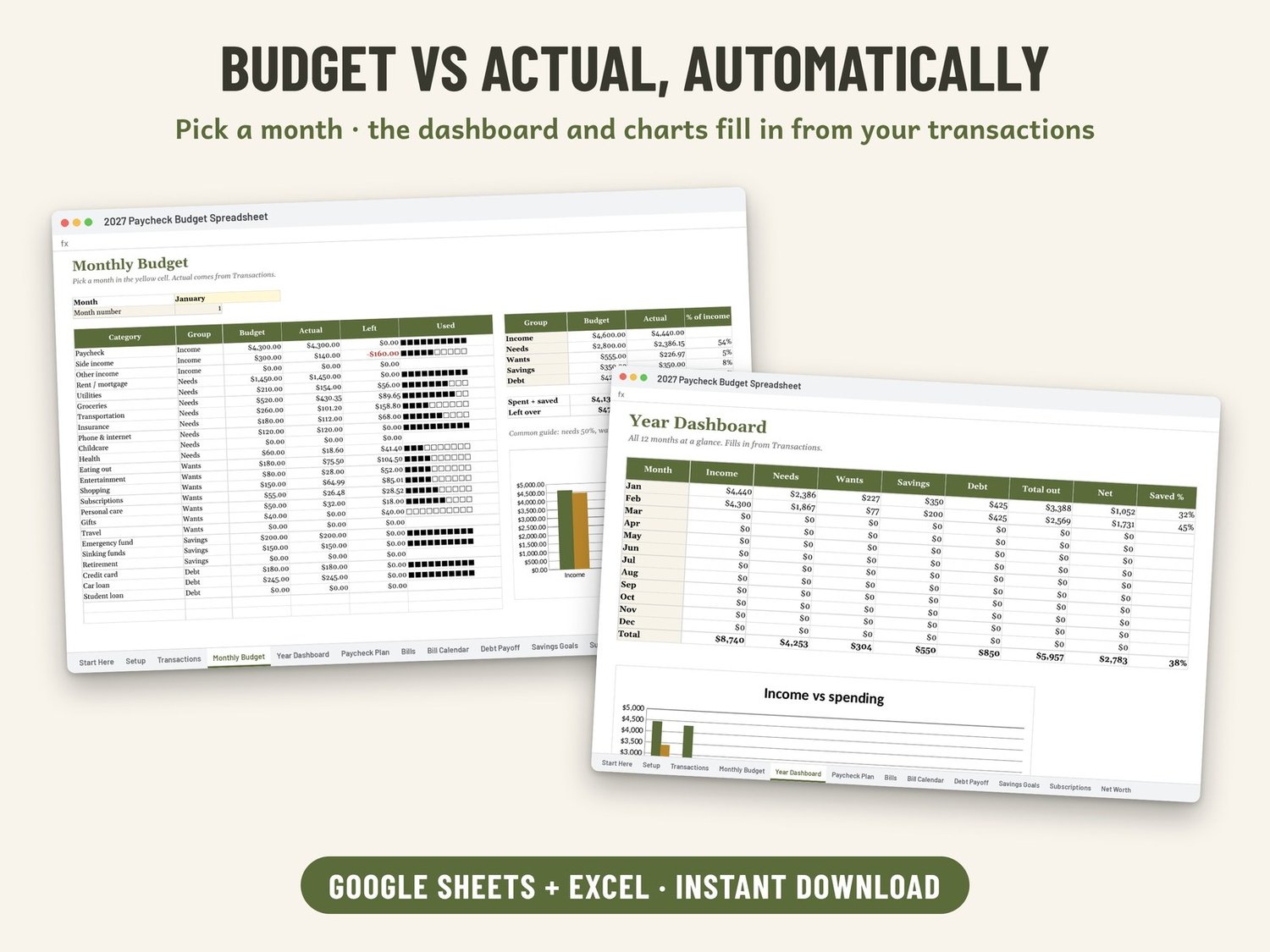
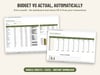
4. MONTHLY BUDGET: pick a month, see budget vs actual for every category, needs / wants / savings split and a chart
5. YEAR DASHBOARD: income, spending and savings for all 12 months, savings rate and 2 charts
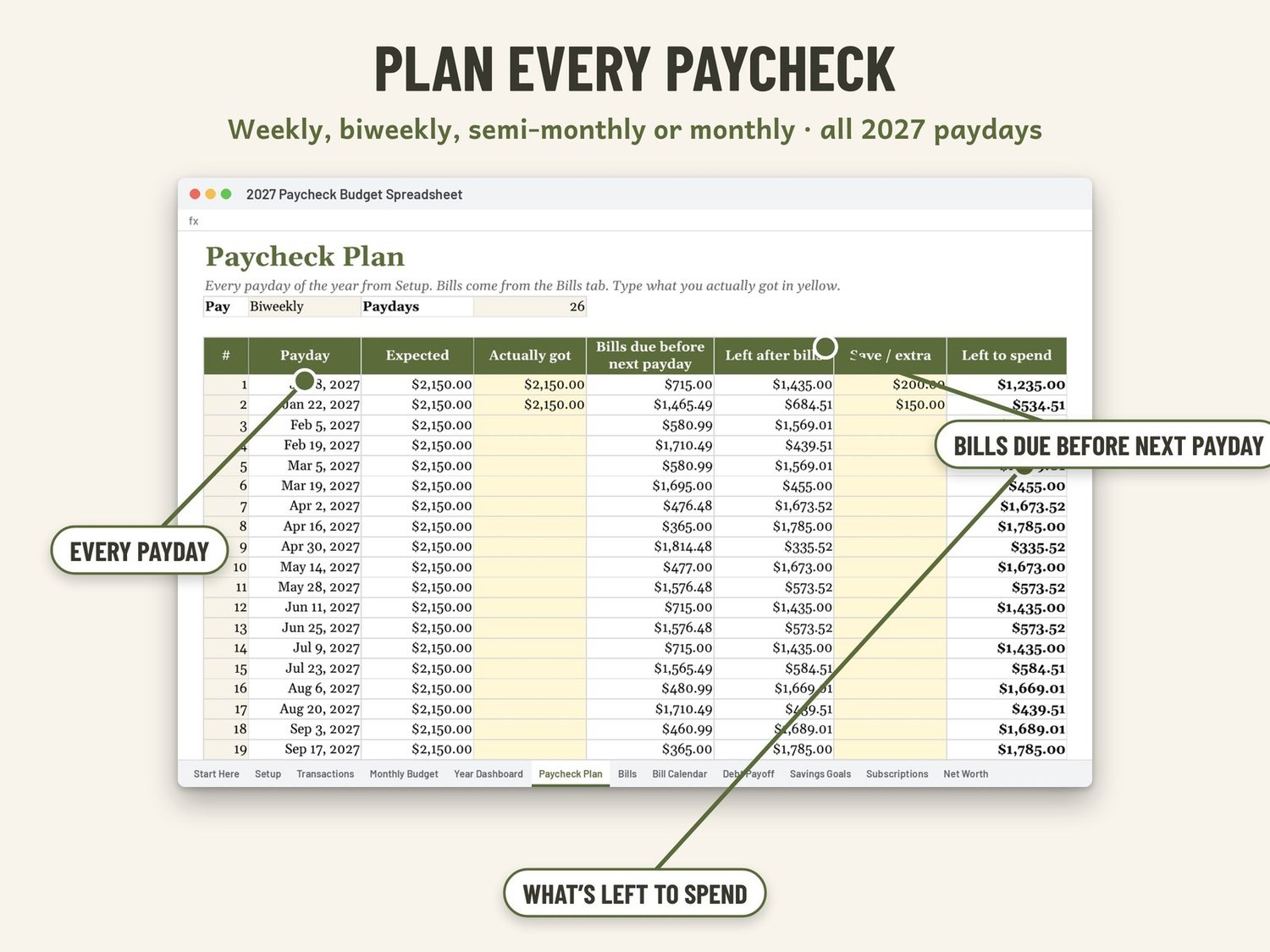
6. PAYCHECK PLAN: every 2027 payday, the bills due before the next one, and what is left to spend
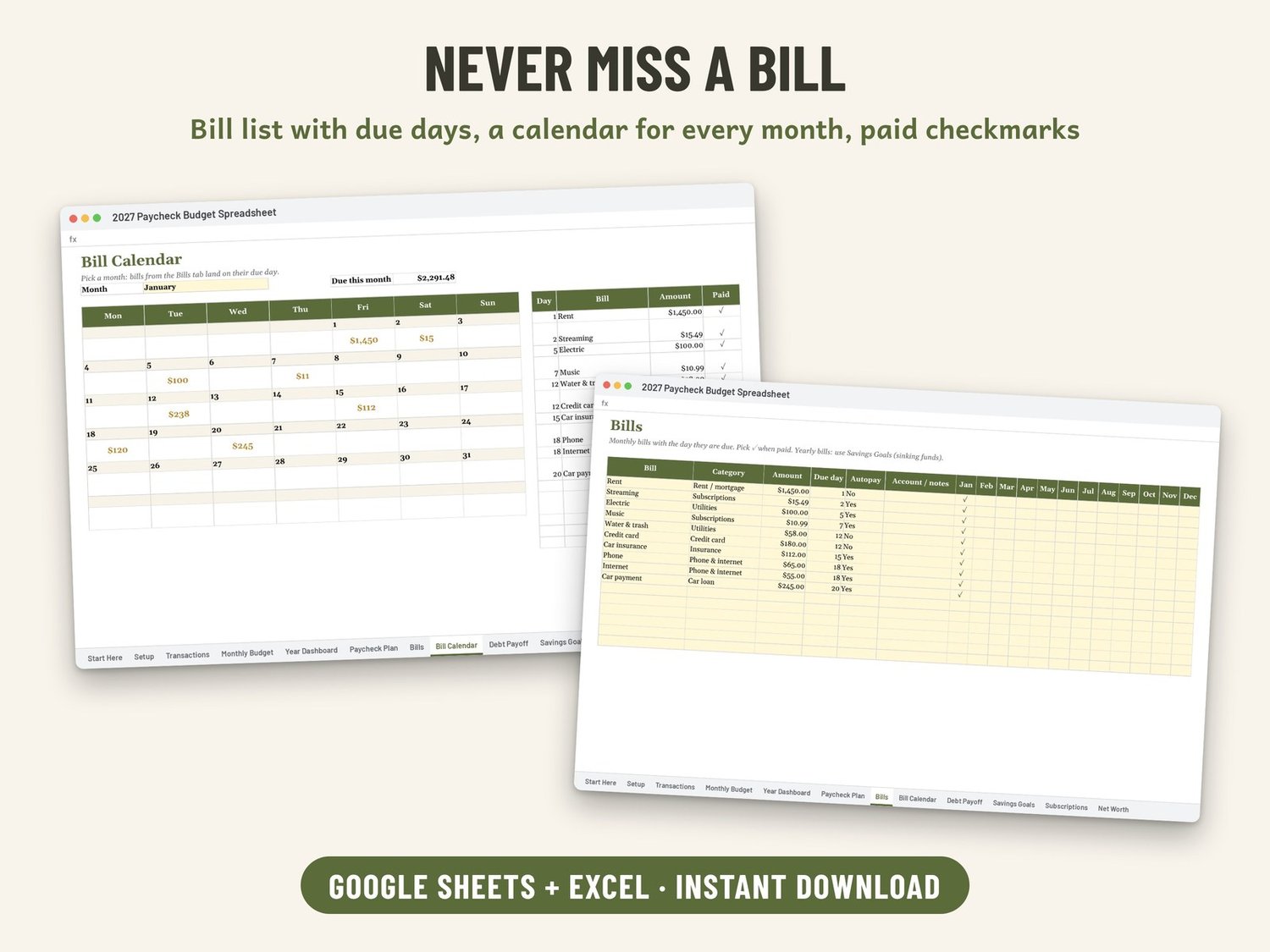
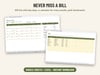
7. BILLS: monthly bills with due days, autopay and a paid checkmark for each month
8. BILL CALENDAR: pick a month, see what is due on which day
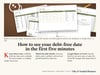
9. DEBT PAYOFF: snowball or avalanche, extra payment, payoff month per debt, your debt-free date and the interest you save
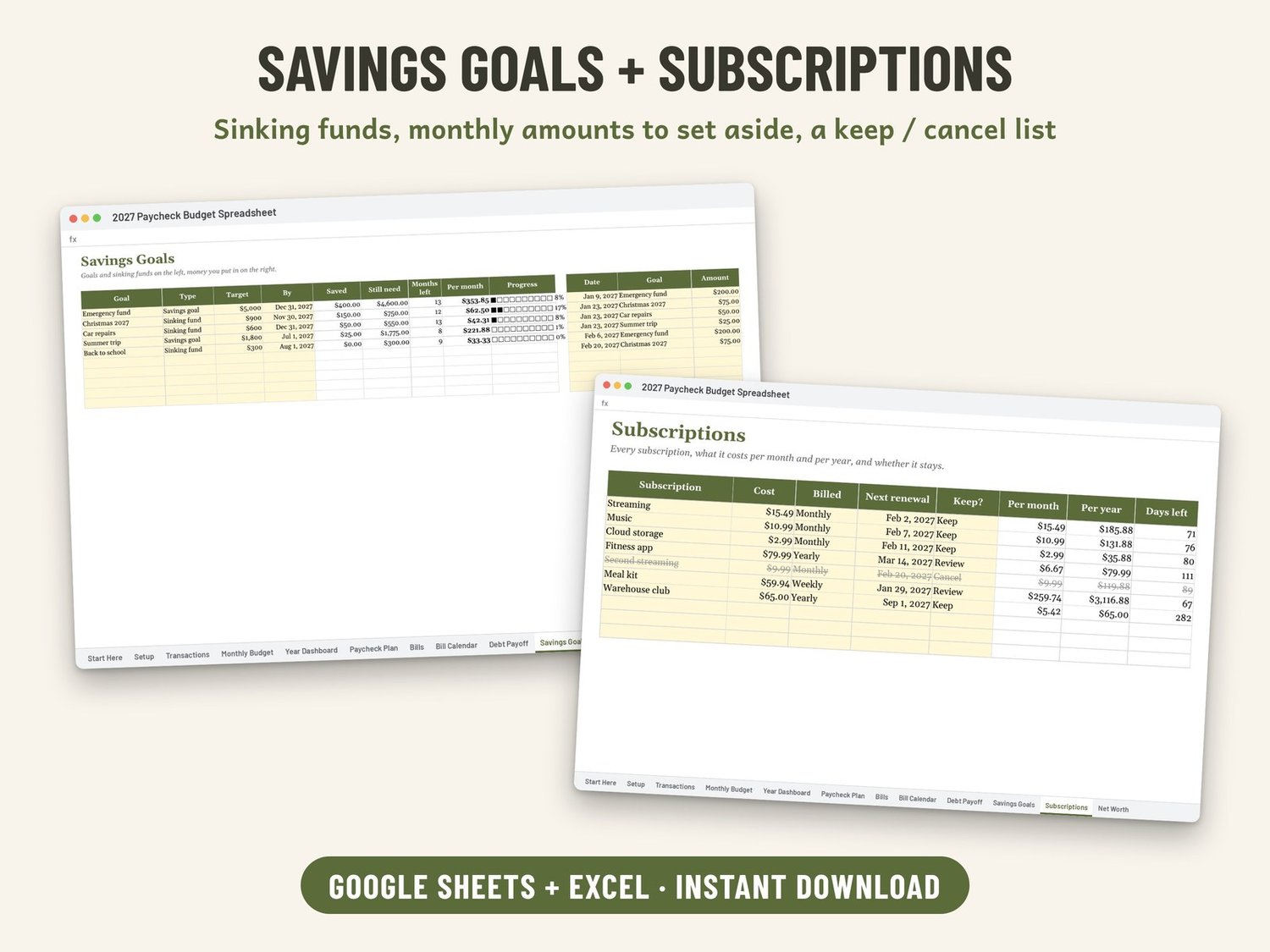
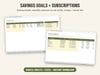
10. SAVINGS GOALS: goals and sinking funds with the amount to set aside each month and progress bars
11. SUBSCRIPTIONS: monthly and yearly cost, next renewal, keep / review / cancel
12. NET WORTH: what you own and owe, month by month, with a chart
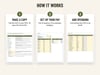
HOW IT WORKS
1. Buy, then click the download link on the confirmation page (we also email it). A computer is easiest.
2. Google Sheets: open the START HERE PDF and tap "Make my copy". The copy is yours and private.
3. Excel: open the .xlsx file in Excel 2019, 2021, 365 or Excel for the web.
4. Go to Setup, then add your spending in Transactions. Sample data is included so you can see how it works; delete it when you start.
DETAILS
- 2 files: START HERE PDF with your Google Sheets copy link, and the Excel .xlsx file
- Dated for 2027, with a year cell you can change
- No formulas to write: everything is already built in
- Works on a computer, and in the Google Sheets app on a phone or tablet
- Yellow cells are for typing; everything else fills in by itself
ANY CATCHES? TWO, AND WE'D RATHER TELL YOU NOW
1. It's a digital download. Nothing is shipped: you print it at home or at a copy shop.
2. You need a free Google account (Google Sheets) or Microsoft Excel to use the spreadsheet.
GOOD TO KNOW
- You need a free Google account for Google Sheets, or Excel 2019 or newer.
- Google Sheets and Excel are trademarks of their owners. This template is not affiliated with them.
- For personal use only. Please do not resell or share the files or the copy link.
- A planning tool, not financial advice.
MORE FOR YOUR MONEY
The printable 2027 Budget Planner, the Digital Budget Planner for GoodNotes and 2027 calendars are in our store too.
Designed by Tidy & Tended with help from AI tools. Every tab and formula was reviewed and tested by us before listing.