

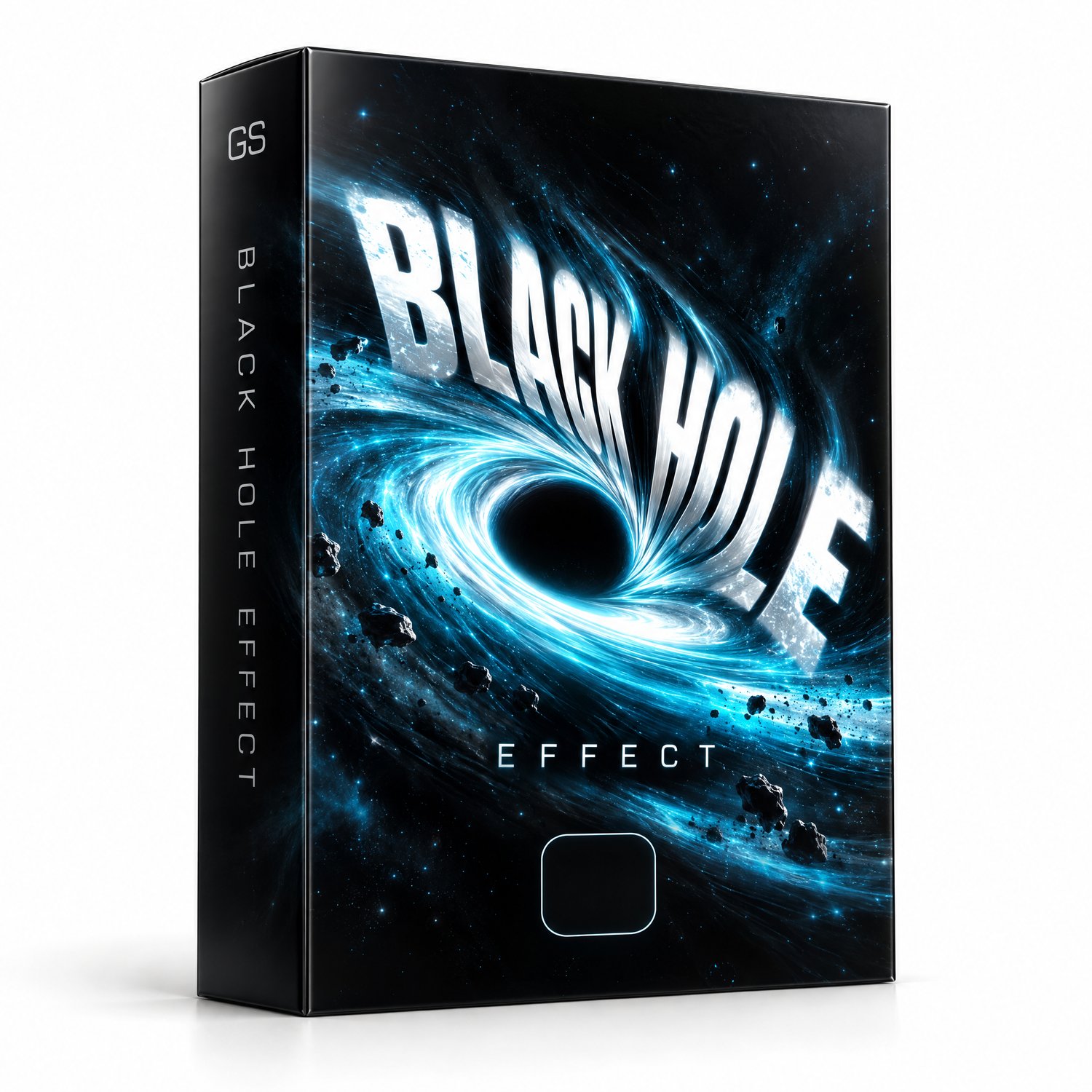

Black Hole Effect — DaVinci Resolve
Suck any text, title or clip into a black hole — in one drag and drop.
Black Hole is a Fusion effect for DaVinci Resolve that works straight from the Edit page. No Fusion knowledge needed, no keyframes to move around.
HOW IT WORKS
Drop it on any clip and the effect automatically animates on the last frames — no matter how long your clip is. Trim the clip and the animation follows the new end.
CONTROLS
- Intensity — how strong the pull is (go negative for a reverse "white hole" effect)
- Duration — how many frames the animation lasts (default: 3)
- Scale — size of the distortion
- Center — move the black hole anywhere on screen
WHAT YOU GET
- Black Hole by byguilhermes.drfx (one-click installer)
INSTALL
Double-click the .drfx file (or drag it onto DaVinci Resolve), confirm the install and restart Resolve. You'll find it in Effects → byguilhermes.
COMPATIBILITY
DaVinci Resolve 18+, Mac and Windows.
Made by @byguilhermes — cinematic real estate editor.