








The Hiring Questionnaire. A twenty question application form that writes straight into your own Google Sheet. For small business owners who are done paying monthly for form software.
Stop paying every month for a form you only use when you are hiring.
This is a proper application questionnaire that you own outright. Twenty questions, one at a time, written to get real answers out of people rather than the polished nonsense they think you want to hear. Candidates fill it in on their phone in about ten minutes and the answers land in a Google Sheet that belongs to you. No account with anyone, no monthly bill, no form company sitting in the middle holding your applicants' details.
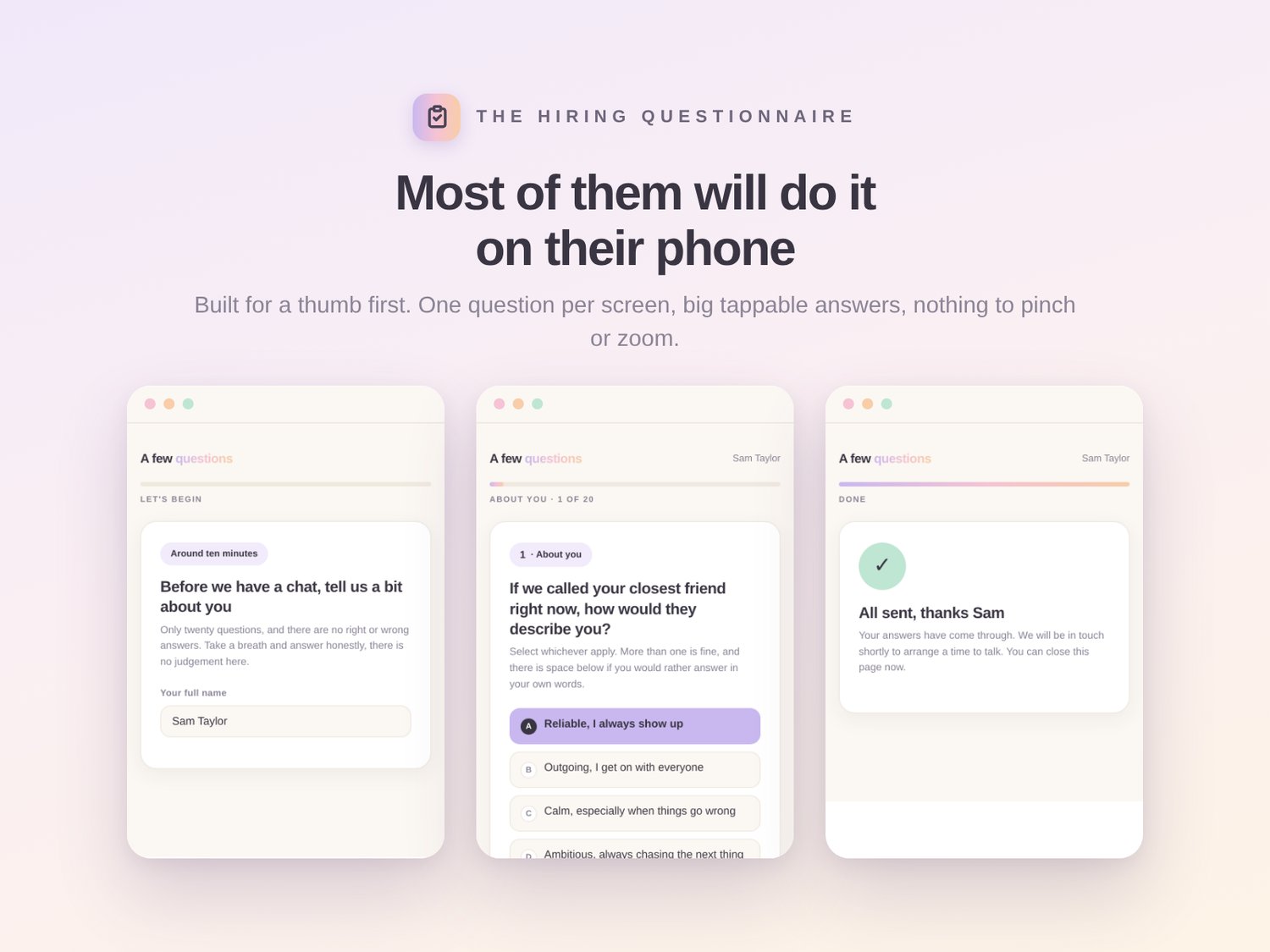
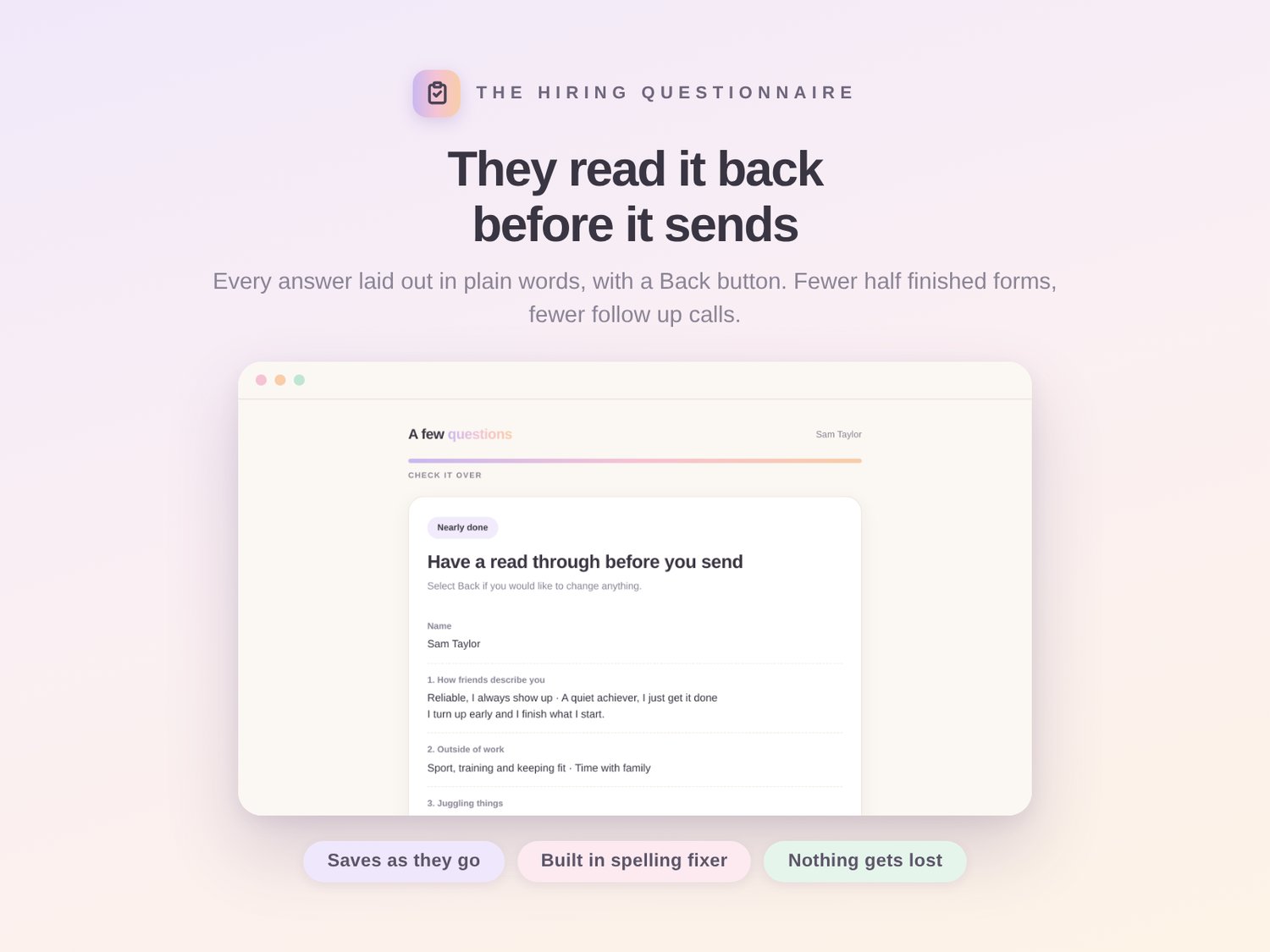
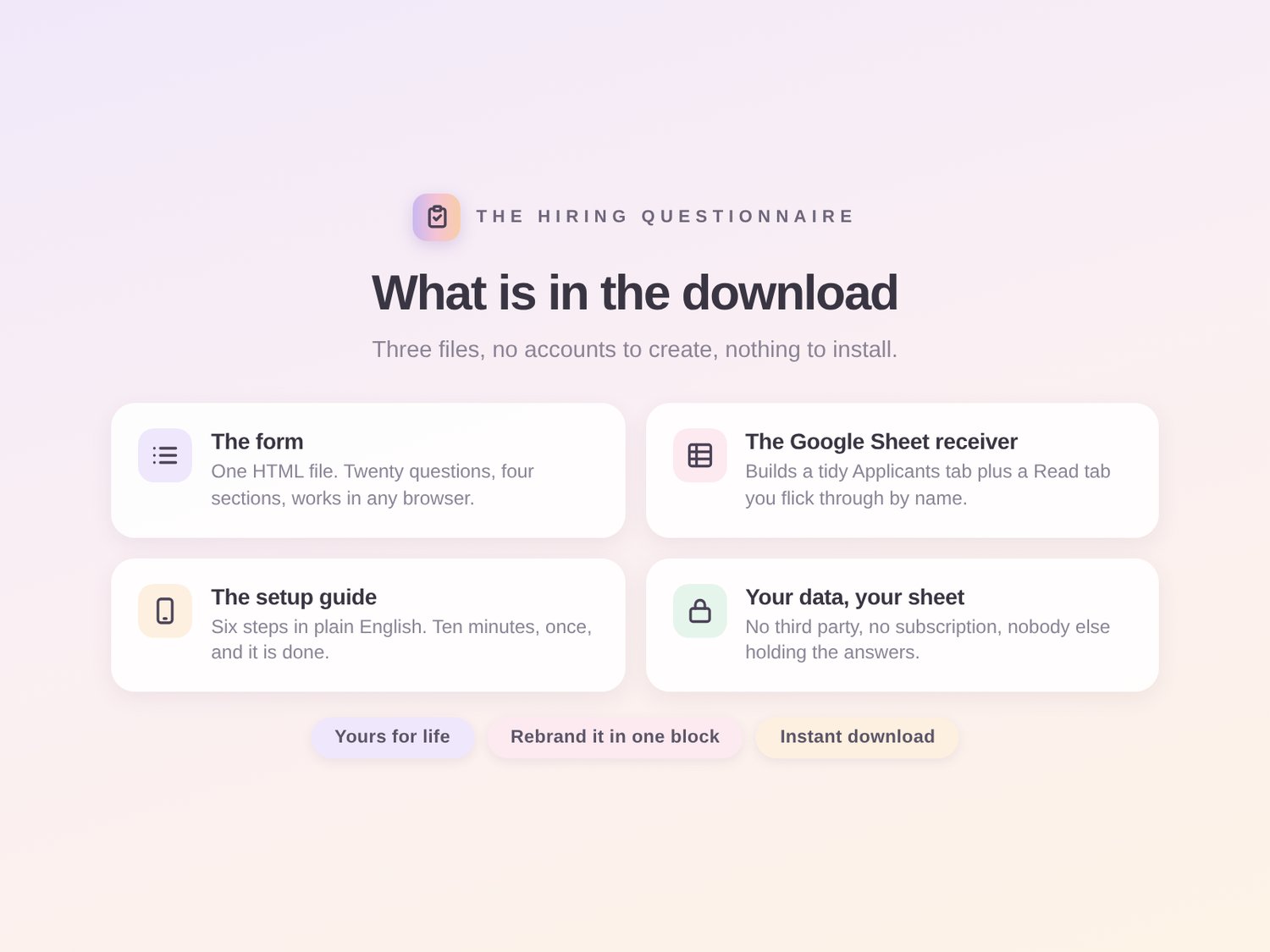
The form. One HTML file. It opens in any browser on any device and it looks like something a real business built, not a survey. Every question sits on its own screen with big tappable answers, and there is always a box underneath if someone would rather say it in their own words. There is a progress bar, a Back button, and it quietly saves as they go so nobody loses twenty minutes of typing when their phone rings.
The twenty questions. They are already written for you. Four sections that walk from who this person is, through what actually drives them, into how they handle a phone and a knockback, and finish on the practical stuff like notice periods and availability. They are the questions you would ask on a first call, just asked before the call, so the call is worth having. Change any of them in a text editor in about a minute.
The Google Sheet receiver. A small script you paste in once. It builds two tabs for you. Applicants is one row per person, tidy and readable, good for scanning a batch. Read is the good one. Pick a name from a dropdown and their whole questionnaire lays out down the page, which is exactly what you want open on the screen five minutes before you ring them.
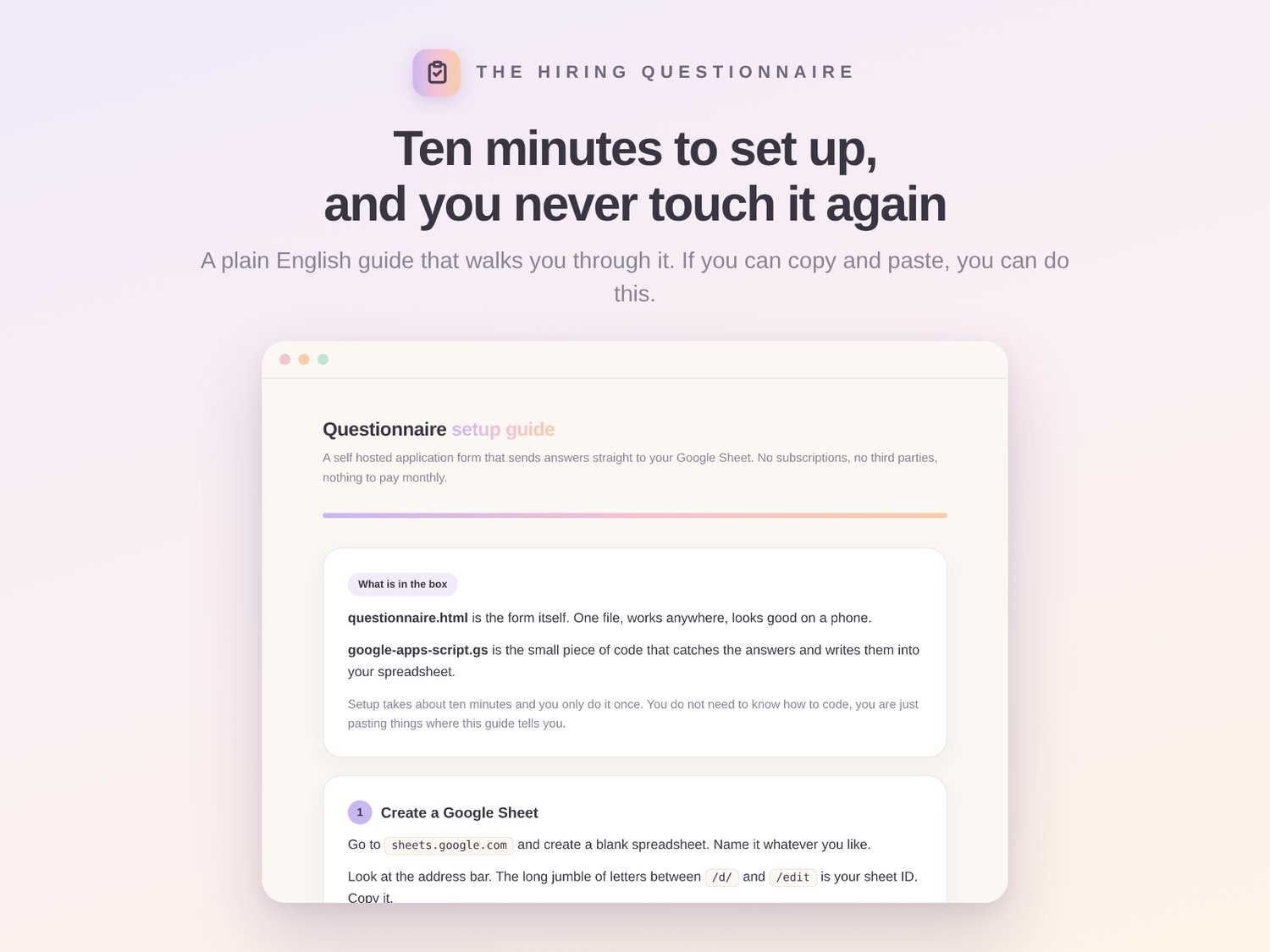
The setup guide. Six steps in plain English with nothing technical assumed. Make a sheet, paste the script, press deploy, paste one link back into the form. Ten minutes and you never touch it again.
The best part is where the answers go. Straight into Google Sheets. Not into somebody's dashboard that you rent access to. Your own spreadsheet, in your own Google account, which means you can already sort it, filter it, colour code it, share it with your business partner, drop it into a pivot table or export the whole lot to Excel. You already know how to use the tool the answers land in. That is the entire point. And if you want it, one line in the script emails you their full answers the moment they finish.
Use it for hiring salespeople, loan writers, admin staff, apprentices, trades, anyone you would normally screen with a phone call and a gut feel.
Why a file and not a website. Because you own a file. Nobody can raise the price of it, move your applicant limit behind a higher tier, change the terms, decide to sunset the product, or lock your candidates' answers behind a login that expires. It has zero dependencies, so it does not phone home to anything, it does not load a webfont, it does not track anyone. Turn your wifi off, double click it, and it still runs. The only thing it ever sends anywhere is the finished answers, to the address you put in yourself. In five years it will still work exactly the same.
How it works
- Download the zip and open the setup guide.
- Follow the six steps. Roughly ten minutes, and you only do it once.
- Send candidates the link and watch the answers appear in your sheet.
Rebranding it is easy too. There is a comment block at the top of the file that tells you exactly which lines to change for the name, the colours and the font. Every colour in the whole thing is set in one place.
Instant download. Yours for life.