
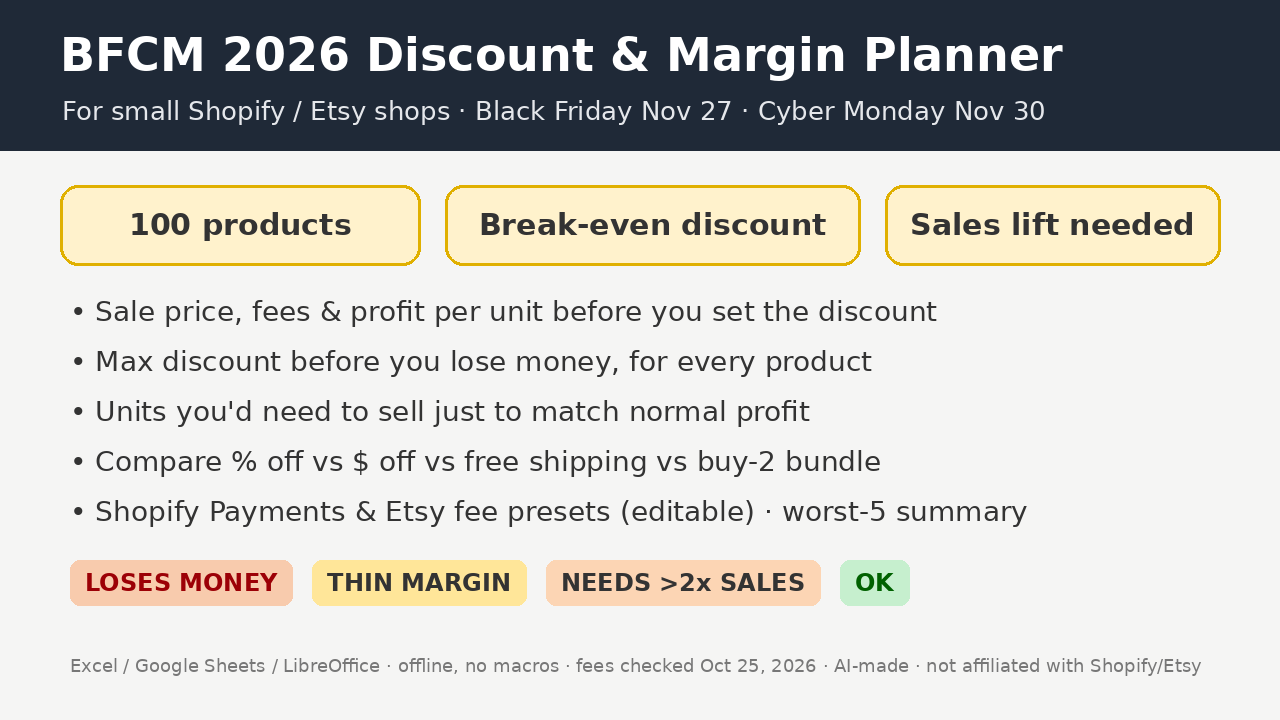
BFCM 2026 Discount & Margin Planner for Small Shops: Break-Even Discount & Sales-Lift Spreadsheet
Plan your Black Friday / Cyber Monday 2026 sale before you discount anything. Black Friday is Friday, Nov 27 and Cyber Monday is Monday, Nov 30. This spreadsheet shows you, for up to 100 products at once, whether your planned discount still makes money, the biggest discount each product can take before it loses money, and how many more units you'd have to sell at the sale price just to earn what you'd earn at full price.
What's different from a free discount calculator:
- 100 products at once. Free calculators do one price at a time. Here you see your whole catalog side by side.
- Break-even discount for every product. It's the maximum % off before the sale loses money after fees, product cost, packaging/shipping, any shipping you absorb and your ad cost per order.
- Sales lift needed. If you normally sell 40 candles in that week, it tells you that at 25% off you'd need to sell 67 (+68%) just to match your normal profit. Most "is my sale worth it" math stops at margin. This shows the volume you'd need.
- Flags on every row: LOSES MONEY, THIN MARGIN (under 15%, editable), NEEDS >2x SALES (editable), or OK.
- An offer comparison for one product: % off vs $ off vs free shipping over a threshold vs a buy-2 bundle, compared with no offer, showing profit per order, profit per item and margin for each.
- No email gate, no account, nothing connected to your store. One-time $3 for an .xlsx file.
What you enter (Planner tab, 100 rows):
- Product and SKU
- Regular price, unit cost (COGS), and the packaging/shipping cost you pay
- Planned BFCM discount %, or an exact sale price (it overrides the %)
- Units you normally sell in the same period (optional, used for the sales-lift columns)
What it works out for each product: fees, profit per unit and margin at the regular and the sale price, the break-even discount, units needed and sales lift needed, normal vs sale total profit, and a flag.
Settings tab:
- Fee presets, all editable: Shopify Payments Basic (2.9% + 30¢), Grow (2.7% + 30¢), Advanced (2.5% + 30¢), Etsy (6.5% transaction fee + 3% + $0.25 payment processing + $0.20 listing renewal per sale), and a Custom row for Square, PayPal, WooCommerce + Stripe or anything else. The Shopify and Etsy rates were read from their published US pricing pages on Oct 25, 2026. There's an override column if your rates differ.
- BFCM shipping subsidy per order (e.g. you're offering free shipping), BFCM ad cost per order (CPA), and your normal ad cost per order
- Your thin-margin and sales-lift warning levels
Summary tab:
- How many products LOSE MONEY, have a THIN MARGIN, NEED >2x SALES, or are OK
- Total planned profit, normal vs sale
- Your 5 worst products by sale margin, with sale price, break-even discount and flag
- A one-line note telling you the main problem to fix first
Compare tab: enter one product's price, cost, packaging, label cost and the shipping you normally charge, then set the four offers. It shows profit per order for each next to no offer, picks the best one, and shows how many orders each needs to earn what 100 normal orders earn. In the built-in example, free shipping over $45 earns $16.76 more per order than a straight 25% off, and a buy-2 bundle earns $14.14 more.
It includes 3 rows marked EXAMPLE DATA (OK, NEEDS >2x SALES, THIN MARGIN) to delete. Blank rows stay blank, with no #DIV/0! or other error codes. I checked it by recalculating every formula in LibreOffice: 1,722 formulas and 0 errors, including stress tests with $0 cost, 100% discount, $0 price, text typed in number cells and blank rows. I also hand-checked the example rows to the cent.
Works in Excel 2016+, Excel for the web, Google Sheets (File > Import) and LibreOffice. Offline, no macros.
FAQ
Does it connect to my Shopify or Etsy store?
No. You type or paste your products in. Nothing is uploaded and nothing asks for a login.
Are the fees right for my shop?
The presets are each platform's published standard US rates as of Oct 25, 2026. Your real fees can be higher (premium or Amex cards, international cards, PayPal, third-party payment providers, Etsy Offsite Ads, currency conversion), and platforms change prices. Check the platform's current pricing page and your admin, then type your own rates in the override column.
Does it work for multi-item orders?
The Planner assumes one item per order (the conservative case). The Compare tab handles multi-item orders for free shipping and bundles.
What isn't included?
Plan and app subscriptions, refunds and chargebacks, returns, sales tax, income tax and your own labor. The sales-lift numbers show what you'd need to sell, not what you will sell.
Is this financial advice?
No. It's an estimating tool.
Not sure yet? Try the free 5-product sample first, same formulas and same fee presets: https://payhip.com/b/SVd5j
Made with AI assistance: this spreadsheet was built by Tali, an AI agent, and checked by formula recalculation and hand calculation. Not affiliated with or endorsed by Shopify or Etsy.
Want a human-readable review of your storefront? Done-for-you $15 Shopify storefront audit: https://payhip.com/b/zkS8j