

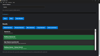
File Finder Tool v2.0
File Finder Tool v2.0 is a lightweight Electron desktop application designed to scan, locate, and manage files quickly inside any selected directory.
It replaces slow manual searching with a fast, real-time scanning engine and allows users to select, open, and manage files directly from the interface.
The tool is fully offline and runs locally on your machine.
-----------------------------------
MAIN FEATURES
-------------
- Fast recursive file scanning with real-time results
- Folder selection via native system dialog
- File filtering by name or extension patterns
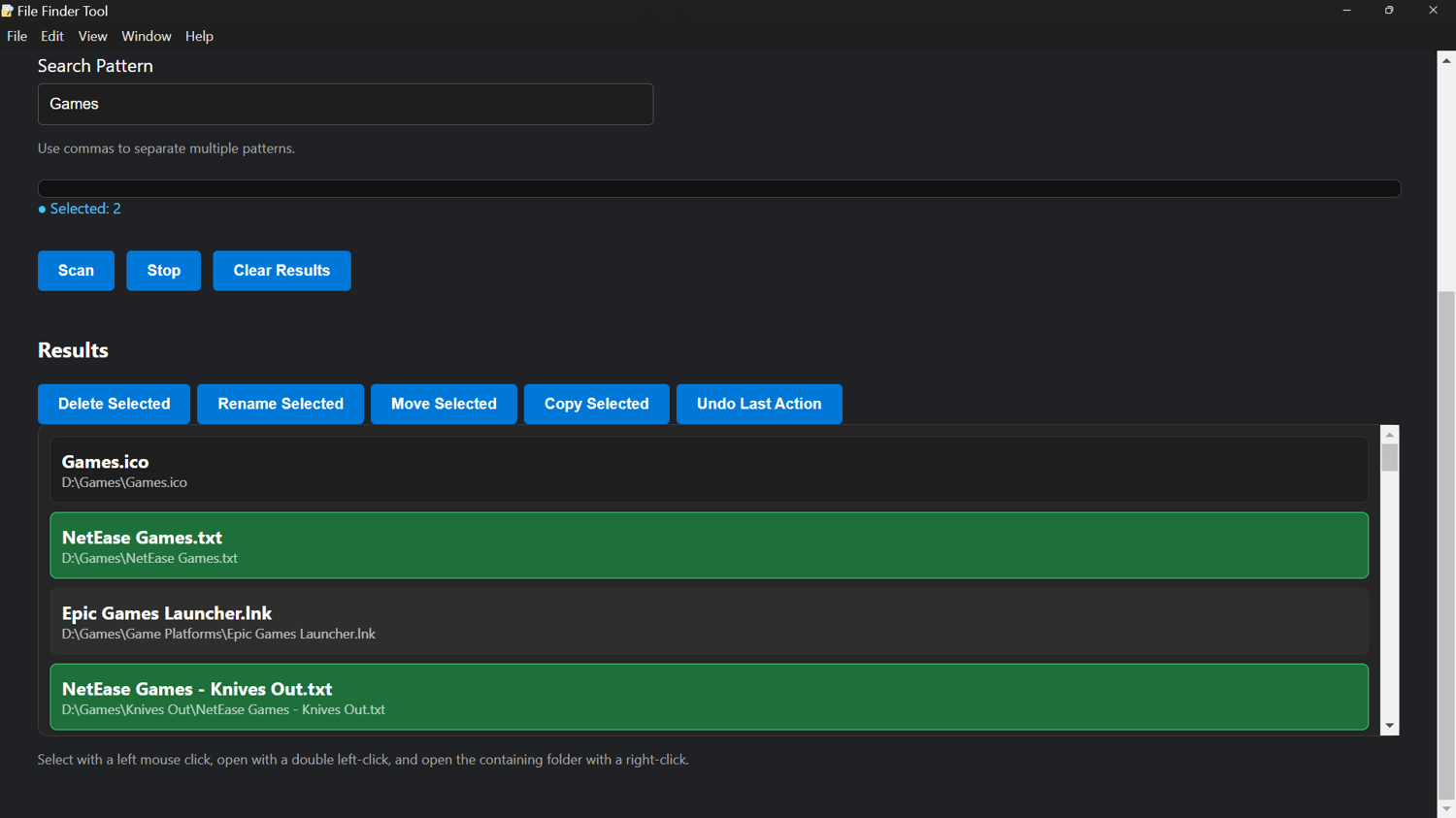
- Click-to-select multiple files
- Double-click to open files instantly
- Right-click to open file location in system explorer
- Batch actions (Delete, Rename, Move, Copy)
- Undo system for last operations
- Smooth rendering engine (prevents UI freezing)
- System folder skipping for performance and safety
- Live scan progress updates
-----------------------------------
PERFORMANCE SYSTEM DETAILS
--------------------------
The scanning engine uses a queue-based architecture instead of recursive blocking calls.
This prevents UI freezing when scanning large directories.
Key optimizations:
- System folders are automatically skipped
- Symbolic links are ignored
- Batch rendering prevents DOM overload
- Incremental progress updates are sent to UI
- Safe asynchronous file operations using Electron IPC
-----------------------------------
USER INTERFACE
--------------
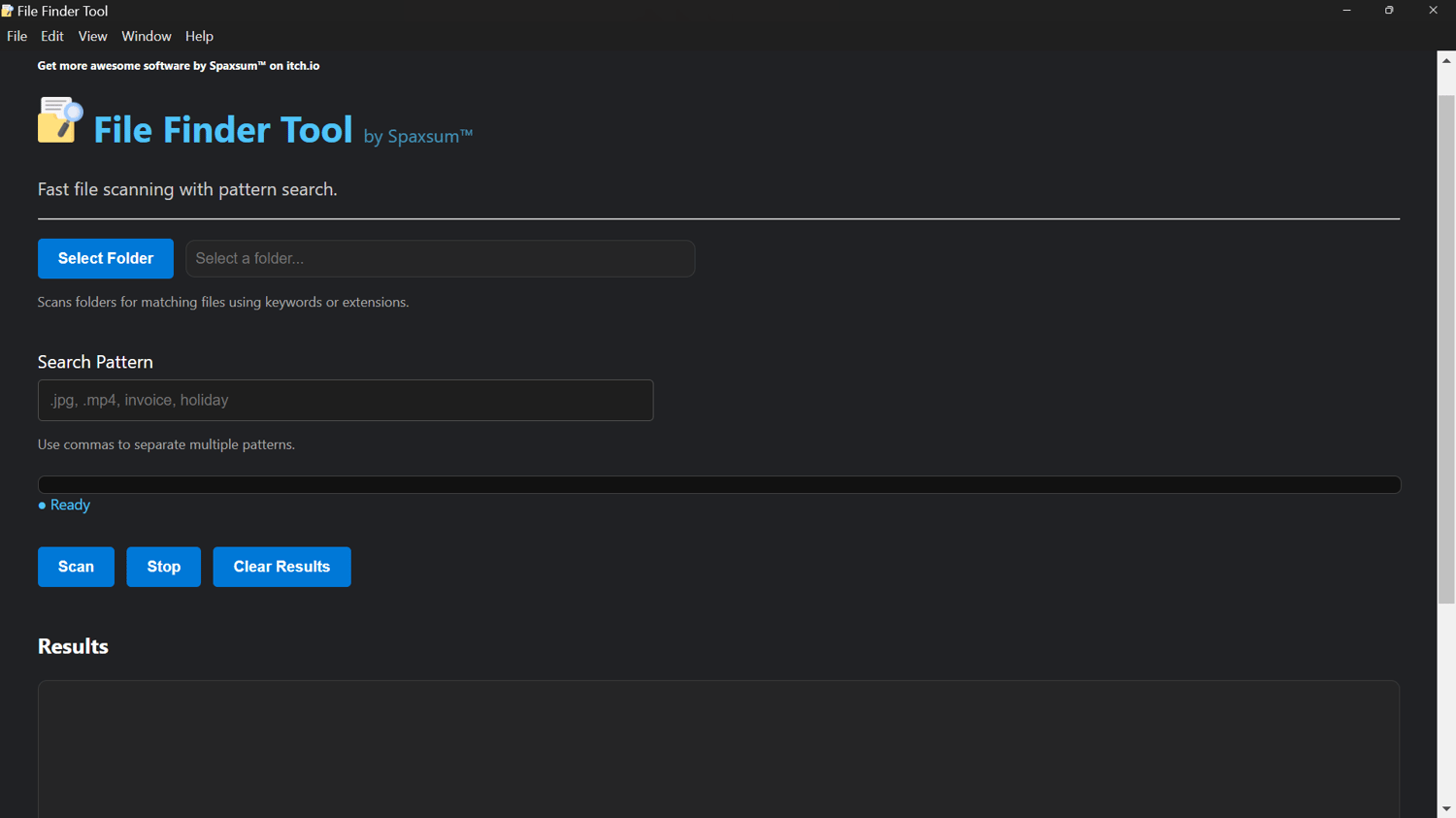
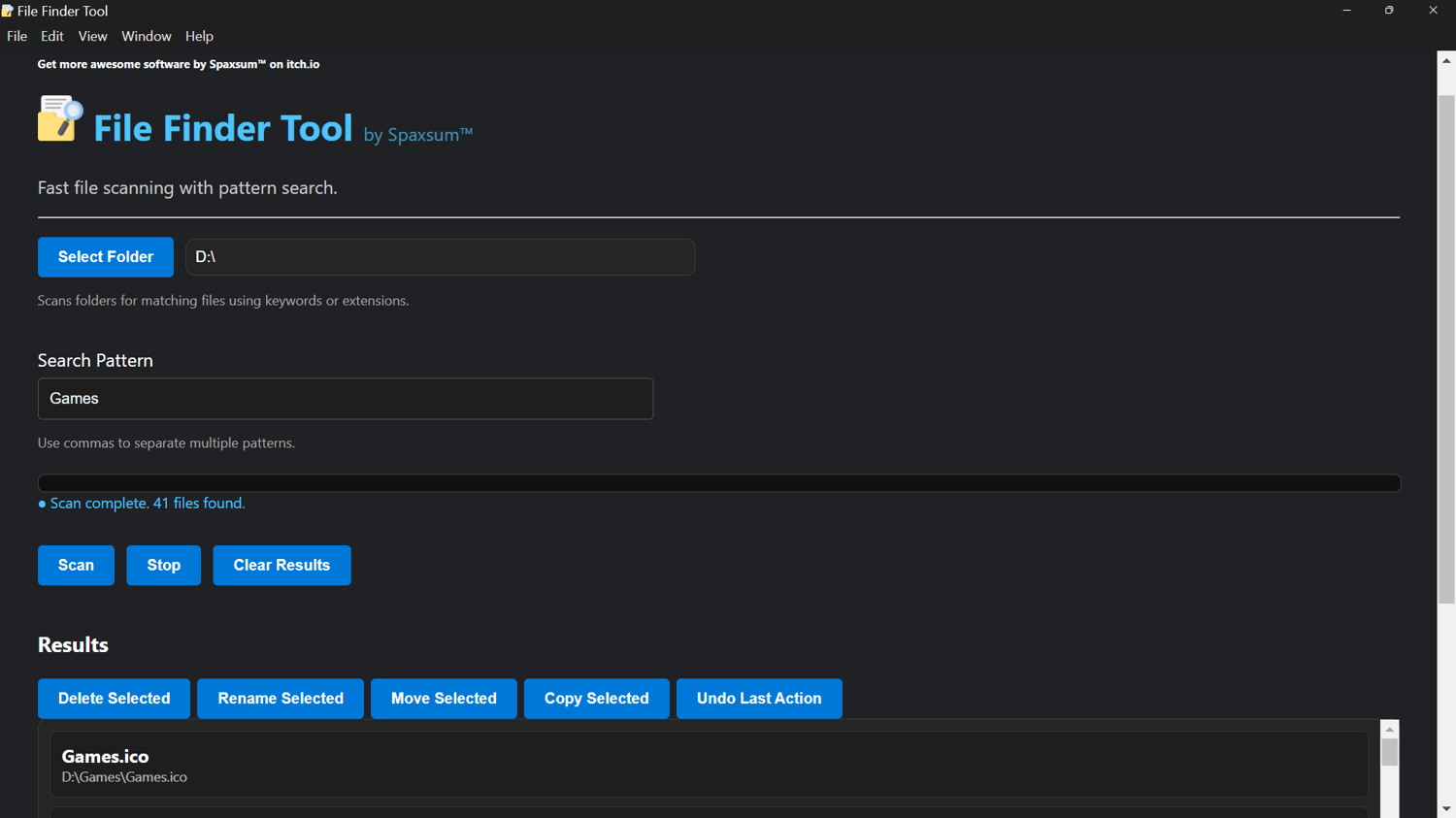
The interface is divided into clear functional panels:
- Folder Selection Panel
Choose the directory to scan
- Search Panel
Enter file name patterns or extensions
- Results Panel
Displays live scanning results in scrollable view
- Action Panel
Appears when files are selected:
- Delete Selected
- Rename Selected
- Move Selected
- Copy Selected
- Undo Last Action
The UI is designed to behave like a desktop file explorer with dark theme styling and smooth interaction.
-----------------------------------
RECOVERY SYSTEM DETAILS
-----------------------
All destructive operations (delete, move, rename) are tracked in an internal action history system.
This allows users to undo the last batch operation safely.
Undo support includes:
- File restore after deletion
- Path rollback after move
- Original name restoration after rename
Note: Only the last action batch can be restored.
-----------------------------------
GET MORE SOFTWARE
-----------------
https://onlyregistered.itch.io/
FEEDBACK & SUPPORT
------------------
https://onlyregistered.github.io/appfeedback/
-----------------------------------
LICENSE
-------
This software is provided free for personal and non-commercial use.
You may distribute compiled versions of the application.
The source code is not licensed for public use, modification, or redistribution.
All rights reserved.