

Paycheck Budget Spreadsheet for Excel & Google Sheets
On Sale
$14.00
$14.00
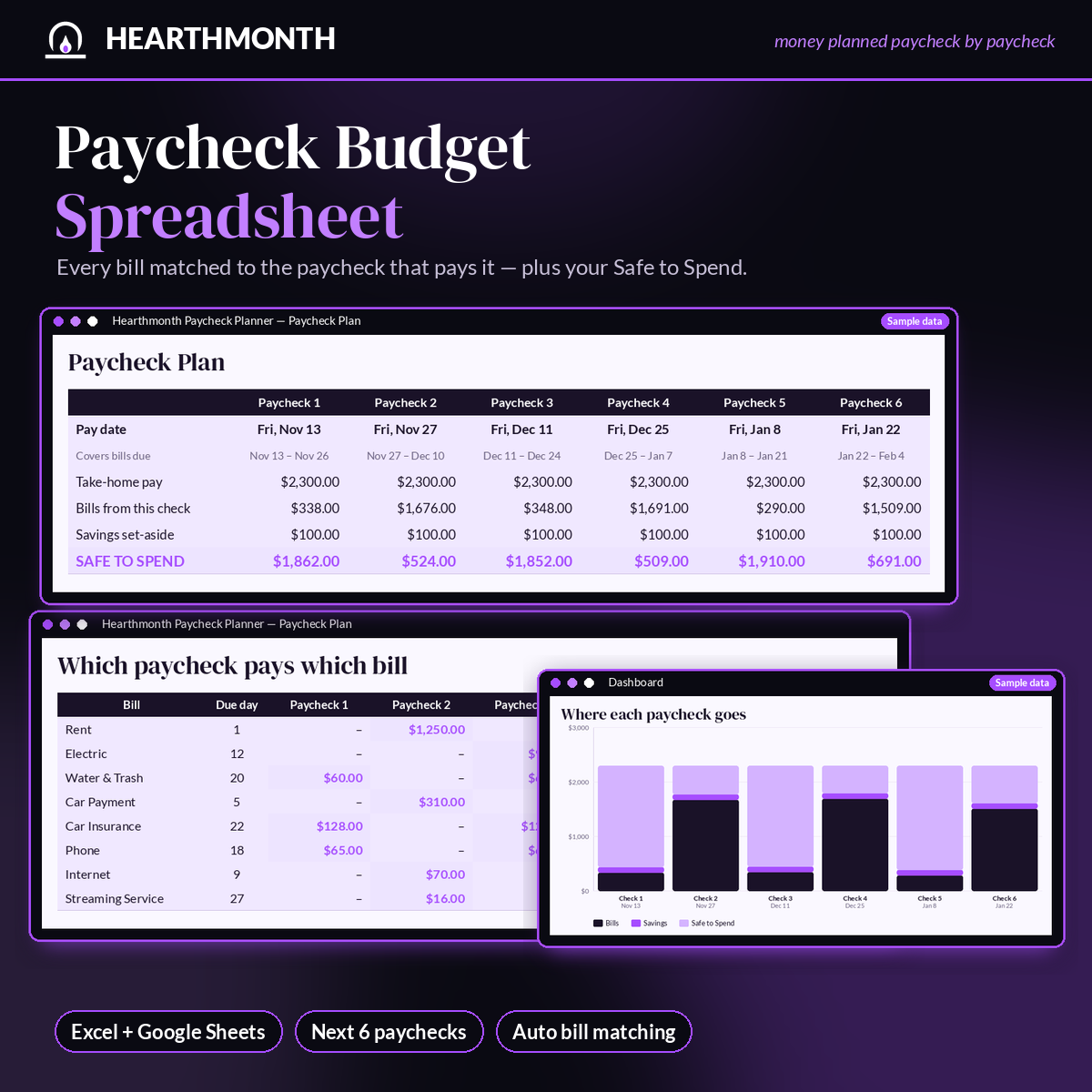
A paycheck budget spreadsheet that looks at your next six paydays, matches every bill to the paycheck that arrives before it's due, and shows a clear Safe to Spend number for each check — useful if a monthly budget never quite lines up with weekly, biweekly, or semi-monthly pay.
Enter how often you're paid (weekly, biweekly, semi-monthly, or monthly), your next payday, and your take-home pay. List your bills once with their due days. The planner handles the calendar math, including 31st-of-the-month due dates and two-payday months.
What's included:
- Settings, Bills (up to 50), Paycheck Plan, and Dashboard tabs
- Automatic bill-to-paycheck matching with an optional "pay early" buffer
- Per-paycheck override for overtime or short weeks
- Savings set-aside built into every check
- Dashboard charts: where each paycheck goes and bills by category
- Locked formulas, a warm hearth-toned design, and sample data you can clear in seconds
- A 3-page quick-start PDF
Works in Microsoft Excel and Google Sheets (free). Instant digital download; no physical item ships. A planning tool, not financial advice.