





RenameIQ - Offline AI File Renamer for Scanned PDFs & Invoices
RenameIQ: Organize Your Files with AI
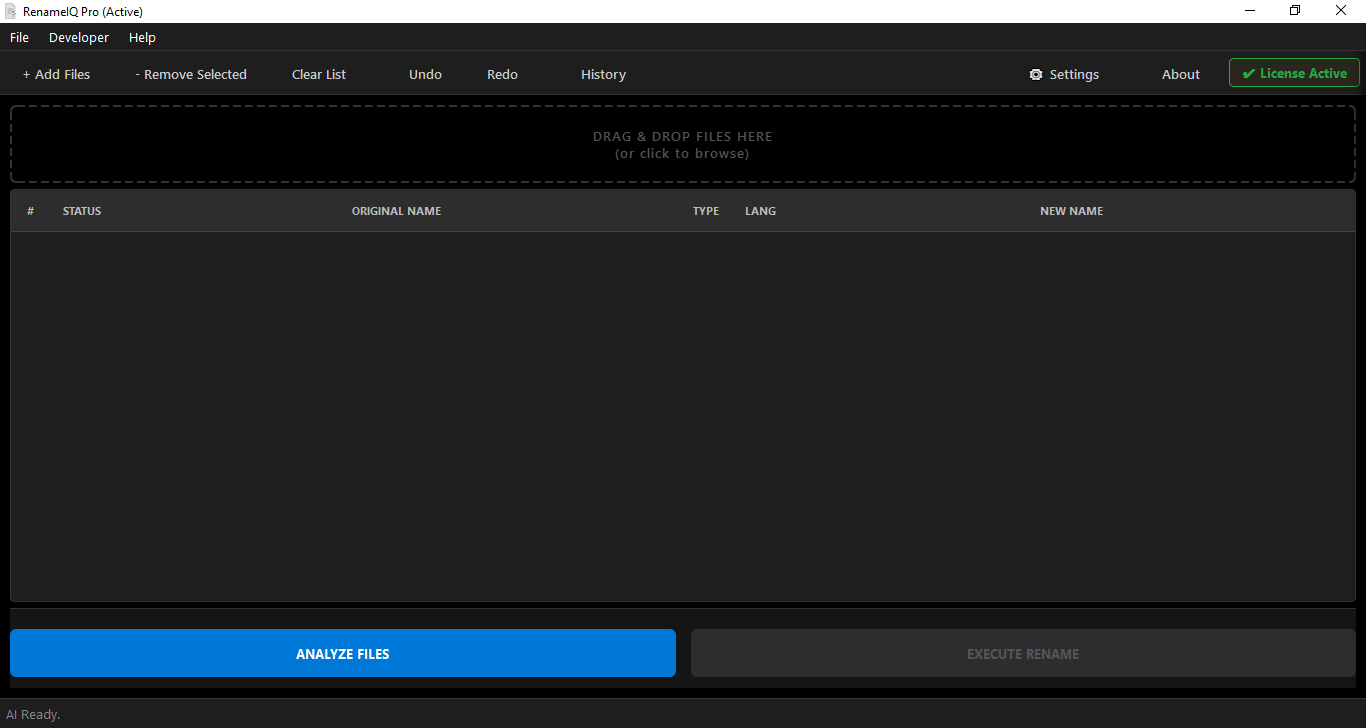
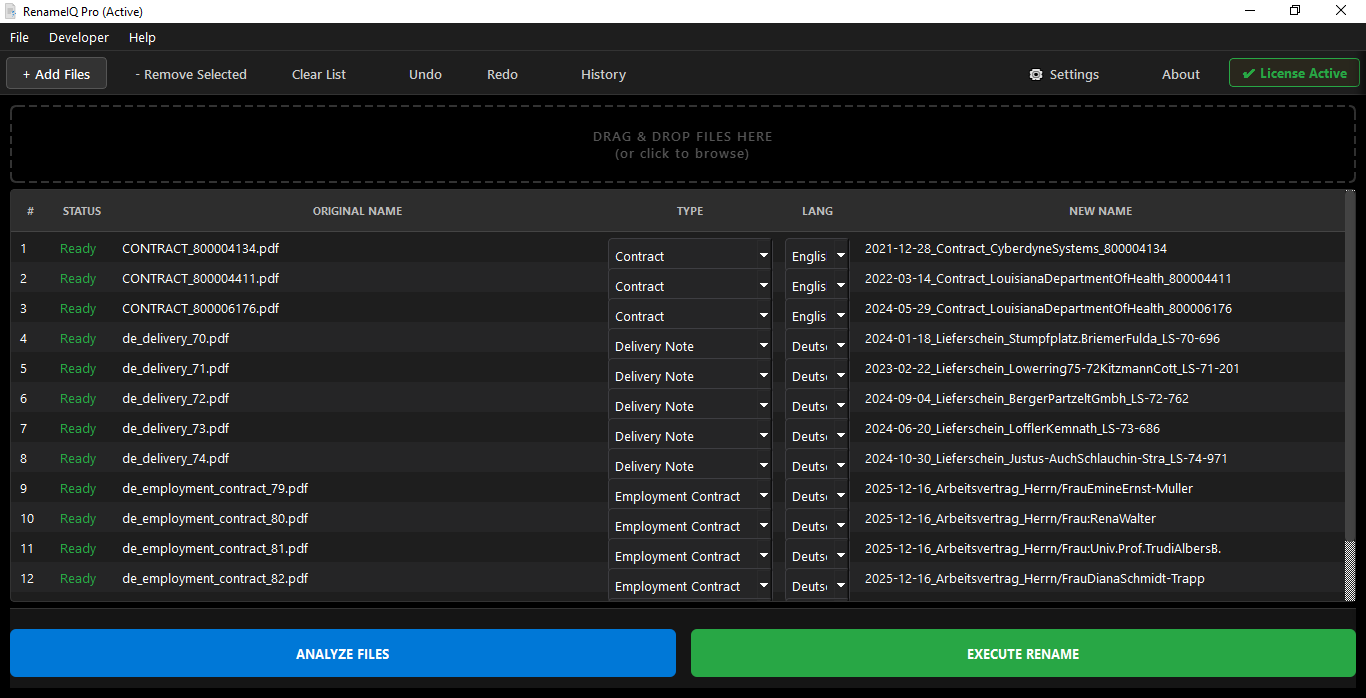
Tired of digging through folders of meaningless file names like scan_001.pdf and IMG_8432.jpg? RenameIQ is your personal AI assistant that automatically reads, understands, and renames your files with descriptive names. Turn chaos into order in seconds, not hours.
Key Features
🧠 Smart AI Renaming
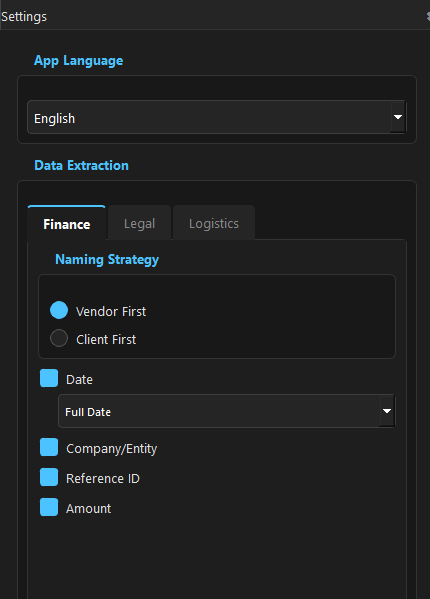
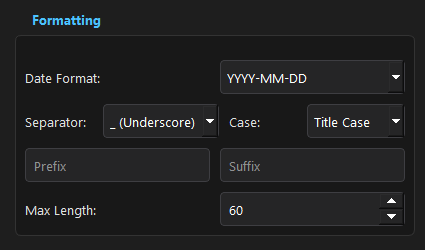
Instantly finds dates, invoice numbers, or relevant summaries within your documents to create clear, consistent file names. Find what you need, when you need it.
🔒 100% Offline & Private
Your files are never uploaded. RenameIQ works entirely on your computer, guaranteeing that your sensitive documents remain completely private and secure.
💰 One-Time Purchase
No subscriptions. No hidden fees. Pay once and own RenameIQ forever, including all future updates.
How It Works: 3 Easy Steps
- Instant Purchase
Complete your purchase on this page. You will be able to download an instruction guide immediately.
- Check Your Email
Your unique, personal license key will be instantly delivered to the email address you used at checkout. (Please check your spam/junk folder if you don't see it within 5 minutes).
- Download & Activate
Download the software from our official website, install it, and use the key from your email to unlock the full version.
For a detailed guide, please check out our full RenameIQ Tutorial.
A Note on Windows Security
As a new software developer, Windows Defender may show a "Windows protected your PC" pop-up during installation. This is a standard security measure for new applications.
To install, simply click "More info" and then "Run anyway".
We guarantee our app is 100% safe and virus-free. It runs completely offline and never sends your data anywhere.
System Requirements
- OS: Windows 10 or Windows 11 (64-bit)
- RAM: 8 GB
- Storage: 2GB or more