
Renovation Budget & Materials Planner (Excel & Google Sheets)
On Sale
$12.00
$12.00
Plan a room renovation in one spreadsheet. Enter your room sizes once and get paint, flooring, tile and drywall quantities, a budget with a contingency, an expense log and a shopping list.
What’s inside
- Start Here: imperial or metric, your currency, total budget and contingency.
- Rooms: up to 20 rooms. Floor, wall and ceiling areas worked out, with doors and windows taken off.
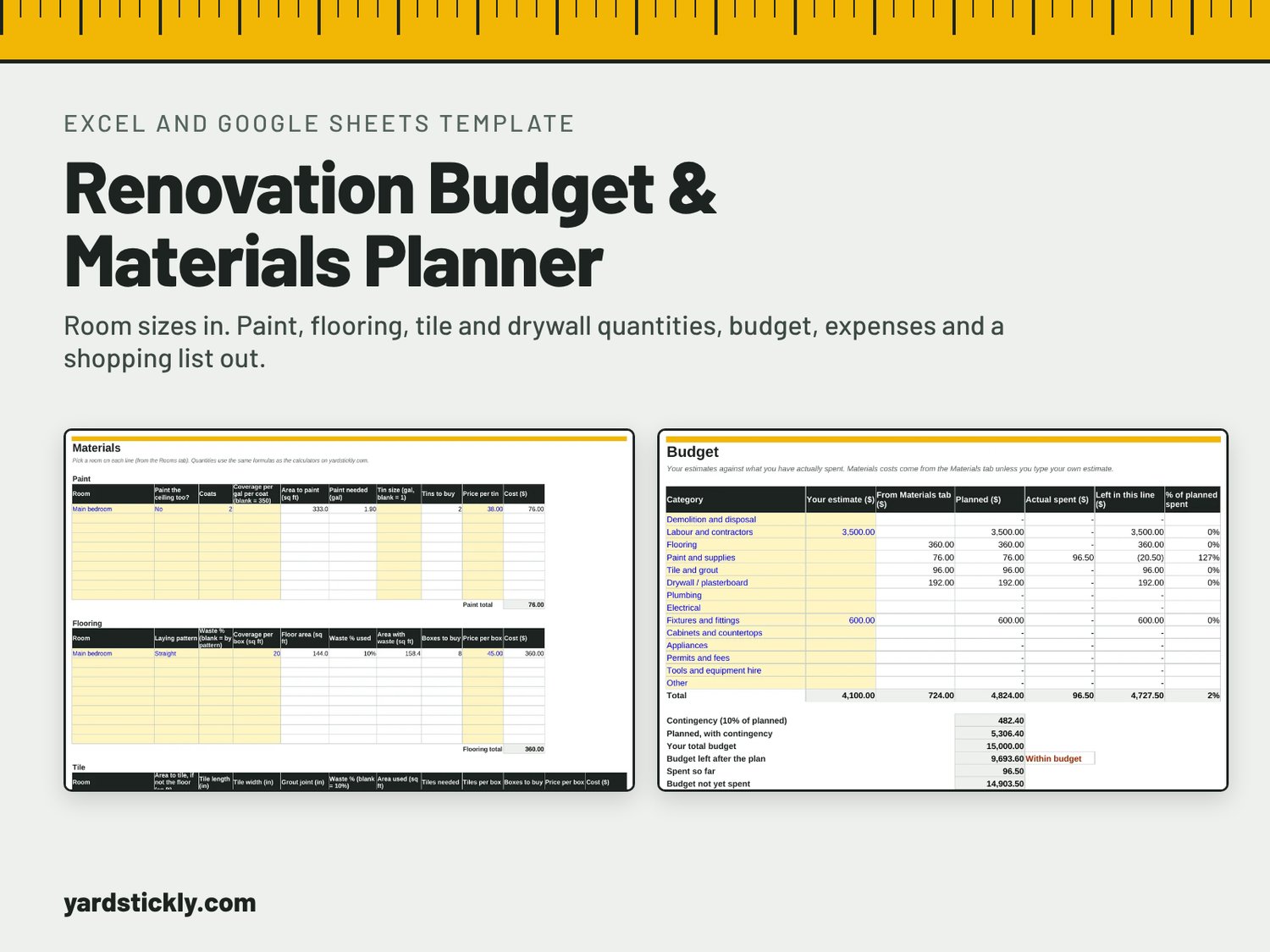
- Materials: paint tins, flooring boxes (straight, diagonal or herringbone), tiles and boxes, and drywall or plasterboard sheets, room by room, with costs.
- Budget: 14 categories from demolition to permits, planned against actual, with a contingency and a chart.
- Expenses: log each purchase; the budget updates by category.
- Shopping List: every quantity in one printable list.
- Timeline: plan the order of work and track what’s done.
How the numbers work: the same formulas as the free calculators on yardstickly.com. Every default (waste allowances, paint coverage, door and window sizes) is listed with its source inside the file, and you can change any of them.
Format: one .xlsx file for Microsoft Excel, Google Sheets or LibreOffice Calc. Feet or metres, any currency.
Good to know: it’s a planner, not a quote. It estimates materials and tracks your budget; it doesn’t price labour or replace a contractor’s quote.