

Kitchen Temperature Log App
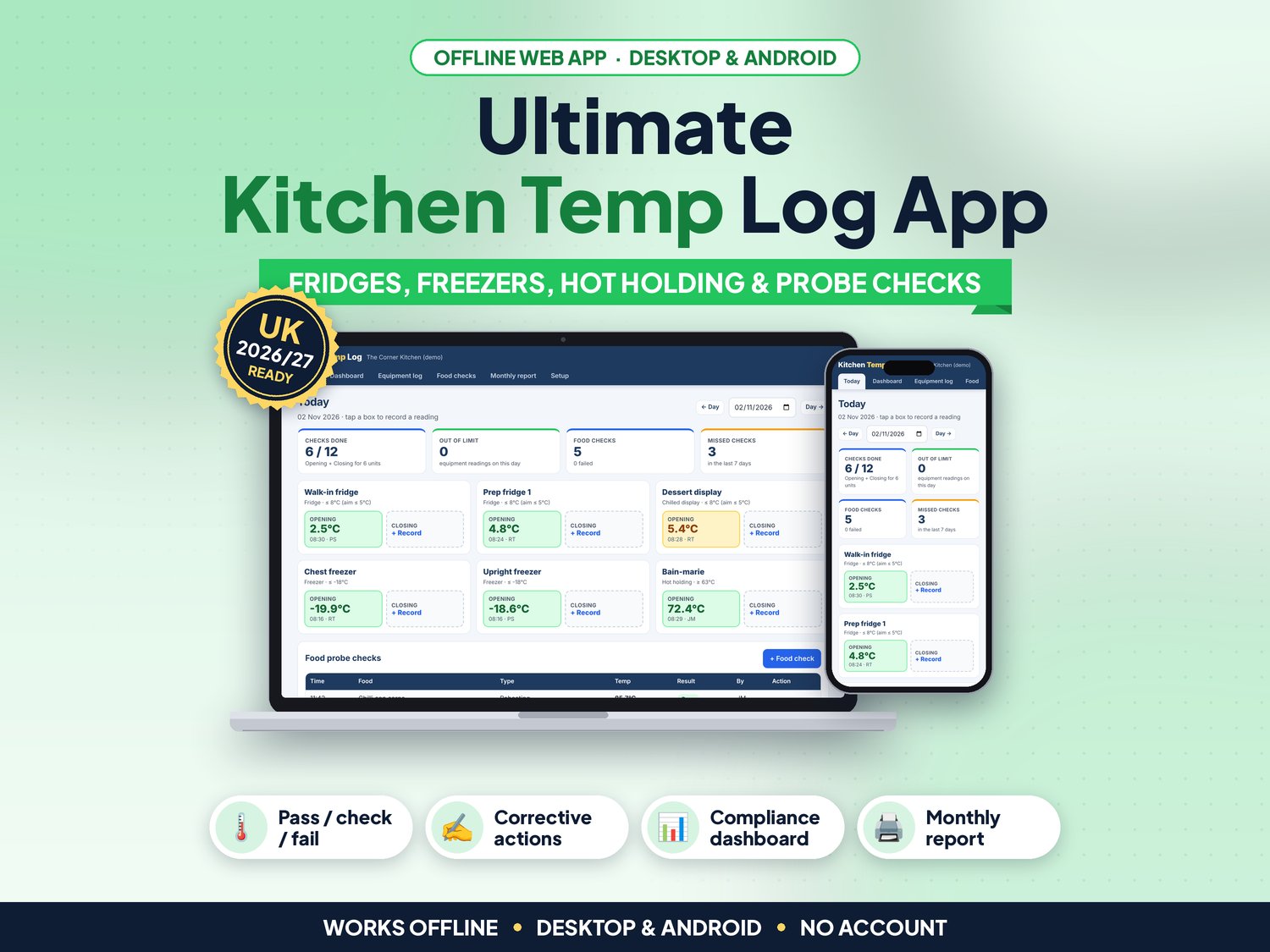
The EHO asks for your fridge temperatures and the sheet is splashed, half empty and missing last Tuesday. Kitchen Temperature Log keeps every fridge, freezer, hot-holding and food probe reading in one offline app, tells you pass or fail as you type, and shows on a dashboard whether the checks are really being done.
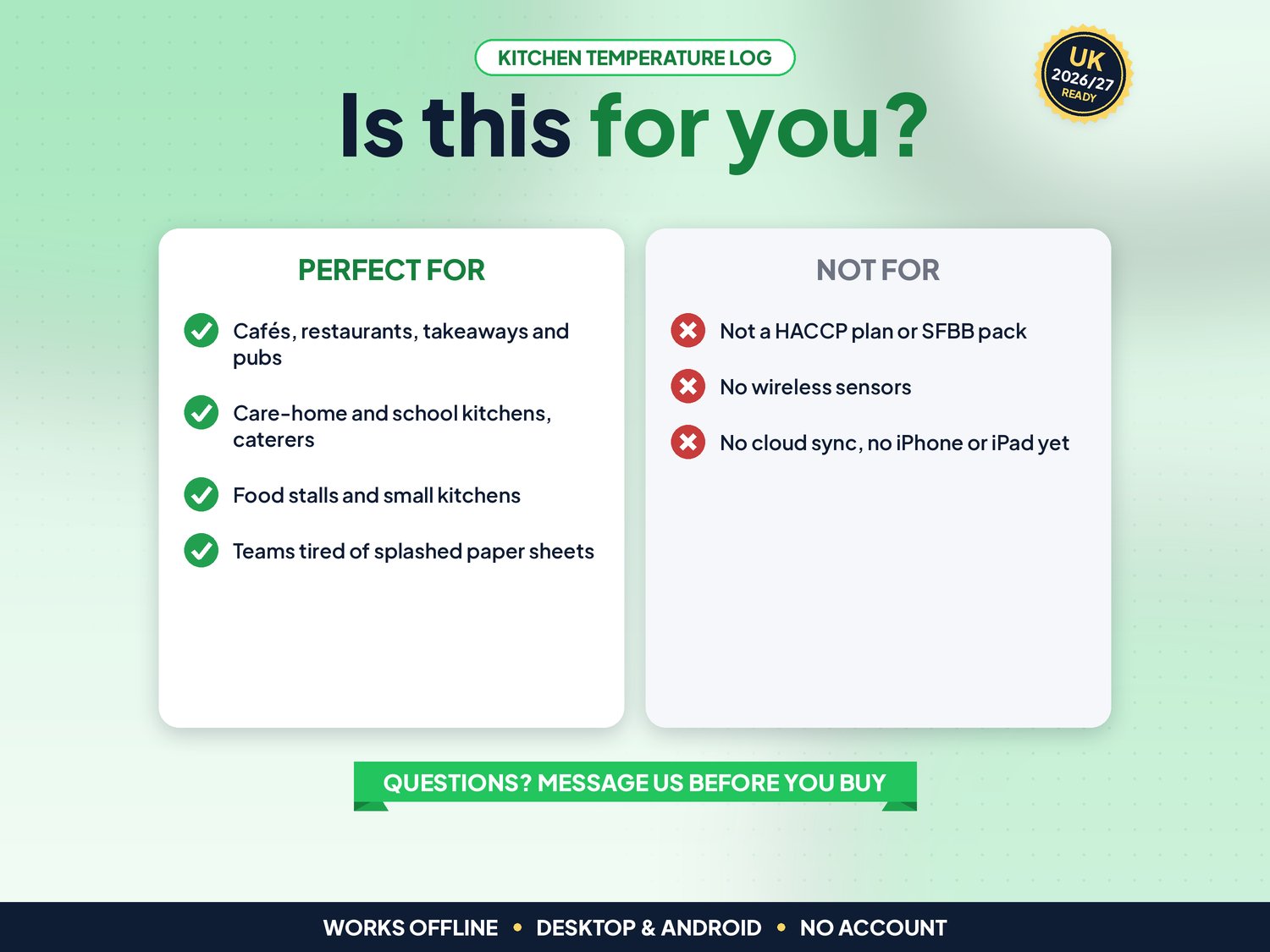
For UK cafés, restaurants, takeaways, pubs, caterers, care-home kitchens and food stalls. Not for you if you need wireless sensors, cloud sync between several devices, or an app on iPhone or iPad.
▶ Easy Start Here guide included – video tutorial coming to our YouTube channel
Works offline in any desktop browser (Windows, Mac, Chromebook) and on Android. iPhone and iPad are not supported yet.
What it does for you
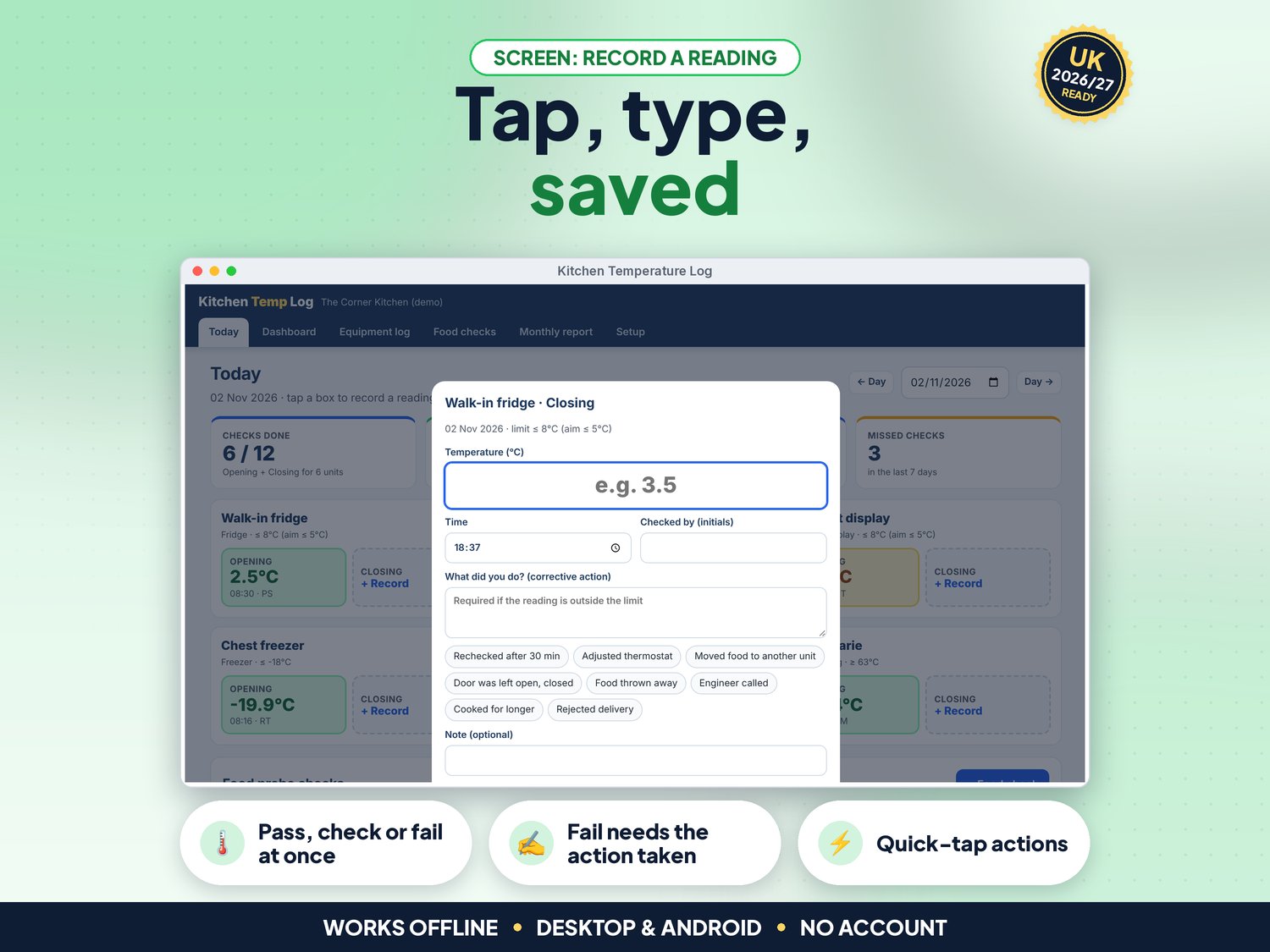
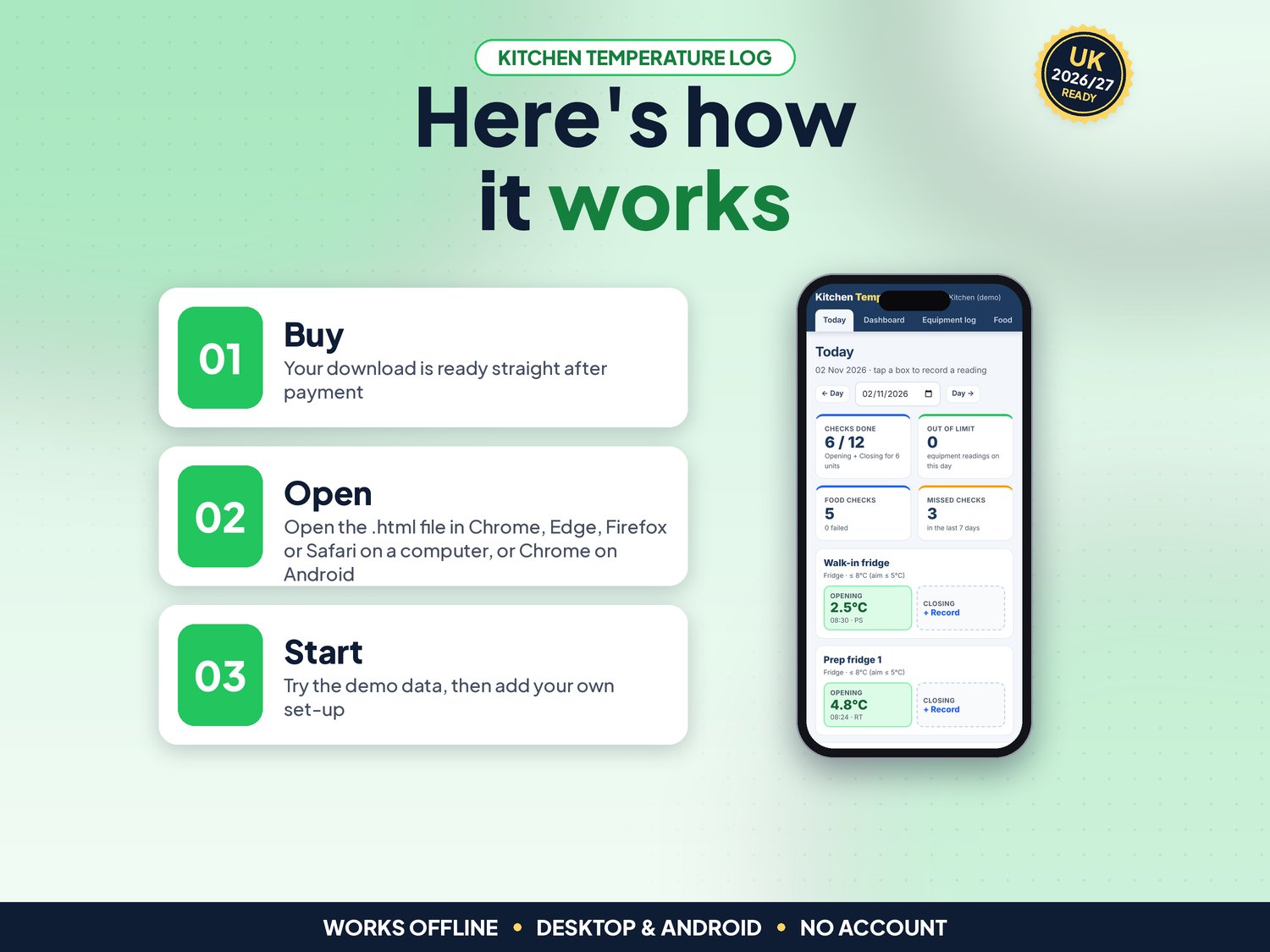
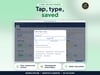
- Today screen: every unit has a box for each check time (for example Opening and Closing). Tap, type the reading and initials, save
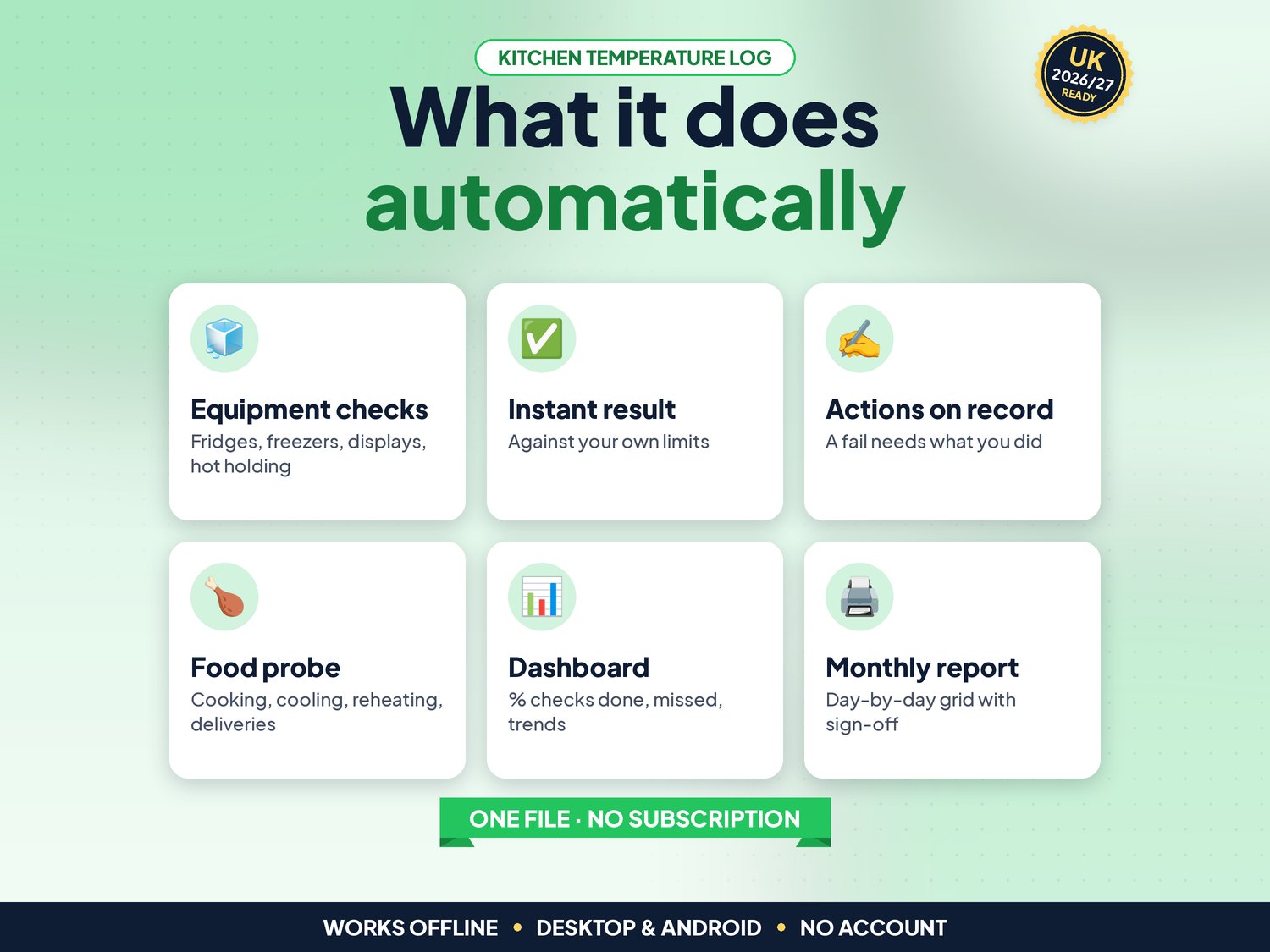
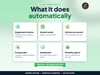
- Instant pass, check or fail against the limit for each unit: green, amber (above your target) or red (outside the limit)
- A failed reading cannot be saved until you record what was done, with quick-tap actions such as "Rechecked after 30 min"
- Food probe checks: cooking, reheating, hot holding, cooling (with minutes taken) and chilled or frozen deliveries
- Editable default limits by unit type: fridges 8°C or below (aim for 5°C), freezers -18°C or below, hot holding 63°C or above
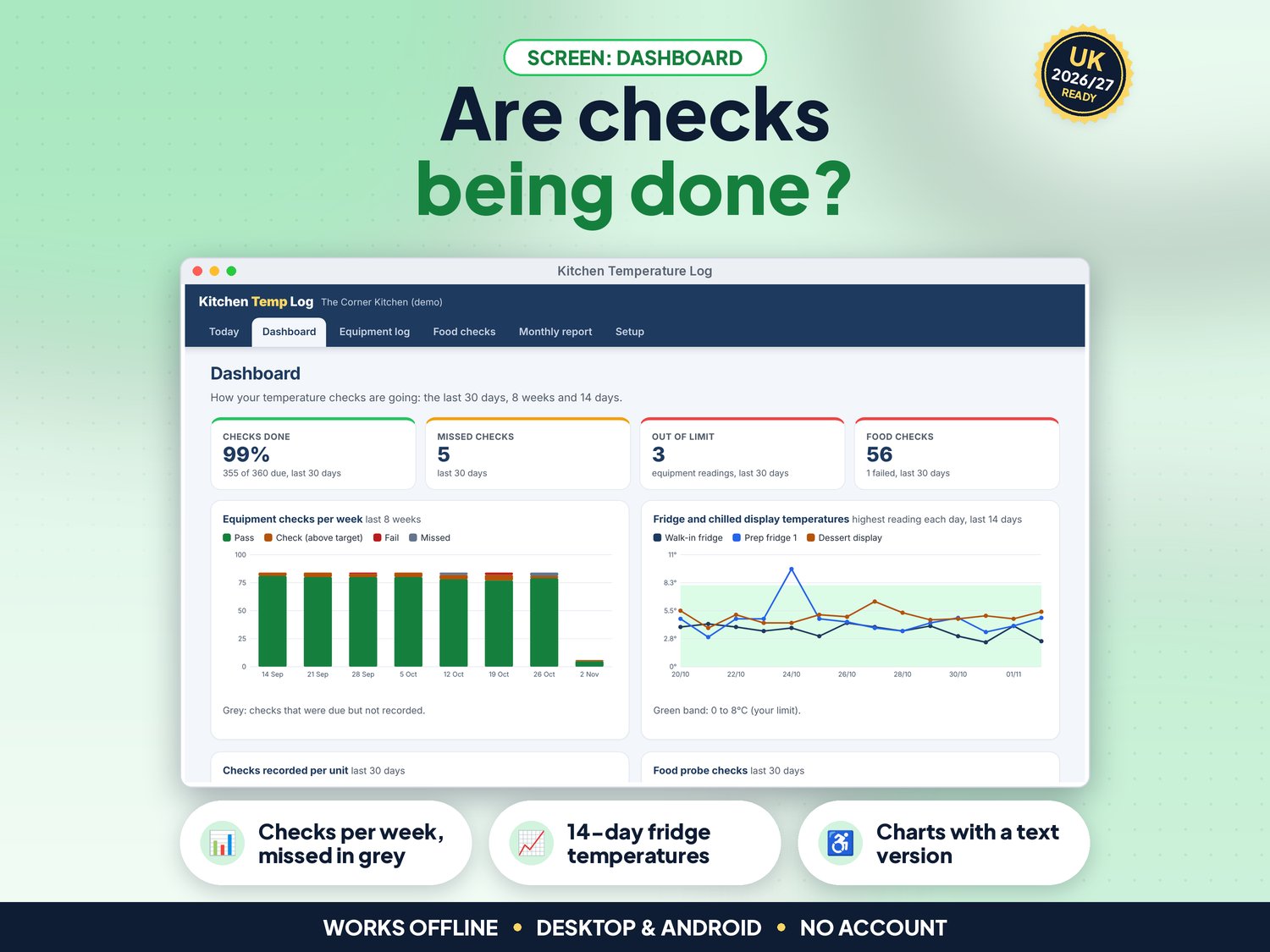
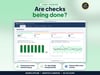
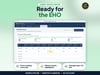
- NEW in v5: Dashboard with % of checks done, missed checks, readings out of limit, an 8-week chart of checks (missed ones in grey), a 14-day chart of fridge temperatures, completion per unit and food check results. Every chart has a text version for screen readers
- NEW in v5: Full keyboard use, screen-reader labels, a skip link and high-contrast colours (tested against WCAG 2.2 AA with axe)
- NEW in v5: Date format setting (DD/MM/YYYY, MM/DD/YYYY or YYYY-MM-DD)
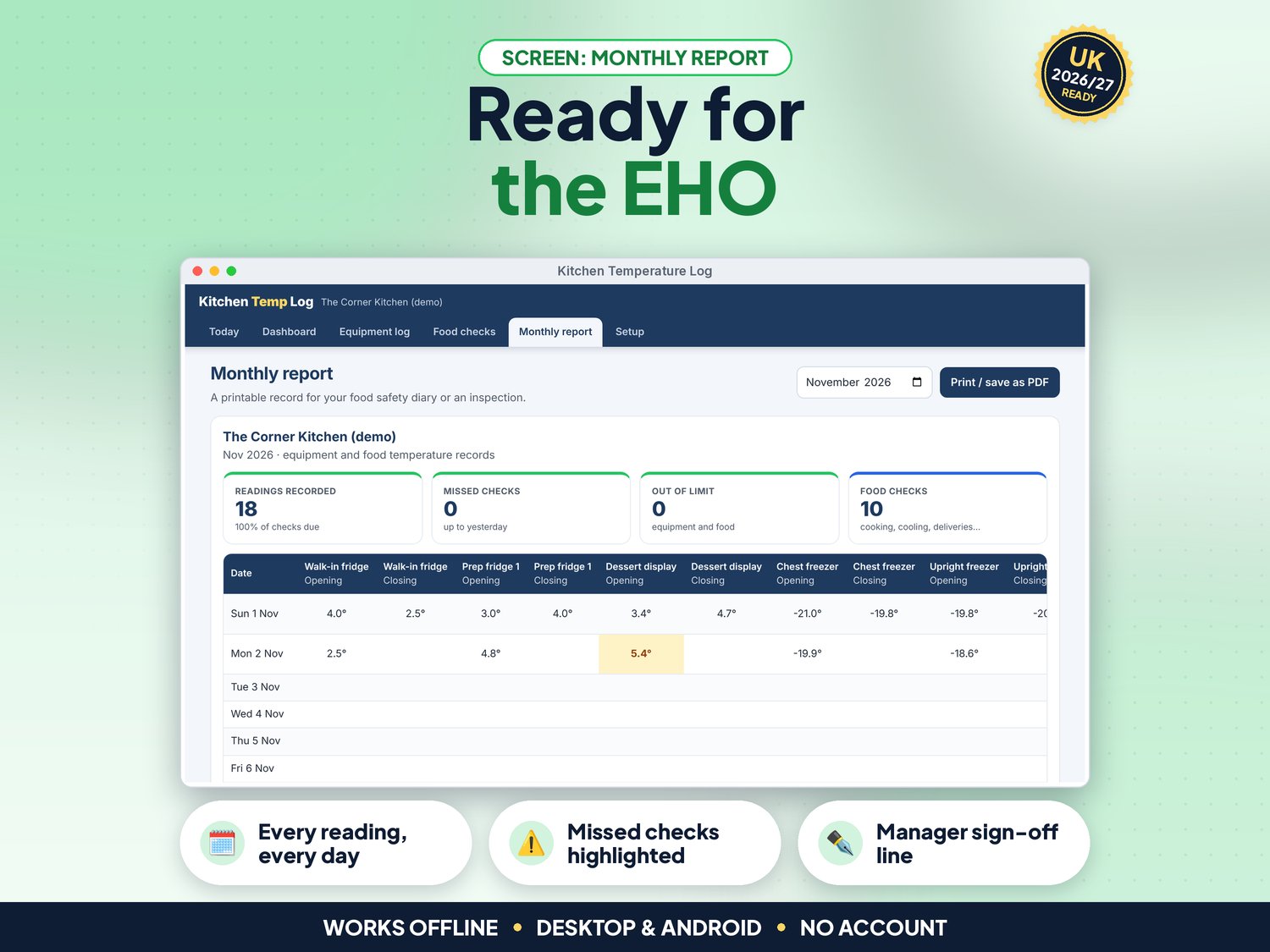
- Monthly report: a day-by-day grid of every reading, missed checks highlighted, problems and actions, and a manager sign-off line. Print it or save as PDF
- Equipment log and food check history with filters, edit or delete any record, and CSV export for Excel or Google Sheets
- JSON backup and restore, and demo data to practise with
How it works (3 steps)
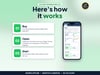
- Open the app and try the demo kitchen, then press Use my data. In Setup enter your business, check times and staff initials, and add each fridge, freezer and hot-holding unit (about 5 minutes)
- At each check time, tap the unit, type the temperature and your initials, and save (a few seconds per unit). Log food probe checks as you cook, cool or take deliveries
- Look at the Dashboard each week, and print the Monthly report for your records or when the EHO visits
What's included
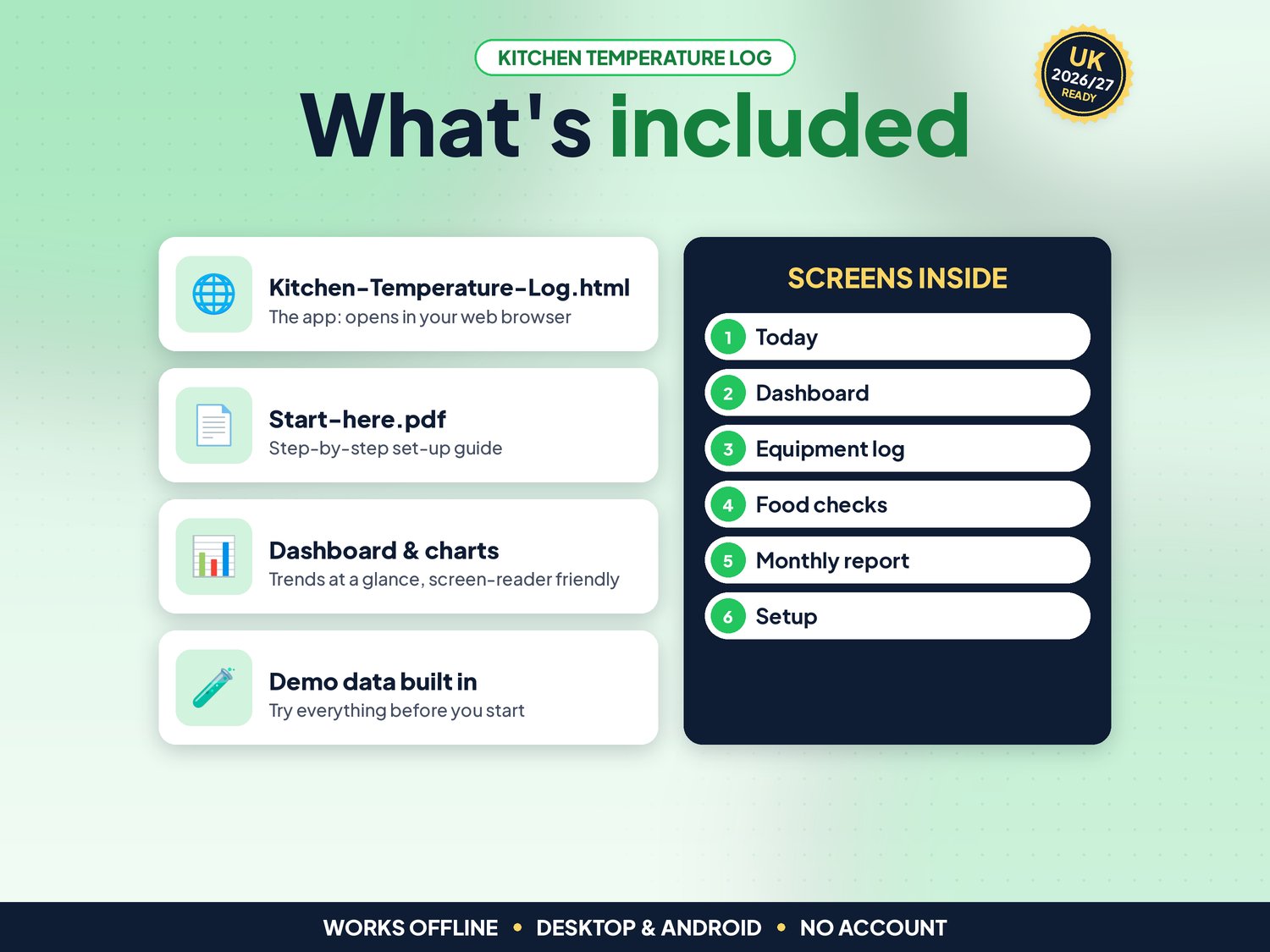
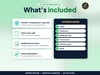
- Kitchen-Temperature-Log.html: the app. One file, opens in your web browser, works offline
- Start-here.pdf: quick-start guide with the 3-step plan and backup tips
- Demo data built in (a kitchen with six units and 60 days of readings), so you can try everything first
Compatibility
- Tested in Google Chrome on a desktop (1440 px wide) and on Android phone sizes (390 px and 360 px wide)
- Also runs in current Edge and Firefox, and Safari on Mac
- Not iPhone or iPad yet: Safari on iOS cannot keep the app data from a downloaded file reliably, so we do not support it
- One self-contained file: no installation, no account, no subscription, nothing is sent over the internet
Instant download
This is a digital product. Nothing physical will be shipped. Your download link appears straight after checkout and is also emailed to you. Stuck or have a question? Email info@phkmedia.co.uk and I'll gladly help you set it up.
Good to know
- Your records are saved in the browser on the device you use. Download a backup (JSON) regularly and use it to move to another device
- Default limits follow GOV.UK 'Food hygiene for your business' guidance (chilled food 8°C or below, hot food 63°C or above). Use the limits in your own food safety management system
- One business licence: use it on as many devices in your business as you like
- FAQ: Is this a full HACCP plan or SFBB pack? No. It is the temperature record part. Keep using your own food safety management system for the rest.
- FAQ: Can staff on different devices share it? Each device keeps its own records. Use one tablet or laptop in the kitchen, or move data with backup and restore.
- FAQ: Does it connect to probes or sensors? No. You type the reading in.
DISCLAIMER
Kitchen Temperature Log is a record-keeping aid. It is not a HACCP plan, legal advice or a substitute for your food safety management system or your local authority's advice. It does not connect to thermometers or sensors. Default limits come from GOV.UK and FSA guidance and can be changed in Setup. All names in the demo data are fictional.
Licence: Licensed for use within one business. Please do not resell, share or redistribute the files.
AI disclosure: This app and its listing images and video were designed by PHK MEDIA LTD with the help of AI tools. The video voiceover is synthetic. Everything was tested, reviewed and finalised by the seller.
© PHK MEDIA LTD
Licence: Licensed for use within one business or household. You may edit and print the files for that business. You may not resell, share or upload them for others.