
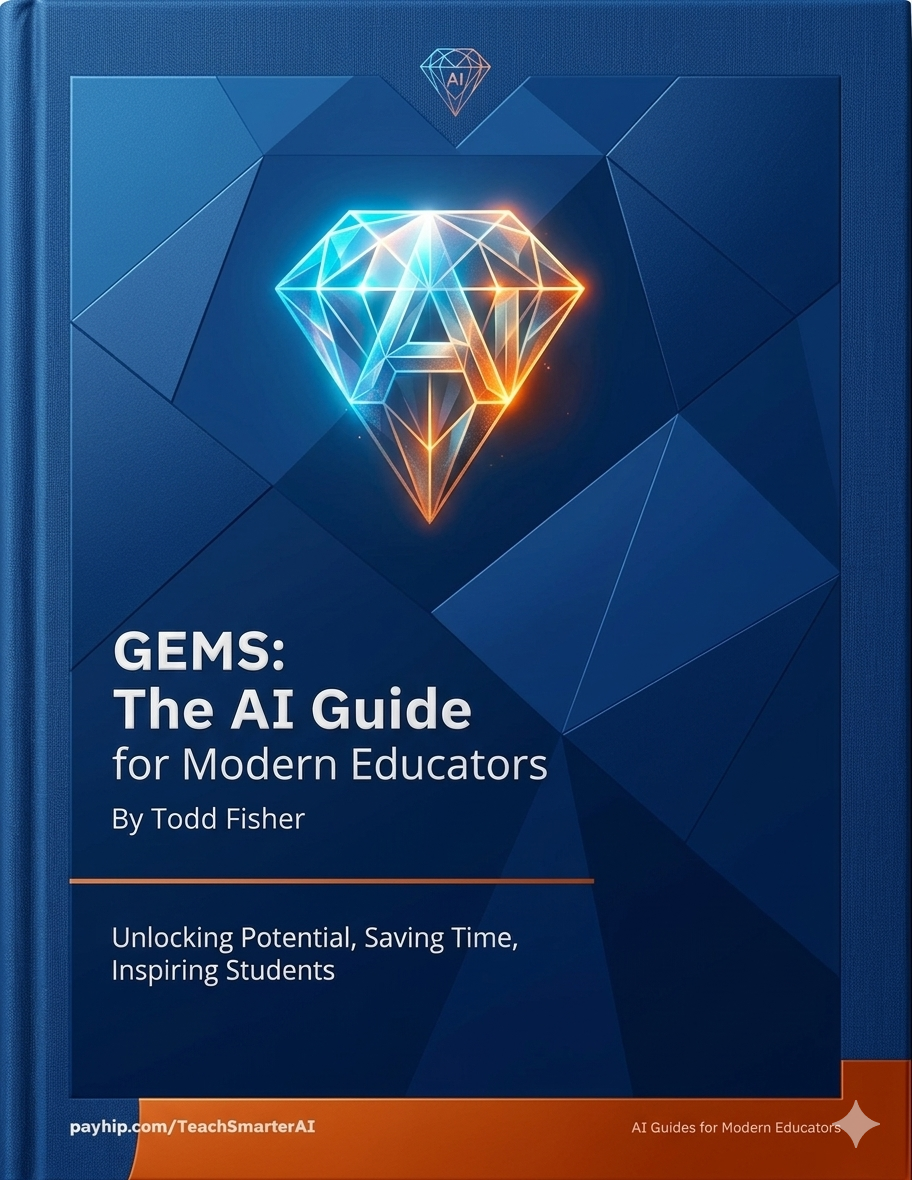
Gemini Gems
top re-explaining yourself to AI every single time.
If you've ever typed the same instructions into Gemini three times in a week — your year level, your preferred format, your tone — this guide is for you.
Building Reusable AI Assistants with Gemini Gems shows you how to set up a custom AI assistant once and use it forever. No technical skills. No paid subscriptions. Just a smarter way to work.
What's inside this guide:
✅ What Gemini Gems are and exactly how they work
✅ When to build a Gem (and when regular Gemini is enough)
✅ A full step-by-step walkthrough of the Gem builder
✅ How to write instructions that give you consistent, reliable results every time
✅ A complete, ready-to-use Lesson Plan Builder Gem you can set up today
✅ 10 classroom Gem ideas — feedback writer, rubric generator, parent email drafter, and more
✅ How to share your Gems with your team or department
✅ A printable Gem-building checklist
This guide is for you if:
- You use Gemini (or want to start) and want it to actually fit your workflow
- You're tired of repeating the same setup every time you open a new chat
- You want AI tools that feel like your assistant, not a generic one
- You work in Google Workspace and want everything connected
Free to use. Free to build. Immediately useful.
Gems are available to all Gemini users at no cost — this guide simply shows you how to use them well. By the end, you'll have a working AI assistant tailored to your classroom, ready to save you time every week.
20 pages. Practical examples. No fluff.