


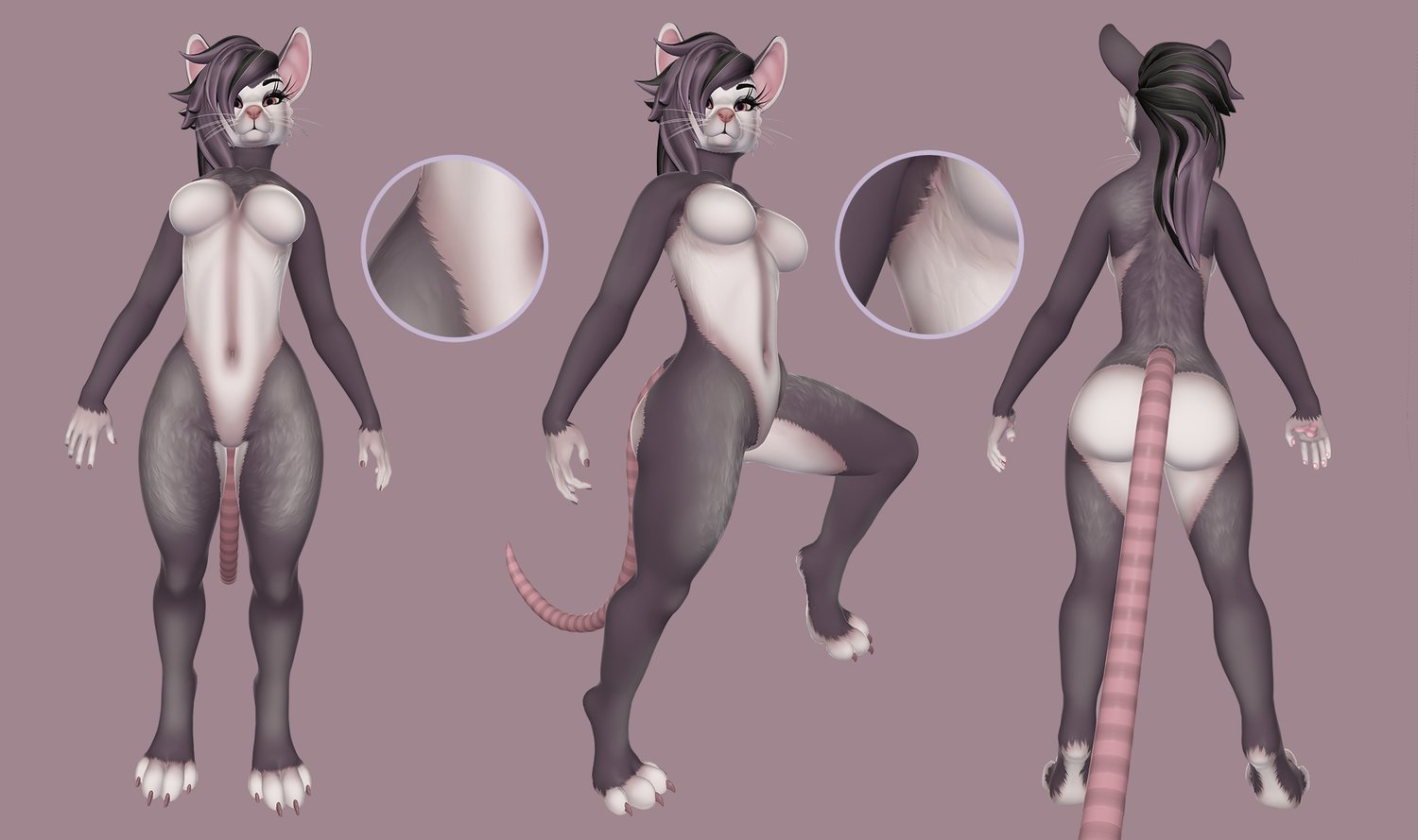
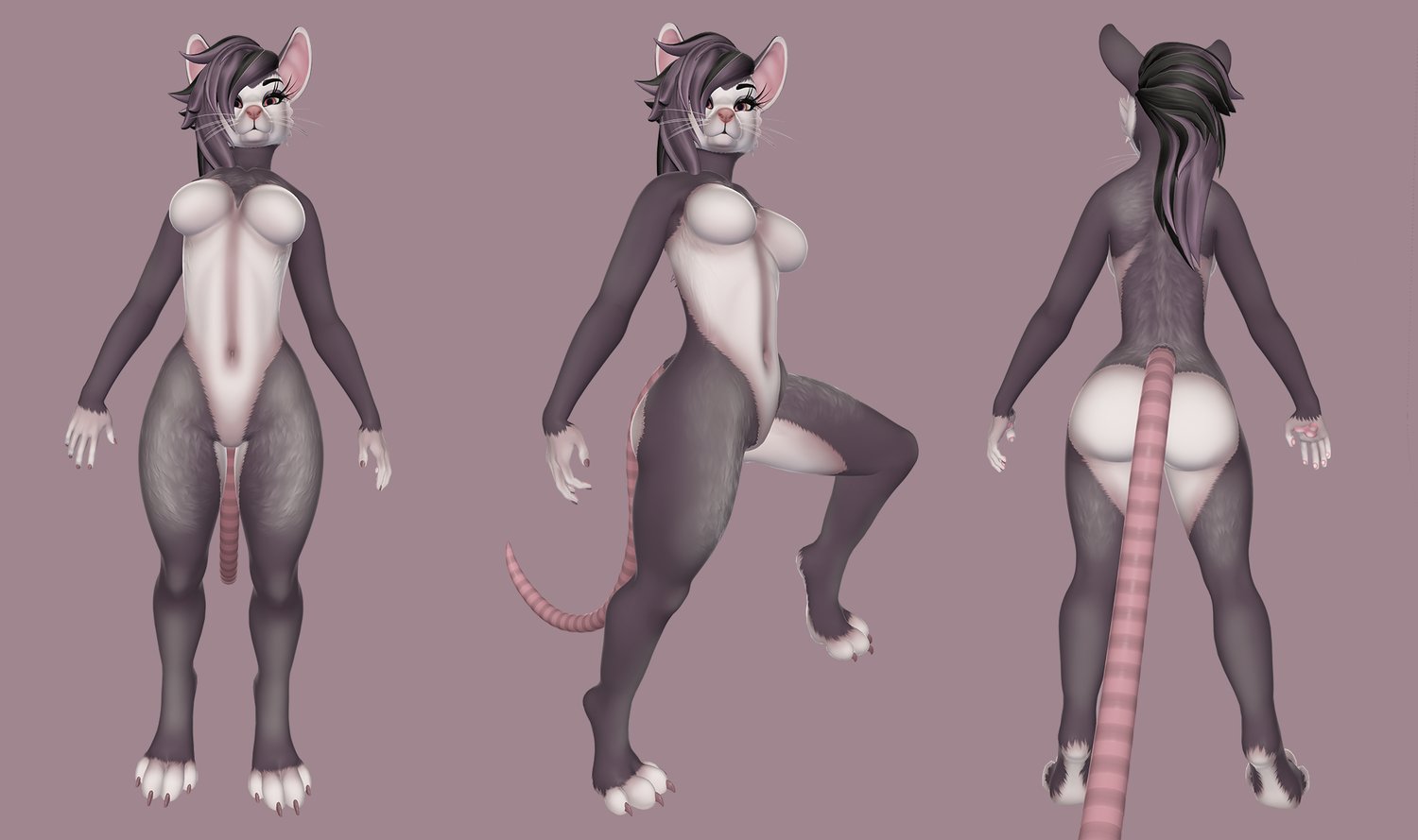


Opie - Opossum skin for the Pepper
Thank you for your interest in my release!
This is a texture skin for the model "Pepper" created and sold by Foxipaws. You have to own this asset in order to be able to use my textures.
https://foxipaws.gumroad.com/l/Pepper
https://payhip.com/b/Al05q
The skin comes with custom material textures intended for poiyomi, but roughness and height maps exported separately for other shaders. Custom colour possible, for an additional fee - please contact me directly preferably on discord if interested.
What you will receive:
A .unitypackage file containing 4K textures in PNG format for the "BODY MASTER" and "EYE" materials of the avatar: base colour, normal map, metallic-roughness-specular for poiyomi, emissive map for the eye, already preoptimized for PC and quest use. For other shaders roughness and height textures included.
How to use:
- You should already have your Pepper unity project created, please refer to the avatar's own manual.
- import the Opie opossum textures.unitypackage file into your unity project
- after import, in your project files look for "Assets/!POSSUM/Materials/Opie - Opossum textures" which contains the textures for poiyomi, the other shader materials is in the "Extra textures" subfolder.
- use the "Eye_BaseColor" and "Body_BaseColor" on poiyomi's Color & Normals / Texture slot, for the EYE and BODY MASTER materials respectively
- use the "Eyes_NormalMap" and "Body_NormalMap" on poiyomi's Color & Normals / Normal Map slot, for the EYE and BODY MASTER materials respectively
- use the "Eyes_MetallicSmoothnessMaps" and "Body_MetallicSmoothnessMaps" on poiyomi's Shading / Reflections & Specular / Packed Maps slot, for the EYE and BODY MASTER materials respectively
- use the "Eye_EmissionMap" on poiyomi's Special FX / Emission 1 / Emission Map slot, for the EYE material
- Optional steps for the eye emission: clear the Emission Mask texture slot if present, and uncheck "Use Base Colours", finally tone down "Emission Strength" to your liking, i suggest value "1"