

Capture Multiple Webcam Photos Without Leaving the Form
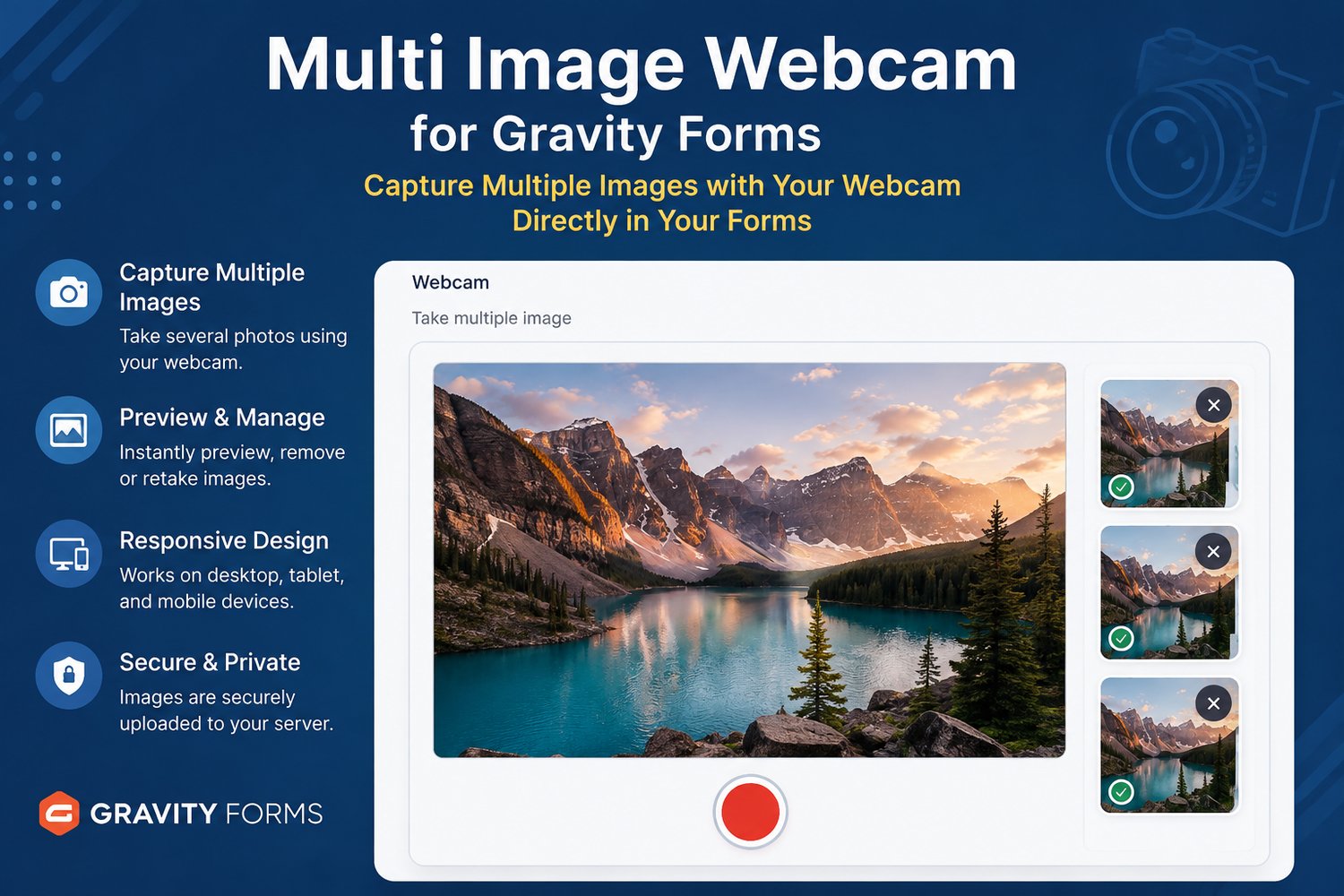
Give visitors a smooth multi-photo webcam workflow inside Gravity Forms. They can open a browser-accessible webcam, preview the live feed, capture several photos, review the results, remove unwanted images, and submit the final set without switching apps.
• Capture multiple webcam photos from one dedicated Gravity Forms field
• Preview every image and remove unwanted shots before submission
• Add multiple independent webcam fields to the same form
• Show or hide fields with Gravity Forms conditional logic
• Save completed uploads to the WordPress Media Library and form entry
• Responsive on supported desktop, tablet, and mobile browsers
Ideal for remote intake, identity checks, onboarding, inspections, condition reports, support requests, delivery evidence, and any workflow that needs several photos from one webcam.
A Complete Multi-Photo Webcam Workflow for Gravity Forms
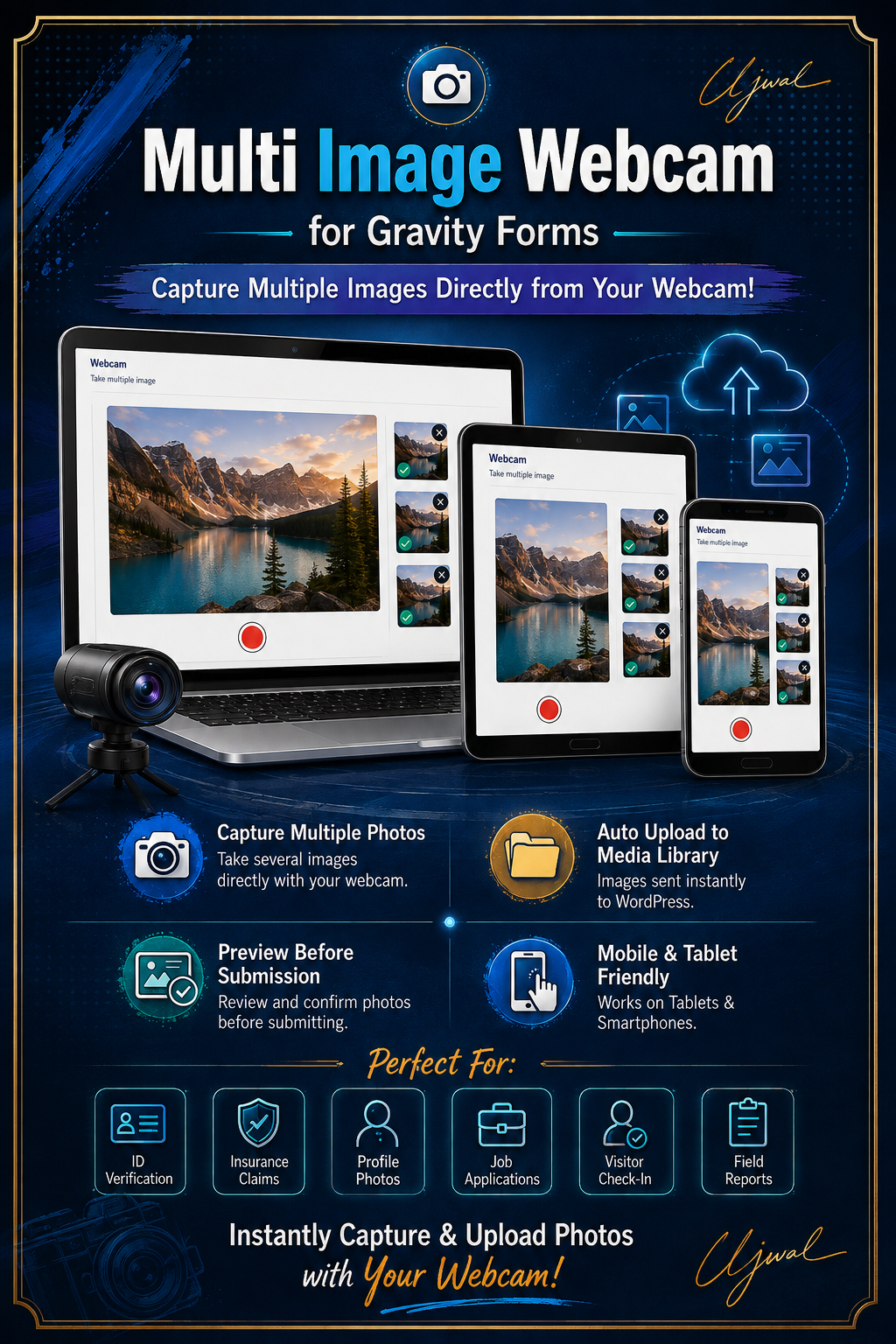
Turn a basic webcam step into one streamlined field. Visitors stay inside the form while they open their webcam, capture multiple photos, review every shot, remove unwanted images, and submit a complete visual record.
Why teams choose Multi Image Webcam
• Live webcam preview with multi-photo capture from one field
• Review and remove images before the form is submitted
• Use multiple independent webcam fields in the same Gravity Form
• Support required fields and Gravity Forms conditional logic
• Save completed uploads to the WordPress Media Library and attach them to the entry
• Responsive on supported desktop, tablet, and mobile browsers
• No separate camera app or manual save-and-upload process
Requirements and product fit
• Gravity Forms must be installed and active
• Camera access requires HTTPS/SSL, WebRTC support, and visitor permission
• Use a modern Chrome, Firefox, Edge, or Safari version with webcam support
• This product is designed for webcam capture. If visitors must switch among front, rear, and other available device cameras, choose Multi Image Cam for Gravity Forms instead.
Your annual license includes
• Plugin downloads, updates, and support while active
• 1 Site, 3 Sites, 10 Sites, or Agency coverage for up to 1,000 production sites
• Localhost, staging, and development activations that do not use paid seats
• A license key delivered automatically after checkout
Renewal-friendly: if the subscription expires, existing production forms continue working. Only new activations, downloads, updates, and support pause until renewal.
Watch Multi Image Webcam in Action
See the complete browser-based workflow—from opening the live webcam preview and capturing multiple photos to reviewing the image set and submitting it with Gravity Forms. The video demonstrates the experience visitors will use on supported desktop, tablet, and mobile browsers.
Multi Image Webcam for Gravity Forms
Capture several webcam images, review them, and submit the final set directly with Gravity Forms.