
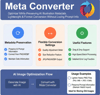
Meta Converter - Metadata Preserving Image Converter
On Sale
$3.00
$3.00
Meta Converter is a Windows image converter designed to preserve metadata where possible.
It is useful for creators who need simple format conversion without losing important image information.
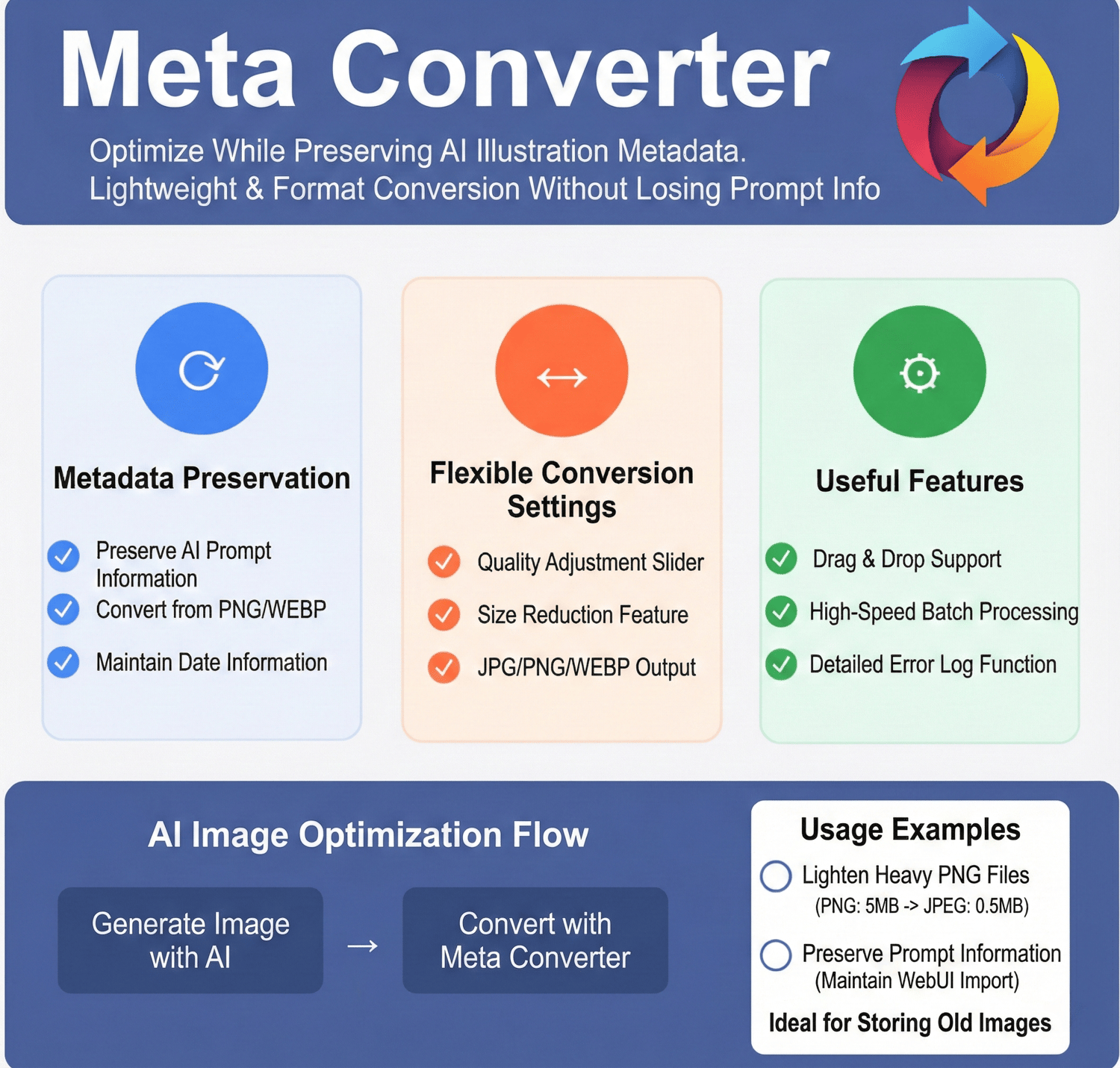
It can convert and compress images in a format that can be imported into WebUI PNGInfo, and it also supports Eagle—one of its key selling points.
Latest version: v4.10
Last updated: Sep 13, 2026
Details / Features
Designed mainly for AI image workflows:
- Batch-convert multiple images while keeping metadata
- (JPG / PNG / WEBP → JPG / PNG / WEBP)
- Note: Converting PNG → JPEG can reduce file size dramatically (often down to around 1/10).
- Converted images can be imported back into WebUI & NovelAI
- Supports minor adjustments such as quality settings and image downscaling and optimizing
- Supports converting Eagle (https://jp.eagle.cool) libraries
- Can also be launched from the command line
Supported AI Data
- A1111 WebUI: Convertible while preserving metadata in all formats.
- ComfyUI: PNG/WebP can be converted while preserving metadata. When converting to JPG, the workflow is output separately as a JSON file.
- NovelAI: PNG/WebP can be converted while preserving metadata. When converting to JPG, a small companion file for metadata preservation is output separately.
Basic Usage
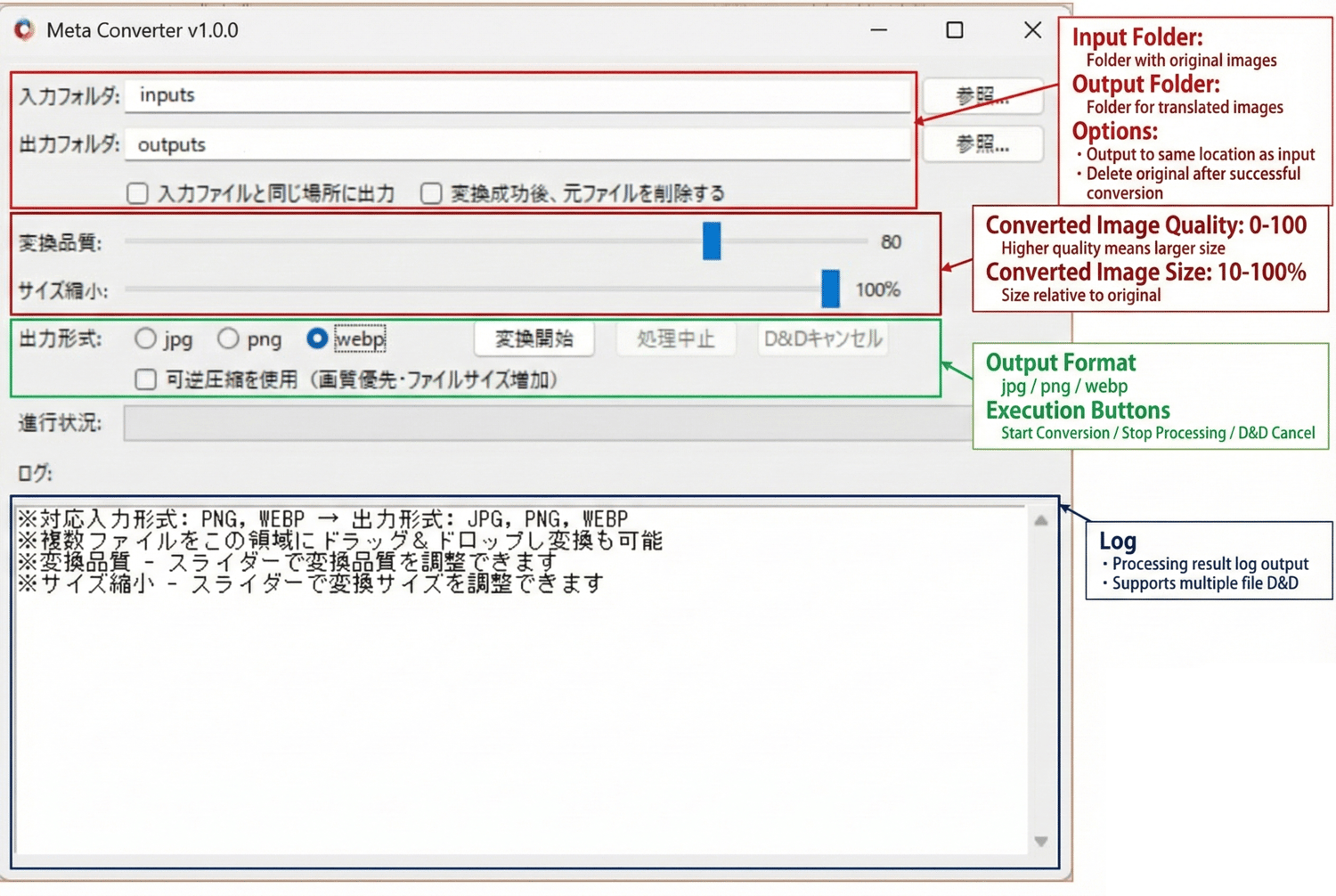
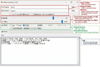
- Select a folder containing images, or drag & drop image files/folders
- Choose output format and quality settings
- Click Start Conversion
Trial Version
- Number of images per batch: Up to 8
- Download Link
Notes
- Processing may take some time.
- Commercial use (individuals): Allowed with purchase of this product.
- Commercial use (companies/organizations): Please contact us separately (https://nekzuk.com/terms.html).
System Requirements
- Windows 10 / 11 (64-bit)
- Memory: 8GB+ recommended
Update History
- v1.00 (2025/05/11) – https://note.com/nekzuk/n/nf7481fbb6cf0
- v2.00 (2025/08/15) – https://note.com/nekzuk/n/n58408ce641a8
- v2.50 (2025/09/18) – https://note.com/nekzuk/n/nb337180883e3
- v3.00 (2025/11/07) – https://note.com/nekzuk/n/na7837cdb4a7b
- v3.50 (2026/02/04) – https://note.com/nekzuk/n/nf8f1cad57493
- v4.00 (2026/06/19) - https://note.com/nekzuk/n/nf6e3ea75825b
- v4.10 (2026/09/13) - https://note.com/nekzuk/n/nf6e3ea75825b
Support: nekzuk.software@gmail.com
Refunds: Digital downloads are non-refundable (please contact support if you have issues).