


Game Inventory Editor and 16 Icons | Neon Workspace V2
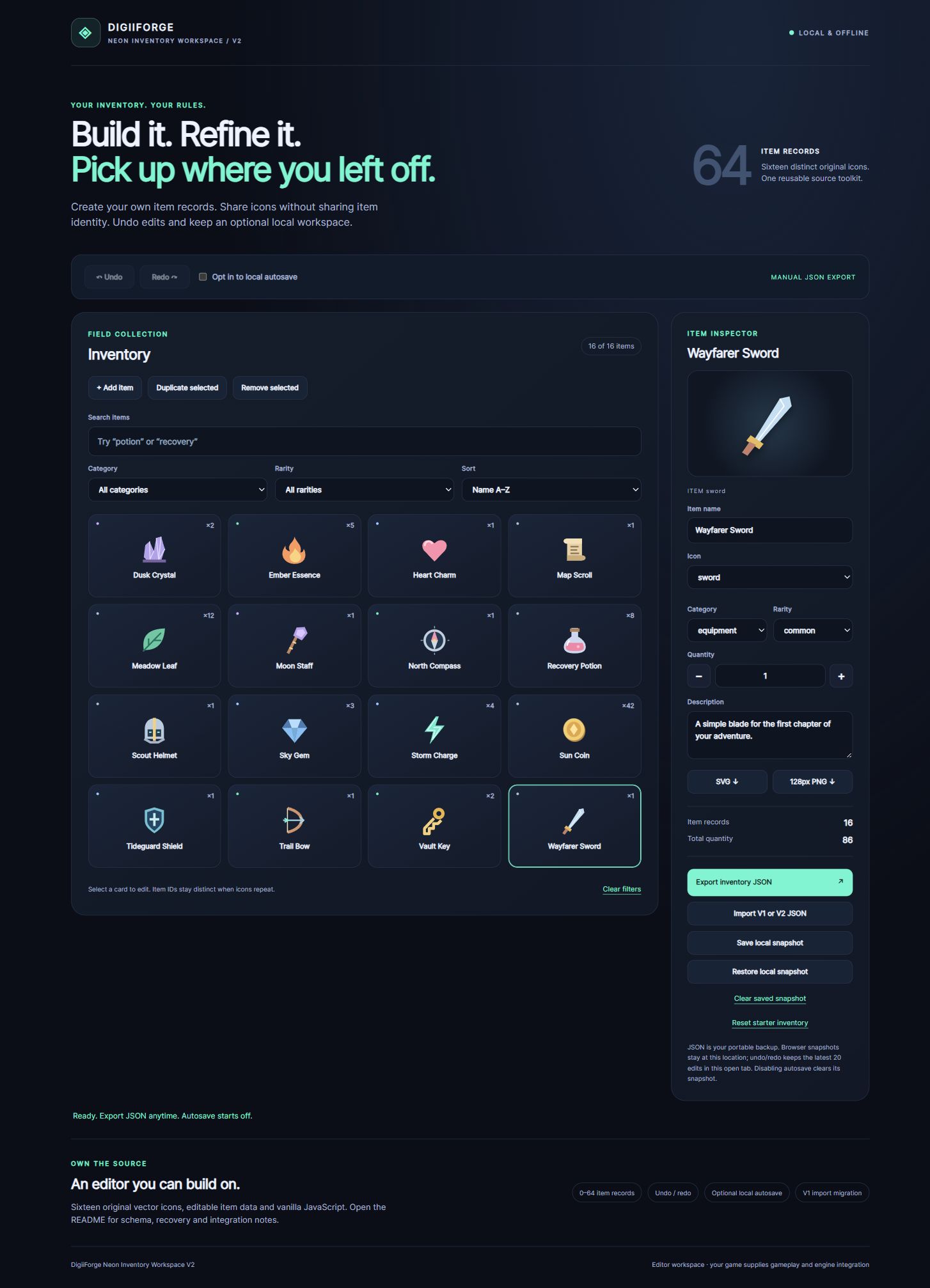
Build and edit a game-inventory prototype without setting up a backend. Neon Workspace V2 combines 16 original icons with an offline browser editor for up to 64 independent item records. Add, duplicate, filter, undo and export JSON in a workspace you can actually use.
PRODUCT DETAILS
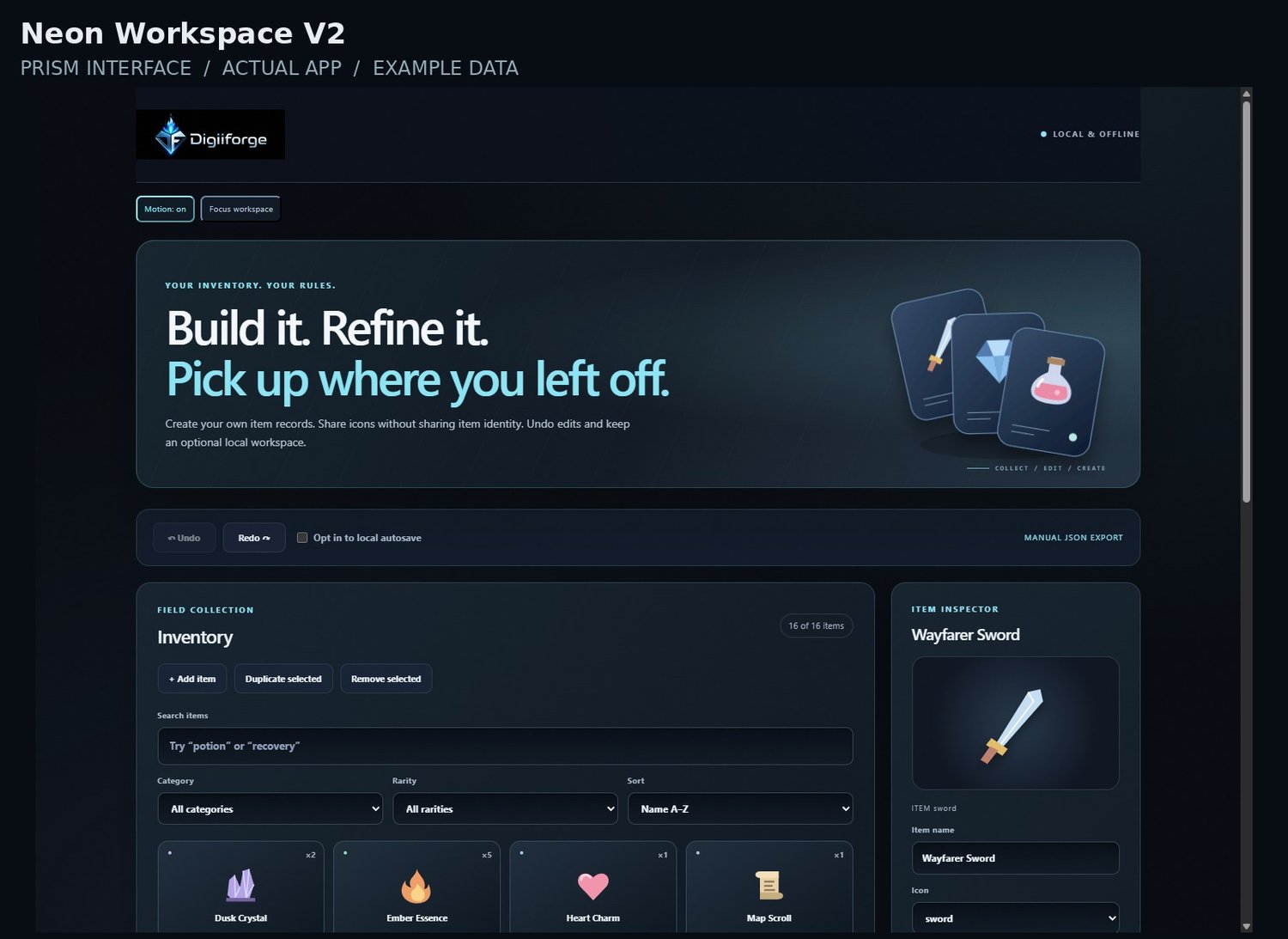
New in the interface: individual art direction, subtle material textures, decorative motion with an off switch, and a compact Focus workspace. Decorative graphics are not extra downloadable product assets. Original product capabilities and limitations remain as described below.
Give your inventory prototype a workspace you can actually edit.
Created with AI assistance and reviewed by DigiiForge.
Neon Inventory Workspace V2 is an offline browser editor for indie developers and browser prototype builders. Extract the ZIP and open index.html to start. No install, account or subscription is needed.
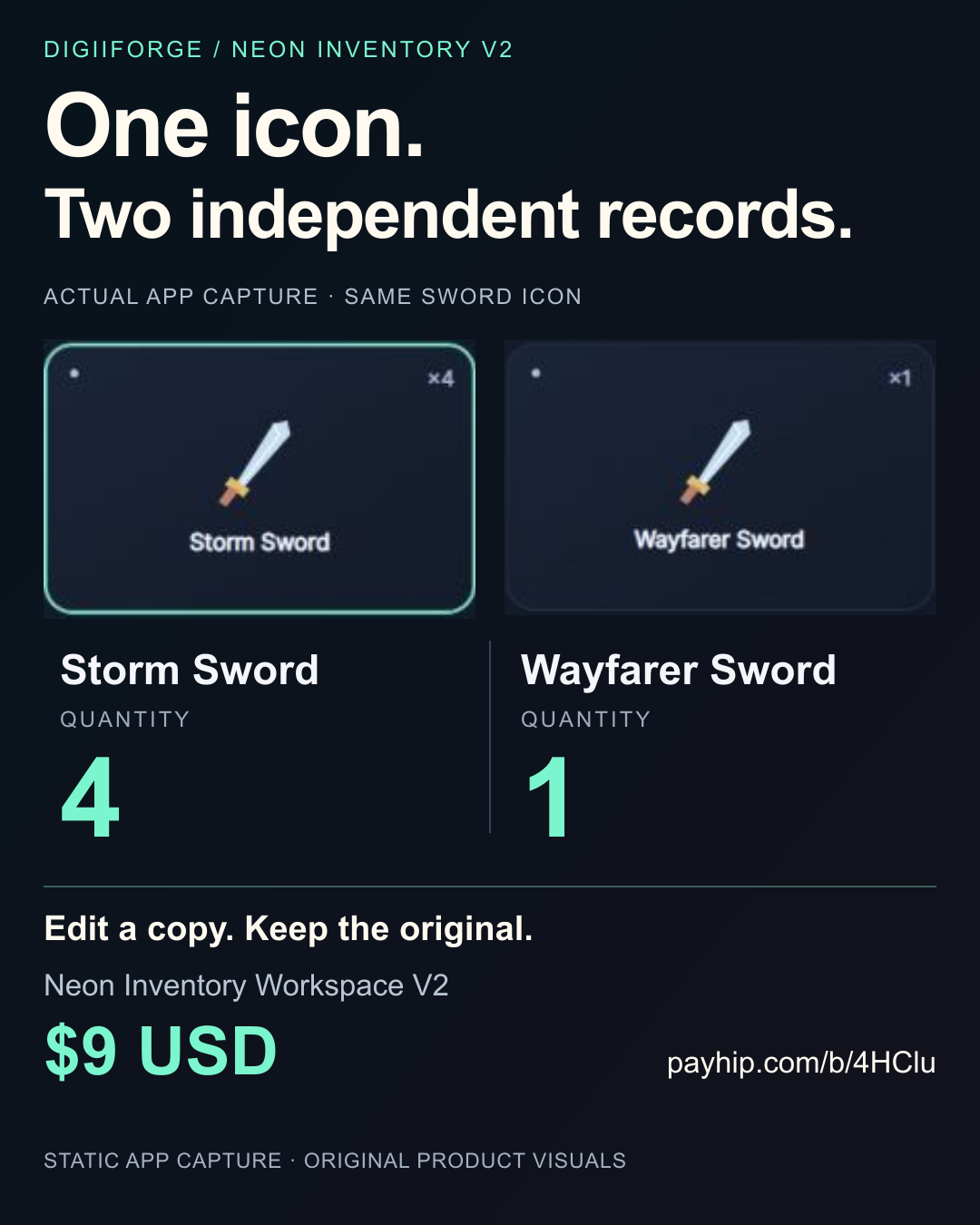
Create up to 64 item records using 16 distinct original icons. Duplicate a sword into a separate item, change its name, quantity or rarity, and keep both records independent. Search, filter and sort your inventory, undo edits, and export JSON for a portable backup.
INCLUDED
- Full offline editor with editable HTML, CSS and vanilla JavaScript source.
- 16 original SVG icons and a 16-record starter inventory.
- Add, duplicate, remove and edit records: name, icon, category, rarity, quantity, description. The same included icon can be reused by different records.
- Search plus category/rarity filters and name/rarity/quantity sorting.
- Undo/redo of the latest 20 committed edits in the current tab.
- Validated JSON import/export and migration of DigiiForge's V1 inventory data.
- Opt-in local autosave and manual snapshot restore/clear controls.
- Selected-icon SVG download or transparent 128 x 128 PNG export in supported browsers.
- README and the standard non-exclusive personal/commercial end-product license.
PRACTICAL LIMITS This is an inventory authoring/interface starter, not a Unity/Godot plugin or engine adapter. Your project supplies gameplay, equipment/crafting logic and engine wiring. No cloud sync, database, sprite atlas or bulk image export is included. Sixteen icon designs are included; 64 records does not mean 64 different artworks. JSON imports use the bundled icons and do not import custom artwork.
Autosave is optional and starts off. Browser storage can be cleared or blocked; export JSON for portable backups. Undo/redo history does not survive a reload. Some local-file browser settings block PNG conversion, so all 16 SVG files are included. Reviewed in desktop Chrome; engine compatibility and physical phone operation are untested.
LICENSE AND SUPPORT Use and modify the included files in your personal and commercial end products, including multiple own projects. Attribution is optional. Do not resell or redistribute the standalone toolkit, icon sources or substantially derived asset/template libraries. The full standard usage terms are inside the ZIP; statutory consumer rights and the checkout's stated refund terms remain applicable.
Support: digiiforge+support@gmail.com. Include your order reference and browser/version; never send passwords or API keys.
This is the separate V2 workspace release. The earlier V1 offer remains a separate product.
DOWNLOAD THE CURRENT EDITION
PRISM INTERFACE EDITION / OCTOBER 2026
Current visual edition: DigiiForge_Neon_Workspace_V2_Prism_2026_10.zip. This package includes the complete product with its original functional version, data formats and license, plus the refreshed DigiiForge interface. Earlier downloads are retained as previous editions; use the Prism ZIP for the latest presentation. Extract the complete folder. Back up existing records before moving to a new file location.