





Medicare Plan Comparison Worksheet App, Open Enrollment Planner, Part D Drug Cost Tracker
Comparing Medicare plans during Open Enrollment can feel overwhelming. Every plan lists a different premium, deductible and drug price, and it is hard to keep track of which ones include your doctors and pharmacy.
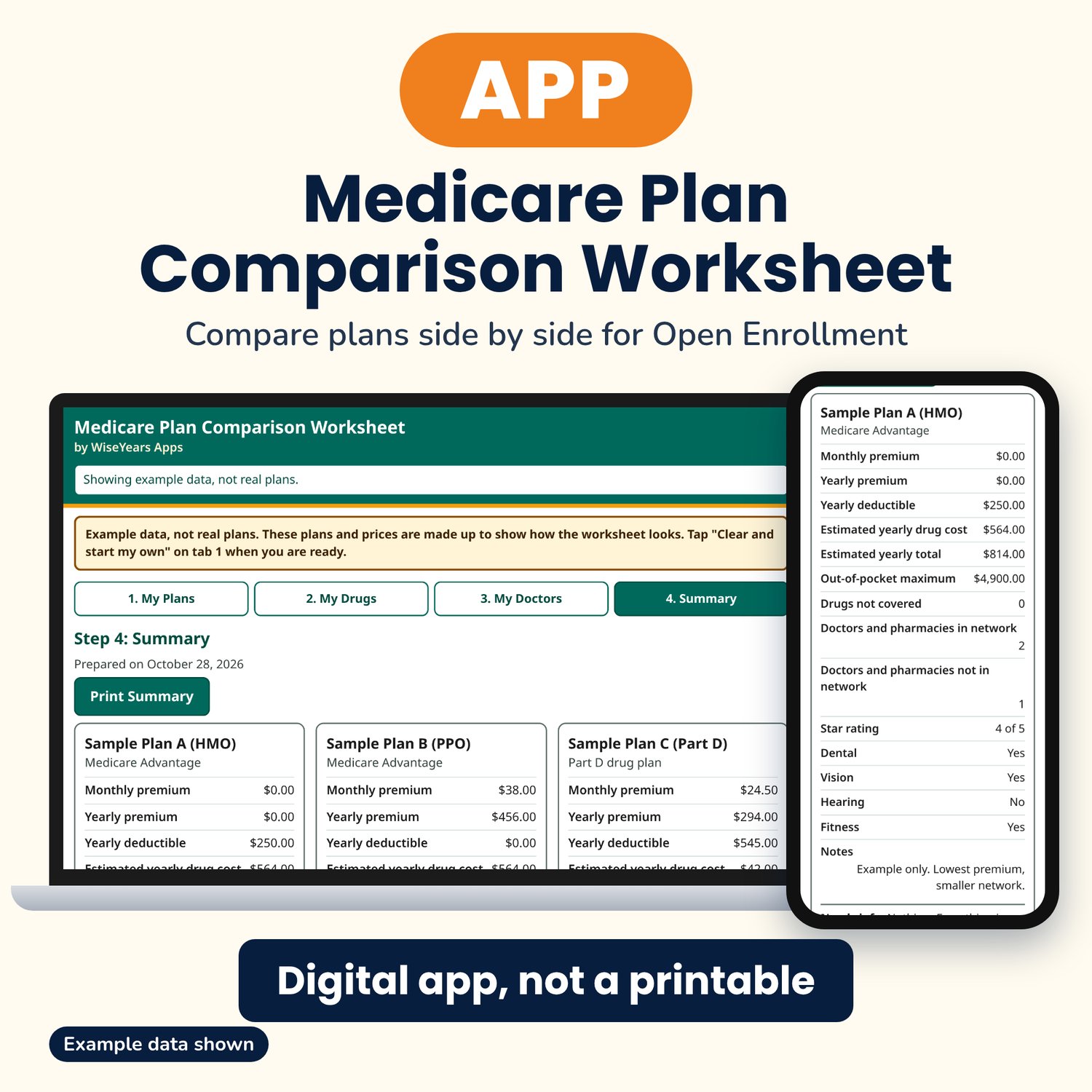
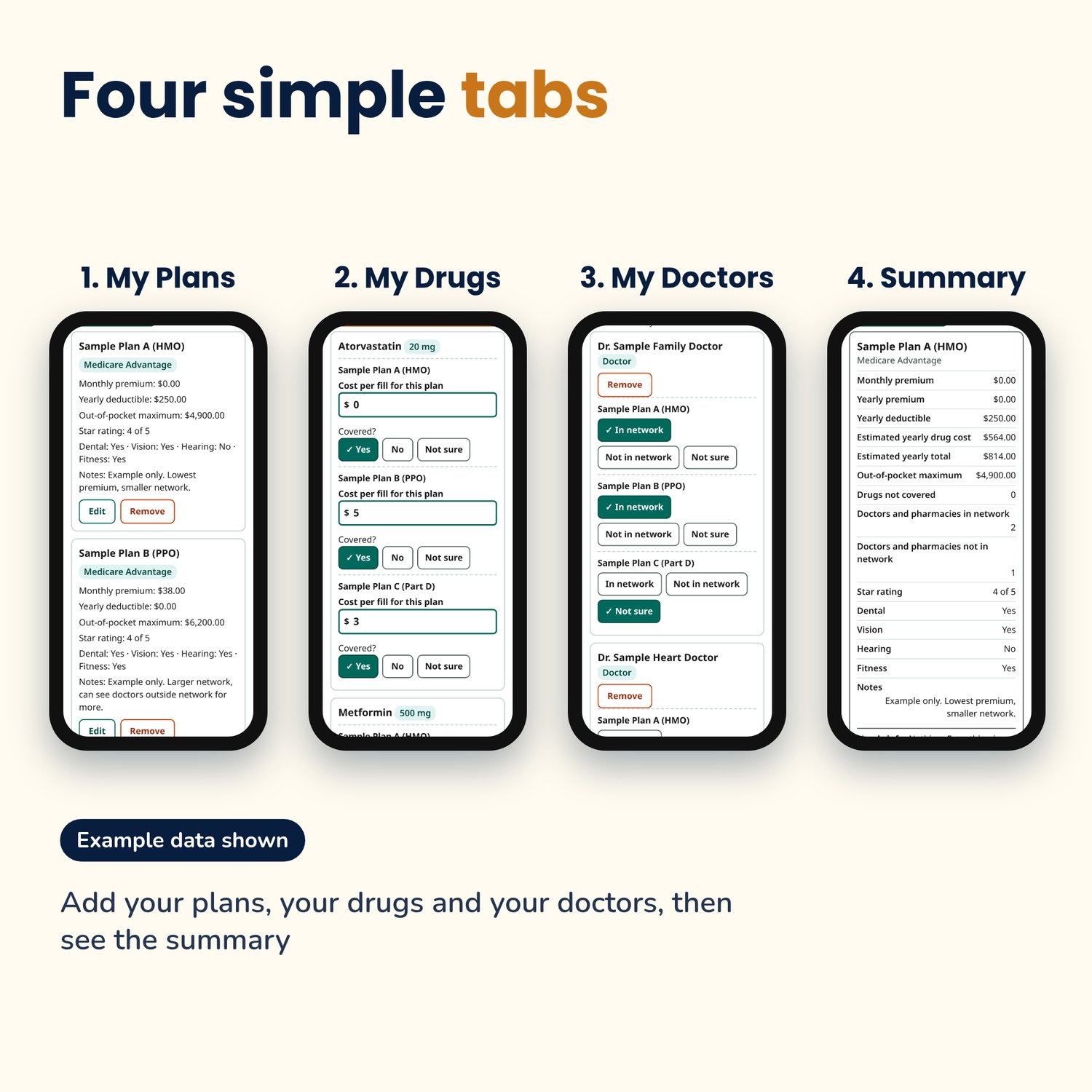
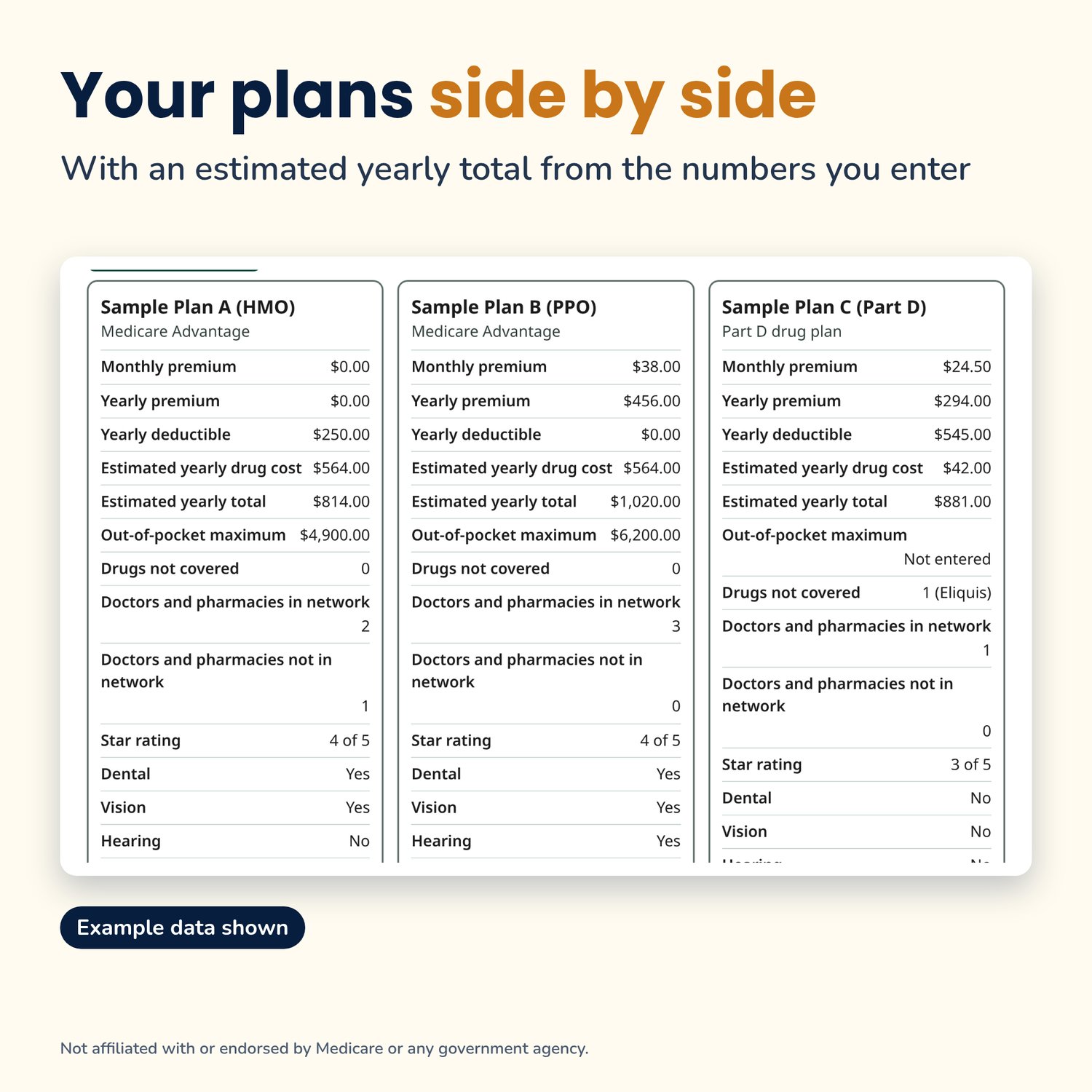
This worksheet puts up to 4 plans side by side, so your own numbers are in one place when you compare.
What it does:
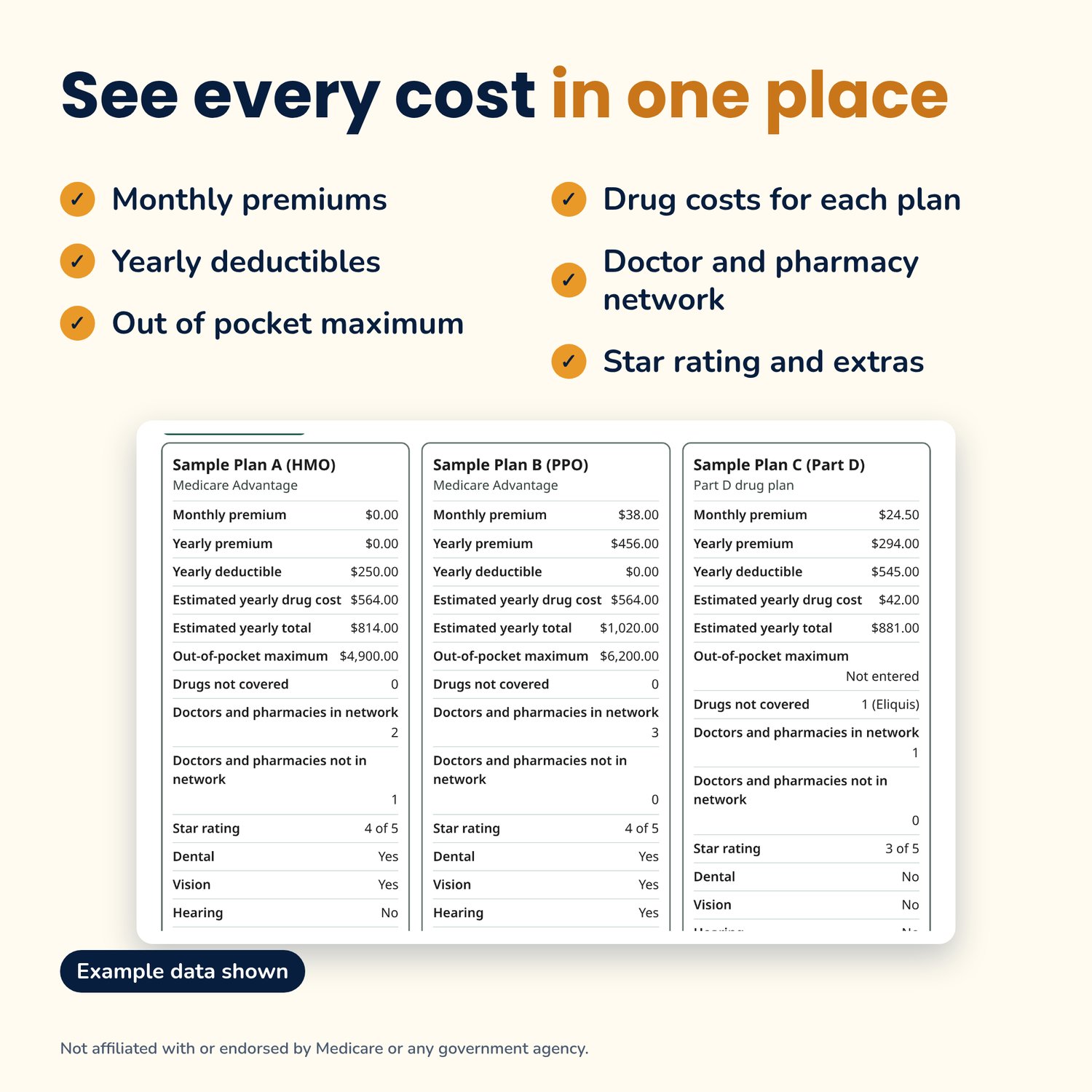
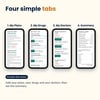
- Add up to 4 plans: plan name, type (Medicare Advantage, Part D drug plan, Medigap/Supplement or Other), monthly premium, yearly deductible, out-of-pocket maximum, star rating and notes
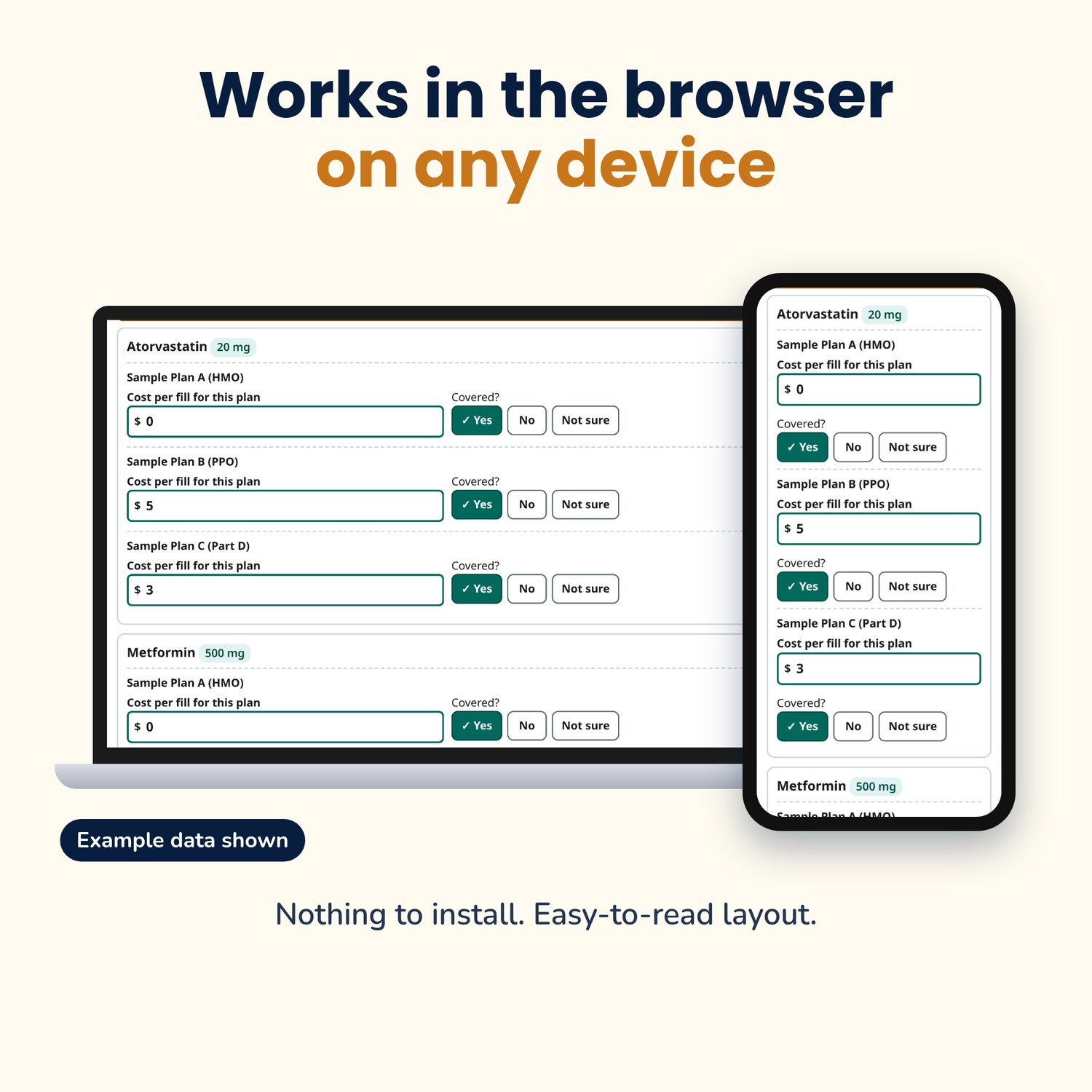
- List your drugs, then type what each plan charges per fill and whether it covers each one
- Add your doctors and pharmacy, then mark whether each plan has them in its network
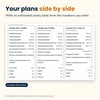
- Summary page shows the plans side by side with an estimated yearly total from the numbers you entered
- See an example button fills in made-up sample plans so you can see how it works
- Print the summary, save a backup file, restore it on another device, or export to CSV
- Upload long drug or doctor lists from a spreadsheet template
- Easy-to-read layout with plain-language help on every box
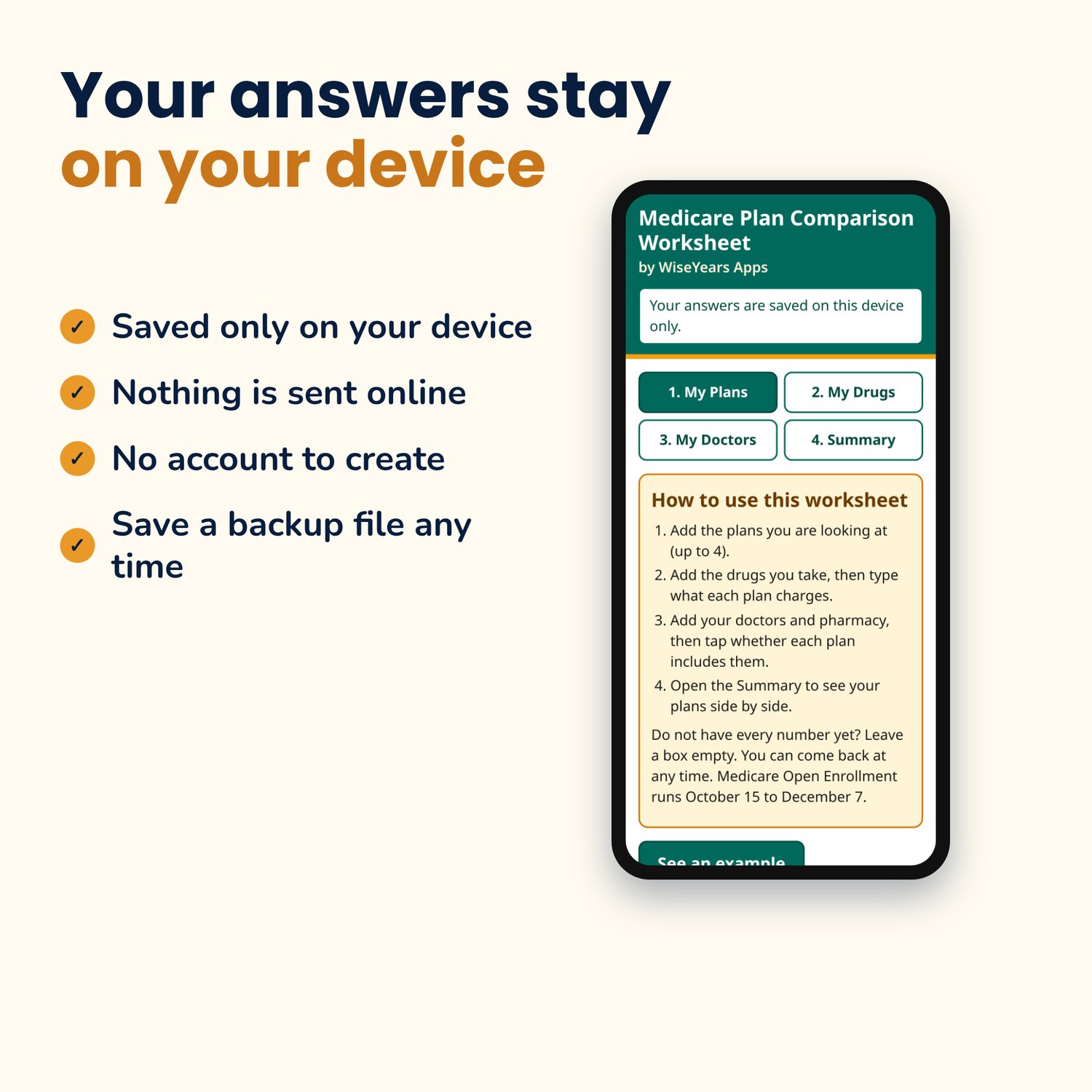
- Your answers stay on your device
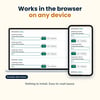
Works in the browser on any device.
Digital browser app, not a printable.
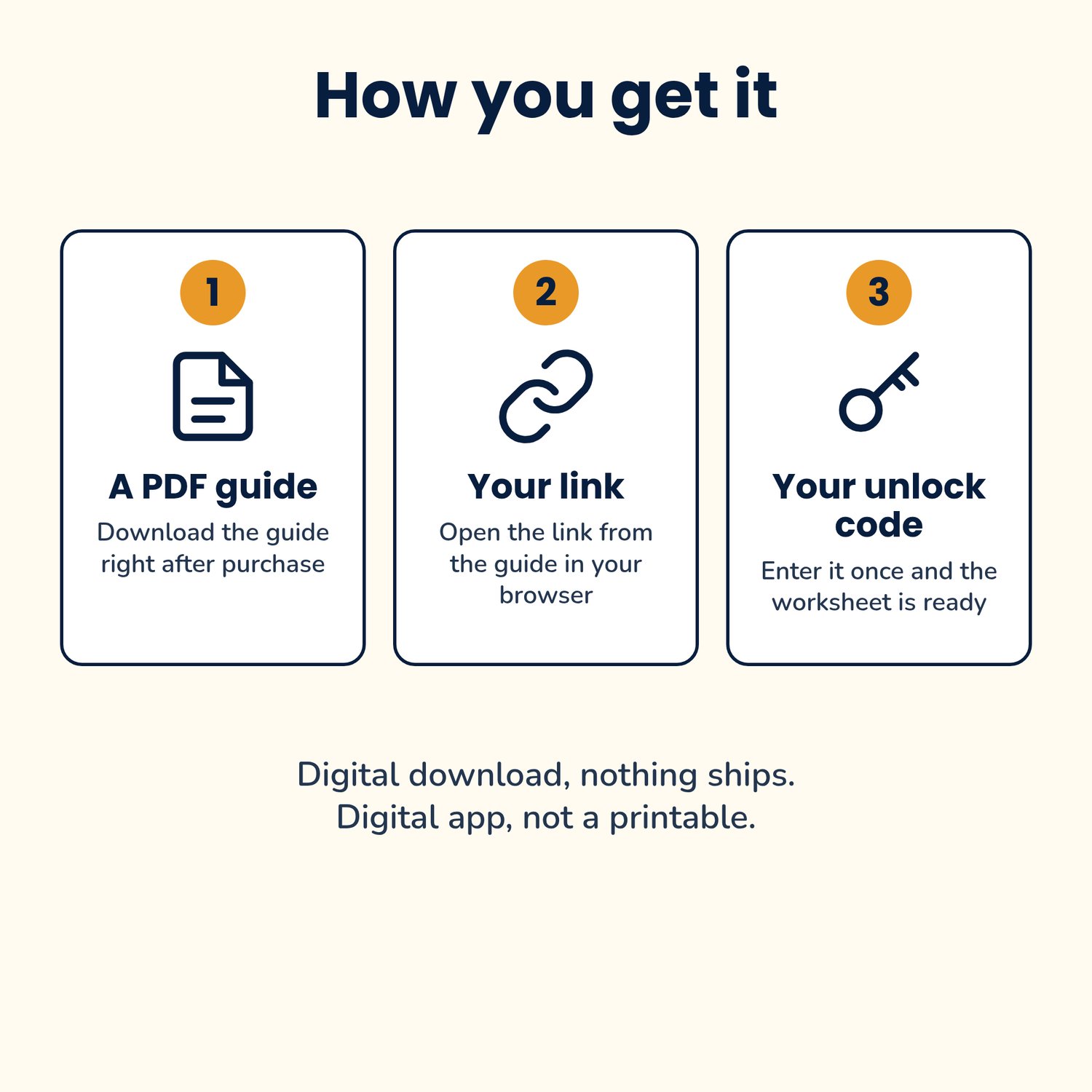
Digital download, nothing ships. After purchase you get a PDF guide with your link and unlock code.
Please note: This is a personal record-keeping tool. It is not official Medicare advice, does not recommend a plan, and is not affiliated with or endorsed by Medicare, CMS or any government agency. Estimates come only from the numbers you type in. Check plan details at Medicare.gov, call 1-800-MEDICARE, or talk with a licensed insurance agent or your local SHIP counselor before choosing a plan.