




Bronzed - Fer Visuals
On Sale
$5.00
$5.00
✨ BRONZED
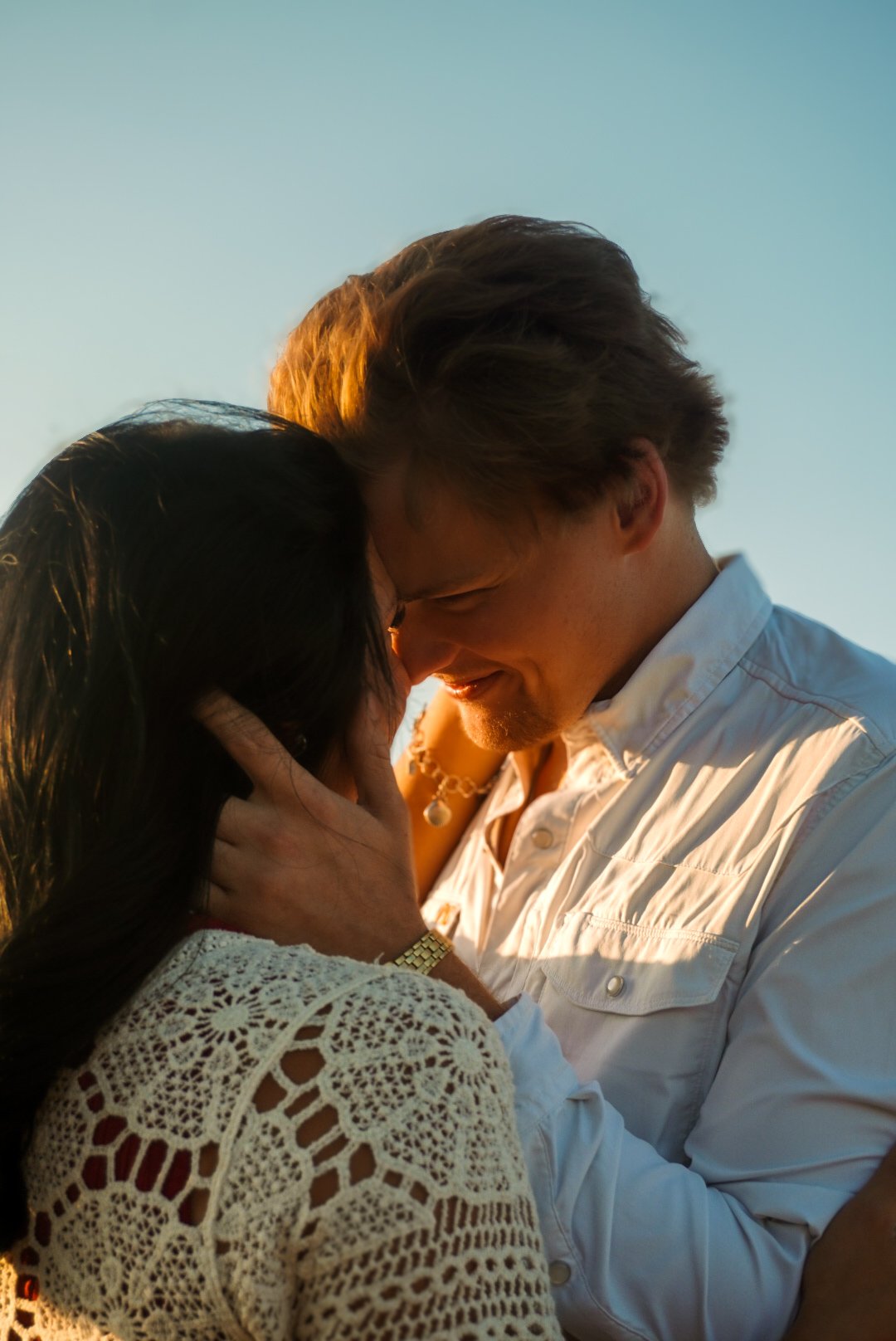
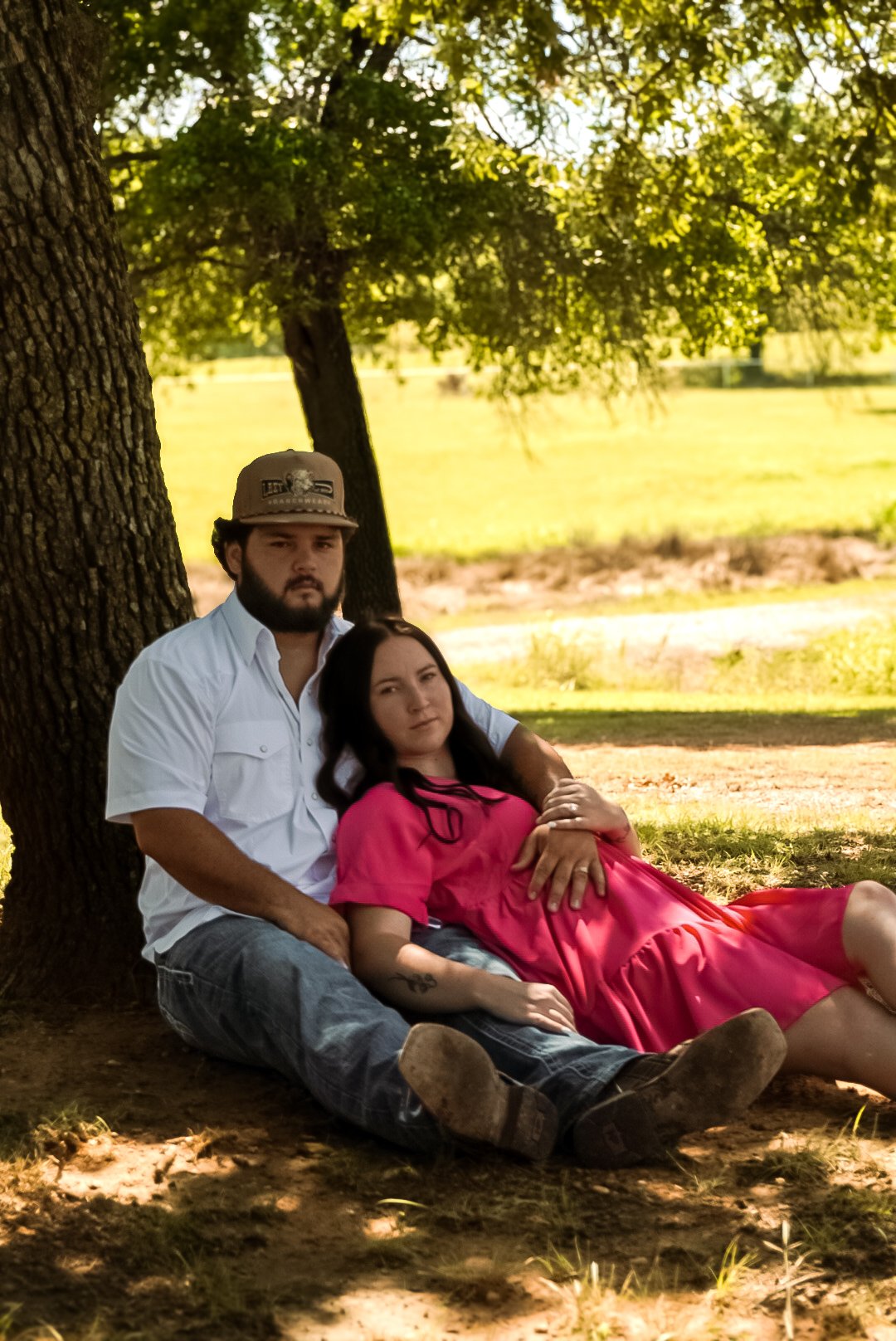
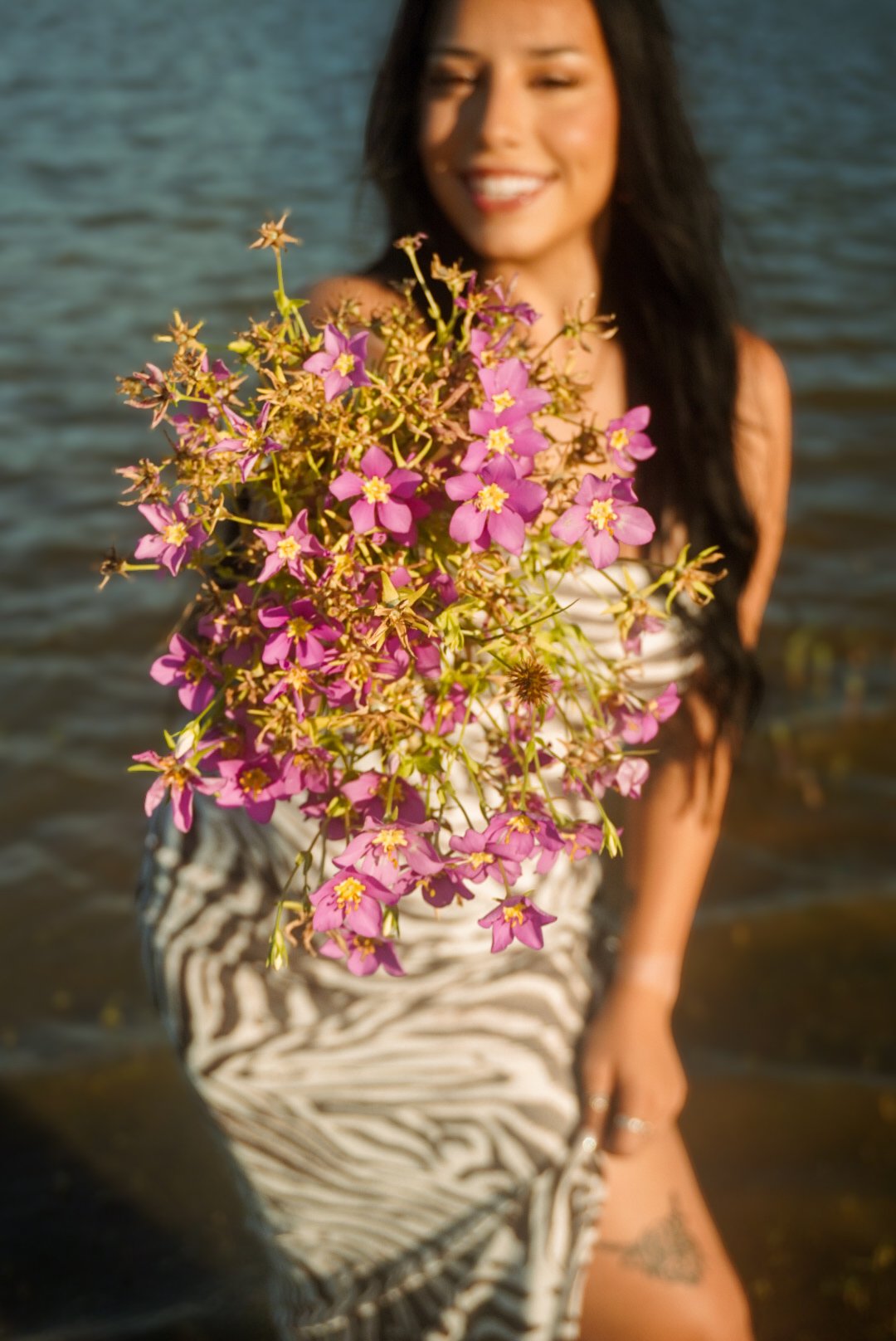
Natural, warm & glowing — Bronzed keeps your photos feeling true to color while adding a beautiful sun-kissed warmth to the skin. It brings out natural tones without making your photos feel overly edited. Perfect for portraits, couples, families, and golden-hour sessions. 🤎
HOW TO INSTALL 📸
- Download the DNG preset file included with your purchase.
- Open Lightroom Mobile → tap Add Photos → import the DNG.
- Open the DNG → tap ••• → Copy Settings.
- Open the photo you want to edit → tap ••• → Paste Settings.
✨ Quick tip: Every photo is different! You may need to adjust Exposure, Temperature, or Tint depending on your lighting and skin tones.
Thank you for supporting Fer Visuals & happy editing! 🤎