
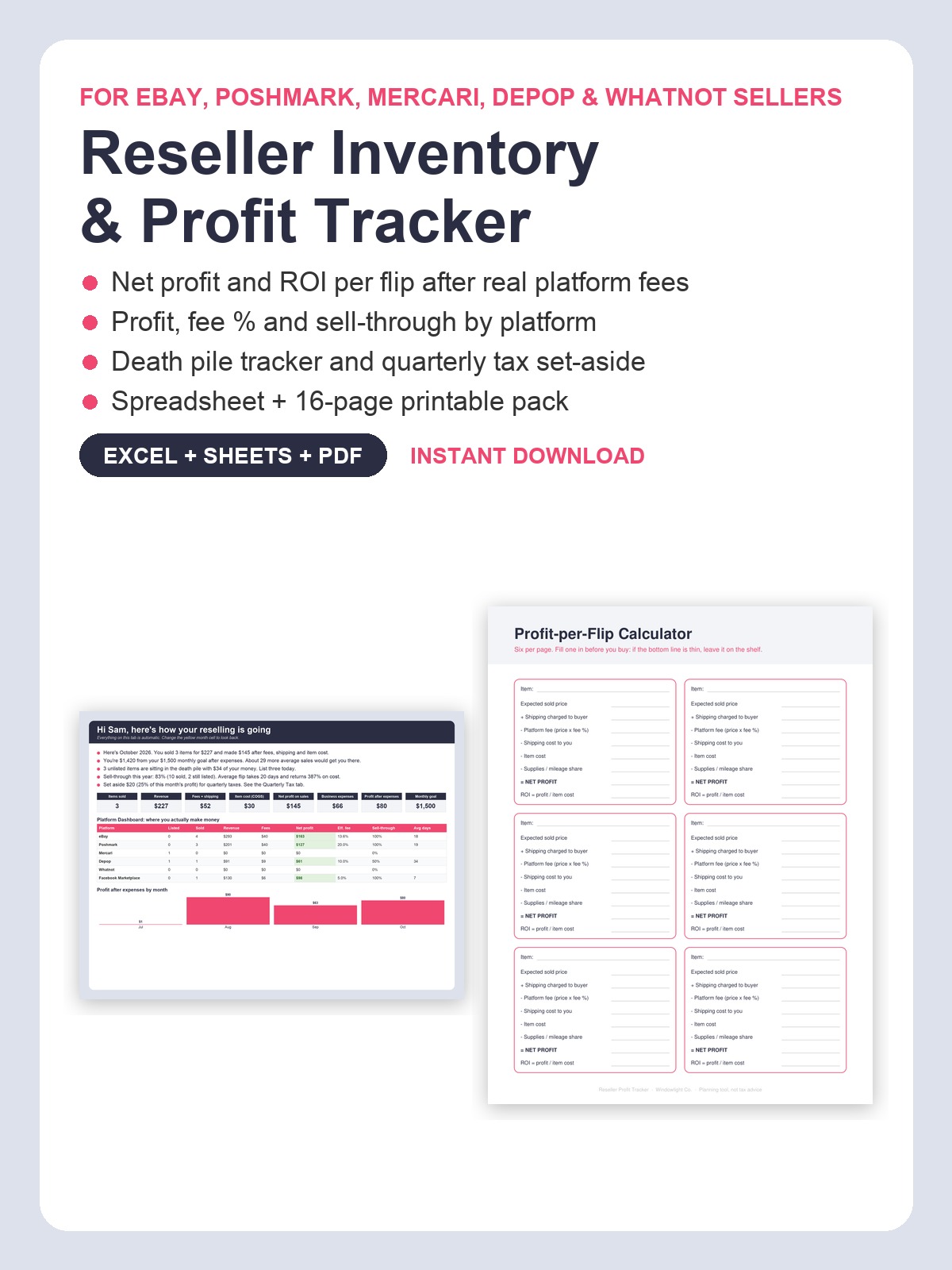
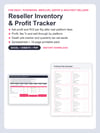
Reseller Inventory & Profit Tracker | eBay Poshmark Mercari Spreadsheet + Printable Pack (Excel, Google Sheets, PDF)
Do you know which flips actually made money after fees?
The sold price looks great until Poshmark takes 20%, shipping runs $11, and you remember the item cost $14 at the estate sale. Meanwhile three totes of "I'll list it this weekend" sit in the garage with your money inside, and in April you find out quarterly taxes were a thing.
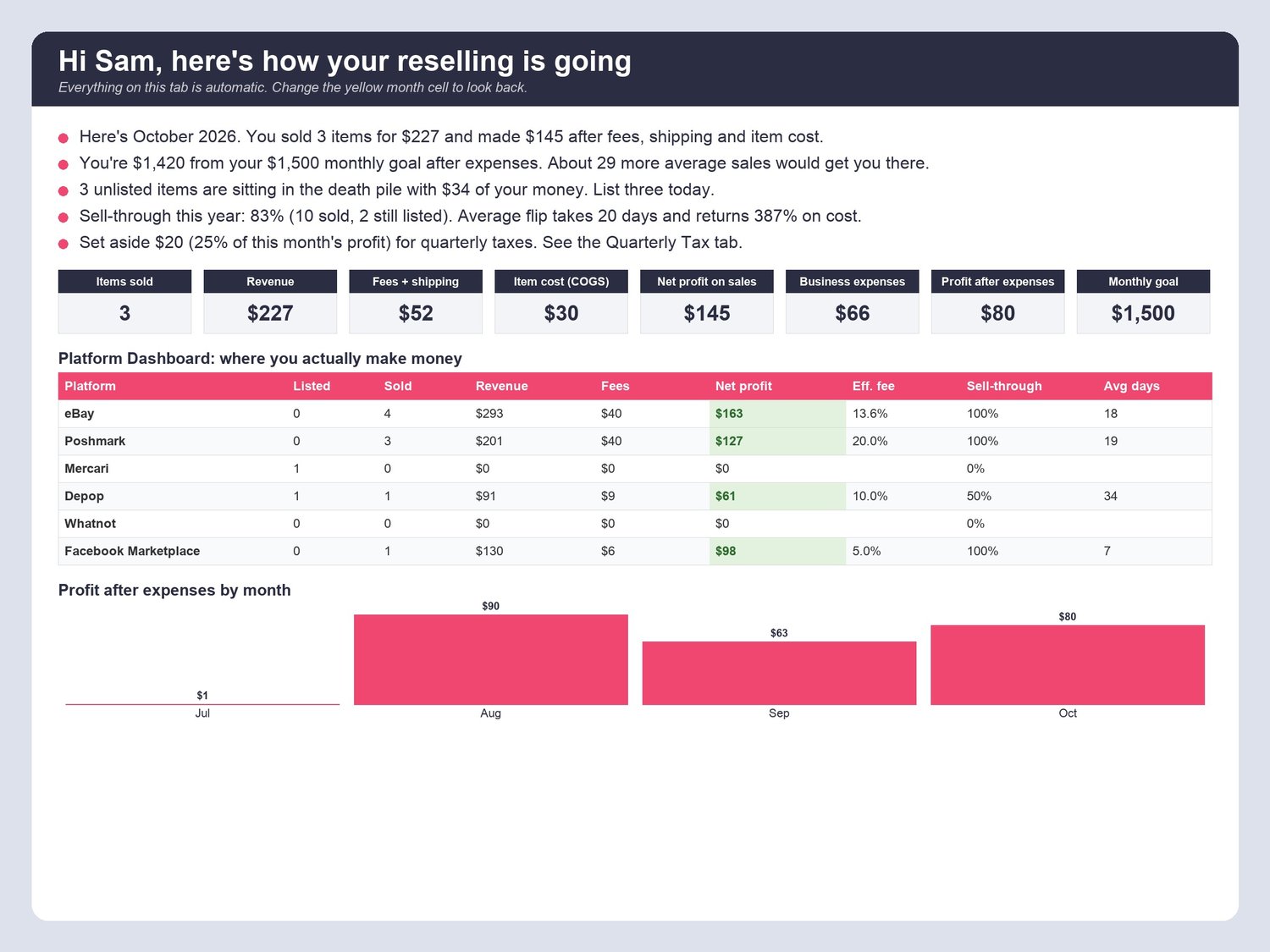
The Reseller Inventory & Profit Tracker v2 is one spreadsheet that does the math. Add an item once, pick its SKU when it sells, and the sheet tells you in plain English how it's going: "You sold 3 items for $227 and made $145 after fees, shipping and item cost." "3 unlisted items are sitting in the death pile with $34 of your money. List three today."
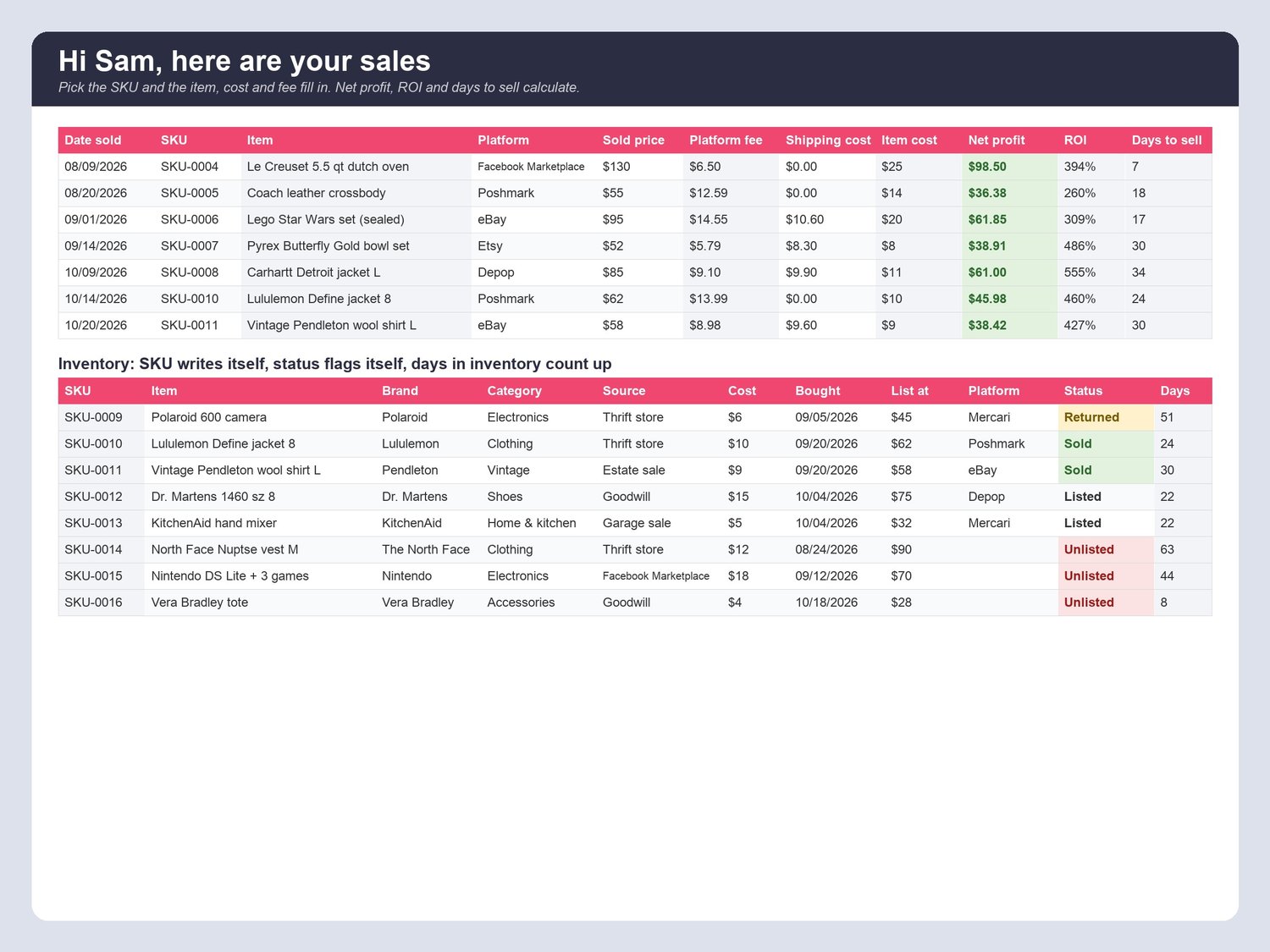
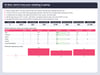
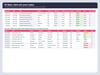
WHAT IT DOES- Inventory: SKU writes itself; item, brand, category, source, cost, date bought, listed price, platform, status (Unlisted / Listed / Sold / Returned / Donated) and days in inventory.- Sales: pick the SKU and the item, cost and platform fee fill in from your Settings fee %. Type the sold price and shipping cost; net profit, ROI % and days to sell calculate. Green when a flip clears $20, red when it loses money.- Platform Dashboard: items listed, sold, revenue, fees paid, net profit, effective fee %, sell-through rate and average days to sell for every platform, plus "your most profitable platform is..." in one sentence.- Death Pile tab: every unlisted item by age, money tied up, and a nudge per item.- Sourcing Trips: store, spent, items found, cost per item, miles (valued at your mileage rate) and a verdict (Great haul / Pricey / Skunked).- Expenses by category (supplies, subscriptions, storage, gear).- Quarterly Tax: profit after expenses by quarter times your set-aside %, due dates, saved-so-far and a status line (planning tool, not tax advice).- Dashboard: this month vs your monthly profit goal with a friendly status line, KPI tiles, 12-month trend with text bars, profit by category, best flip of the year.- Personal: type your first name once and every tab greets you. My Why & Goals tab with progress bars. Monthly Review with auto numbers and three honest prompts.- 16 inventory items, 10 sales, 7 trips and 7 expenses as samples marked "delete me" so you can see it working before you type a thing.
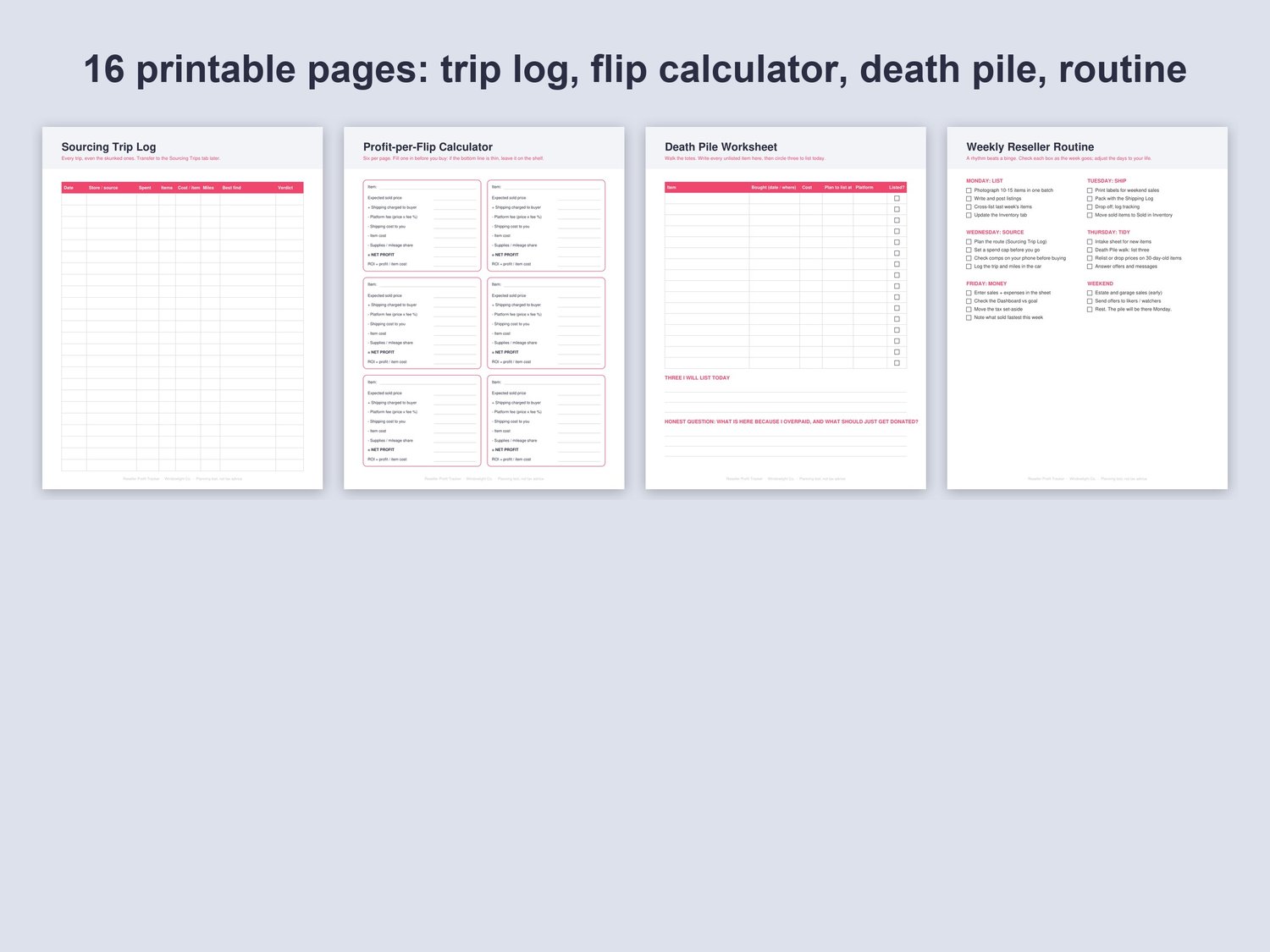
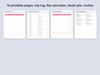
THE PRINTABLE PACK (16 pages, PDF, Letter / A4, plus a low-ink print-friendly twin)Sourcing Trip Log, Inventory Intake Sheet, Listing Checklist, Sales Log, Profit-per-Flip Calculator (6 per page), Death Pile Worksheet, Weekly Reseller Routine, Platform Fee Cheat Sheet, Shipping & Packing Log, Mileage Log, Expense Log, Quarterly Tax Set-Aside, Monthly Goal Tracker, Monthly Review.
WORKS WITH- Microsoft Excel (desktop or free Excel online)- Google Sheets (upload to Google Drive, then Open with Google Sheets). Every formula is Excel + Sheets safe; no macros.
WHAT YOU GET1 Excel file (.xlsx) with 12 tabs: Welcome, Dashboard, Inventory, Sales, Sourcing Trips, Expenses, Death Pile, Platform Dashboard, Quarterly Tax, My Why & Goals, Monthly Review, Settings. Room for 1,000 items, 1,000 sales, 300 trips and 500 expenses. Plus 2 PDFs (printable pack + print-friendly version).
QUESTIONS- Which platforms? eBay, Poshmark, Mercari, Depop, Whatnot, Facebook Marketplace, Etsy and Vinted are set up with typical fee %; edit them or add your own in Settings.- Not a spreadsheet person? You type only in white and yellow cells. The Welcome tab is a 5-step setup that takes about 10 minutes.- Phone? Log a buy or a sale in the free Google Sheets or Excel app.- Returns? Set the status to Returned; the item goes back to unsold inventory.
PLEASE NOTE- Digital download. Nothing will be shipped.- Planning tool only, not tax or financial advice. Fee percentages are estimates you control; check your statements.- All sales are final because of the nature of digital files, but message me if you have any trouble and I'll help.
Made with AI assistance and checked by a human.