
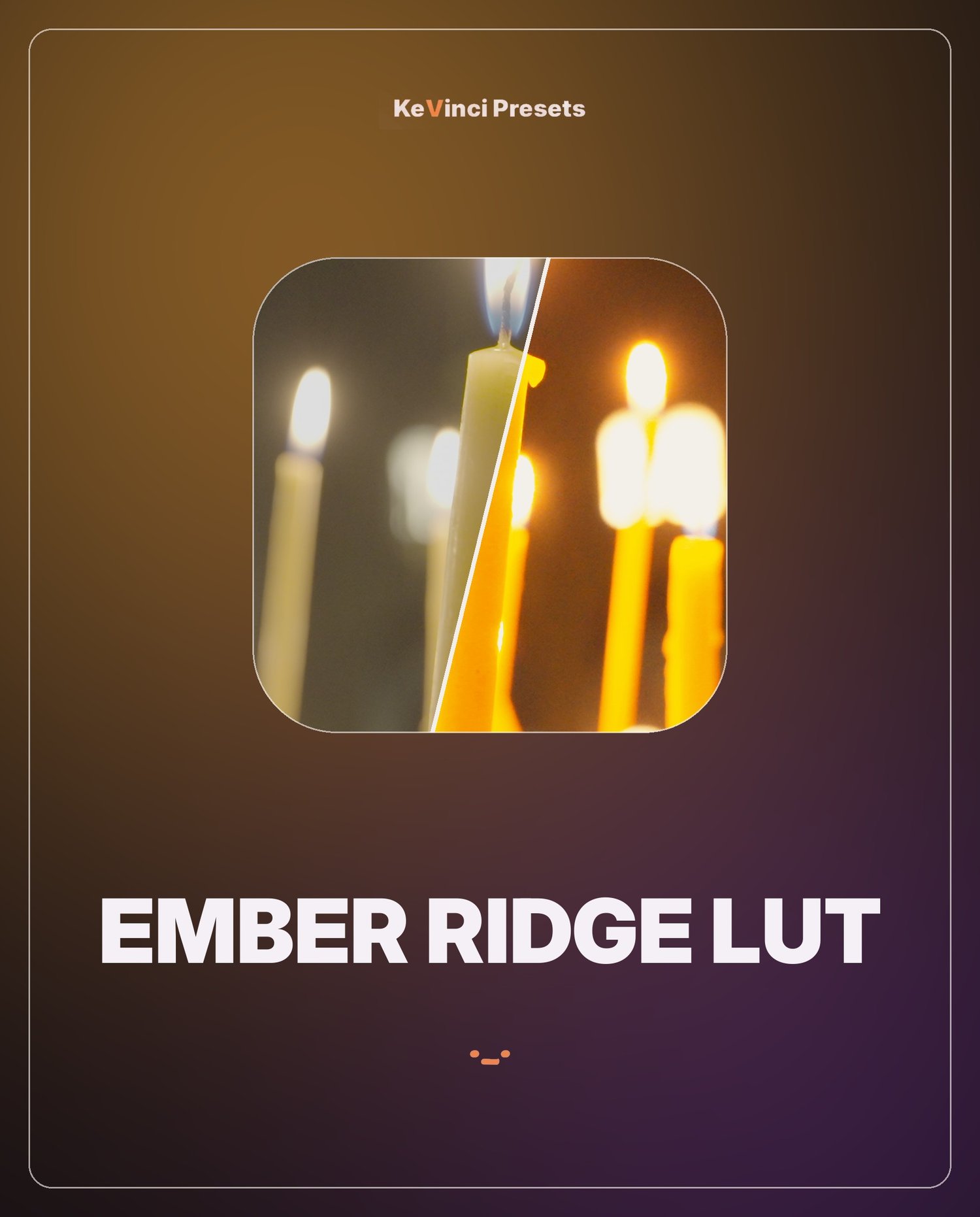
Ember Ridge LUT
On Sale
CHF3.00
CHF 3.00
A warm, earthy film look. .cube files for Sony S-Log3, Apple Log and Rec709.
How to install: in DaVinci Resolve open Project Settings > Color Management > Lookup Tables > Open LUT Folder, copy the .cube files in, click Update Lists, then right-click a clip on the Color page > LUT > KeVinci.
Use the S-Log3 file on Sony S-Log3 footage, Apple Log on iPhone log footage, Rec709 on normal footage.
Works in DaVinci Resolve Free and Studio (and any app that reads .cube LUTs).