
Canva Magic Studio Checklist
Canva Magic Studio Checklist – Free Download (English & Spanish)
Have you ever opened Magic Studio in Canva and wondered what all of those tools actually do?
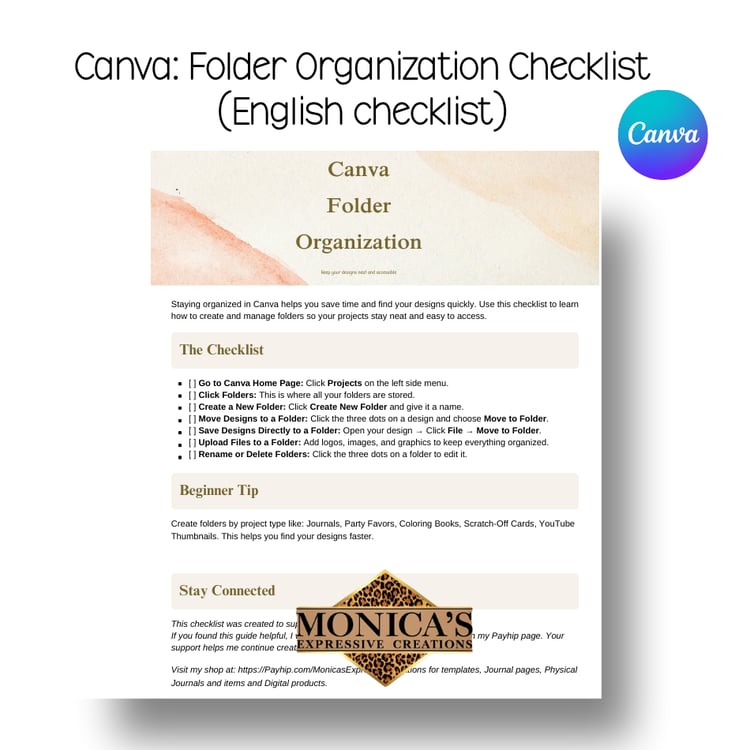
This Canva Magic Studio Checklist was created to go along with my YouTube video where I walk you through the different Magic Studio features in Canva and explain how to use them.
This checklist is a simple reference guide that you can follow while watching the video or keep nearby while you practice using Canva.
Inside the checklist you will learn about:
✔ Background Remover
✔ Background Generator
✔ Magic Eraser
✔ Magic Grab
✔ Grab Text
✔ Magic Edit
✔ Image to Video
This resource is perfect for Canva beginners who want to understand what each Magic Studio feature does and how to start using them with confidence.
📌 What You Will Receive
- Canva Magic Studio Checklist
- Available in English and Spanish
- Easy-to-follow format
- Instant digital download
📌 Important Information
- This checklist was created to accompany my YouTube video on Canva Magic Studio.
- This is a digital download only. No physical product will be shipped.
- After purchase, your download will be available instantly. Please check your spam folder if you do not see your email.
This free resource was created to help beginners learn Canva and feel more confident using the powerful tools inside Magic Studio.
If you found this resource helpful, please consider leaving a review. Your feedback helps support my small business and allows me to continue creating helpful tools for others.