
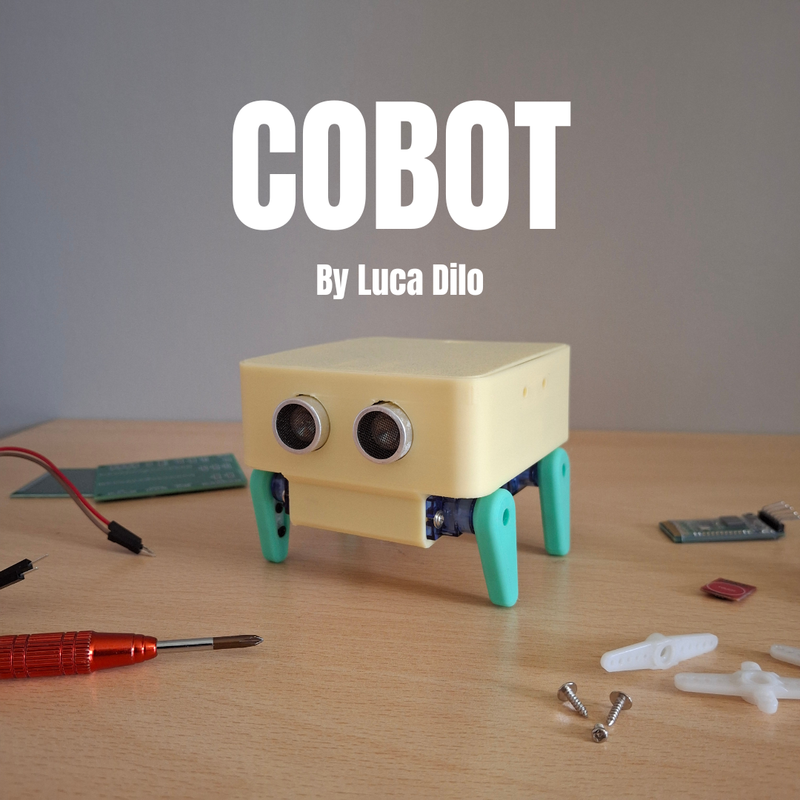
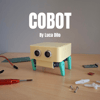
DIY Desk Pet Cat Robot | 4 Servo Arduino Project Full 3D Parts Files
🐱 Introduction
Ever wished your desk companion could move, react, and show emotions like a real pet? The Desk Pet Cat Robot brings that idea to life.
This project combines Arduino Uno, four SG90 servo motors, and an HC-SR04 ultrasonic sensor to create a mini robotic cat that reacts to your hand — walking forward, wiggling, or twitching based on distance.
It’s not just another servo demo — it’s a fun, animated, lifelike robot that looks alive. Perfect for students, hobbyists, and engineers who want to combine electronics, mechanics, and creativity.
⚙️ How It Works
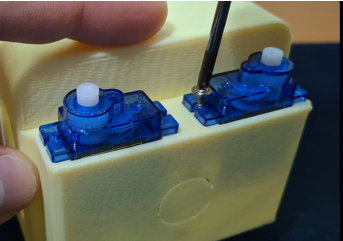
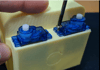
The robot acts like a small quadruped animal, with four servos controlling its legs.
An ultrasonic sensor mounted in front measures distance to nearby objects (like your hand).
Depending on the distance, the Arduino triggers different “behaviors”:
- <10 cm → Scared reaction (jumps back)
- 10–20 cm → Playful (walks + wiggles)
- 20–35 cm → Curious or sleepy (slow twitch or lean)
- No object → Random idle behavior
The result is a robot that appears to have emotions, reacting differently each time you interact with it.
🧩 Components Required
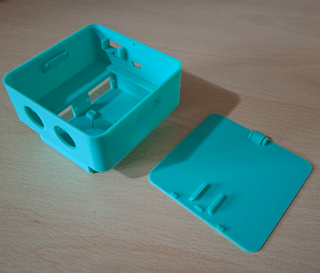
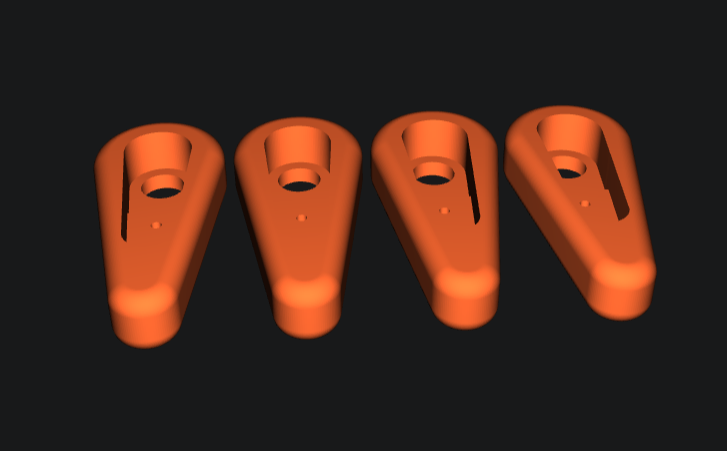
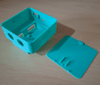
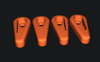
ComponentQuantityDescriptionArduino Uno (or Nano)1Main controllerSG90 Micro Servos4For leg movementsHC-SR04 Ultrasonic Sensor1Detects hand distanceJumper Wires–For connectionsBreadboard1For easy wiring5V Power Supply1For servo motorsFrame (3D print or cardboard)1Body structure for the cat
⚡ Circuit Diagram and Connections
Arduino Pin Connections:
ComponentArduino PinFront Left ServoD3Front Right ServoD5Back Left ServoD6Back Right ServoD9HC-SR04 TrigD10HC-SR04 EchoD11PowerServos → 5V ExternalGroundCommon GND between Arduino, Sensor, and Servos
Important:
Servos draw more current than Arduino can supply. Use an external 5V 2A source for servos and connect all grounds together.
🧠 Behavior Logic
Sensor InputBehaviorMovementDistance < 10 cmScaredQuick backward movement10–20 cmPlayfulWalk forward + tail wiggle20–35 cmCuriousLean and twitch>35 cmIdleRandom motion or stretch
Each behavior is made up of servo sequences — small, timed angle changes that create smooth, natural motion.
💻 Arduino Code (Full Working)
#include <Servo.h>
Servo frontLeft;
Servo frontRight;
Servo backLeft;
Servo backRight;
#define trigPin 10
#define echoPin 11
long duration;
int distance;
void setup() {
Serial.begin(9600);
frontLeft.attach(3);
frontRight.attach(5);
backLeft.attach(6);
backRight.attach(9);
pinMode(trigPin, OUTPUT);
pinMode(echoPin, INPUT);
randomSeed(analogRead(0));
// Neutral starting position
frontLeft.write(90);
frontRight.write(90);
backLeft.write(90);
backRight.write(90);
}
int getDistance() {
digitalWrite(trigPin, LOW);
delayMicroseconds(2);
digitalWrite(trigPin, HIGH);
delayMicroseconds(10);
digitalWrite(trigPin, LOW);
duration = pulseIn(echoPin, HIGH, 20000);
if (duration == 0) return 100;
int dist = duration * 0.034 / 2;
return dist;
}
// ====== Movements ======
void walkForward() {
frontLeft.write(60); frontRight.write(120);
backLeft.write(60); backRight.write(120);
delay(250);
frontLeft.write(120); frontRight.write(60);
backLeft.write(120); backRight.write(60);
delay(250);
}
void wiggleDance() {
for(int i=0;i<3;i++){
frontLeft.write(90); frontRight.write(110);
backLeft.write(70); backRight.write(90);
delay(150);
frontLeft.write(110); frontRight.write(70);
backLeft.write(90); backRight.write(110);
delay(150);
}
}
void scaredJump() {
frontLeft.write(70); frontRight.write(70);
backLeft.write(110); backRight.write(110);
delay(200);
frontLeft.write(110); frontRight.write(110);
backLeft.write(70); backRight.write(70);
delay(200);
}
void sleepyTwitch() {
frontLeft.write(85); frontRight.write(95);
delay(300);
frontLeft.write(95); frontRight.write(85);
delay(300);
}
void curiousLean() {
frontLeft.write(80);
frontRight.write(100);
backLeft.write(80);
backRight.write(100);
delay(600);
frontLeft.write(100);
frontRight.write(80);
backLeft.write(100);
backRight.write(80);
delay(600);
}
void happySway() {
for(int i=0;i<2;i++){
frontLeft.write(100); frontRight.write(80);
backLeft.write(100); backRight.write(80);
delay(400);
frontLeft.write(80); frontRight.write(100);
backLeft.write(80); backRight.write(100);
delay(400);
}
}
// ====== Behavior Engine ======
void reactToDistance(int dist){
if(dist<8){
Serial.println("Scared!");
scaredJump();
} else if(dist<15){
Serial.println("Playful");
walkForward();
wiggleDance();
} else if(dist<25){
Serial.println("Curious");
curiousLean();
} else if(dist<35){
Serial.println("Sleepy");
sleepyTwitch();
} else {
Serial.println("Idle");
int mood = random(0,4);
if(mood==0) wiggleDance();
else if(mood==1) sleepyTwitch();
else if(mood==2) curiousLean();
else happySway();
delay(3000);
}
}
void loop() {
int dist = getDistance();
Serial.print("Distance: "); Serial.println(dist);
reactToDistance(dist);
delay(500);
}
🧠 Result and Behavior
Once powered, your robot will:
- React to nearby hands with different movements
- Randomly “twitch” when idle
- Walk forward or lean when curious
- Jump back if startled
It feels surprisingly alive for such a simple circuit — perfect for showing off your robotics and programming creativity.
💡 Tips for Best Results
- Calibrate servo angles if movement looks jerky
- Use a separate 5V 2A power supply for stable motion
- Keep servo arms symmetrical for smooth walking
- Add felt feet or soft pads for quieter desk movement
🔗 Resources
Full Project Page (Code + Circuit Download):
👉 https://incredibletechboi.blogspot.com/2026/03/diy-desk-pet-cat-robot-4-servo-arduino.html
🎯 Conclusion
The Desk Pet Cat Robot is a small but powerful project that blends coding, electronics, and design into a fun, lifelike creation.
You can easily add upgrades like LED eyes, Wi-Fi control, or sound detection to take it even further.
Whether you’re an ICT student, robotics hobbyist, or content creator, this project proves one thing:
you can bring personality to code — even in 4 servos.
Would you like me to create the HTML version next (formatted for Blogger with color-coded code box, headings, and embedded image placeholders)?
That will make your post copy-paste ready with professional formatting