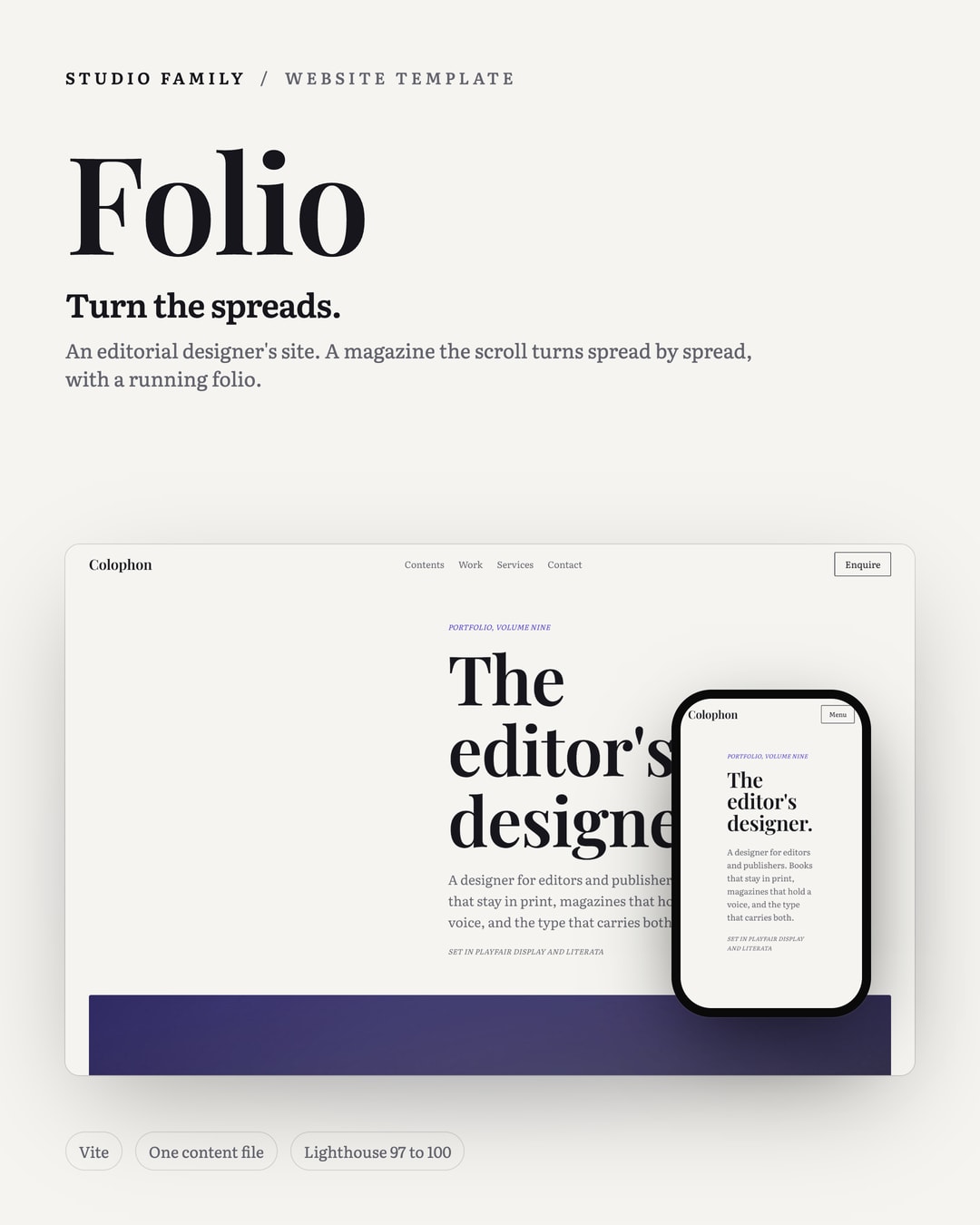

Website Template for Editorial and Publishing Designers
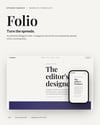
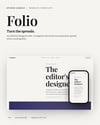
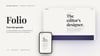
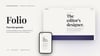
You set books and magazines, so your portfolio should turn like one. Folio pages through your work as two-page spreads on a centre spine as you scroll, with a running folio number and a contents index that jumps to any piece.
**Signature interaction.** A magazine spread pager: scroll turns two-page spreads on a left-hand spine with a small rotate and a little depth, a running folio and kicker tracking the current spread, and a contents index that jumps to any of them.
**Features**
- **Page-turn spreads.** Scroll turns the spreads on a spine, transform and opacity only.
- **Running folio.** A folio number and kicker track the current spread, with jumpable rail dots.
- **Contents index.** An editorial table of contents that jumps to any spread.
- **Drop caps and cases.** Drop caps in the display serif, and a case page per feature.
- **Stacked fallback.** On phones and with no JavaScript the spreads are stacked articles and the contents links are plain anchors.
- **Two serifs.** A high-contrast display serif over a reading serif, indigo as the single accent.
**What's included**
- A home page and 6 feature case pages, generated from one content file
- Every word, image, link and colour in `content.json`, so no code changes are needed to make it yours
- README and a buyer guide for editing, building and deploying
- The Studio Engine: Vite, TypeScript, smooth scrolling and animation
- Self-hosted open licence (OFL) fonts and generated placeholder images
- QA notes with the test results
**Built right**
- Lighthouse mobile 92 to 100 performance, 100 accessibility, best practices and SEO
- Keyboard accessible, works without JavaScript and respects reduced motion
- About 60 KB of JavaScript gzipped
- Deploys as static files to any host
**Requirements:** Node.js 20 or newer to edit and build.
**Tags:** website template, editorial design, publishing, graphic designer portfolio, magazine, portfolio template, Vite
**Images, in upload order**
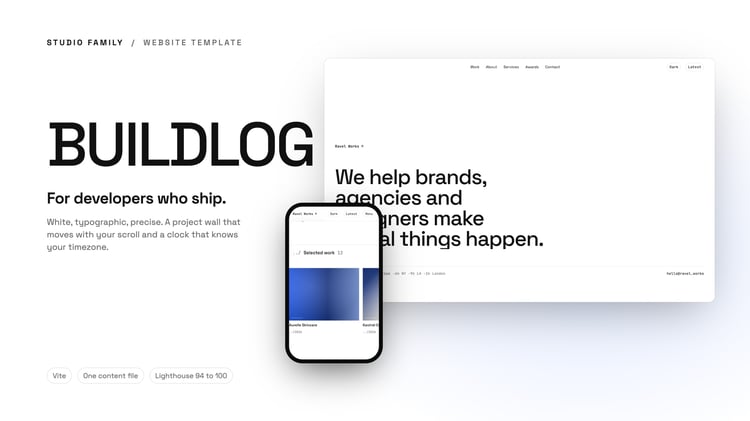
1. `folio/studio-folio-01-cover.jpg`
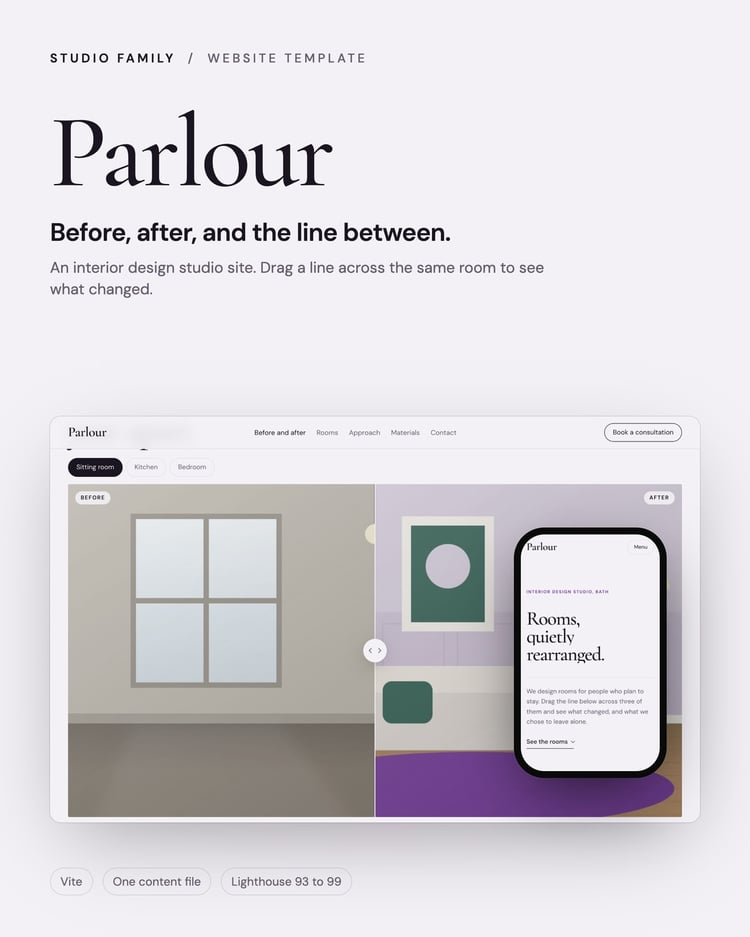
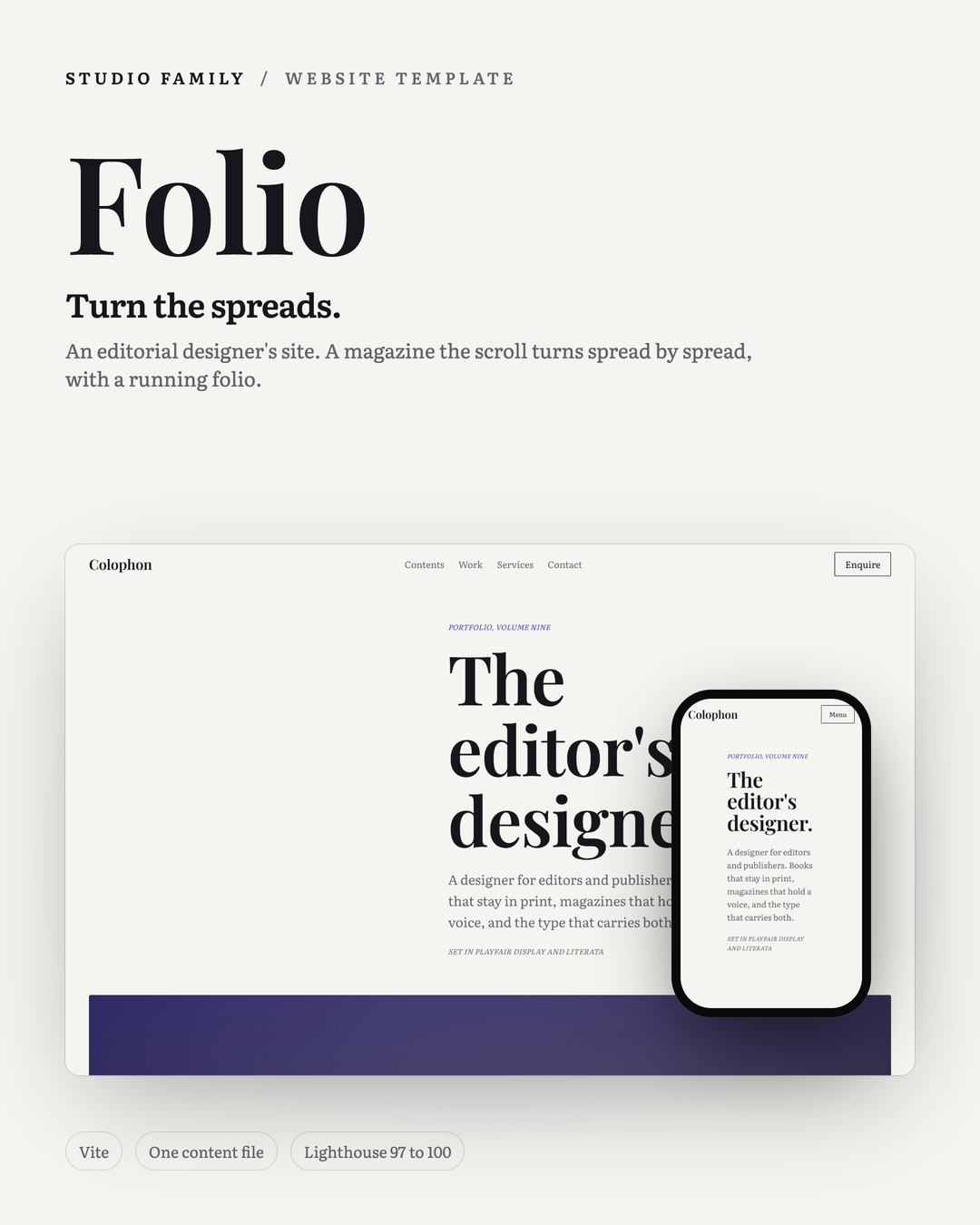
2. `folio/studio-folio-02-whats-inside.jpg`
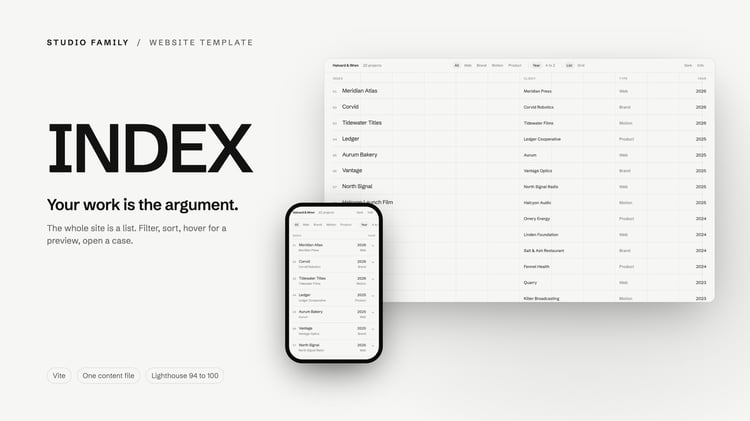
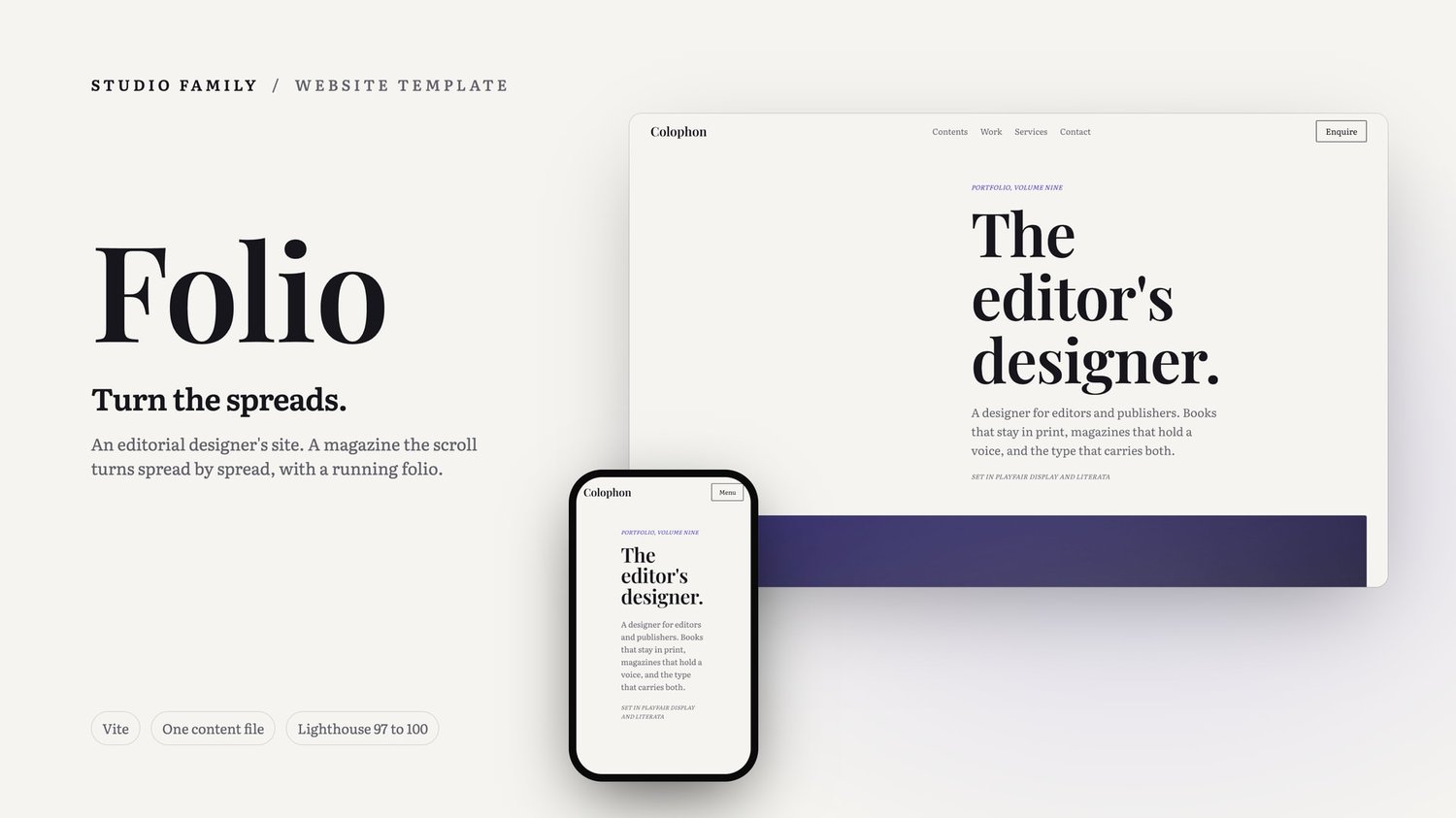
3. `folio/studio-folio-03-pages.jpg`
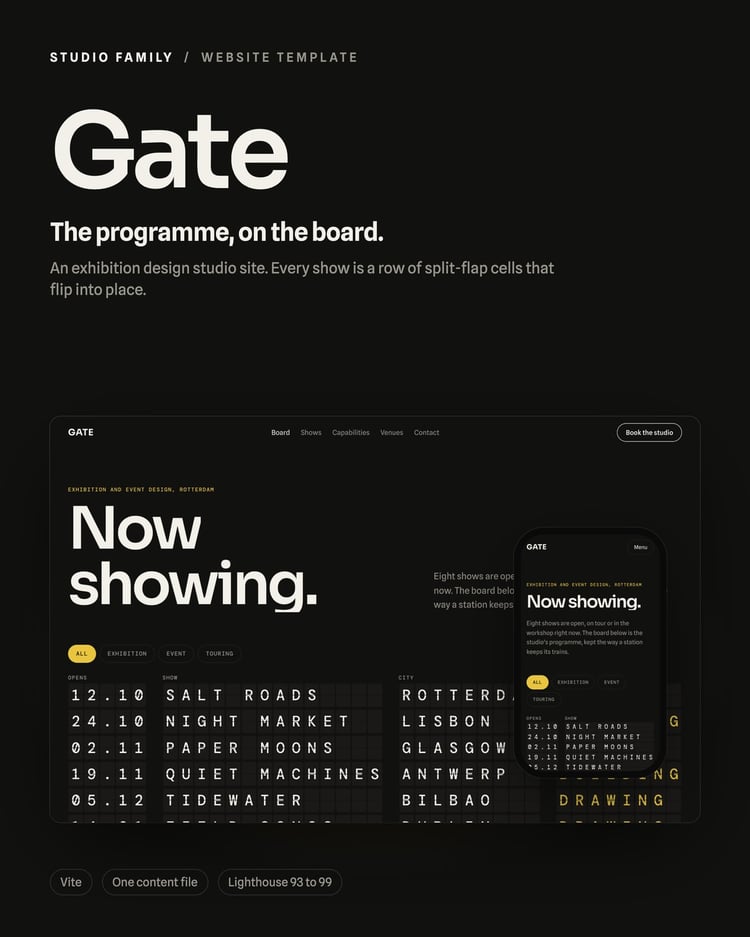
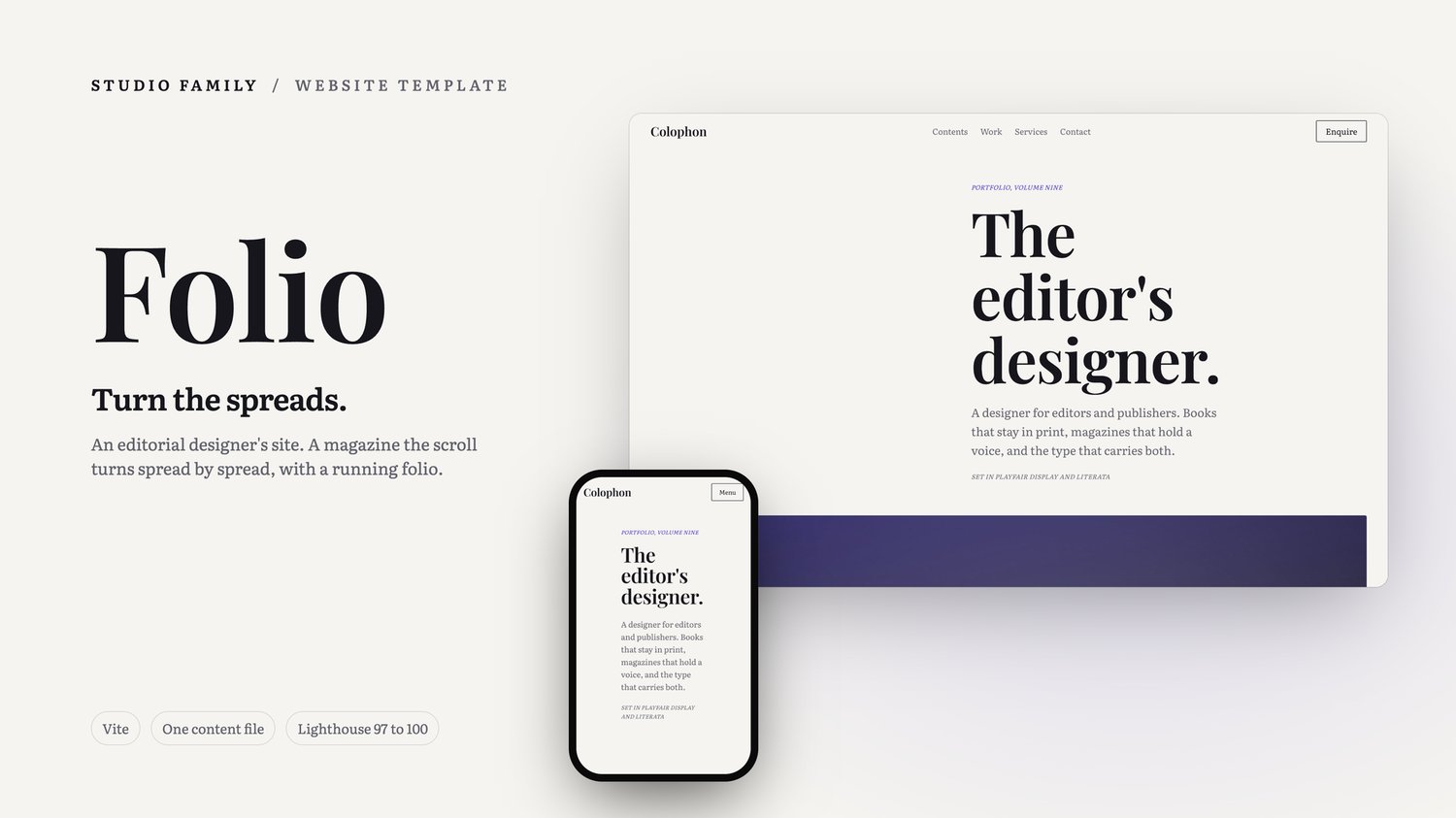
4. `folio/studio-folio-04-listing-16x9.jpg` (wide, for a banner or a rectangular layout)