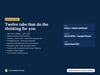
Freelancer Invoice Tracker & Tax Set-Aside Spreadsheet (Excel & Google Sheets)
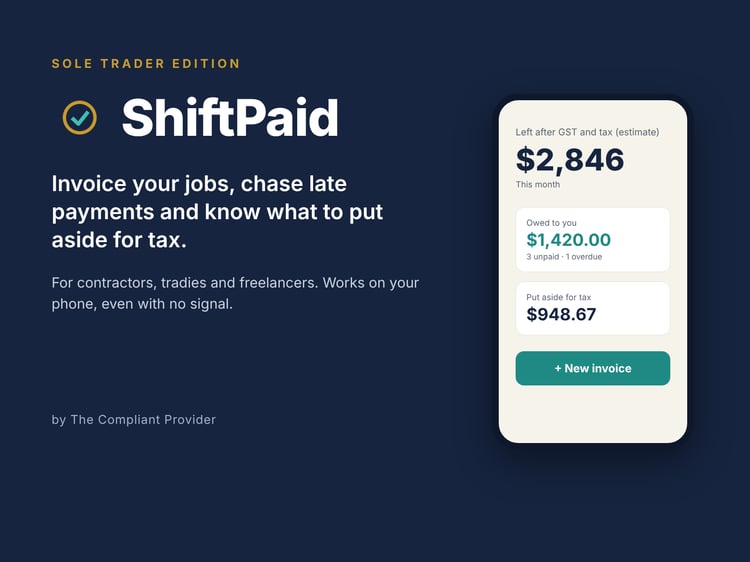
For sole traders and support workers who invoice their own work: see what to set aside for tax and GST before you spend it, and which invoices to chase.
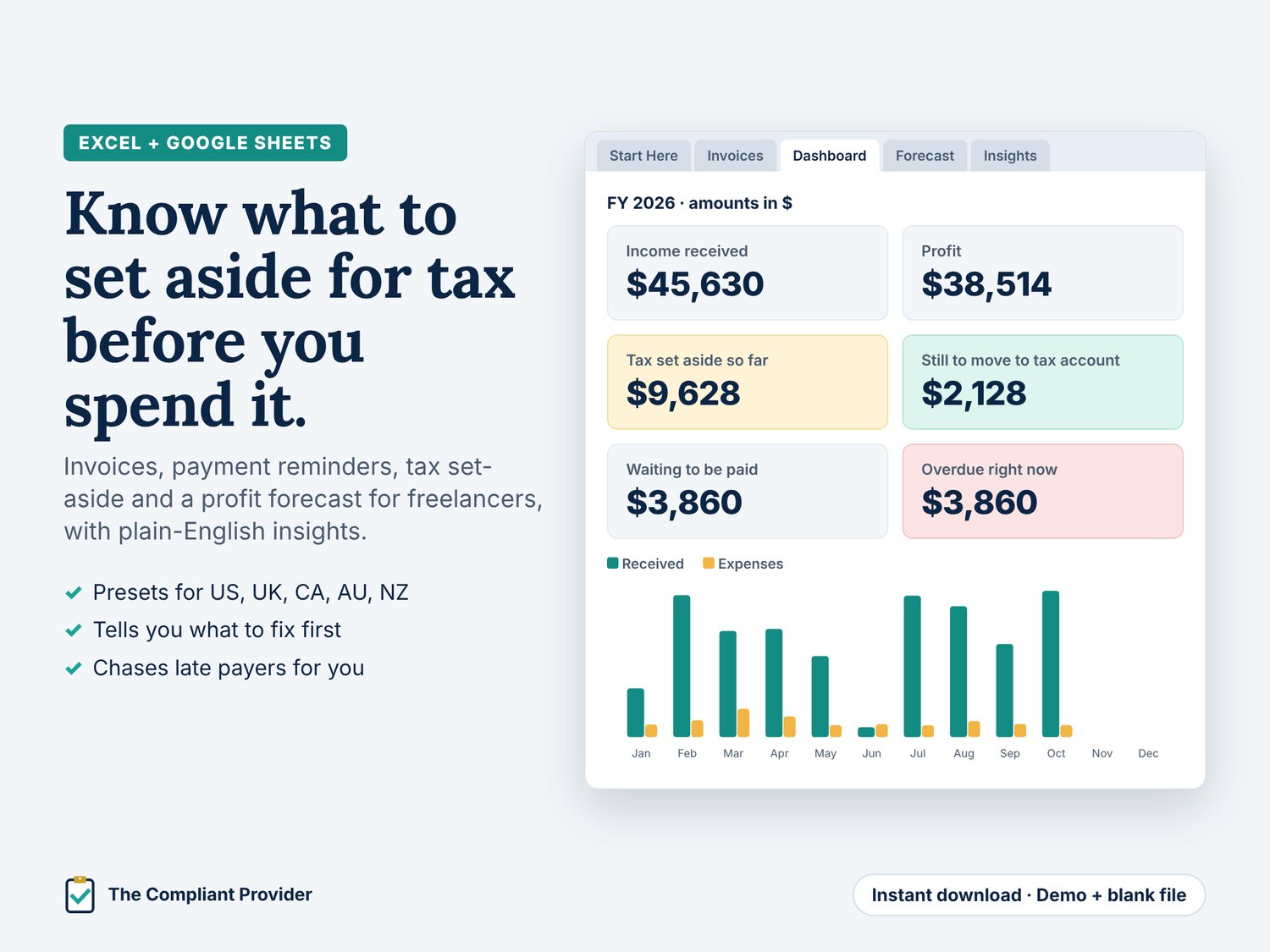
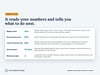
You type in your invoices, payments and costs. The spreadsheet does the maths, then tells you in plain English what to do next.
WHAT IT DOES
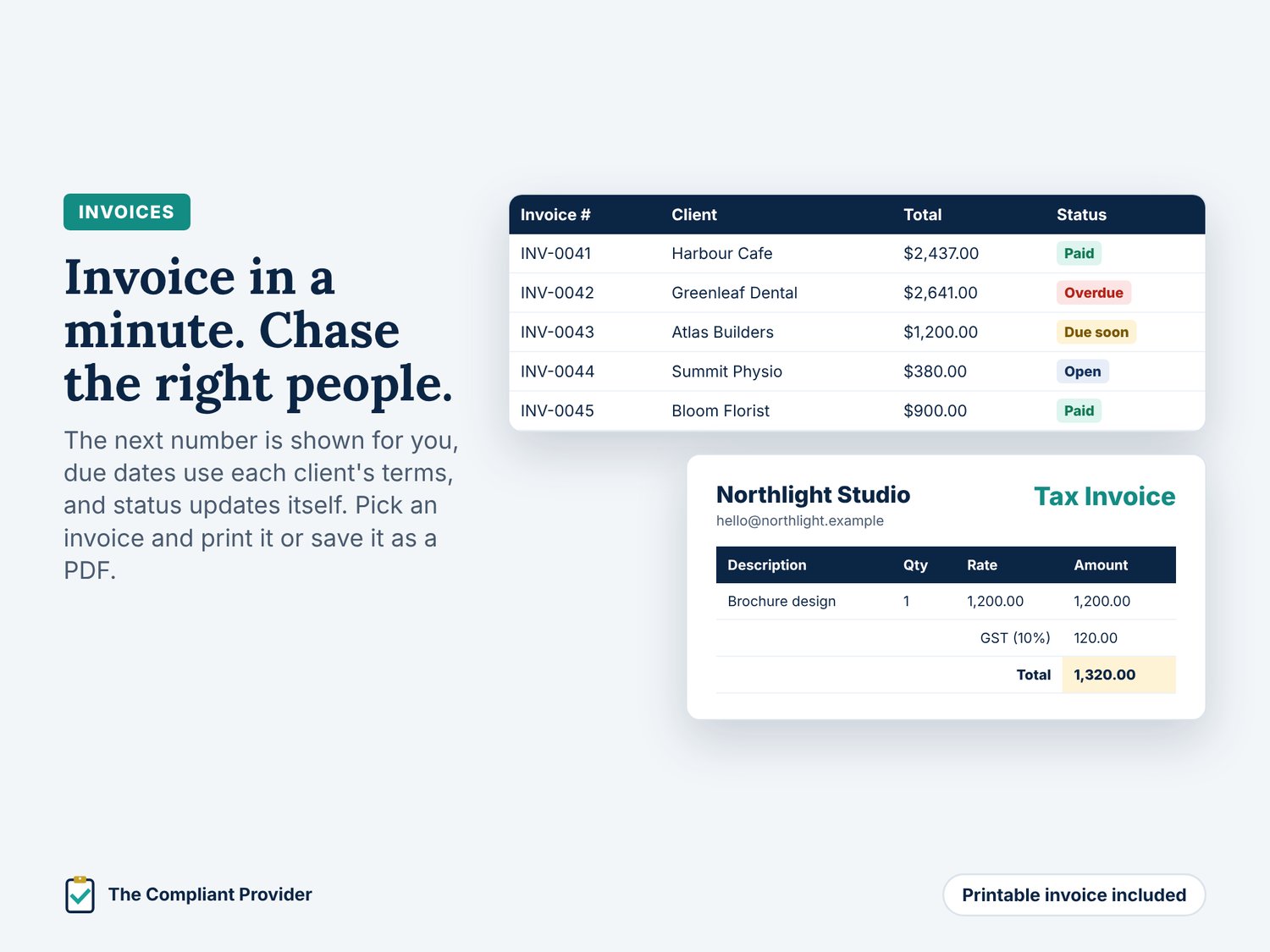
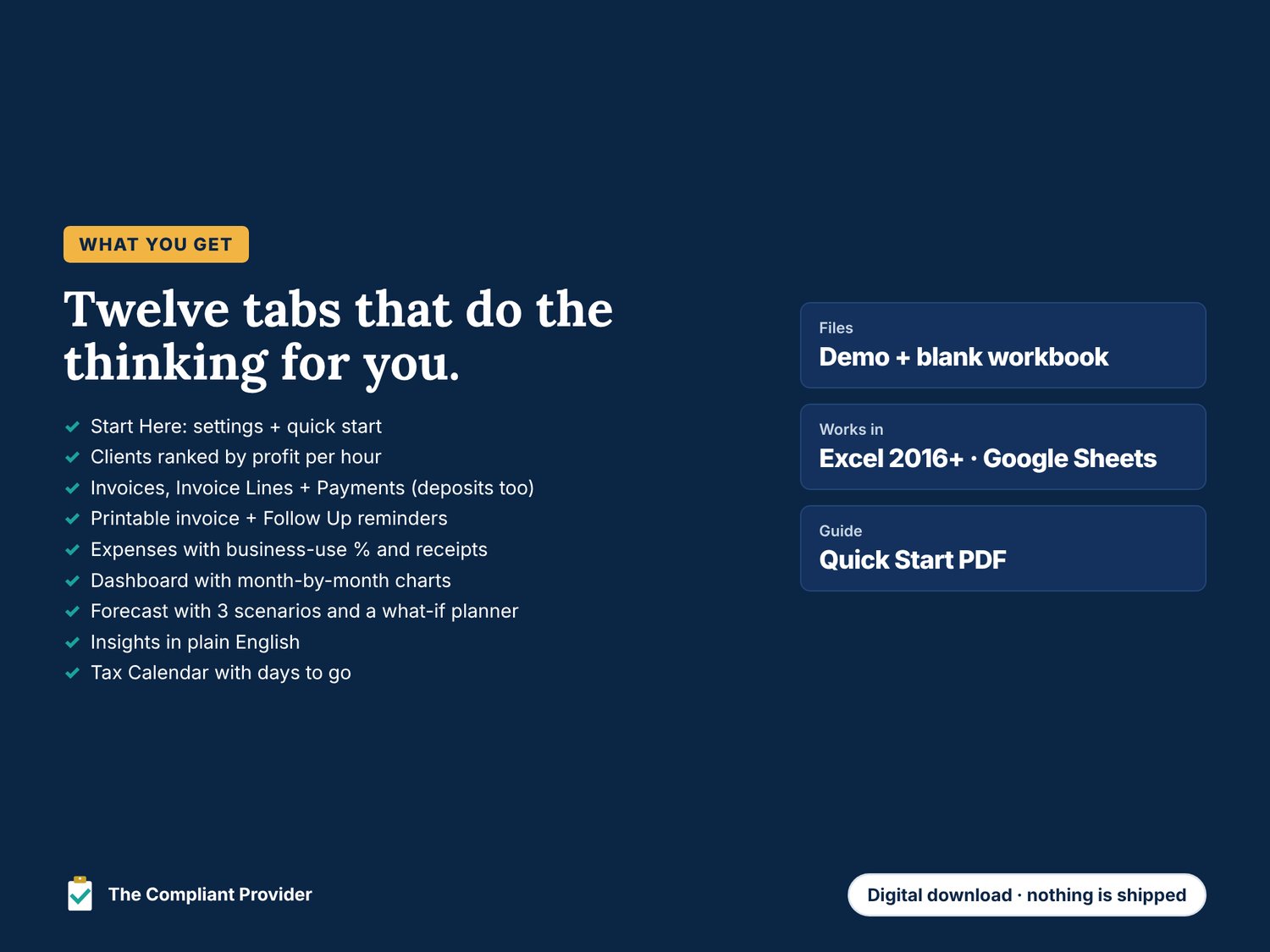
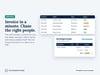
✓ Tracks every invoice with due dates and status (Paid, Part paid, Due soon, Overdue)
✓ Records deposits and part payments, one row per payment, counted in the year the money arrives
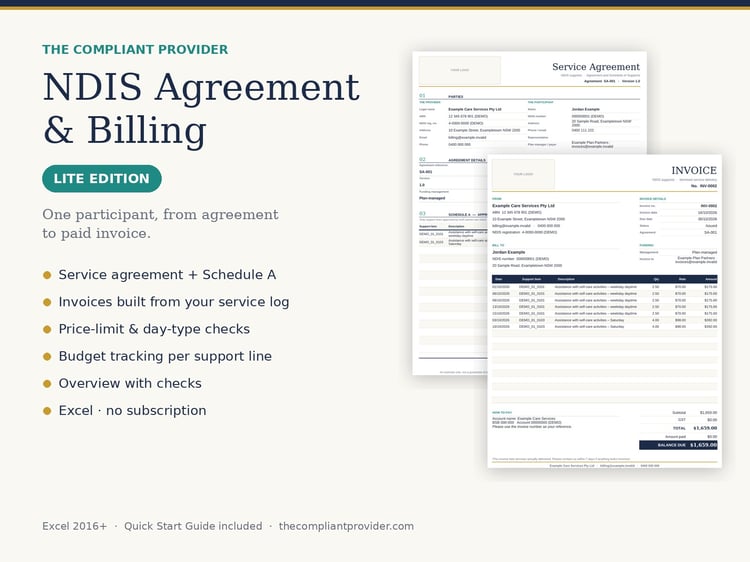
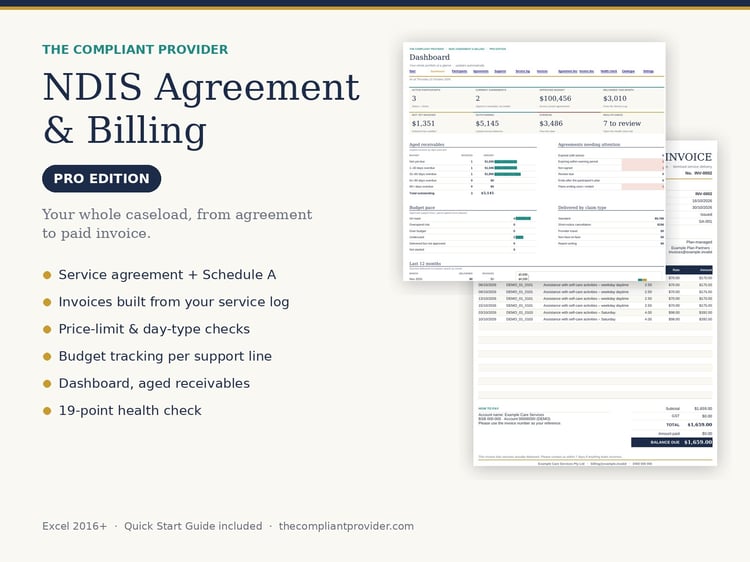
✓ Prints a clean invoice or saves it as a PDF, with "Tax Invoice" and your ABN when you're registered for GST
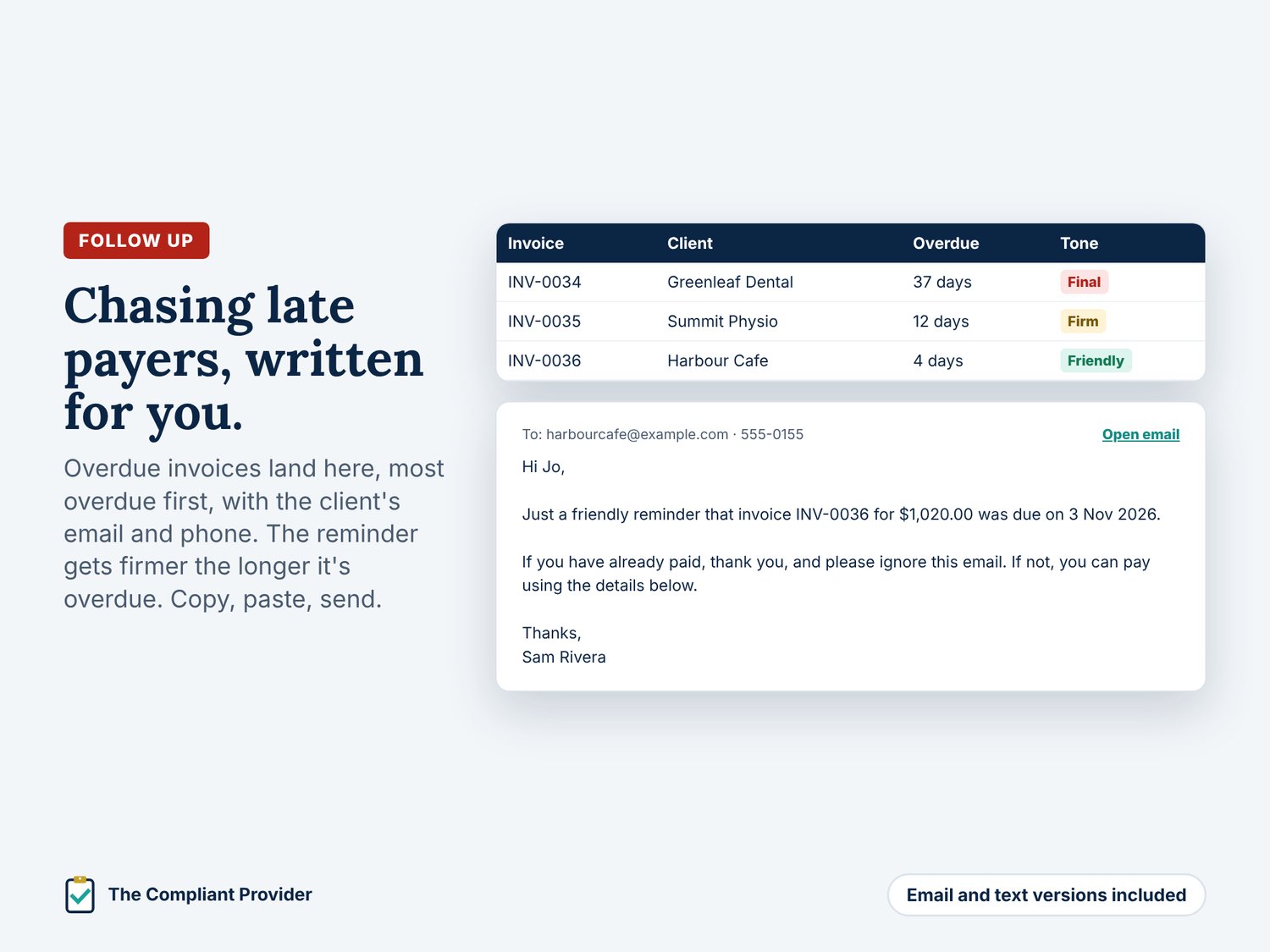
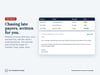
✓ Follow Up tab lists your overdue invoices, most overdue first (up to 50 at a time), with the client's email and phone and a reminder message ready to send. The message gets firmer the longer an invoice is late
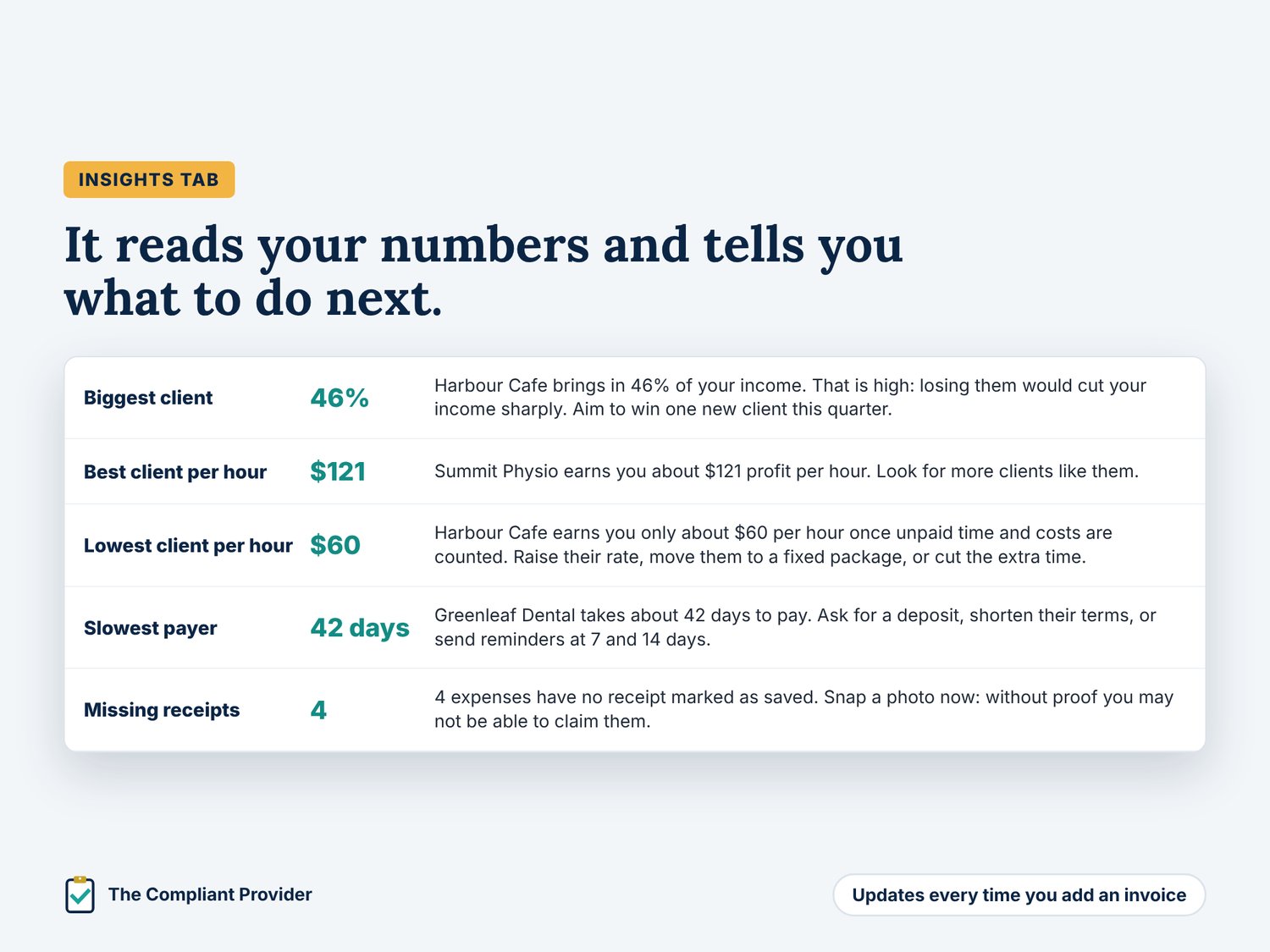
✓ Shows which client actually earns you the most per hour once unpaid time and client costs are counted
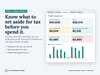
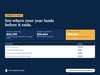
✓ Estimates how much income tax and GST to set aside, and how much is still to move into your tax account
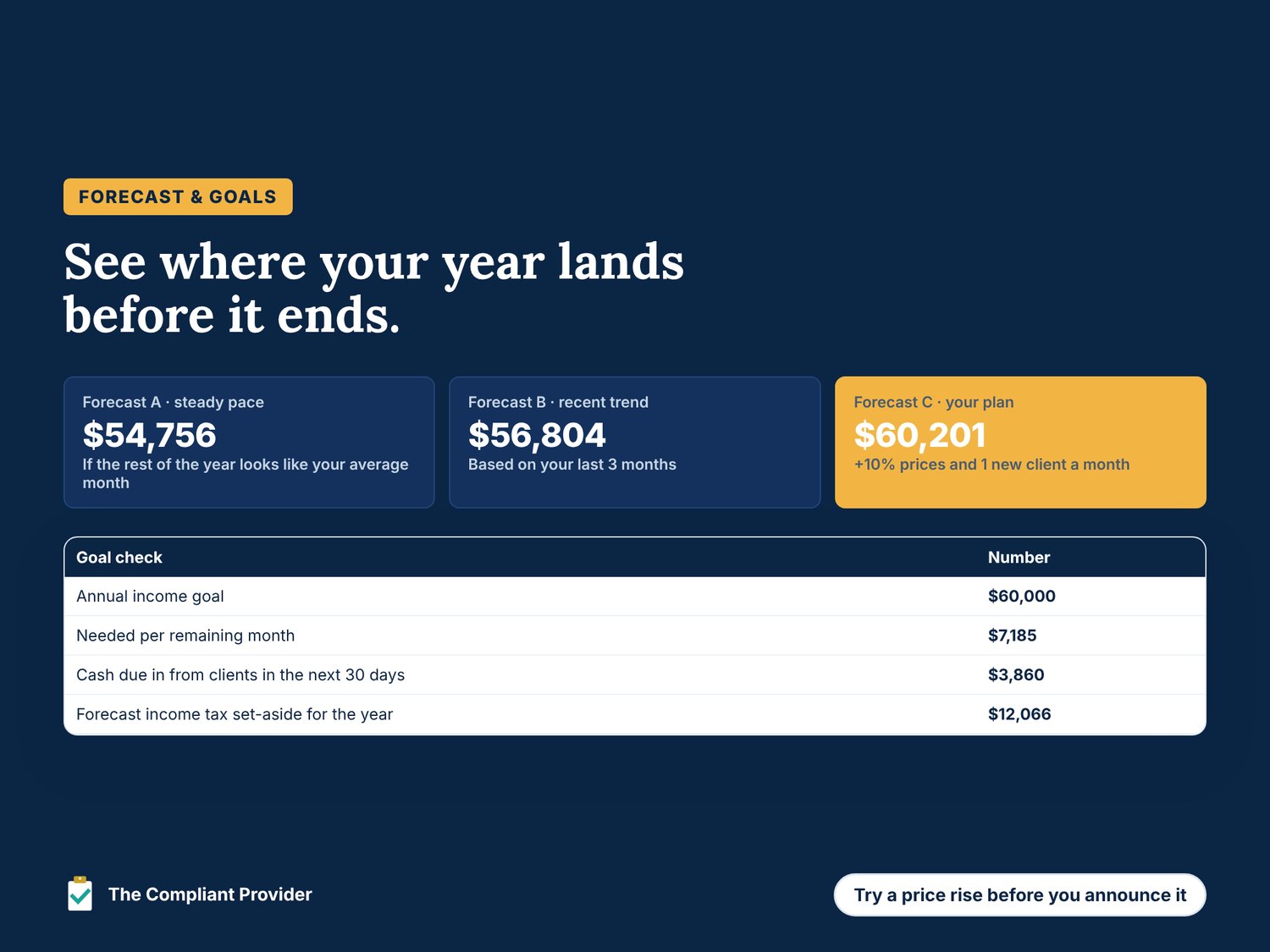
✓ Forecasts your year three ways: steady pace, recent trend, and your own plan
✓ What-if planner: see what a price rise or a few new clients would do before you commit
✓ Insights tab with one action for each: biggest client risk, slowest payer, overdue invoices, biggest cost, real hourly rate, missing receipts and goal pace
✓ Tax Calendar with your BAS and tax return dates and the days left
✓ Formula cells are locked so they can't be overwritten by accident
WORKS IN YOUR COUNTRY
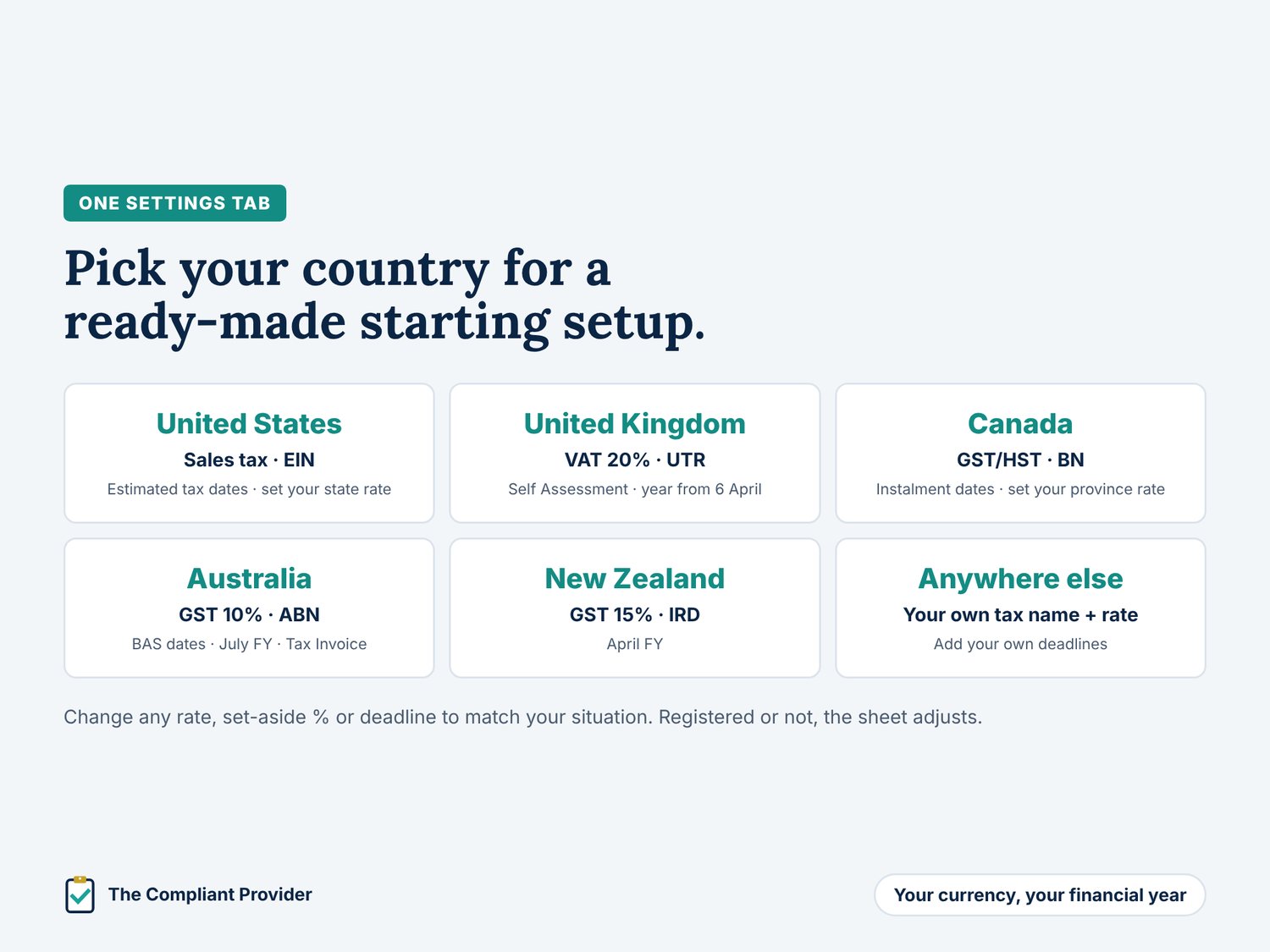
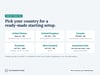
Australia is set up for you: GST, BAS dates, July financial year and the Tax Invoice heading. Starting presets are also included for
New Zealand, the
UK, the
US and
Canada, and you can type your own tax name, rate and deadlines for anywhere else.
WHAT YOU GET
• Demo workbook filled with example data so you can see everything working
• Blank workbook ready for your business
•Quick Start Guide (PDF) with setup steps and how to open it in Google Sheets WORKS WITH Microsoft Excel 2016 or newer (Windows and Mac), Excel for Microsoft 365, and Google Sheets (free). Not tested in Apple Numbers.
PLEASE NOTE
• This is a planning tool, not accounting software. It doesn't connect to your bank, so you type in your own figures.
• The tax figures are estimates to help you plan. They are not tax, legal or financial advice. Please check your rates and deadlines with your accountant or the ATO.
• "Profit after estimated tax set-aside" is not your bank balance. It doesn't count money you've already taken out or bills still to pay.
• You'll get the download link by email straight after purchase.
• Licensed for one person or one business. Please don't share or resell the files.
• Because this is an instant digital download, there are no refunds for change of mind. If something isn't working, email support@thecompliantprovider.com and we'll help.