
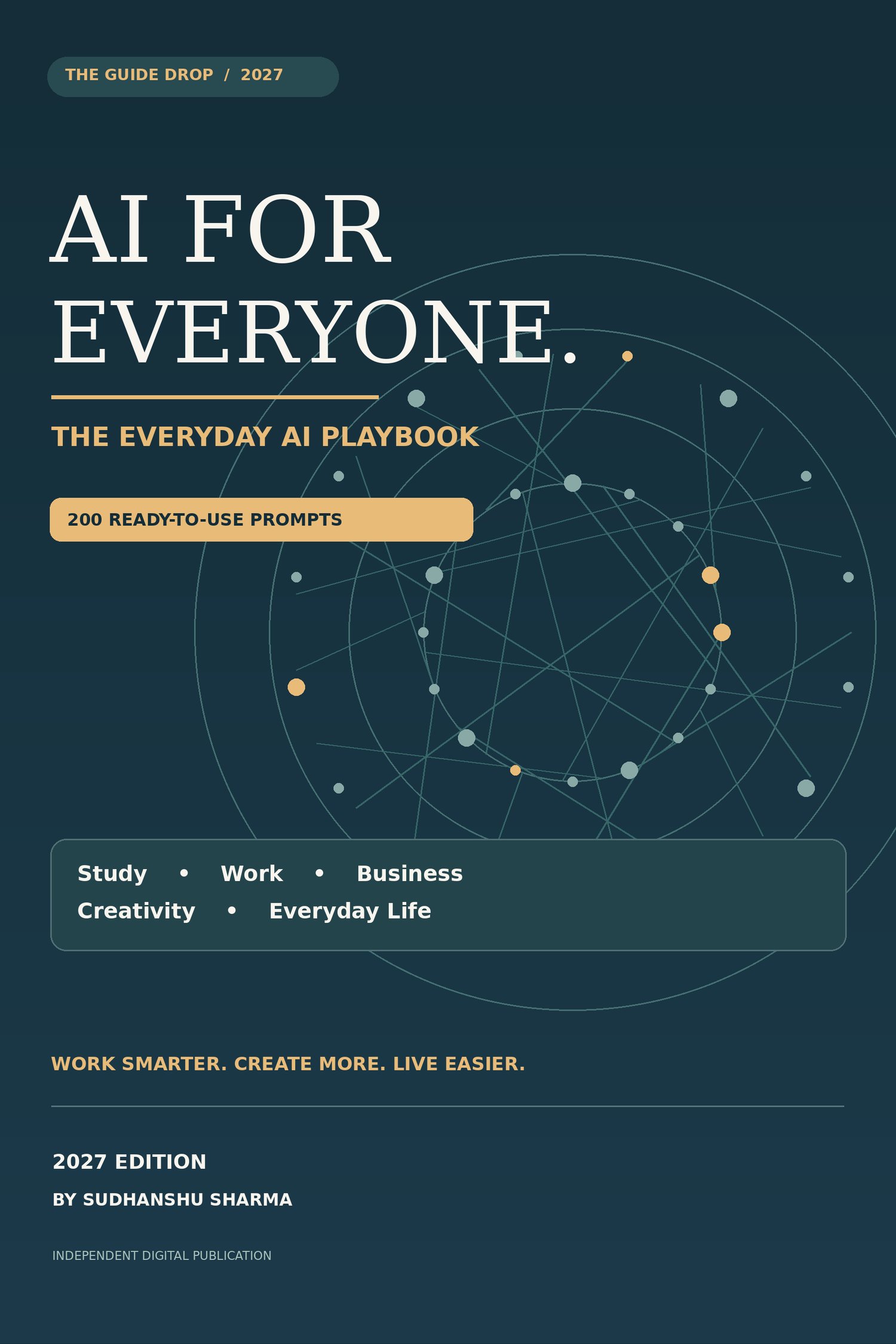
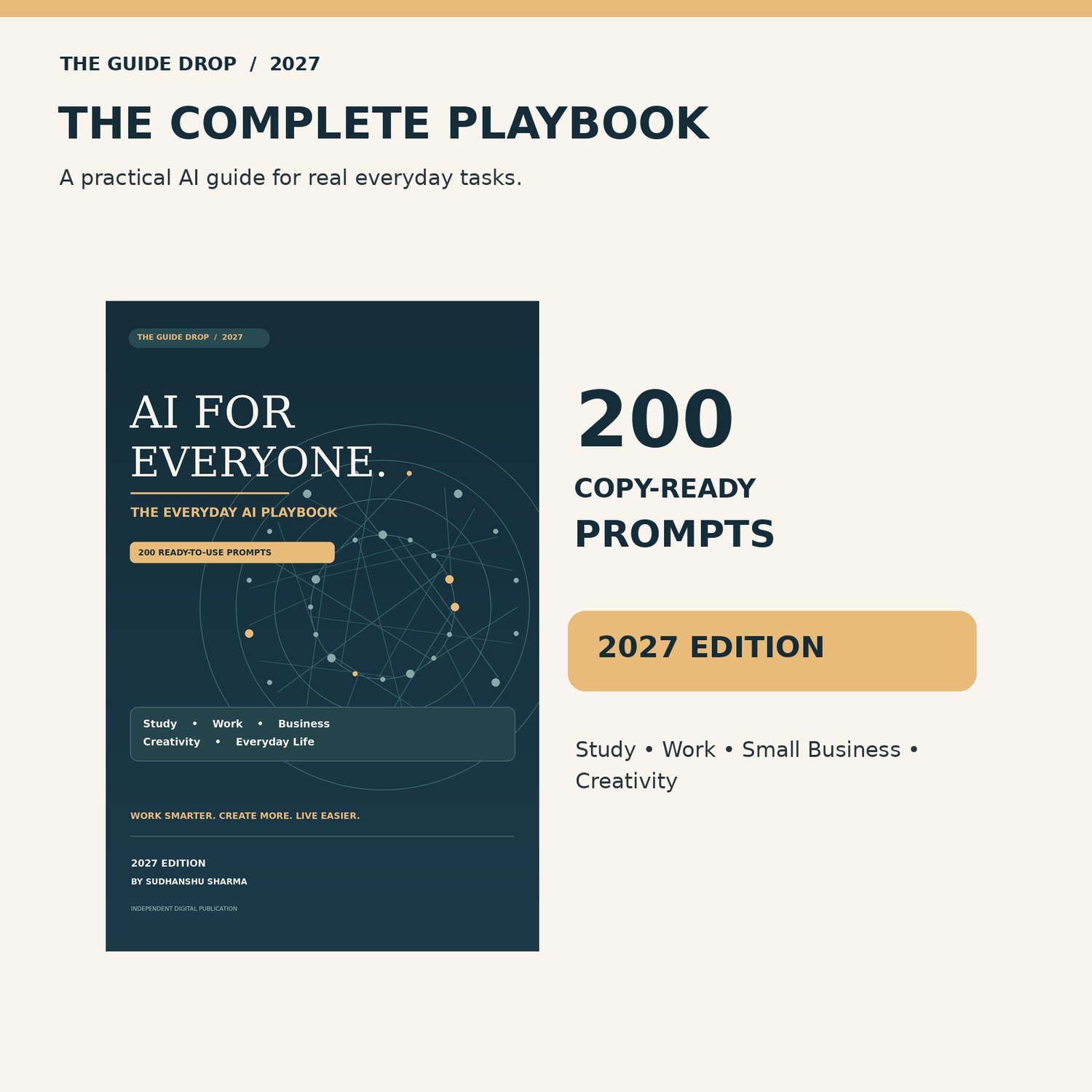




AI for Everyone 2027 — 200 Practical Prompts
You don't need to be a technology expert to put AI to work for you.
Maybe you want to revise for an exam, write a clearer email, improve a product description, plan your week or get started with simple digital skills. This practical playbook helps you turn those real tasks into better AI requests — then check the results before you rely on them.
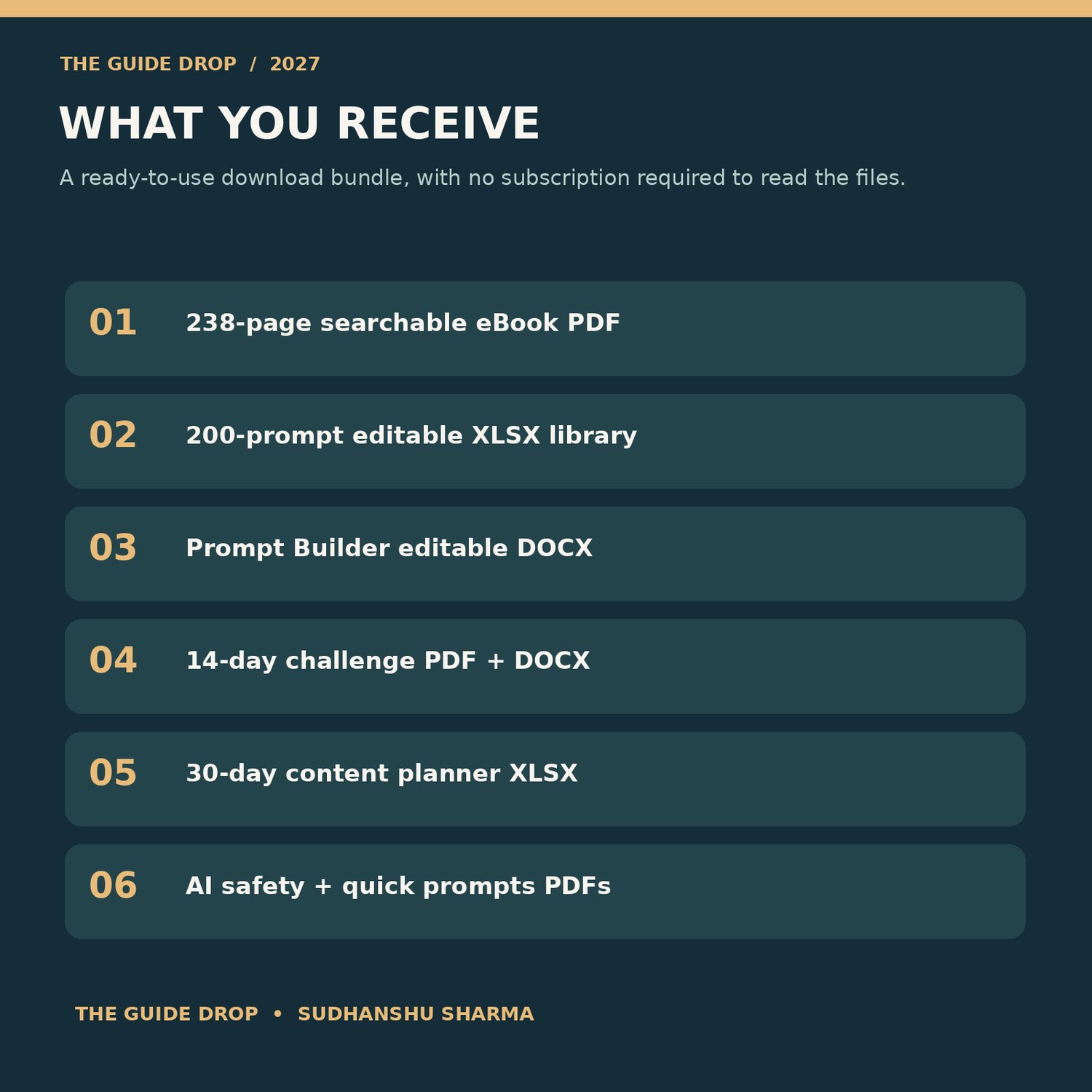
Inside AI for Everyone — The Everyday AI Playbook (2027 Edition):
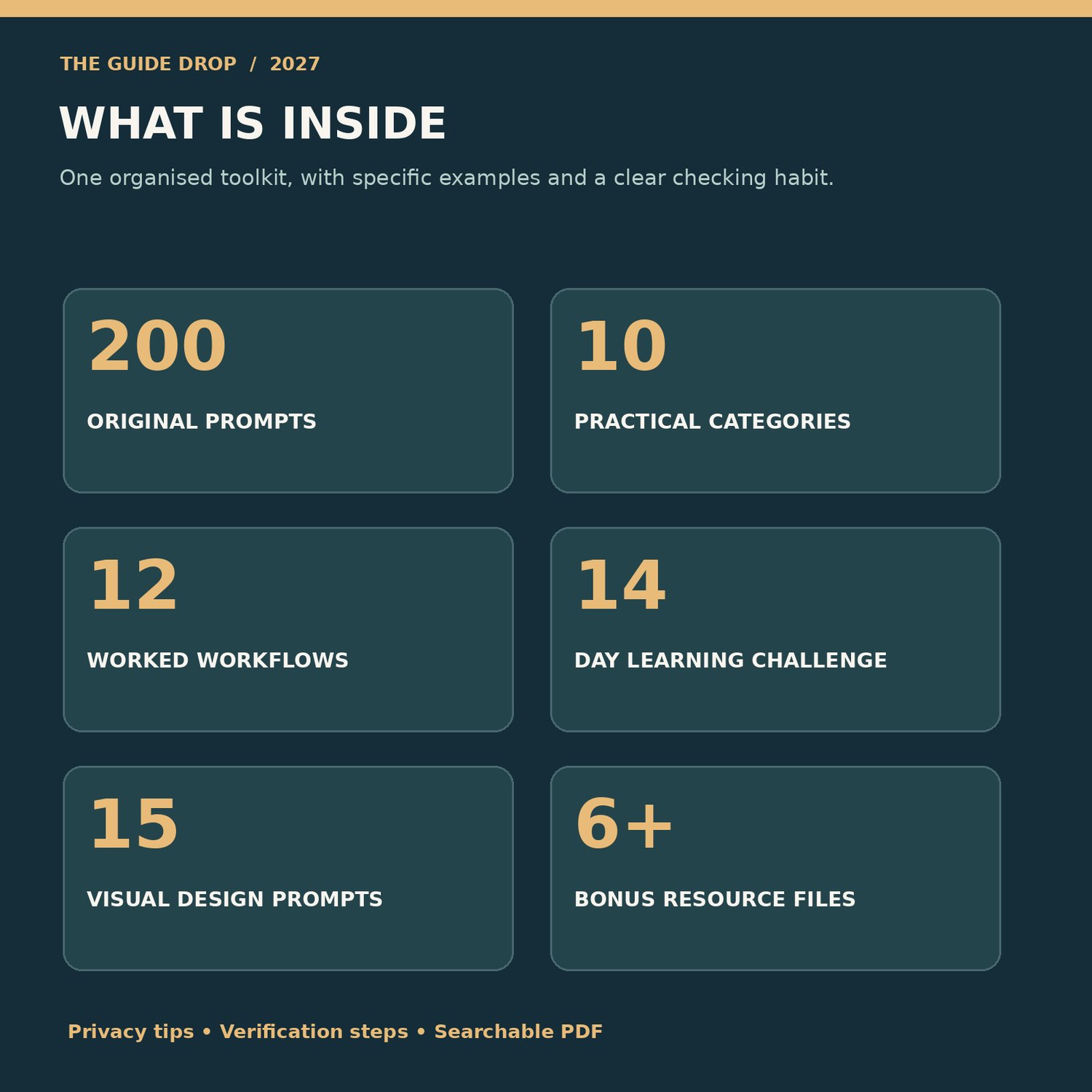
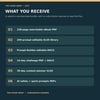
• 200 distinct, ready-to-customise AI prompts across 10 everyday categories.
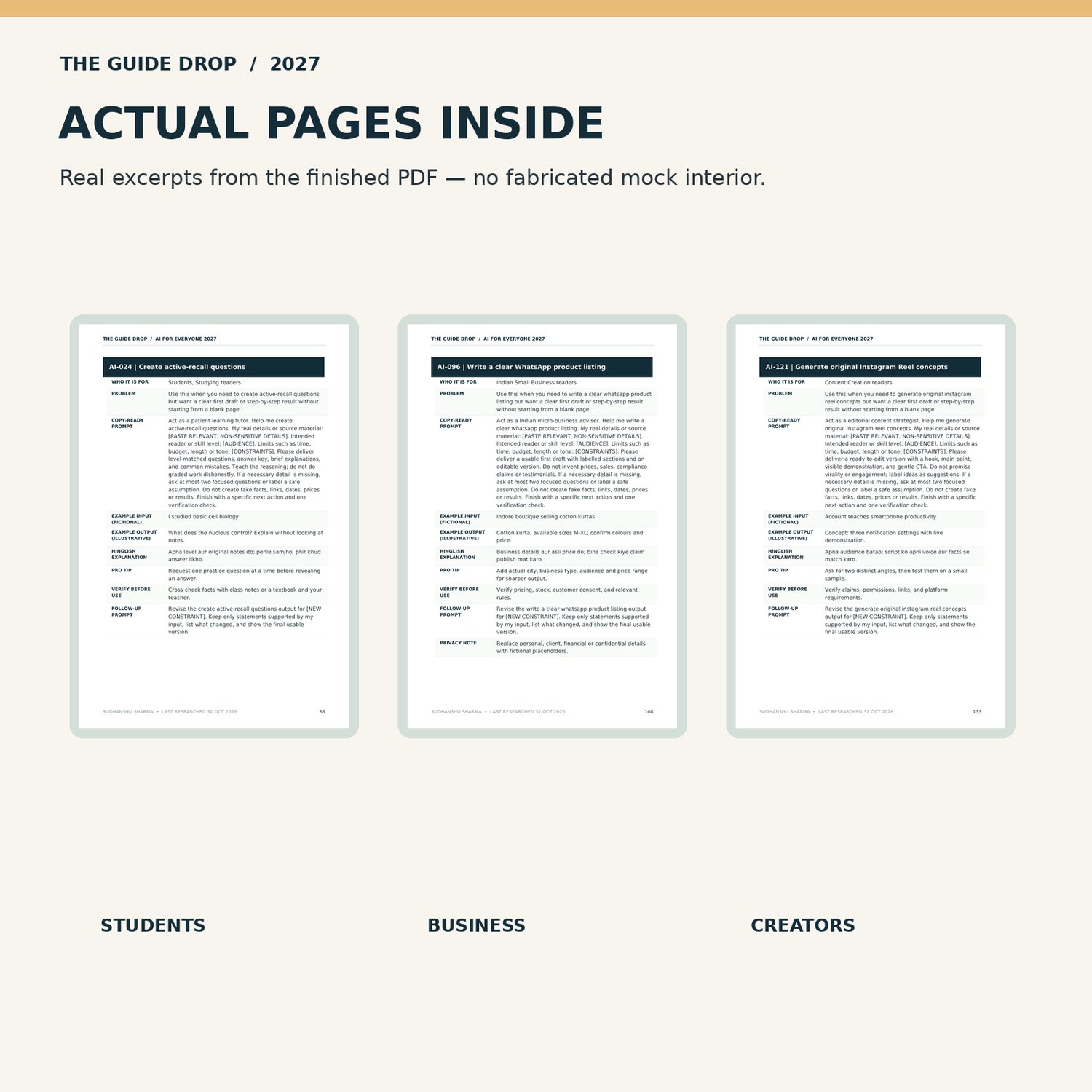
• Realistic Indian scenarios with illustrative inputs and outputs.
• Clear explanations, Hinglish assistance, helpful follow-ups and verification notes.
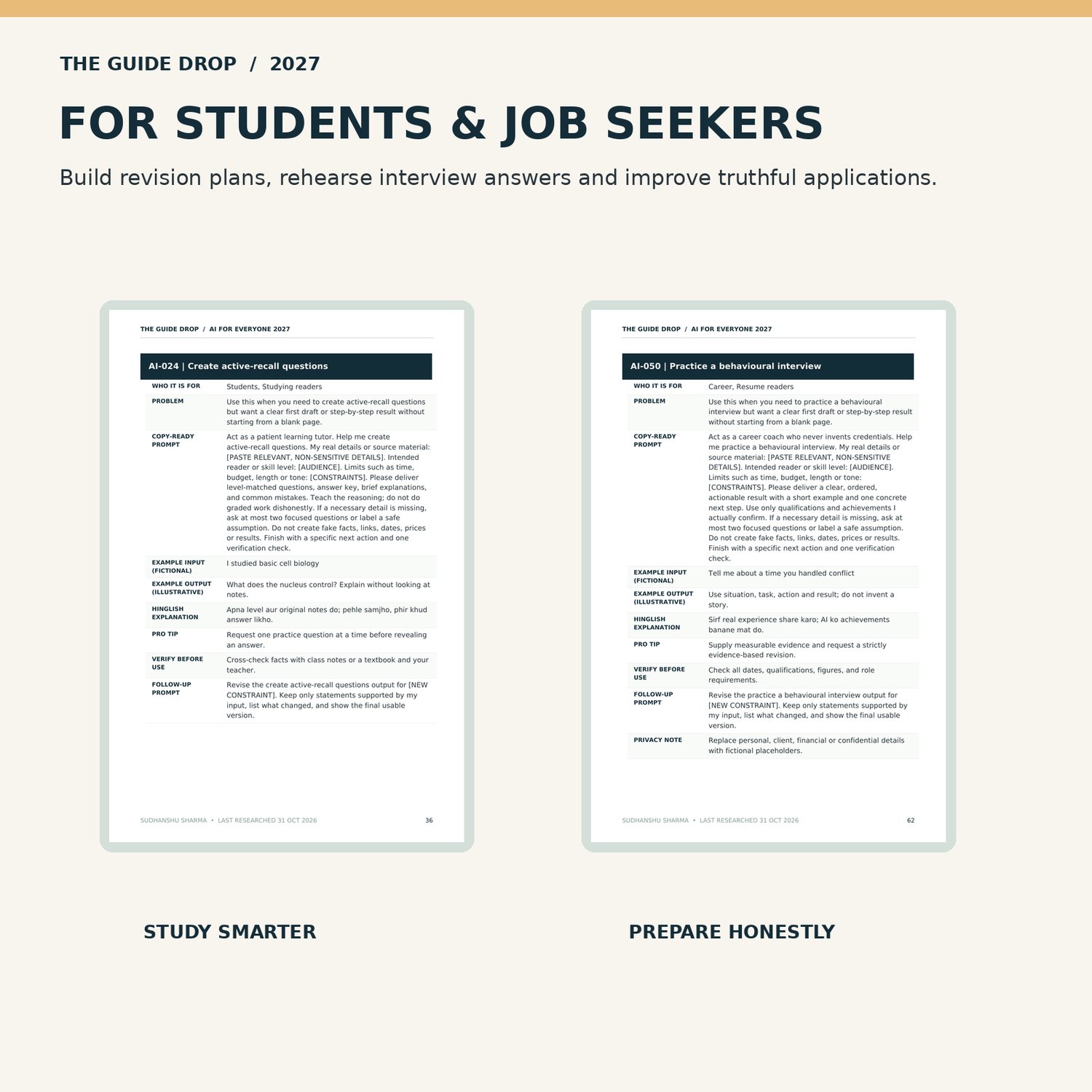
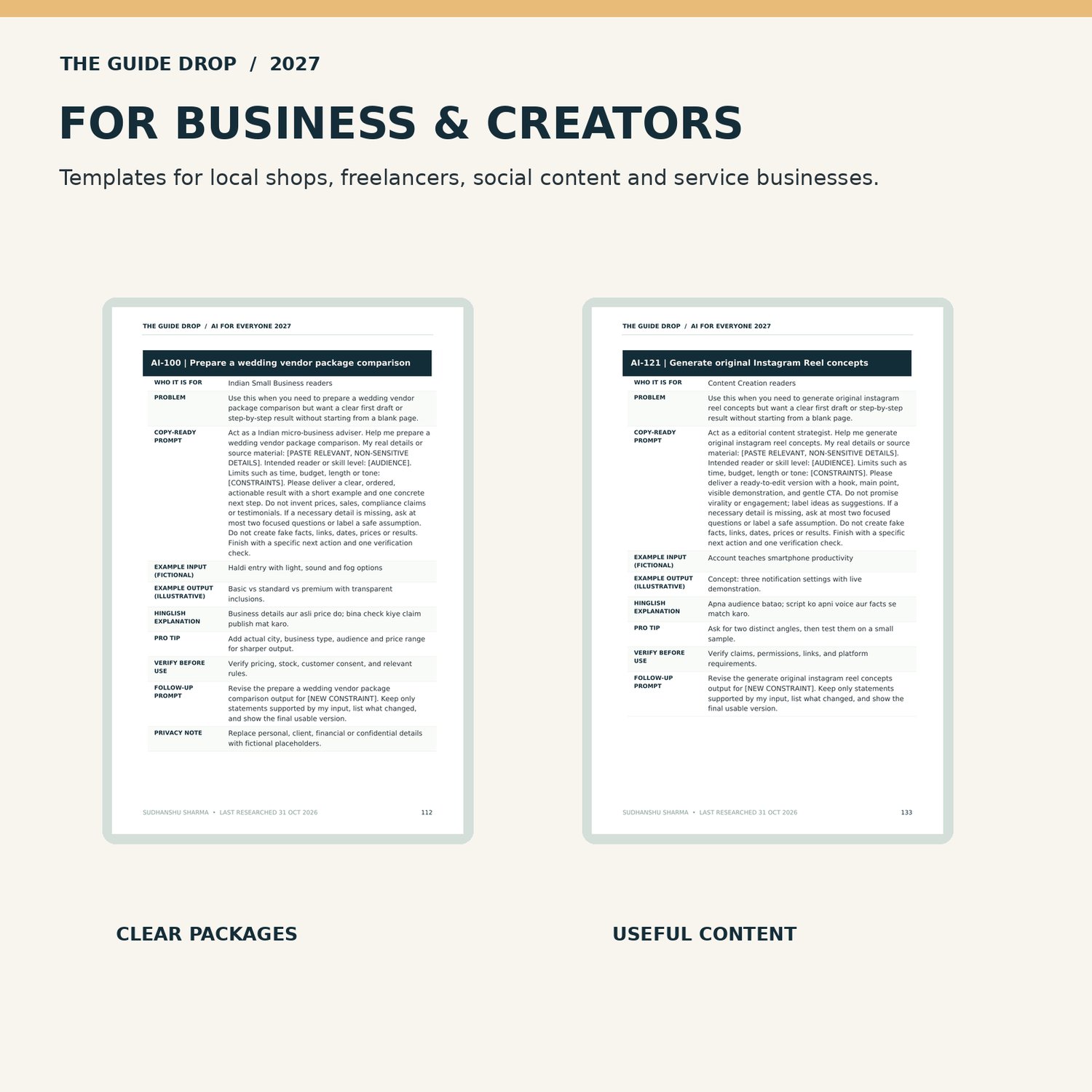
• Practical examples for studying, resumes and interviews, office work, small businesses, marketing, family planning, travel and technology.
• 12 complete beginner-friendly AI workflows, from idea to final review.
• A visual prompting chapter with 15 original design-prompt examples.
• A 14-day challenge to practise useful skills at your own pace.
• AI safety, privacy and fact-checking guidance.
EDITABLE BONUS RESOURCES
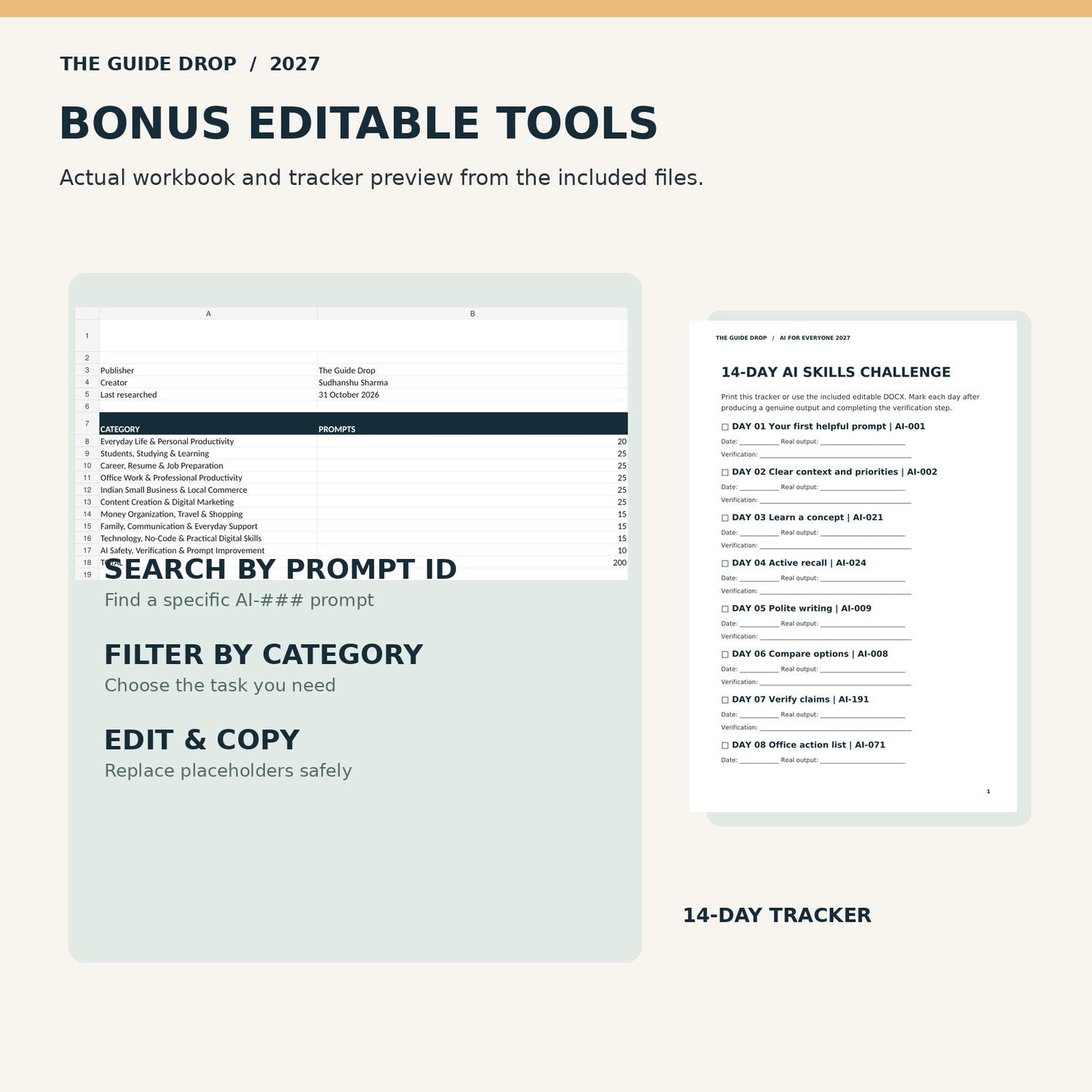
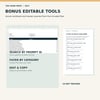
✓ Searchable 200-prompt spreadsheet (XLSX).
✓ Seven-part AI prompt builder worksheet (DOCX).
✓ 14-day challenge tracker (PDF + editable DOCX).
✓ 30-day content planner (XLSX).
✓ Two-page AI safety checklist (PDF).
✓ 20 quick-start prompts (PDF, selected from the 200).
WHO THIS GUIDE IS FOR
College students, freshers, office professionals, freelancers, shopkeepers, wedding vendors, cafe owners, educators, parents, creators, older adults and curious beginners.
HOW TO USE
1. Download the files from your Payhip order page or receipt email.
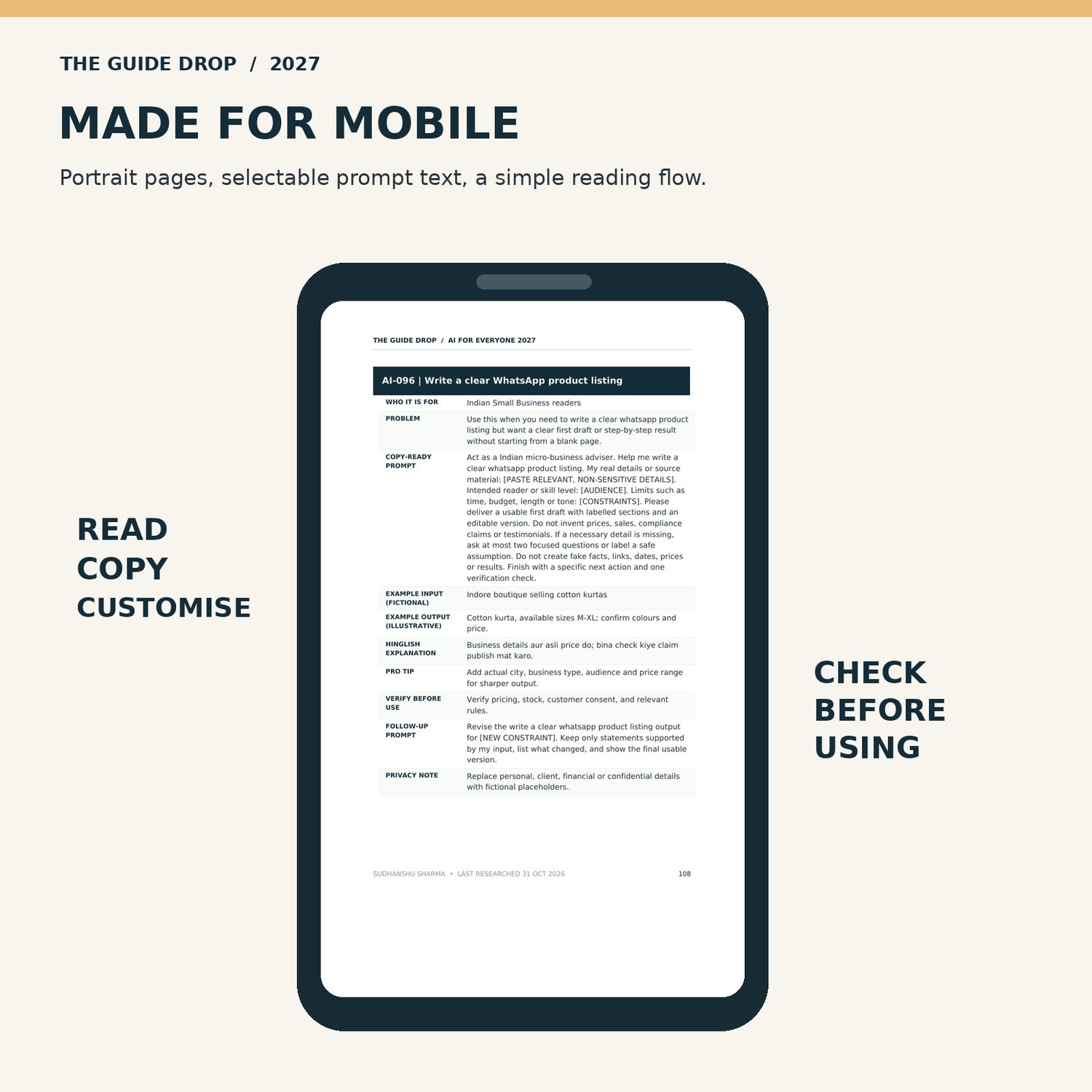
2. Open the main PDF on your phone, laptop or tablet. Select text to copy.
3. Search the prompt library by category or permanent AI-### ID.
4. Replace the bracketed fields with your own non-sensitive details.
5. Paste into an AI assistant of your choice, check the answer, and refine it.
WHAT YOU WILL DOWNLOAD
The customer ZIP contains one 238-page PDF, an editable 200-prompt XLSX library, an editable DOCX prompt builder, two versions of the challenge tracker, a content calendar, an AI safety PDF and a quick-prompts PDF. PDF, XLSX and DOCX readers may be required. AI features and account access vary by provider, device, geography and plan. You do not need a paid AI subscription to read the files, and the guide does not include third-party AI subscriptions.
IMPORTANT NOTES
This is an independent educational guide, not a product by OpenAI, Google, Microsoft, Canva, Perplexity or any other AI tool provider. Examples are editorial illustrations; AI outputs will differ. The content reflects official sources available on 31 October 2026; 2027 branding does not imply future updates are already verified. The book does not provide personalised financial, medical, legal or security advice. Never upload passwords, payment details, confidential work records or unnecessary personal information to an AI system