




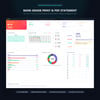

Personal Finance Dashboard | Monthly Budget & Expense Tracker | Income, Bills & Savings Rate | Offline Browser App, No Subscription
**💰 Personal Finance Dashboard PRO — The Modern, No-Subscription Financial Tracker**
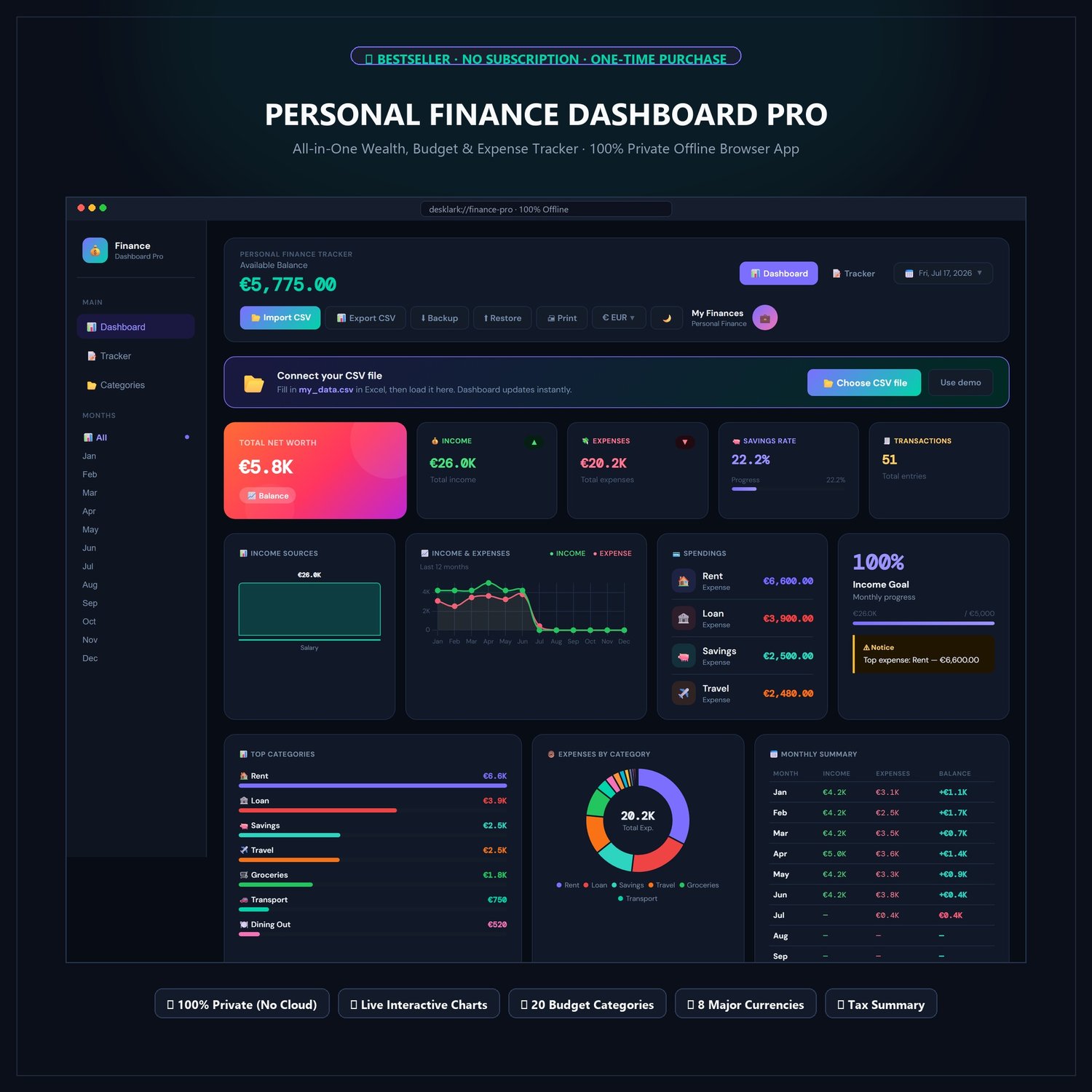
Take complete, stress-free control of your income, expenses, and savings with this executive-grade financial dashboard. Runs 100% offline right inside your web browser (Chrome, Safari, Edge, Firefox) on Mac & Windows — **no recurring monthly fees, no account registration, and zero third-party data tracking.**
---
### ✨ WHAT MAKES THIS DASHBOARD UNIQUE
✅ **100% Private & Offline:** Your numbers are stored strictly on your own device (`localStorage`). Nothing is uploaded to external clouds or servers.
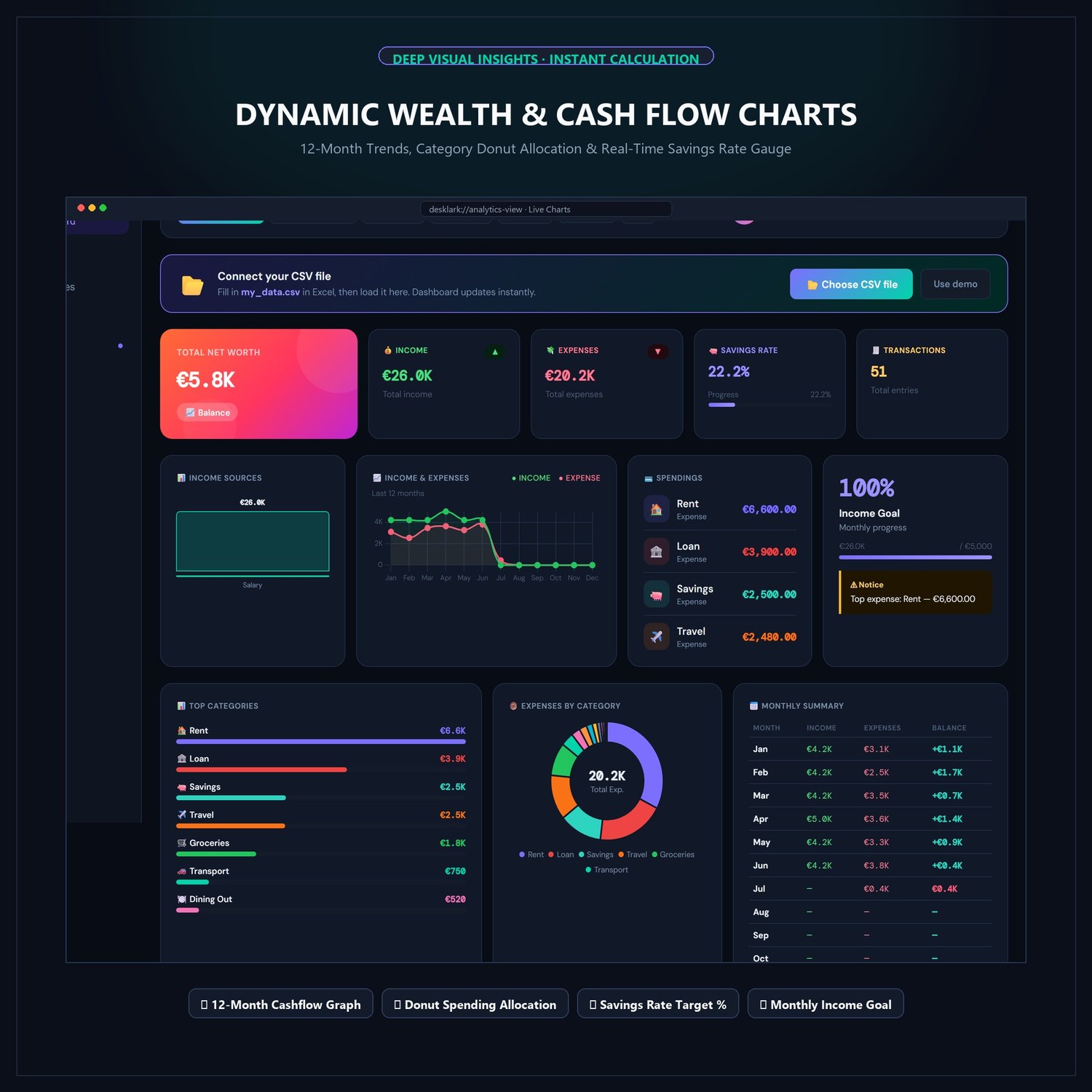
✅ **Interactive Executive Analytics:** Real-time visual charts for income vs. expenses, top spending categories, and donut expense allocation breakdown.
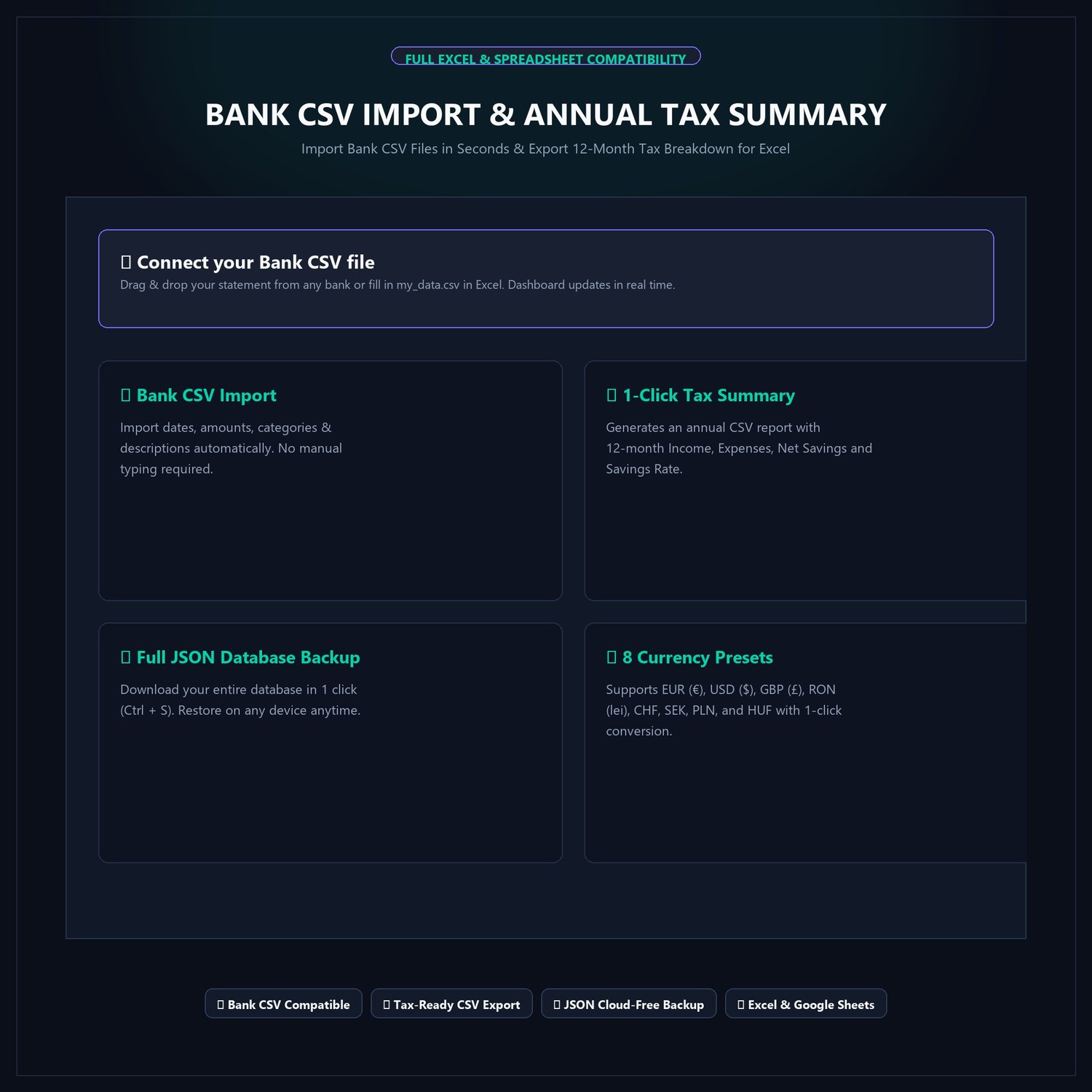
✅ **Bank CSV Import:** Load transactions directly from your bank or credit card CSV export in seconds.
✅ **Tax-Ready Reporting:** 1-click **Export Annual Tax Summary (CSV)** generates a neat 12-month summary breakdown ready for Excel or your accountant.
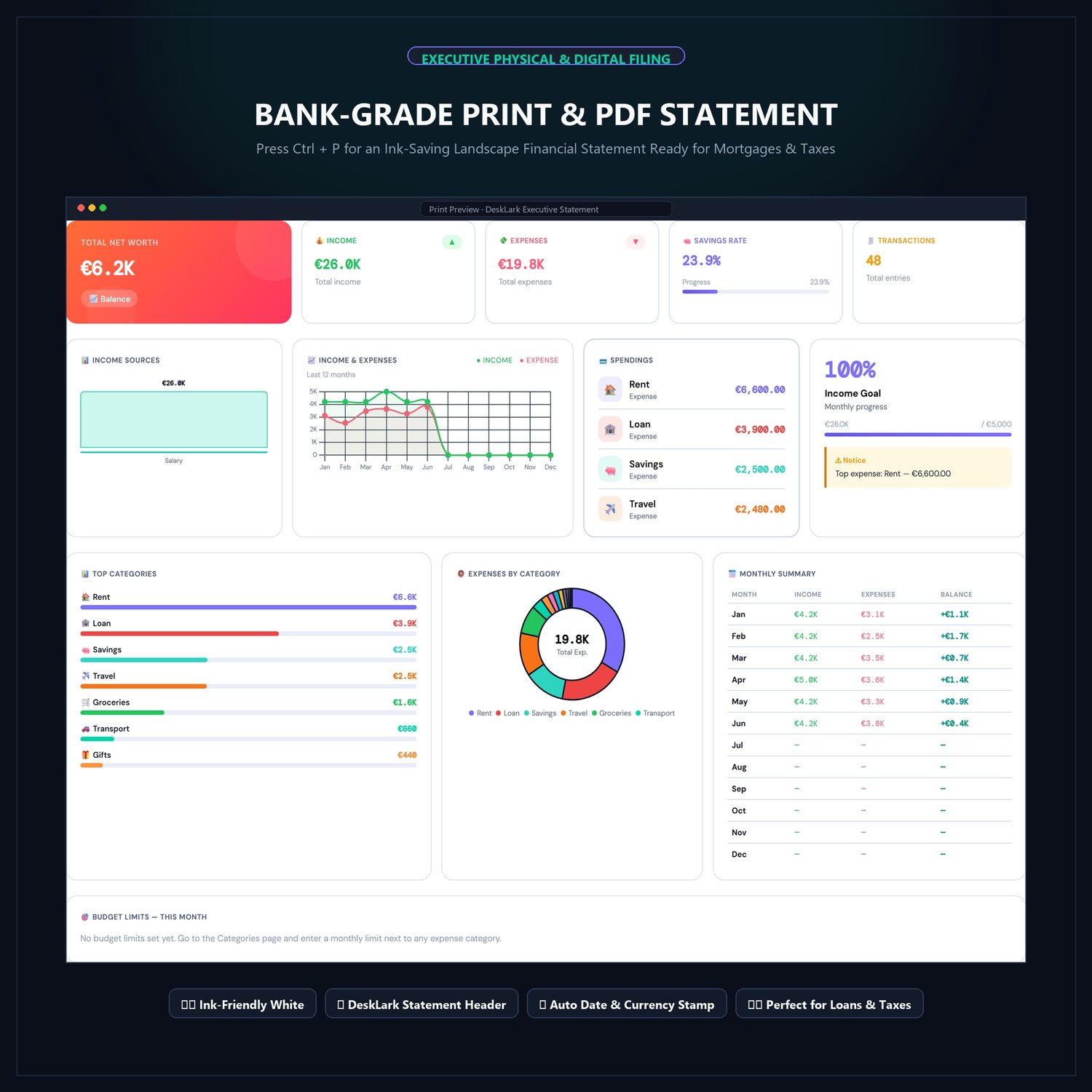
✅ **Print & Save as PDF:** One-click executive landscape financial statement (`Ctrl + P`) formatted with clean typography, ink-saving borders, and date stamps.
✅ **Multi-Currency Support:** Switch effortlessly between 8 major currencies: EUR (€), USD ($), GBP (£), RON (lei), CHF, SEK, PLN, and HUF.
✅ **Budget Limits & Goals:** Custom monthly income target and per-category budget threshold alerts with animated progress indicators.
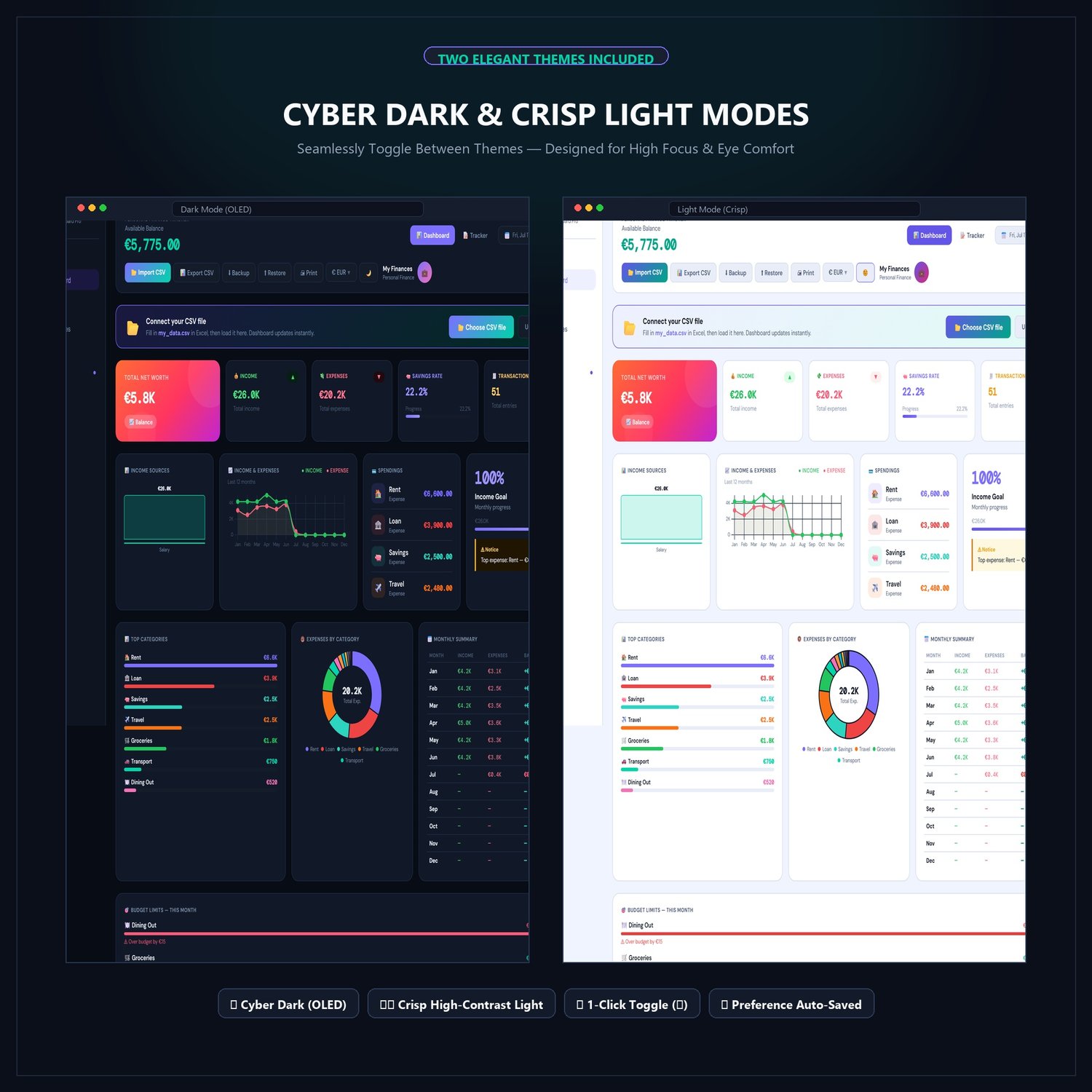
✅ **Dark & Light Mode:** Seamlessly switch between a sleek cyber dark theme and an ink-saving light workspace.
✅ **DeskLark VIP Club Bonus:** Includes instant access to our **VIP20** voucher code (20% OFF future DeskLark tools) and downloadable starter freebies.
---
### 📦 WHAT YOU RECEIVE
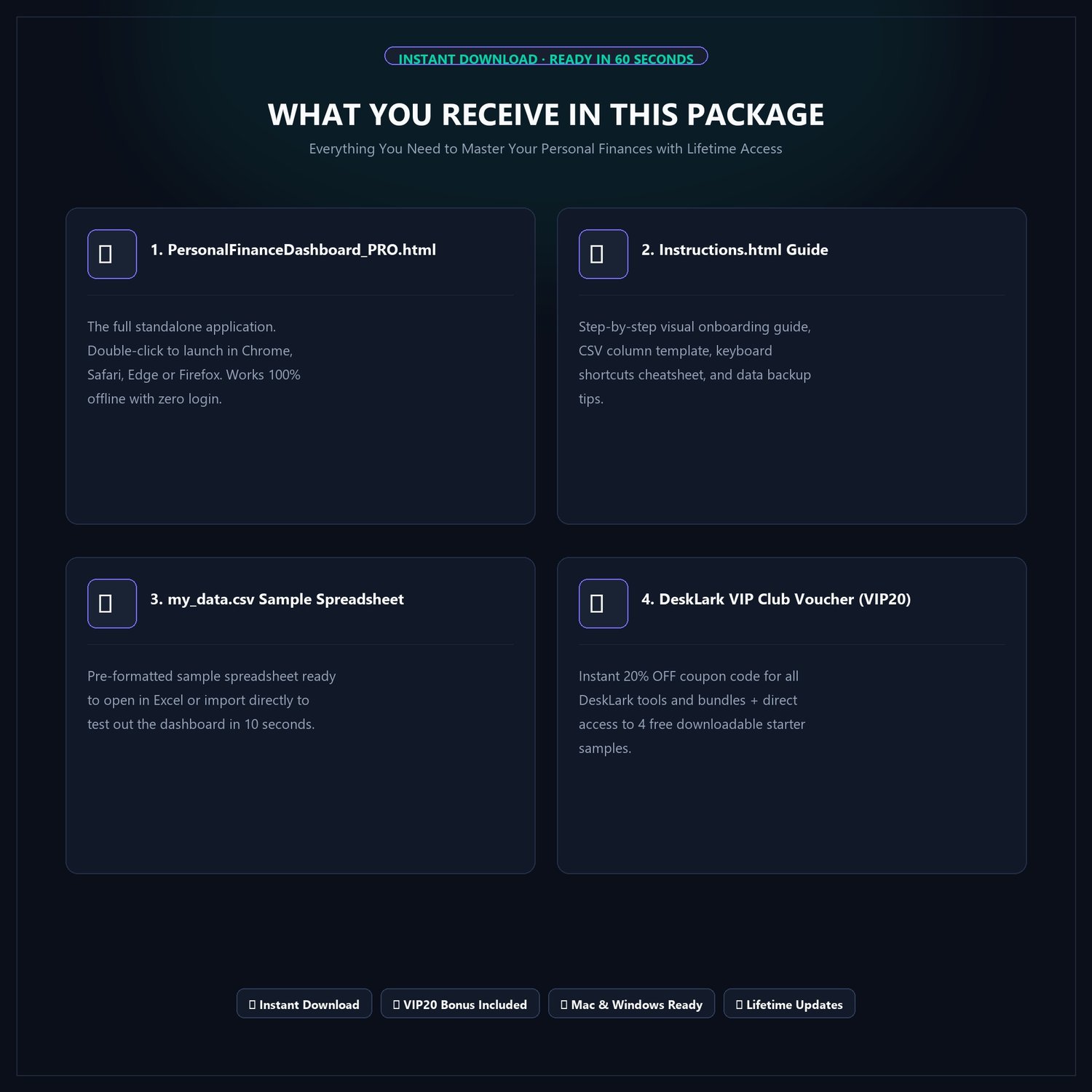
1. **`PersonalFinanceDashboard_PRO.html`** — The complete, self-contained standalone application (works immediately with a double-click).
2. **`Instructions.html`** — Visual step-by-step onboarding guide, CSV column formatting template, keyboard shortcuts cheat sheet, and backup tips.
3. **`my_data.csv`** — Pre-formatted sample spreadsheet for instant CSV import testing.
4. **`DeskLark_VIP_Bonus.html`** — Your official DeskLark VIP discount certificate.
---
### 🚀 HOW IT WORKS (IN 3 SIMPLE STEPS)
1. **Download & Unzip:** Save the files to your computer or laptop.
2. **Double-Click to Launch:** Open `PersonalFinanceDashboard_PRO.html` in Chrome, Safari, Edge, or Firefox.
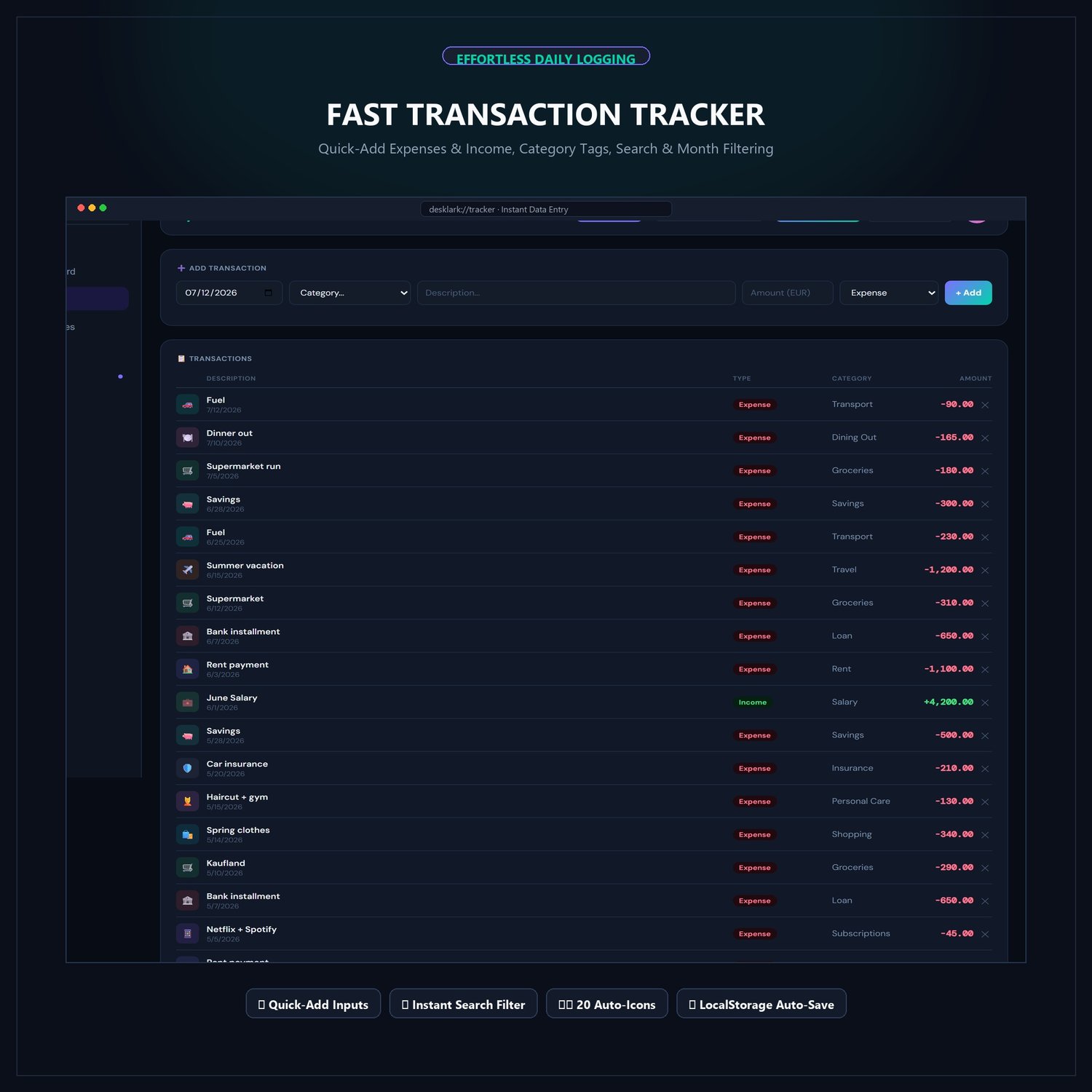
3. **Start Tracking:** Type in your transactions manually or import your bank CSV. Everything saves automatically!
---
### 💡 FAQ
**Q: Do I need to pay a subscription or install any software?**
A: Never. This is a one-time purchase with lifetime access. It runs natively using your browser's built-in web technology.
**Q: What happens if I switch computers?**
A: Simply click **"⬇ Backup"** to save your complete JSON database, then click **"⬆ Restore"** on your other machine.
**Q: Can I use this for my freelance business or side hustle?**
A: Absolutely! You can add custom income sources (Client Retainers, Freelance, Digital Sales) and specific expense categories with custom icons.
---
*DeskLark PRO Suite — Simplifying Digital Life with Clean, Offline Productivity.*