Enhanced Editing
Final Cut Pro for Mac

Final Cut Pro for Mac
Turn your footage into a finished video with better pacing, cleaner sound, and consistent color. Join Rafael Ludwig for a practical course that takes you from the basics of Final Cut Pro to a more confident, efficient editing workflow.
For beginner and intermediate editors • 9 chapters • Downloadable practice media
You’ve put thought into the shot. Now bring that same care to the edit.
The right cut can give a moment room to breathe. A balanced audio mix can make your message easier to follow. Consistent color can make separate shots feel like they belong together.
Enhanced Editing helps you understand how those decisions work—and how to make them in Final Cut Pro.
We’ll start with the workspace and timeline, then build toward sound, color, effects, storytelling, and your final export. Each stage gives you skills you can bring to your own projects.
Over 10 hours of lessons across nine chapters of Final Cut Pro training.
Lessons covering essential tools through intermediate and advanced techniques
Car commercial and multicam music video editing challenges to practice with.
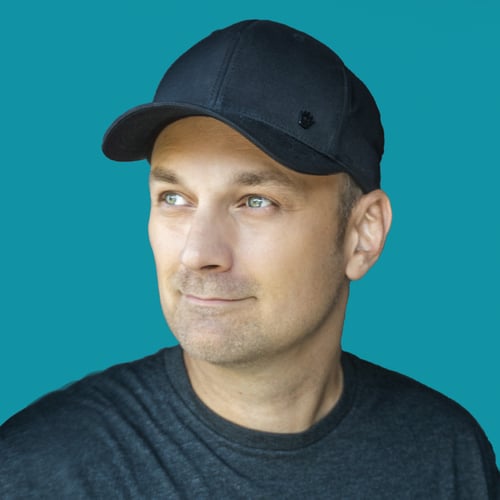
I’m an editor and educator with more than 20 years of experience in post-production. I also spent three years teaching at the Toronto Film School.
On YouTube, I share the tools, techniques, and creative decisions that help me shoot smarter and edit more efficiently. This course brings that practical approach into a structured Final Cut Pro learning experience.
My aim is to help you understand your choices well enough to make them confidently on your next project.
Final Cut Pro has no audio buses. No submixes, no mixer routing. But it does have compound clips, and used right, they do the same job. This video shows you how.
Yes. The course starts with the interface, settings, and workspace before moving into editing techniques. You can begin with the fundamentals and build from there.
Yes. You can strengthen your understanding of the timeline and explore audio, color, multicam editing, effects, and workflow techniques in more depth.
The course gives you an organized route through the learning process. You can work through connected topics and practice with the included media, instead of deciding which tutorial to search for next.
A Mac running Final Cut Pro. Downloadable practice media is included, so you can try the techniques as you learn them.
Yes. Watch the free Magnetic Mask lesson to get a feel for the teaching.