



Real Estate Transaction & Deadline Tracker (Excel + Google Sheets)
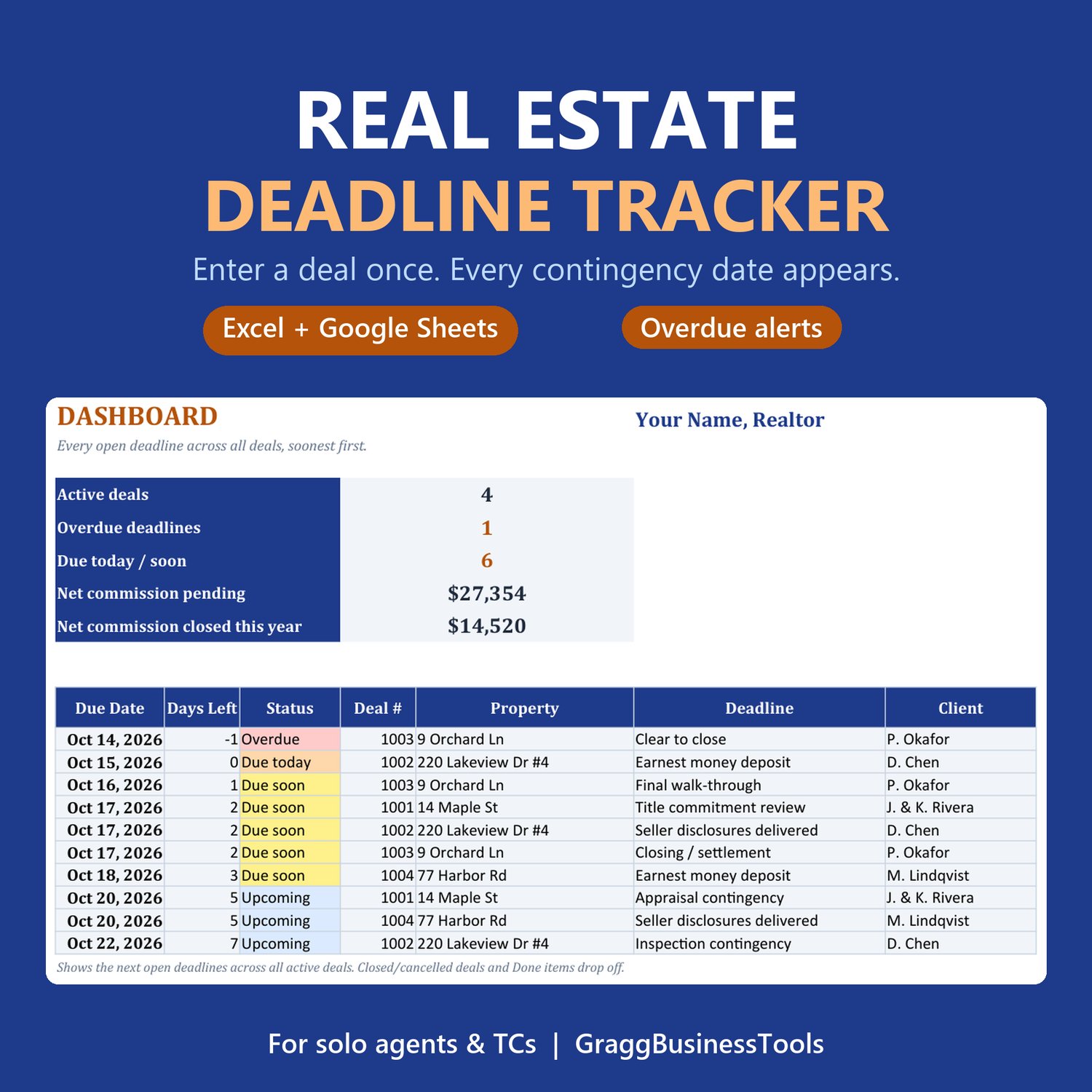
Enter a deal once. Every contingency deadline shows up on its own.
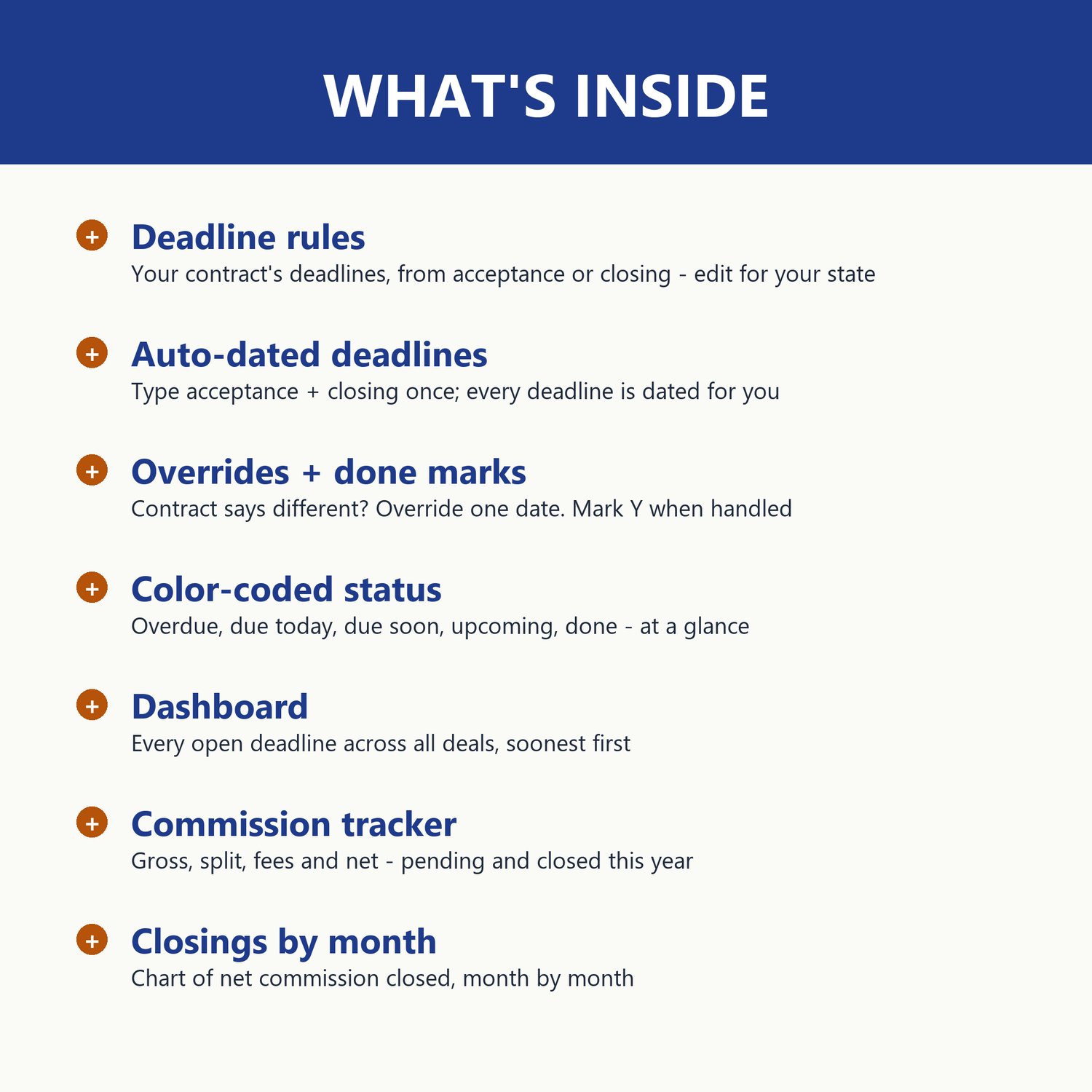
A working, formula-driven transaction tracker for solo real estate agents and transaction coordinators. Type a deal's acceptance and closing dates and the workbook dates every deadline from your own rules: earnest money, disclosures, inspection, appraisal, financing, clear to close, walk-through and closing. A dashboard lists every open deadline across all your deals, soonest first, and flags anything overdue or due soon.
WHAT'S INSIDE (6 tabs)
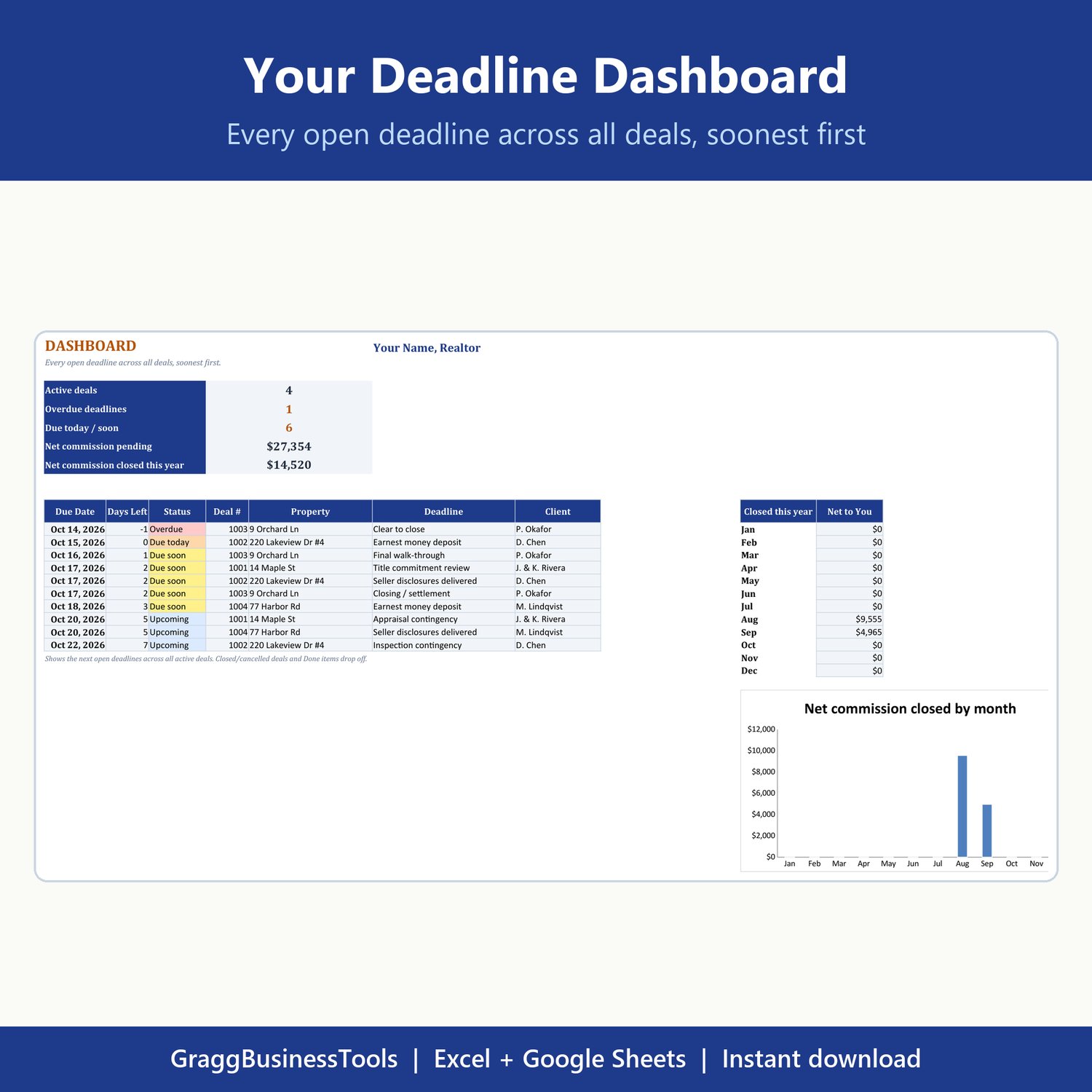
- Dashboard: active deals, overdue count, due today/soon, net commission pending and closed this year, every open deadline sorted by date, and a closings-by-month chart
- Deadline Rules: the deadlines in YOUR contracts, counted from acceptance or closing, with the number of days. Edit them to match your state.
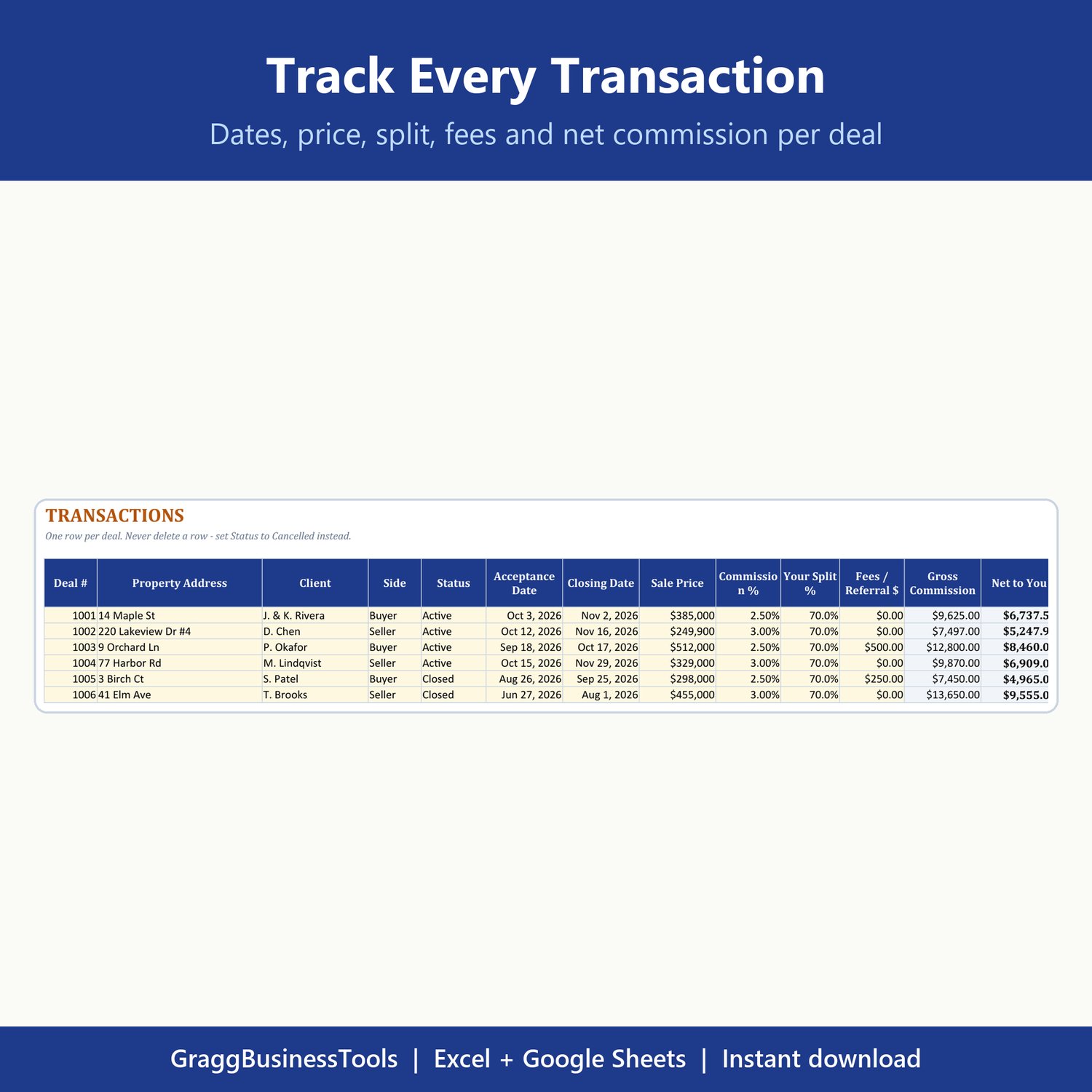
- Transactions: one row per deal with dates, price, commission %, split, fees, net to you, open and overdue deadlines, next deadline and days to close
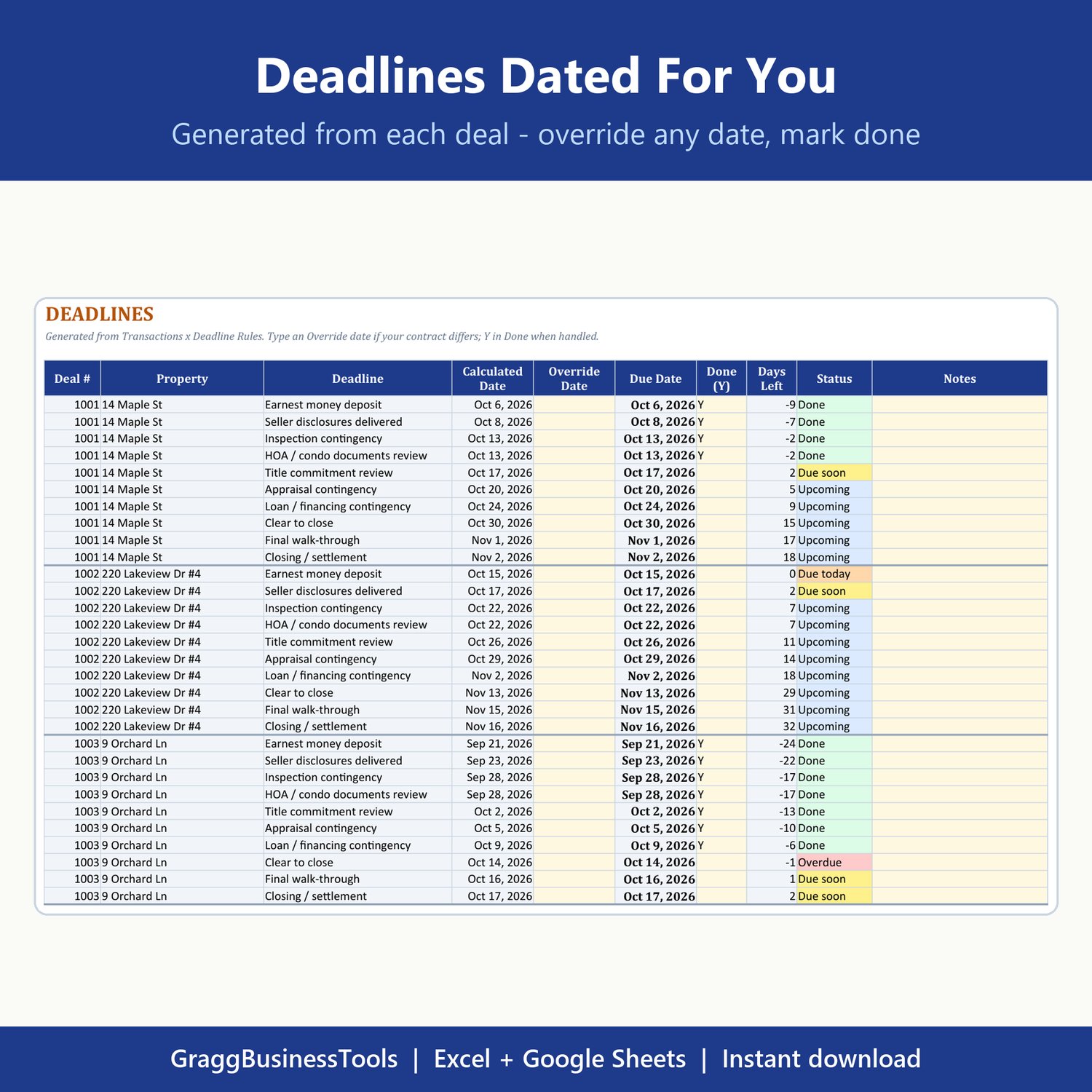
- Deadlines: every deadline for every deal, dated automatically. Override any date your contract changes, mark Y when it's done. Color-coded overdue / due today / due soon / upcoming / done.
- Setup and a plain-English Start Here guide (about 10 minutes to set up)
WORKS IN
- Microsoft Excel (2010 or newer, desktop or online)
- Google Sheets (upload to Google Drive and open it; all formulas and drop-downs work)
- Comes with sample deals dated relative to today so you can see how it all works.
YOU GET
- 1 .xlsx file, instant download.
GOOD TO KNOW
- An organizing tool, not legal advice. Always confirm deadlines against your signed contract and local rules.
- Personal and business use. Please don't resell or share the file.
- Questions, or want it set up for your state's contract? Email graggrobotics@gmail.com.
Made by GraggBusinessTools, the template shop of Gragg Robotics, LLC, Waterville, Maine.