
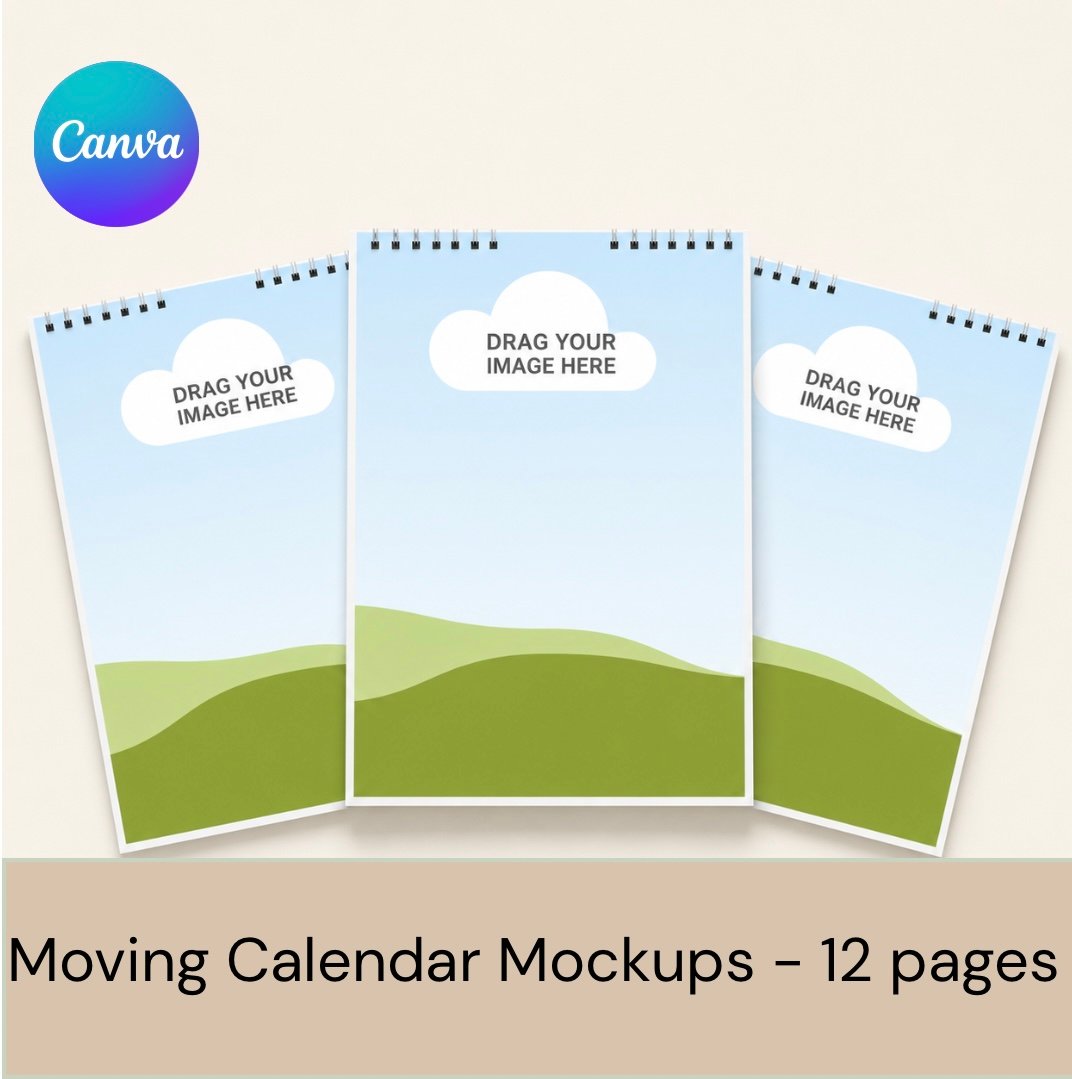
Animated Calendar Showcase Canva Template | 12-Page Calendar Video Mock-up
On Sale
£2.50
£2.50
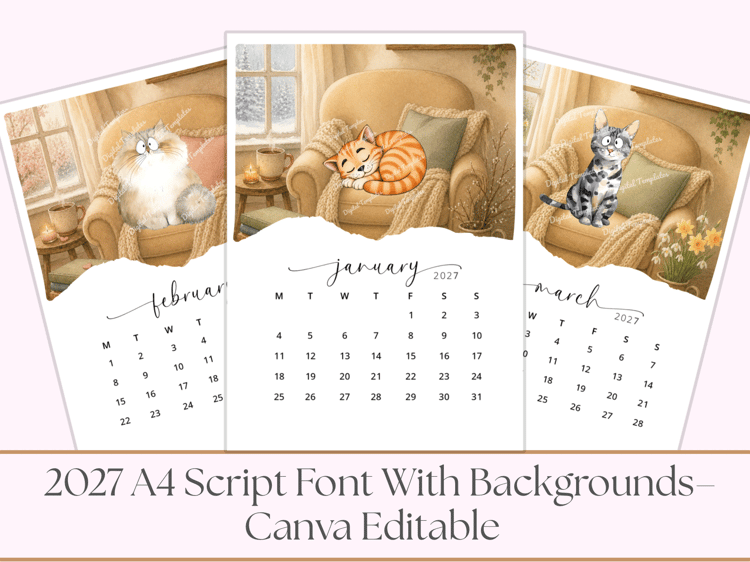
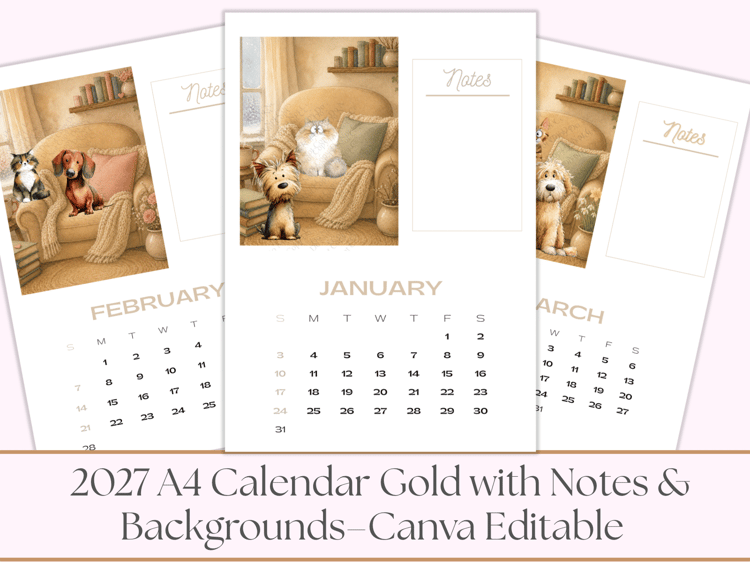
Showcase your finished calendar designs with this easy-to-use animated Canva template.
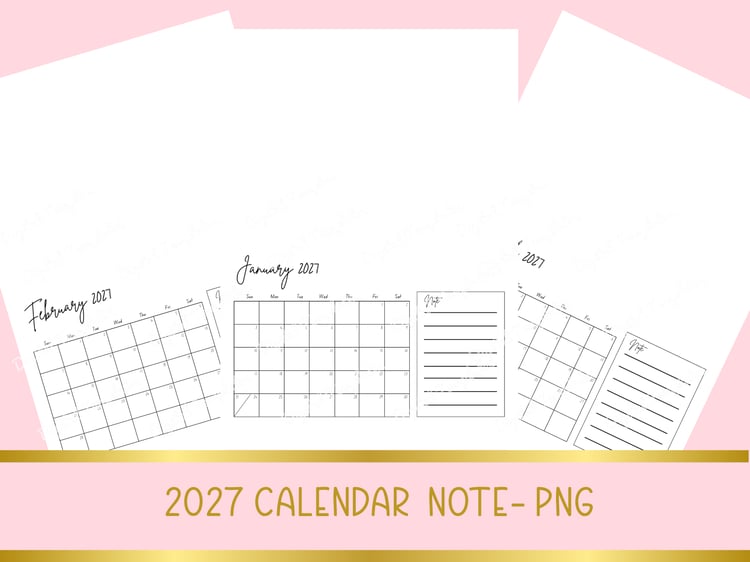
Simply download your completed calendar pages as PNG images, upload them into Canva and drag one image into each monthly placeholder. The template is already set up with 12 pages and a smooth Stack transition, creating an eye-catching video that gives the appearance of turning through a complete calendar.
Perfect for digital designers, crafters and small businesses who want to display all 12 calendar pages without creating a new promotional video from scratch.
How it works
- Download your completed calendar pages as PNG images.
- Open the supplied Canva template link.
- Upload your 12 calendar images to Canva.
- Drag one image into each page placeholder, from January to December.
- Add your own watermark or business name if required.
- Preview the animation and download as an MP4 video.
You will receive
- A Canva template access link
- 12 ready-made calendar display pages
- Spiral-bound calendar styling
- Stack transitions already applied
- Easily replaceable image placeholders
- Reusable for different calendar collections
Please note
- This is a digital Canva template; no physical product will be supplied.
- Calendar designs and Dobermann artwork are not included.
- Customers add their own completed calendar-page images.
- This template is intended for creating promotional videos and mock-ups of your calendar designs.