
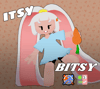

Itsy Bitsy the Little bunny
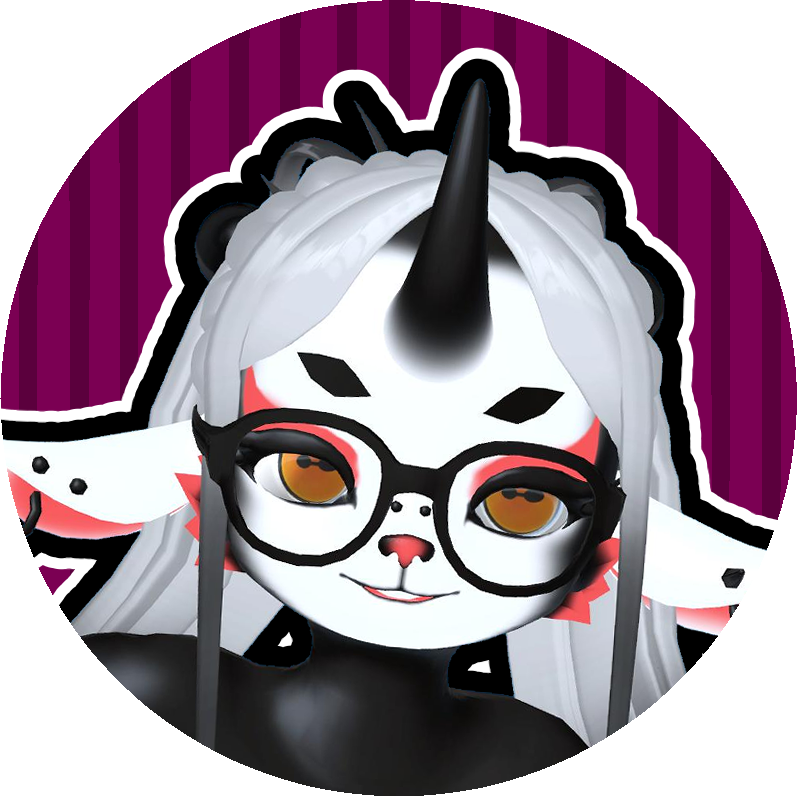
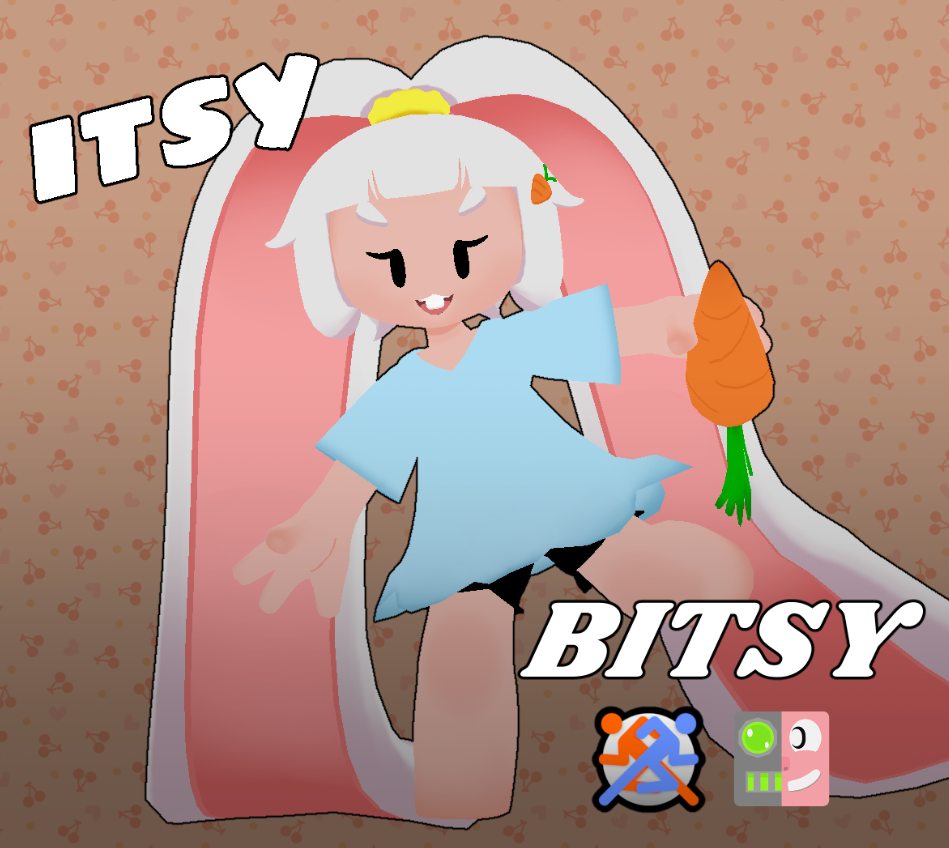
Itsy Bitsy is a tiny‚ mischievous bunny girl who lives in a world as soft and pastel as a candy store‚ but with the soul of a dark eldritch being
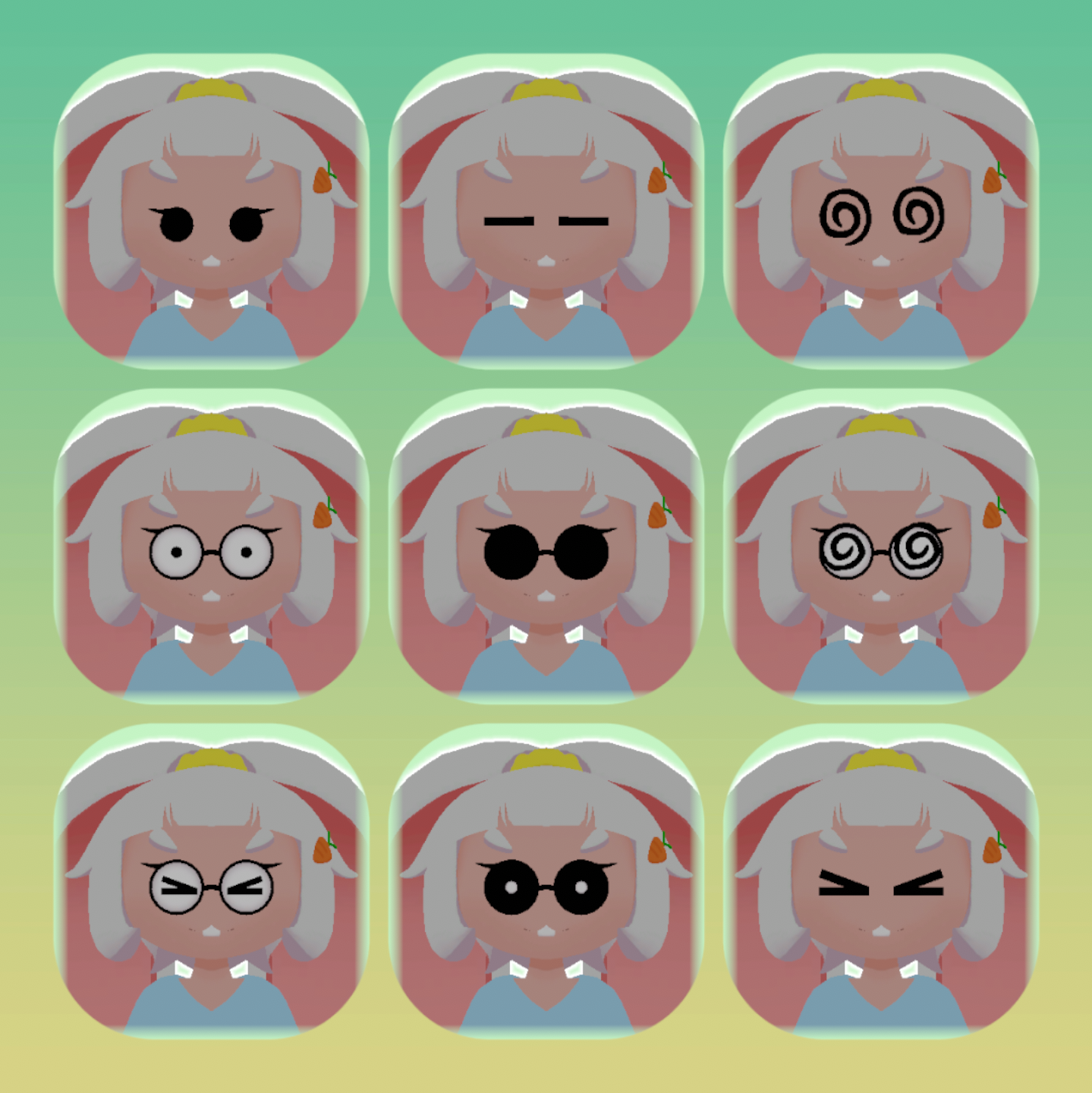
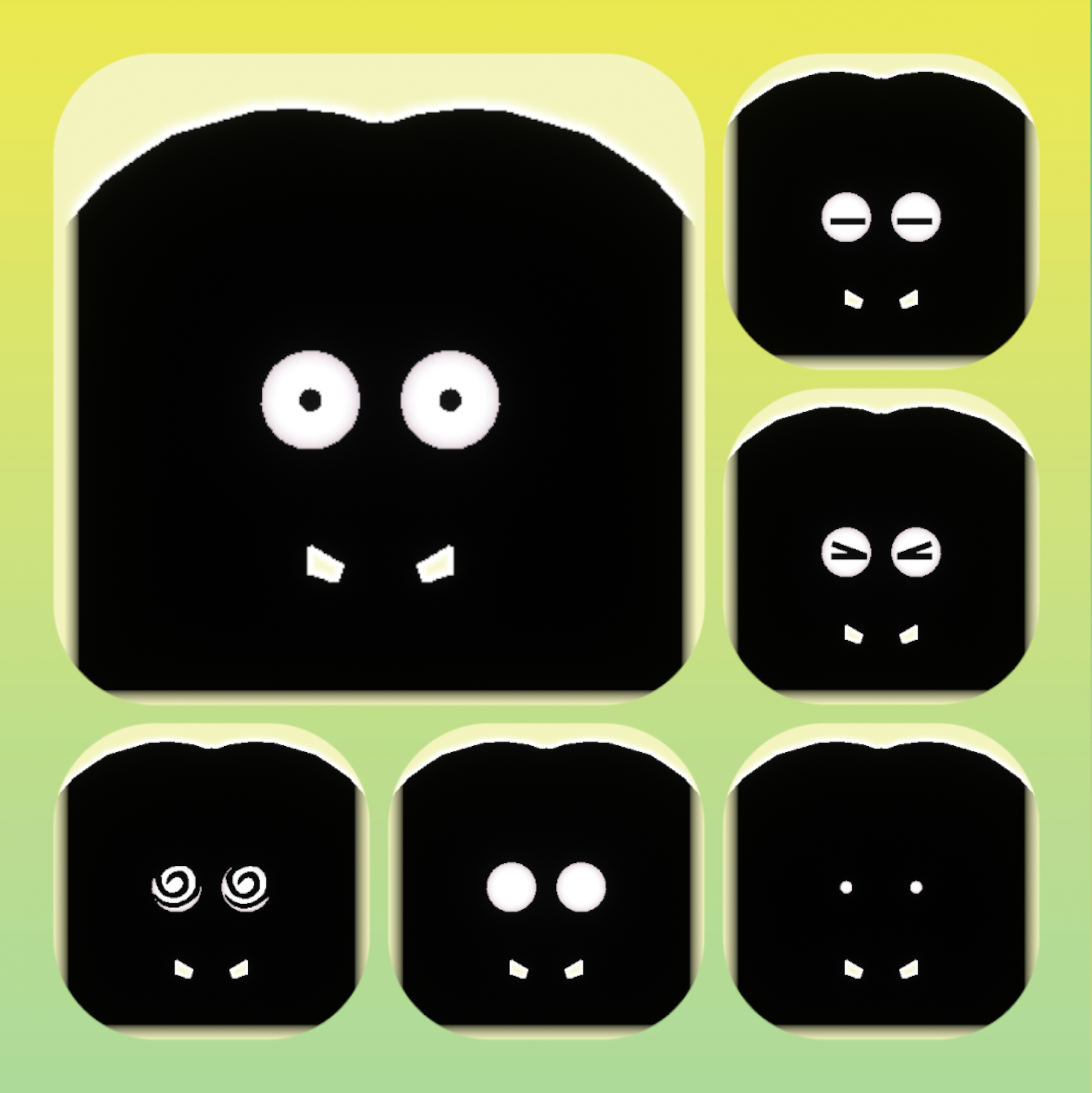
ItsyBitsyTheLittleBunny 3D Avatar
✨ PC Medium perf — 🔺 21k tris
📱 Quest Poor perf — 🔺 17k tris
✅ Quest & PC FBX
✅ Base mesh FBX
✅ Textures & Unity package
✅ README (EN+JP) & LICENSE
Shader: Poiyomi Toon 9.0
⭐ Test on VRChat Avatar Marketplace before purchase!
==============================
README - ItsyBitsyTheLittleBunny 3D Model
==============================
Thank you for purchasing the ItsyBitsyTheLittleBunny 3D model!
----- Important -----
Before importing this model, please ensure you have imported the latest versions of all required assets below, or the avatar may not function correctly:
- Poiyomi Toon Shader 9.0
https://www.poiyomi.com/download
- VRC Face Tracking Templates
https://adjerry91.github.io/VRCFaceTracking-Templates
- VRCFury
https://vrcfury.com/download
- Gogoloco
https://www.gogoloco.net
Make sure these are imported first in your Unity project.
----- Included Files -----
- ItsyBitsyTheLittleBunny.unitypackage
- ItsyBitsyTheLittleBunny.fbx
- Textures/ (PNG files)
- LICENSE.txt (License terms)
- README.txt (This file)
----- How to Import -----
1. Open Unity (version compatible with VRChat SDK3).
2. Create or open your Unity project.
3. Import the VRChat SDK3 and set it up.
4. Import the dependencies listed above (Poiyomi Toon 9.0, VRC Face Tracking Templates, VRCFury, Gogoloco).
5. Import the ItsyBitsyTheLittleBunny.unitypackage via Assets > Import Package > Custom Package.
6. After import, locate the ItsyBitsyTheLittleBunny prefab and set it up according to VRChat instructions.
7. Customize or test as needed.
----- Contact -----
For questions or support, reach out on Twitter: @Nars_VR
----- Credits -----
Please credit @Nars_VR or @nars290 when showcasing this model publicly.
----- Hashtags -----
#ItsyB #ItsyBitsy #Itstyavatar #ItsyBitsyAvatar #Itsy3D #ItsyVR
Fan art tag → #Itsy3D_FA
Thank you for your support!