
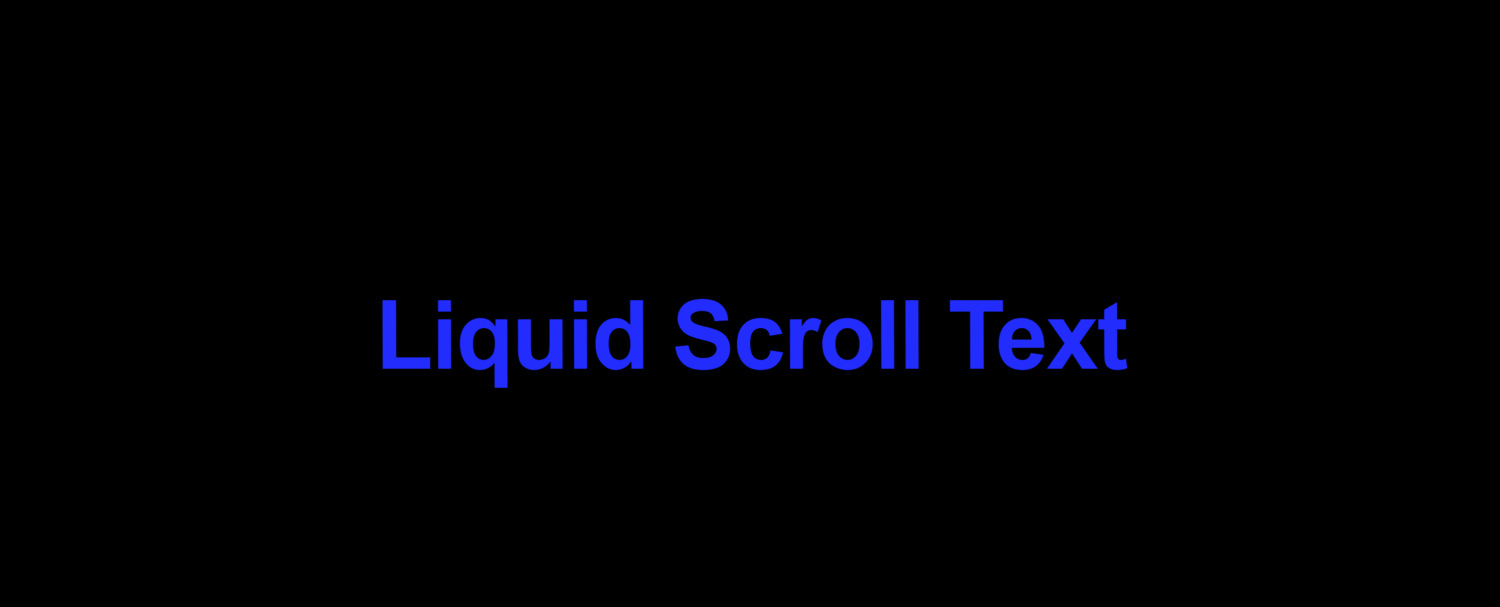
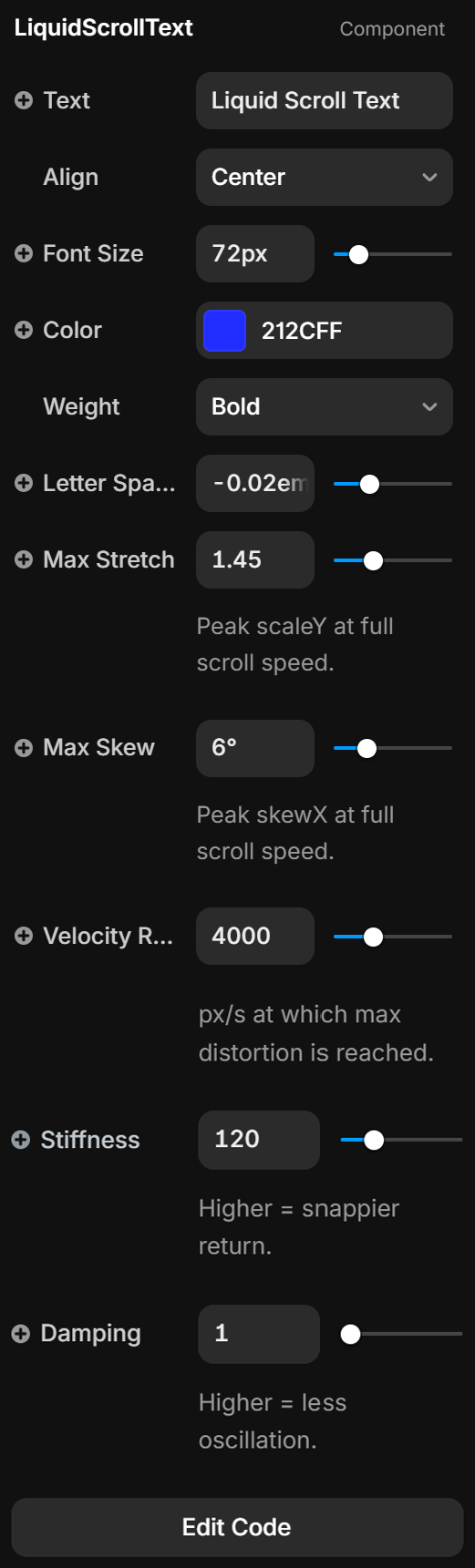
LiquidScrollText (Framer Component)
On Sale
$0.00
Transform static typography into a living, breathing experience. This component uses real-time physics to detect how fast a user is browsing your site. As they scroll, the text 'liquifies' and stretches, creating a high-end, cinematic feel found on award-winning agency portfolios. It’s not just a scroll effect; it’s a physical response to user intent.
How to use this in Framer:
- Open your Framer project.
- Go to the Assets tab and click the + next to Code.
- Name it LiquidScrollText and choose "New Component."
- Delete the default code and paste this code. (You can open the .tsx file with Notepad)
- Drag the component onto your canvas, and Preview the site (you must actually scroll to see the effect!).