

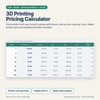
3D Printing Pricing Calculator | Filament Cost per Gram, Printer Cost per Hour, Failed Prints, Bulk Quotes | Google Sheets + Excel
Price prints from your slicer's grams and hours so they cover filament, printer time, failed prints, post-processing and every fee, and still pay you.
MORE THAN A MARKUP FORMULA
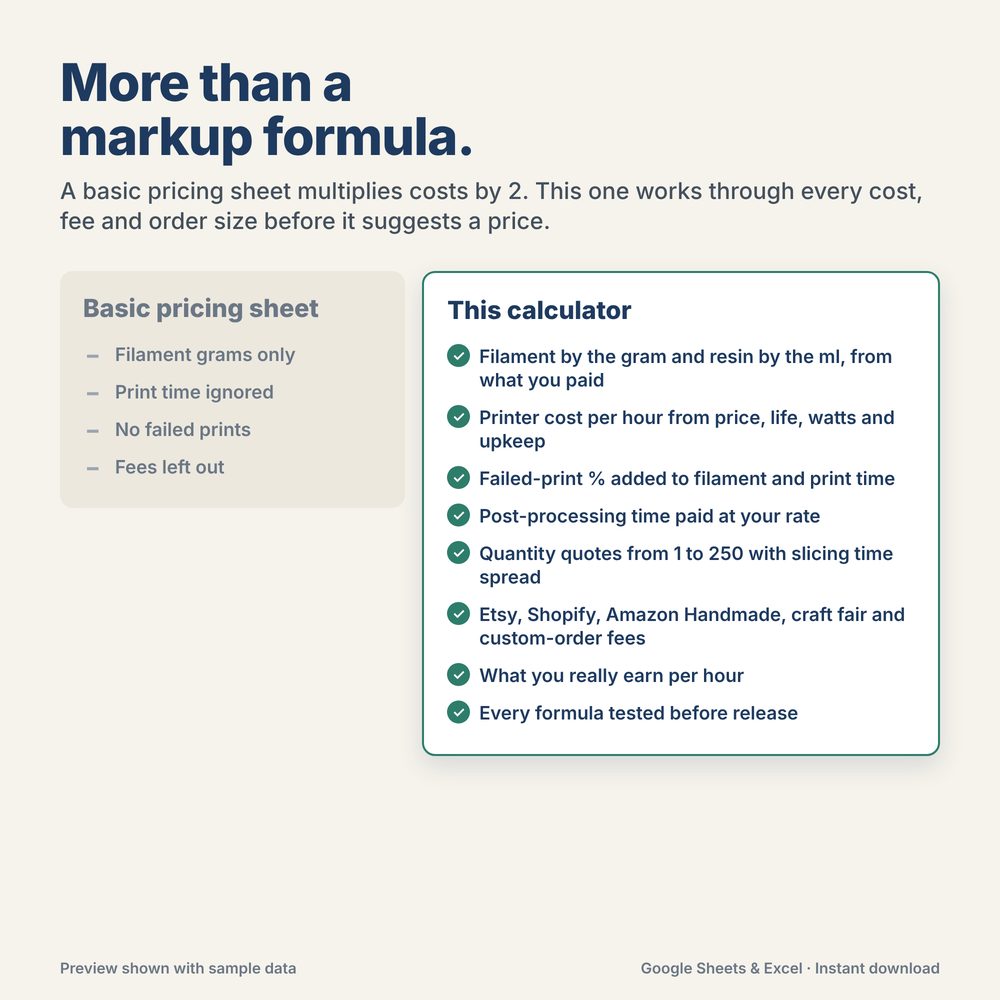
Most pricing sheets multiply materials and labor by 2 and stop there. This calculator works through every cost and fee:
✔ Filament by the gram and resin by the ml, costed from what you paid for the spool or bottle.
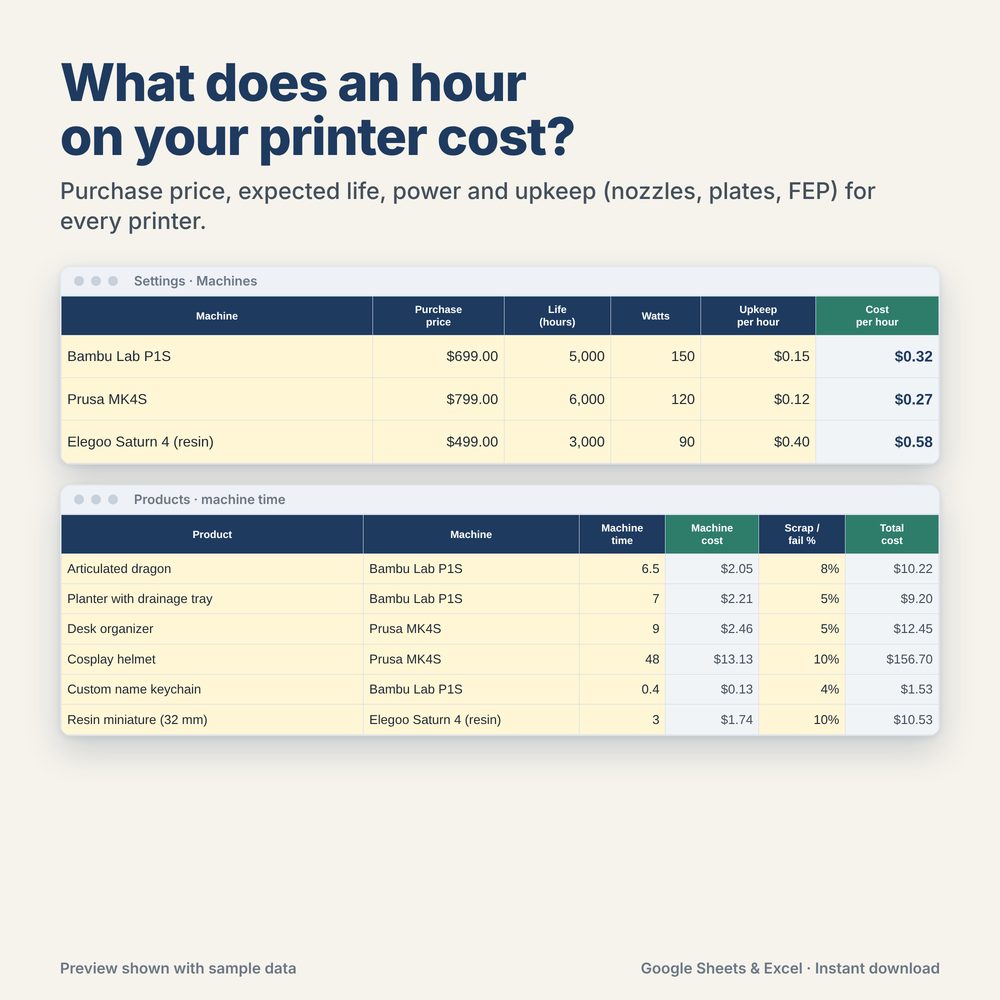
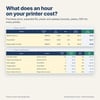
✔ Printer cost per hour from purchase price, expected life, watts and upkeep (nozzles, plates, FEP).
✔ A failed-print % added to filament and print time.
✔ Post-processing time (supports, sanding, painting) paid at the hourly rate you set.
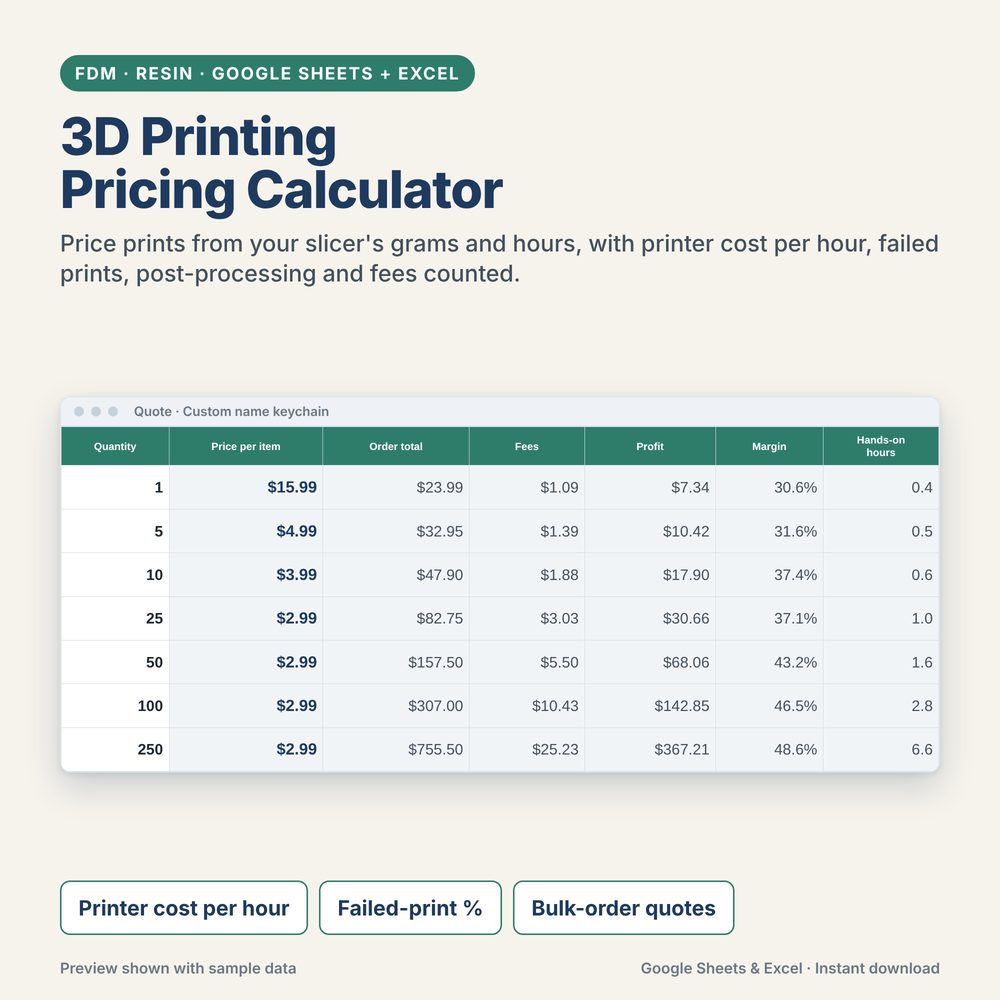
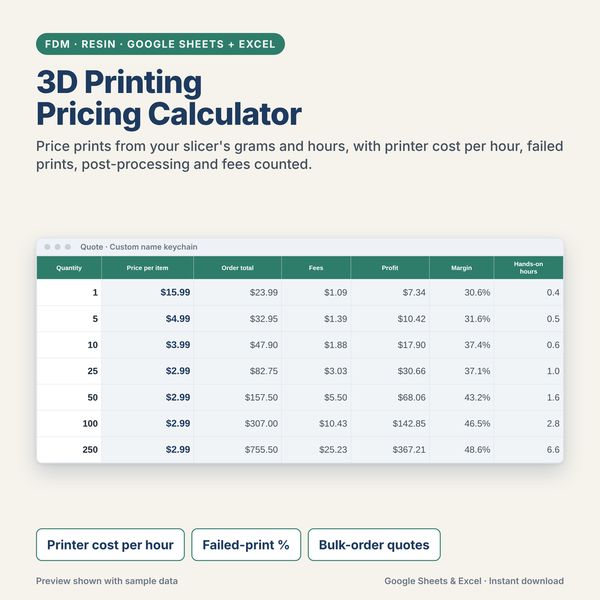
✔ Quantity quotes from 1 to 250 with slicing and setup time spread across the order.
✔ Etsy's published fees built in: the 6.5% transaction fee plus 3% + $0.25 processing, charged on shipping too, plus the $0.20 renewal on every sale.
✔ 10 sales channels side by side: Etsy, Etsy with an Offsite Ads sale (15% or 12%), Shopify, Amazon Handmade, Faire wholesale, a craft fair card reader, Square invoice, Venmo business and cash, plus 2 custom rows.
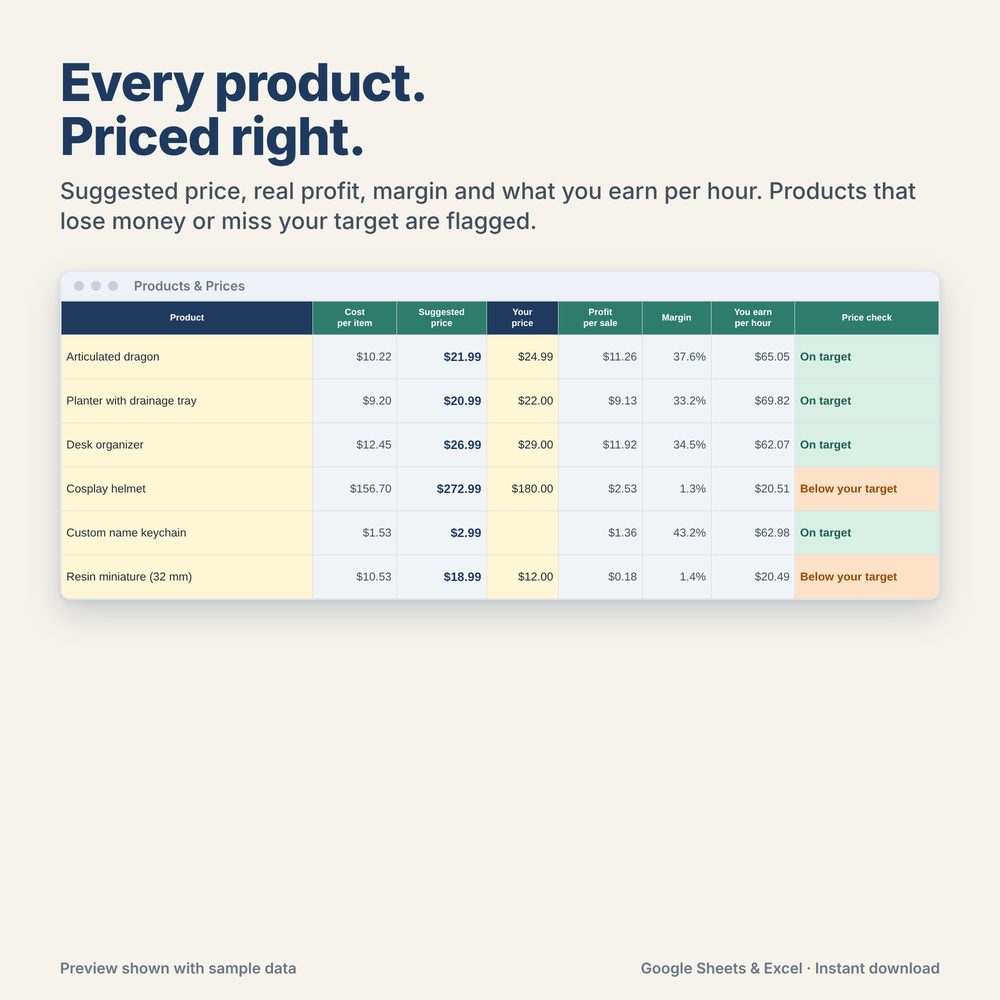
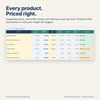
✔ A suggested price that hits the margin YOU choose, rounded up and never below your target.
✔ What you REALLY earn per hour, plus break-even and income-goal sales per month.
Made for FDM and resin sellers, print farms and makers selling on Etsy, at craft fairs or by custom order. Works with any printer: Bambu Lab, Prusa, Creality, Elegoo, Anycubic and others.
WHAT'S INSIDE
• Products: grams, print hours, machine cost, failed-print %, suggested price, profit, margin and earnings per hour. Products that lose money are flagged.
• Quote: price any order size and see the same quote on every sales channel.
• Recipes: the filament, resin, hardware and packaging in each product, costed line by line.
• Materials: your spools, resin and supplies with pack price, amount and cost per unit.
• Goals: the sales per month that cover your overhead and reach your income goal.
• Settings: your printers, hourly rate, target margin, overhead and every fee rate.
• A Start Here guide with a 10-minute setup.
WHAT YOU RECEIVE
• A PDF with your private link to make your own copy in Google Sheets
• The Excel file (.xlsx). Works in Excel 2016 or newer, Microsoft 365 and Excel for Mac.
PLEASE NOTE
• Digital download. No physical item will be shipped.
• Fee rates are estimates based on each channel's published rates as of November 2026. Channels change fees, and you can edit every rate.
• This calculator helps you organize your numbers. It is not financial or tax advice.
• Provided "as is," without warranties. Rates and figures come from published sources as of November 2026 and can change or contain errors, so please check results before relying on them. To the fullest extent permitted by law, Markup & Co. isn't liable for losses from formula errors, outdated figures or changes made to the file, and total liability is limited to the price paid. Found a problem? Email admin@markupandco.com and I'll fix it or refund you. Full terms of use are on the Start Here tab.
• Preview images show sample data. Your copy starts with one example product.
• For use by one person or one business. Please don't share or resell the file.
• Designed by Markup & Co. with the help of AI tools. Every formula is tested before release.
FAQ
Do I need Excel? No. A free Google account works. Click the link in the PDF and choose "Make a copy."
Where do the grams and hours come from? Your slicer. Type them in for each product.
I run more than one printer. Add each one on the Settings tab and pick the printer for each product.
What if Etsy changes its fees? Update the rate once on the Settings tab, and every product uses it.
Questions? Email admin@markupandco.com.