
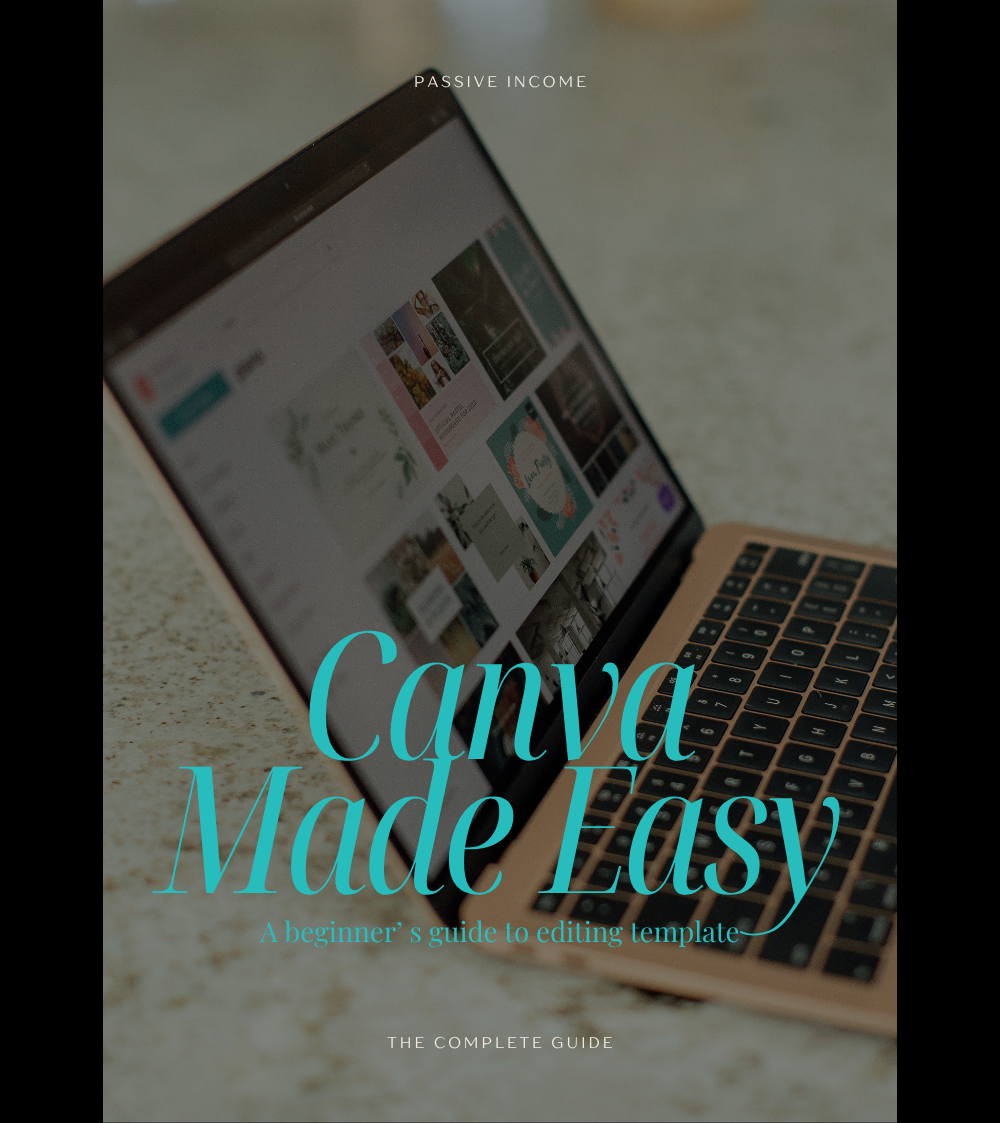
Canva Made Easy
Canva Made Easy
Learn to edit templates in minutes—no tech stress, no design background needed.
This short and powerful 8-page guide is your straight-to-the-point tutorial for using Canva like a pro—whether you’ve just bought a template or you're finally ready to stop winging your graphics.
"Canva Made Easy" walks you through:
- Setting up a free Canva account
- Accessing and opening your templates
- Editing text, fonts, colours, and images
- Uploading your own photos and brand elements
- Downloading your finished product in the right formats for socials, web, or print
It’s a beginner’s guide—but not in a “talk down to you” kind of way. You’ll be up and running in under 30 minutes with clear, jargon-free steps and screenshots that show you exactly what to do.
Canva for beginners, edit templates Canva, graphic design for small business, how to use Canva, Canva tutorial download, passive income design tools, digital product design, simple Canva guide, how to edit social media templates
Ideal for:
- Small business owners who buy Canva templates but don’t know what to do next
- Side hustlers who want polished marketing without paying a designer
- Creatives who are time-poor but want their content to look the part
This guide takes the guesswork out—so you can get in, get your edits done, and get your content out into the world.
Download it today and stop avoiding your design work. Canva just got easy.