The Street Of Fire
On Sale
$5.00
Pay what you want:
(minimum $5.00)
$
*** PAY ATTENTION***
You Will Need Wallpaper Engine To Use This Wallpaper
Get it from Steam or from their website Here
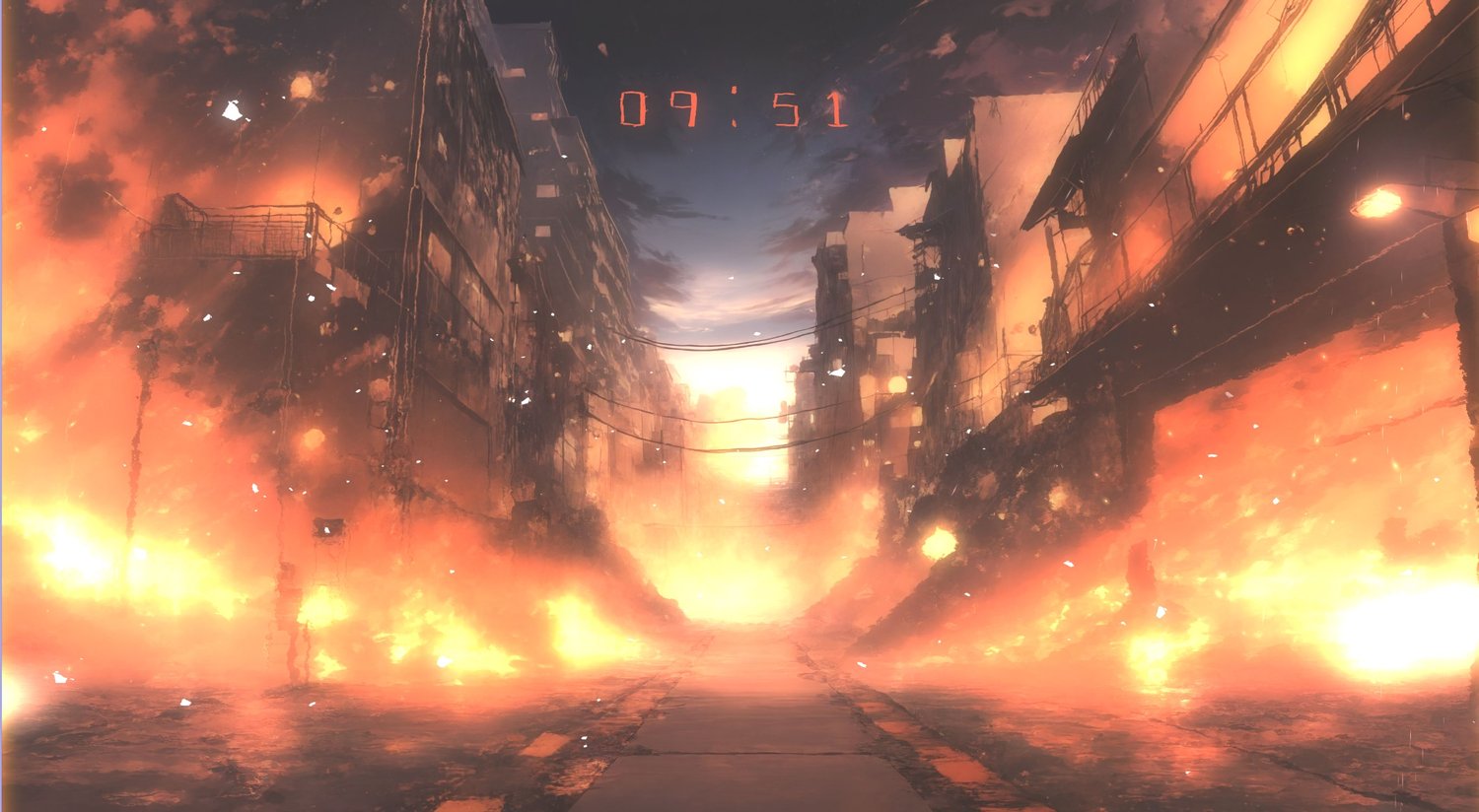
Introducing "The Street Of Fire", A 4K Animated Wallpaper
For PC Gamers and desktop customization fans, Transform your desktop with "The Street Of Fire," a stunning 4K animated wallpaper designed specifically for Wallpaper Engine. This captivating anime-inspired scene features a vibrant street engulfed in flames, showcasing intricate details and bold colors that elevate your desktop aesthetics.
Key features of this animated wallpaper include:
- 4K resolution (4000x 2250) for crystal-clear visuals
- Compatible with Wallpaper Engine for a seamless and interactive experience
- Customization options for a personalized experience
- Show and hide a desktop clock, control its colors and size
- Show and hide the Ash Effect
- Show and hide the Amber Effect
- Control the Strength and Threshold of the Bloom Effect
- Activate or deactivate the parallax effect, adding a new layer of depth and immersion to the scene
Get ready to upgrade your desktop with this premium wallpaper, available for just $5. Experience the thrill of being part of an elite cyborg force, and discover a new level of visual excellence with this stunning 4K wallpaper.
Installation
- Download the file
- Un pack the file inside {myprojects} folder of Wallpaper Engine, {your installation path}\wallpaper_engine\projects\myprojects
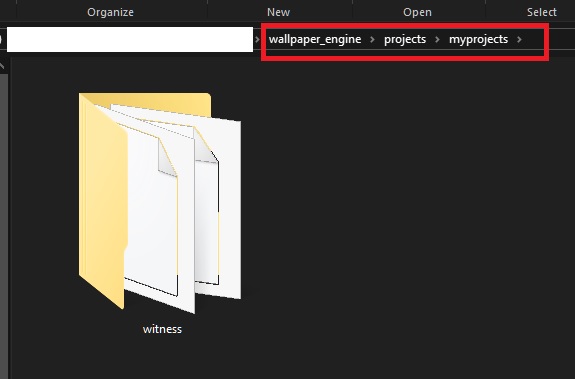
- Run Wallpaper Engine, the Elite Cyborgs wallpaper will be now available in your library
- Select the wallpaper to apply it (see customization in the video above)
If you purchased the wallpaper from Steam, you can find the wallpaper folder following these steps
- Open Steam and go to your library
- Right Click on Wallpaper Engine and select "Properties"
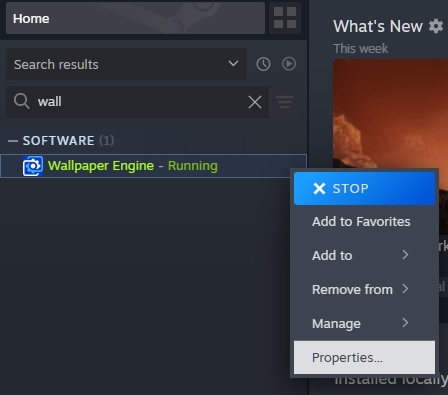
- Select "Installed Files" then click "browse", this will open the location to where Wallpaper Engine is Installed.
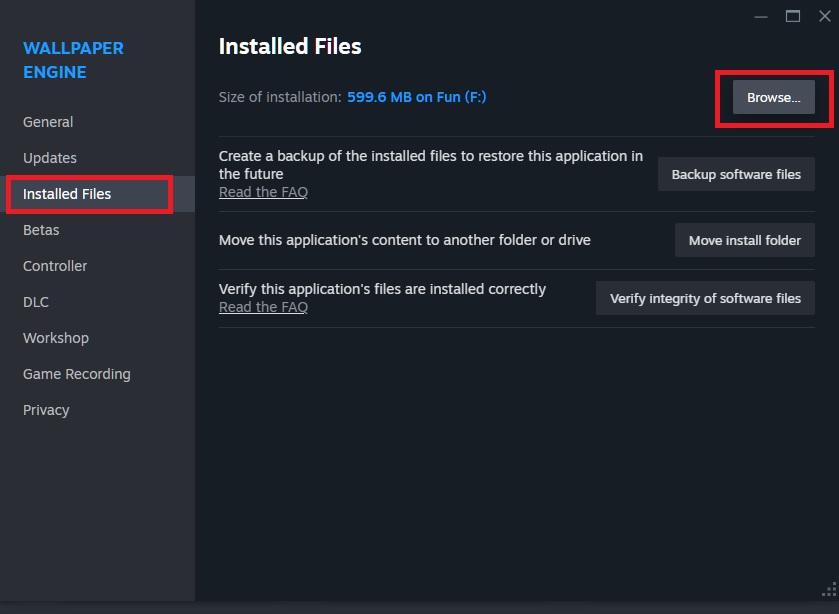
- Go to projects>myprojects and unpack the downloaded file there
- Run Wallpaper Engine, the Elite Cyborgs wallpaper will be now available in your library
- Select the wallpaper to apply it (see customization in the video above)
You Might Also Like
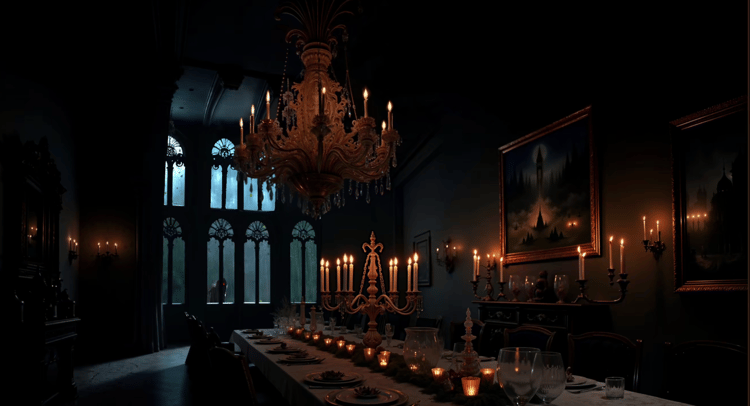
The Dining Hall 4K Wallpaper
$5.00+


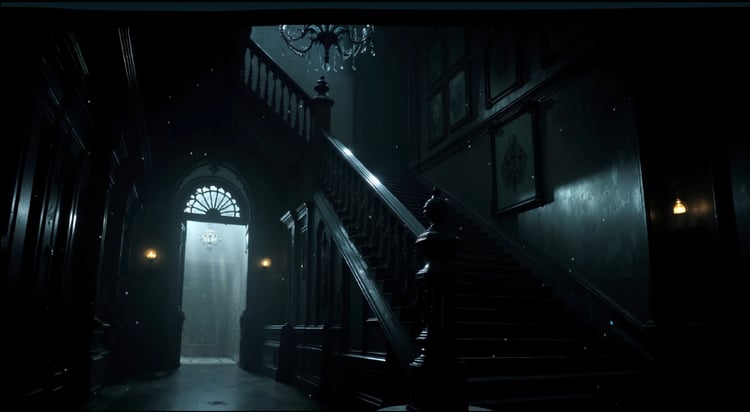
The Mansion Of Horrors
$7.00+