

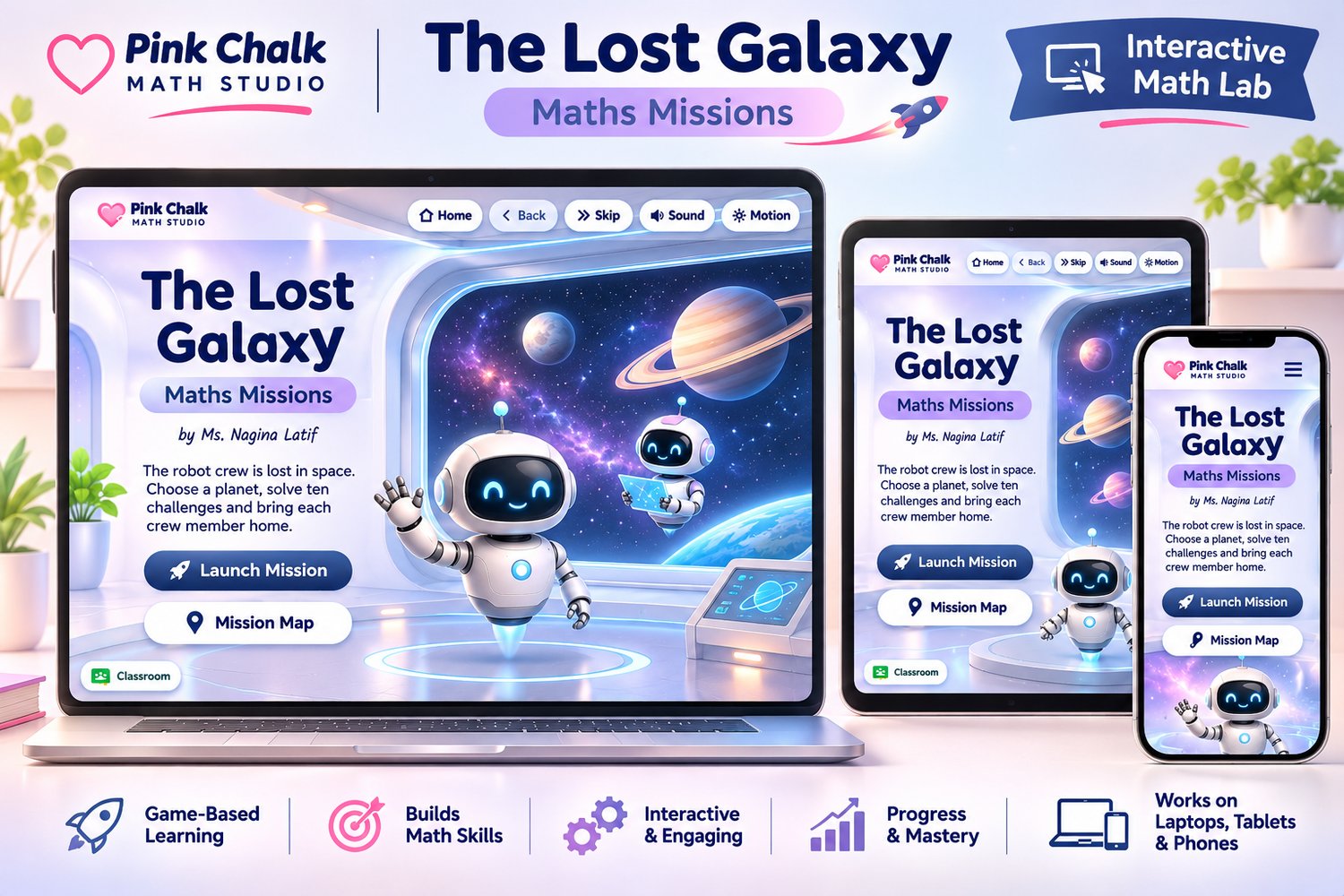
The Lost Galaxy – Fully Digital Math Game (Fractions, Integers, Coordinates)
Fully digital and 100% digital — no printing and no prep. Project it on a smartboard or interactive whiteboard and play it as a whole-class game, or assign it to students on laptops, iPads or phones. Interactive, self-checking, and ready for Google Classroom. No app and no student login are needed. Open it in a browser and start.
The Lost Galaxy is a self-contained digital maths game. The robot crew is lost in space. Students choose a planet, solve ten challenges, and bring each crew member home.
WHAT'S INCLUDED
– Interactive digital game (The-Lost-Galaxy.html) — one file, works offline in any modern browser: smartboard, laptop, iPad or phone.
– START-HERE.pdf — a one-page quick start.
– Teacher Guide — the five missions, how to play, the 8/10 rescue rule, clues and review, and how to share with a class.
– Answer key — the full 75-question bank with answers, clues and short explanations.
– Terms of Use — single-classroom licence.
THE FIVE MISSION TOPICS
– Space Workshop — divide mixed numbers
– Frozen Planet — understand integers
– Galactic Navigator — points on the coordinate plane
– Rescue Operation — distances on the coordinate plane
– Galactic Master — mixed review
The bank has 75 unique questions (15 in each mission). Each play draws 10 of those 15 at random, so a replay is not the same set.
HOW IT WORKS
Step 1: Open The-Lost-Galaxy.html in a browser.
Step 2: Press Launch Mission or Mission Map and choose a planet.
Step 3: Students solve 10 challenges. After a first wrong try, a clue appears. After a second try, the answer and a short explanation appear.
Step 4: Score 8 or more out of 10 first-time correct answers to rescue the crew member. Then press Review answers to look back at every question, the clue and the explanation.
Step 5: Return to the map and choose the next planet.
WHY TEACHERS LOVE IT
– Share and start. Open the file or share it to Google Classroom and students begin.
– Self-checking with clues. A strategy hint appears after the first slip; the answer and a short "why" appear after the second try or a correct answer.
– Review at the end. Students can see the strategy and the answers after the mission.
– Replay stays fresh. Ten questions are drawn at random from a 15-question bank for each mission.
– Works anywhere. Whole class on a smartboard, pairs on laptops or iPads, or homework on a phone.
DEVICES
Smartboard, laptop, iPad and phone. Open it in a browser; no app or student login is needed.
LICENCE
This purchase is for one teacher's classroom. Please share the student link or files only with your own students. Colleagues are welcome to buy their own licence. Do not post the link or the files on public websites.
Website: https://pinkchalkclassroom.com