

Podcast Studio OS — Notion Template for Podcasters Who Are Done Winging It
Running a podcast shouldn't mean juggling spreadsheets, searching through email threads, or losing great episode ideas in a notes app you'll never open again.
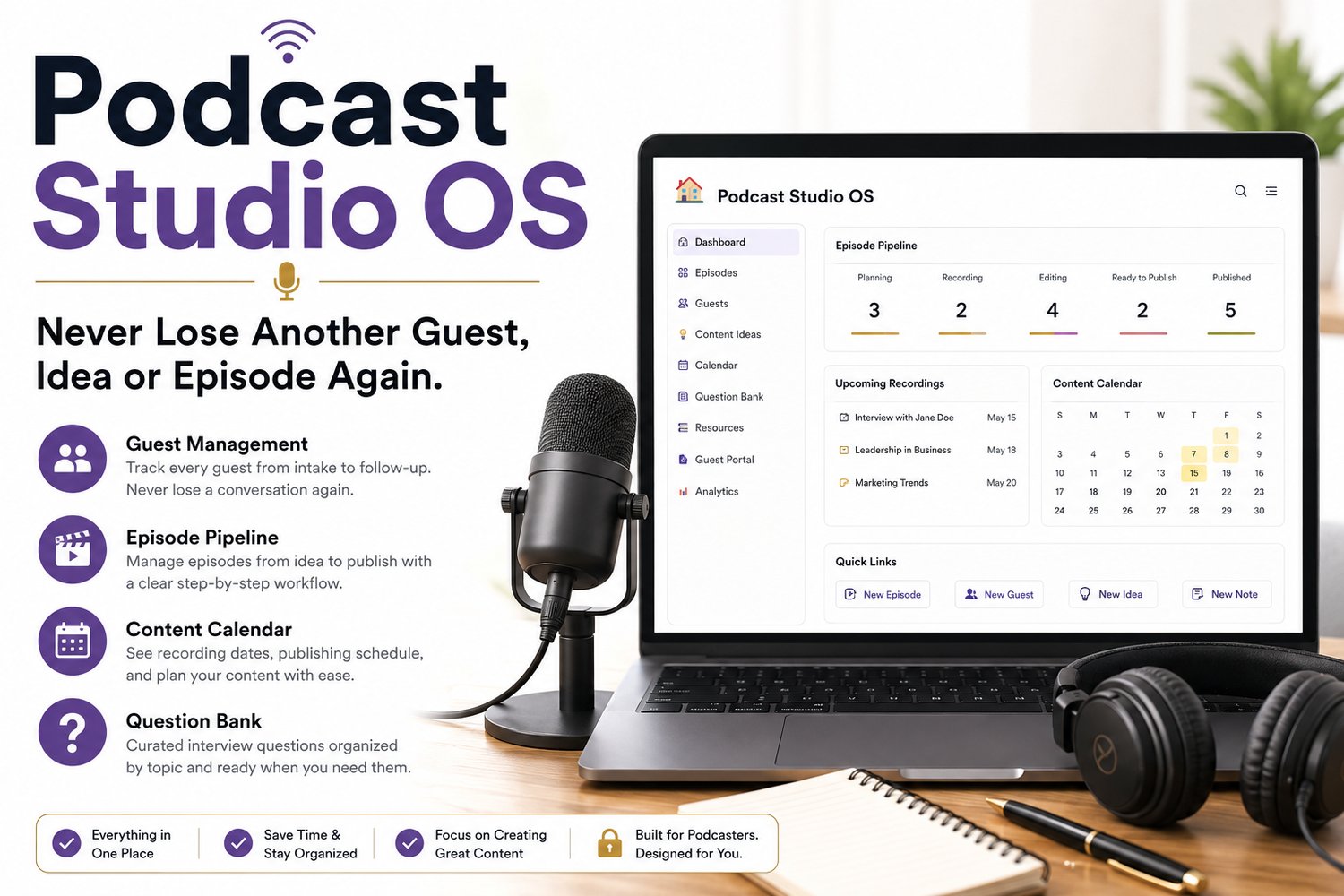
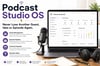
Podcast Studio OS is a complete podcast management system built in Notion to help solo podcasters, interview hosts, and content creators organize every part of their production workflow. Manage podcast guests, track episodes from idea to publication, plan your content calendar, organize interview questions, and keep your entire podcast in one easy-to-use workspace.
Whether you're launching your first show or streamlining an established podcast, Podcast Studio OS gives you a proven workflow without spending hours building databases or learning complex systems.
No Notion experience? No problem.
Simply duplicate the workspace into your free Notion account, personalize it with your podcast information, and start managing your guests, episodes, and production schedule in minutes.
Spend less time organizing your podcast and more time creating great conversations.
✅ Complete podcast management system built in Notion.
What's inside
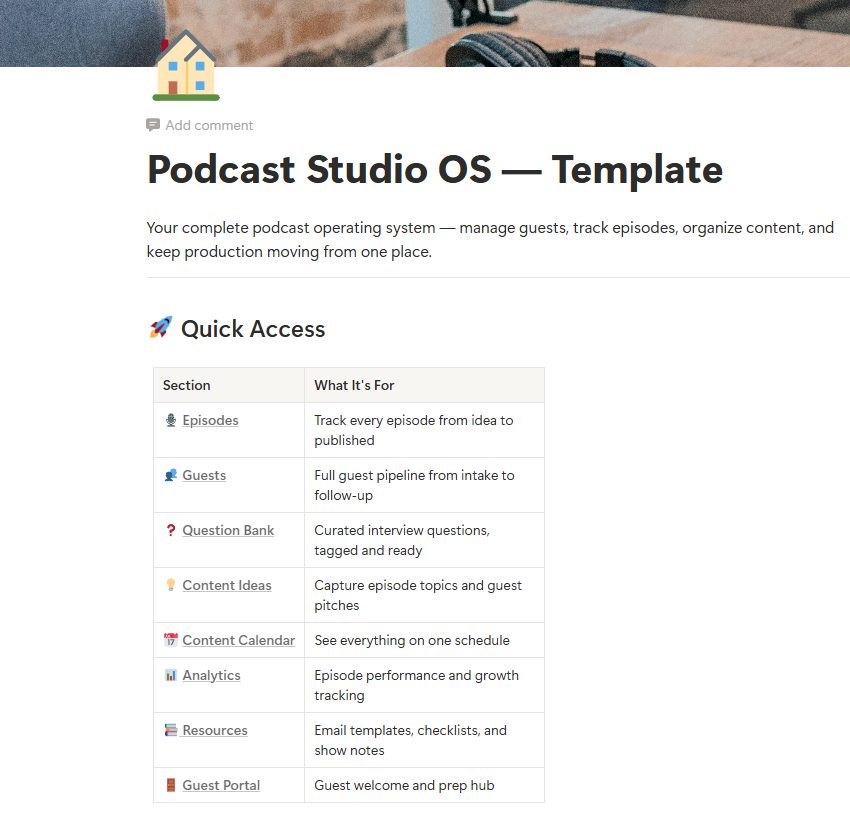
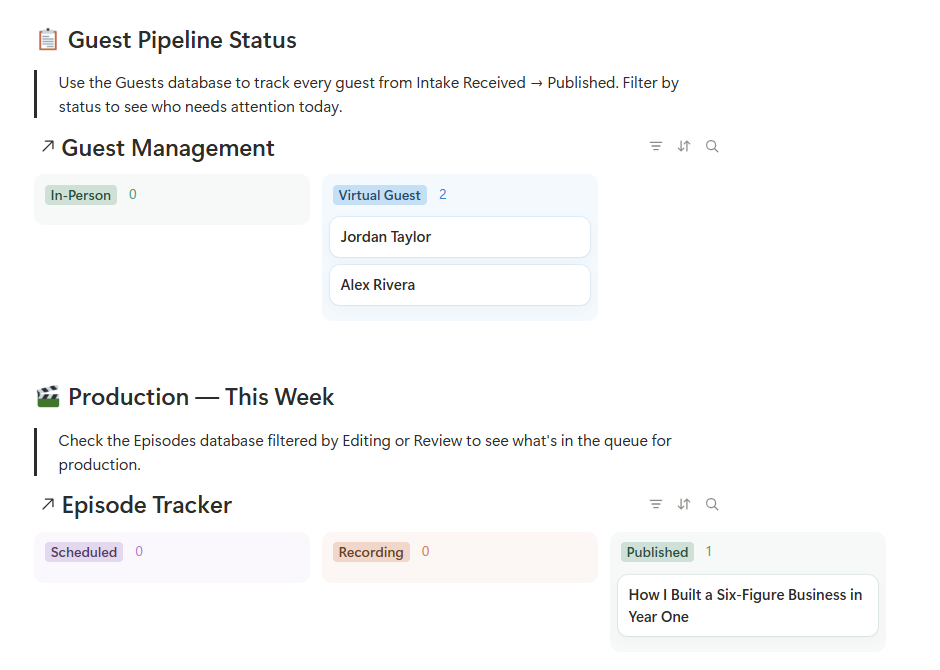
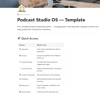
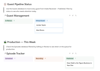
🏠 Home Dashboard Your command center. See your guest pipeline status, production queue, and quick links to every section of your OS — all from one page.
🎙️ Episode Tracker A full production pipeline that takes episodes from Idea to Published. Track recording dates, editing status, show notes, publish dates, guest links, and more. Every episode, every stage, in one database.
👥 Guest Management Stop losing guests in your inbox. The Guest Management database tracks every guest from intake form submission through post-episode follow-up. Built with fields for contact info, session topics, consent status, scheduling, and production milestones.
💡 Content Ideas Bank A dedicated backlog for episode ideas before they're ready to become episodes. Rate by priority, track the source, flag whether a guest is needed, and convert directly to the Episode Tracker when the timing is right.
❓ Question Bank A library of interview questions organized by topic — ready to pull from when you're prepping for a recording session.
📅 Content Calendar See your recording dates, publishing schedule, and content pipeline in a single calendar view.
🚪 Guest Portal A dedicated page to share with guests as they prep for their recording session and everything they need in one clean, professional space.
📚 Resources Email templates, checklists, and show notes organized and ready when you need them.
Also included
- Guest Email Sequence Templates — Three ready-to-customize email templates covering intake confirmation, booking link delivery, and 48-hour pre-recording prep. Just swap in your details and connect to your email platform.
- Guest Media Agreement Template — A customizable media release for your guests to sign. Includes fields for episode details, usage rights, and consent. (Requires legal review before use — see terms.)
- Setup Guide — Step-by-step instructions for customizing the OS to your show, including how to add a Content Calendar view directly to your Home Dashboard.
Who this is for
- Podcasters who are tired of tracking guests in their DMs and episodes in a spreadsheet
- New podcasters who want to start with a real system instead of building one from scratch
- Established hosts who know their current setup isn't scalable
If you record interviews, manage guests, and want your production process to actually feel under control — this was built for you.
You do not need to be a Notion expert
This works with the free version of Notion. Duplicating a template takes about 30 seconds. Every database, view, and property in this OS is already built — you're not starting from a blank page. If you can click, type, and follow a short setup guide, you can use this.
How it works
- Purchase and receive your template link instantly
- Open Notion (free account works perfectly)
- Click "Duplicate" to copy the template into your own workspace
- Swap in your podcast name, links, and email. Done!
- Start tracking guests and episodes from day one
A note on automation
The Podcast Studio OS is built to work with automation tools like Make.com or Zapier so your intake form responses flow directly into the Guest Management database. Those automations are not included in this template. You'll set them up using your own accounts and the tools that work best for your workflow. The database is structured and ready to receive that data.
Sold by BusinessPro Consulting LLC. By purchasing, you agree to the Podcast Studio OS Terms of Use included with your download. Template is for individual use only and may not be resold or redistributed.
By purchasing and downloading Podcast Studio OS, you agree to the Terms of Use included in your download. This template is licensed for individual use only and may not be resold or redistributed.