
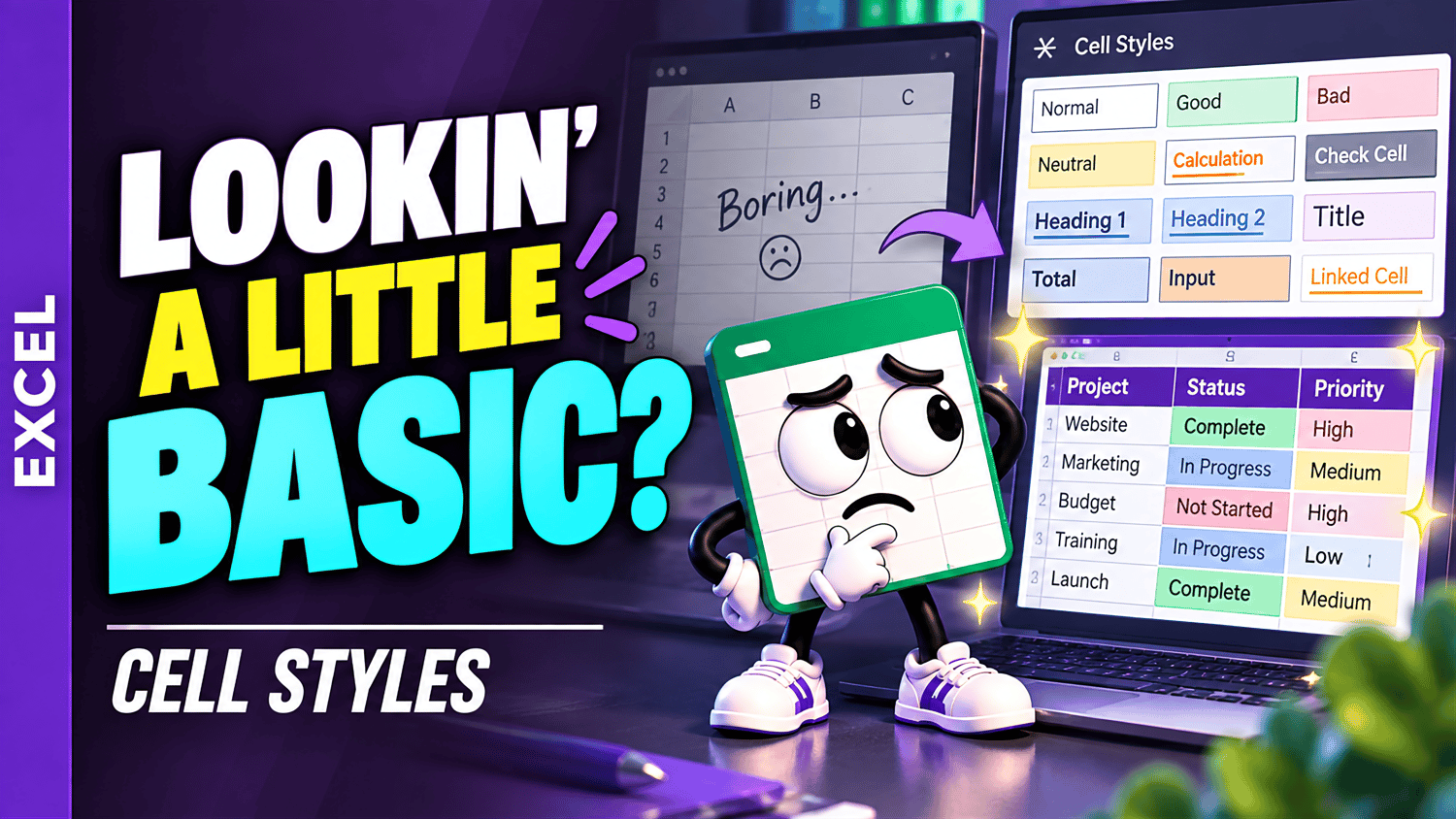
Excel Cell Styles | Beginner Practice Workbook
Learn how to use Cell Styles in Microsoft Excel with this beginner-friendly practice workbook from Easy Mode Excel Tutorials!
Want to make your spreadsheets look more organized and professional without formatting every cell individually?
Excel's built-in Cell Styles make it easy to apply consistent formatting with just a few clicks.
This hands-on practice workbook accompanies our free Excel Cell Styles video lesson, helping you build confidence using one of Excel's convenient formatting features.
What You'll Practice
Excel Cell Styles
✓ Explore Excel's built-in Cell Styles gallery
✓ Apply ready-made styles to spreadsheet cells
✓ Use Cell Styles to highlight headings, important values, and other information
✓ Practice creating consistent formatting throughout your spreadsheet
✓ Change or remove cell styles when needed
What's Included
✓ One downloadable Excel practice workbook (.xlsx)
✓ Beginner-friendly exercises for practicing Cell Styles
✓ Hands-on activities you can complete at your own pace
✓ A free video tutorial to follow along with
Learn by Doing!
Watching a tutorial is helpful, but practicing the skills yourself makes them easier to remember!
Open your workbook, follow along with the video, and practice using Excel's built-in Cell Styles to make your spreadsheets easier to read.
Perfect for Excel beginners! Learn how to format spreadsheet cells quickly and consistently without having to adjust every formatting option individually.
Get Your Practice Workbook!
Just $2.49 USD
Download your workbook and practice whenever you're ready!
This purchase includes one downloadable Excel practice workbook only. Microsoft Excel is recommended for using its built-in Cell Styles features.
Watch the FREE Video Lesson
🎥 Excel Cell Styles for Beginners