Your Cart
Loading
Only -1 left

PDF Redactor Pro v2.79

On Sale
$10.00
$10.00
Added to cart

Offline PDF redaction software with OCR support for scanned and text-based PDFs.


πŸ”’ Protect Confidential Data in PDF Documents


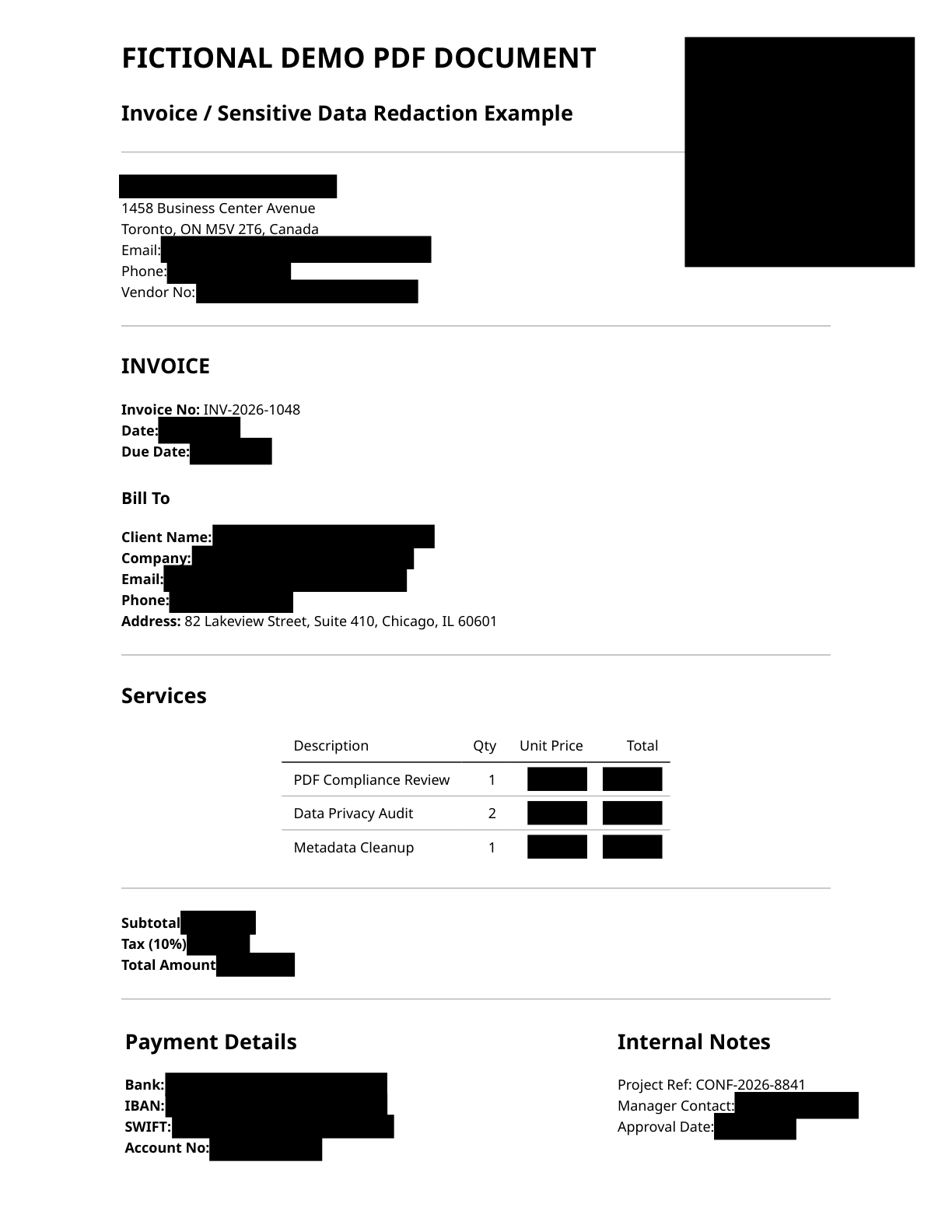
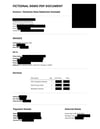
PDF Redactor Pro is a Windows desktop tool for permanently redacting sensitive information in PDF files.


Whether you work with legal documents, invoices, financial records, medical files, purchase orders, scanned PDFs, or other confidential documents, PDF Redactor Pro helps you remove private data before sharing.


No cloud upload. No subscription. Your documents stay on your computer.


πŸ§ͺ Try Before You Buy β€” Free Trial


A free trial version is available at pdfredact.pro

Test the full workflow on your own documents before purchasing.


🎬 Quick demo of PDF Redactor Pro:


πŸ†• What's New in v2.79


  • Page-specific Rules β€” apply different redaction settings to selected pages while keeping the rest of the document on the main profile
  • Page-specific Draw Areas β€” create manual draw regions that stay only on the current page instead of repeating across the whole PDF
  • Advanced RegEx Workflows β€” build custom pattern-based redactions, target selected areas, and send selected text or areas directly into the RegEx workflow
  • Improved RegEx area redaction β€” better handling of custom patterns, selected zones, and rule-based workflows
  • Improved currency detection β€” detect and redact currency amounts, financial values, and currency codes more accurately
  • Object Inspector and Safe Delete improvements β€” inspect visible PDF objects and safely remove selected annotations or objects when needed
  • Updated in-app Help page with clearer explanations for page-specific rules, RegEx workflows, draw areas, and batch processing
  • Stability improvements and refined redaction engine


OCR for scanned PDFs is fully supported β€” create searchable PDF copies from scanned files, then redact them using the same tools used for regular text-based PDFs.

Supported OCR languages: English, German, French, Spanish, Portuguese.


πŸ” Smart Redaction Tools


PDF Redactor Pro detects and redacts:


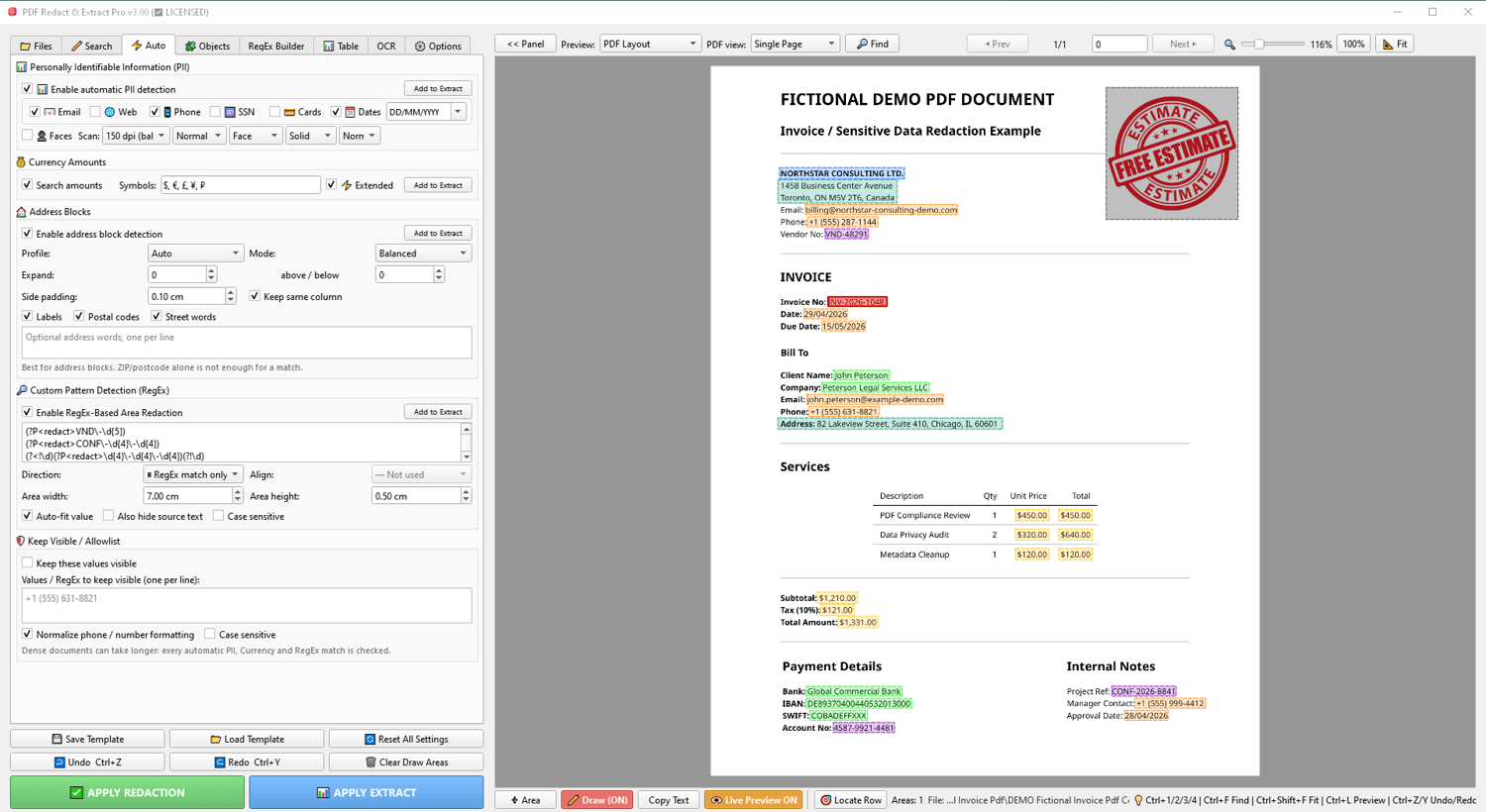
  • Personal data (PII): emails, phone numbers, SSNs, credit card numbers, dates
  • Financial information: currency amounts and financial figures
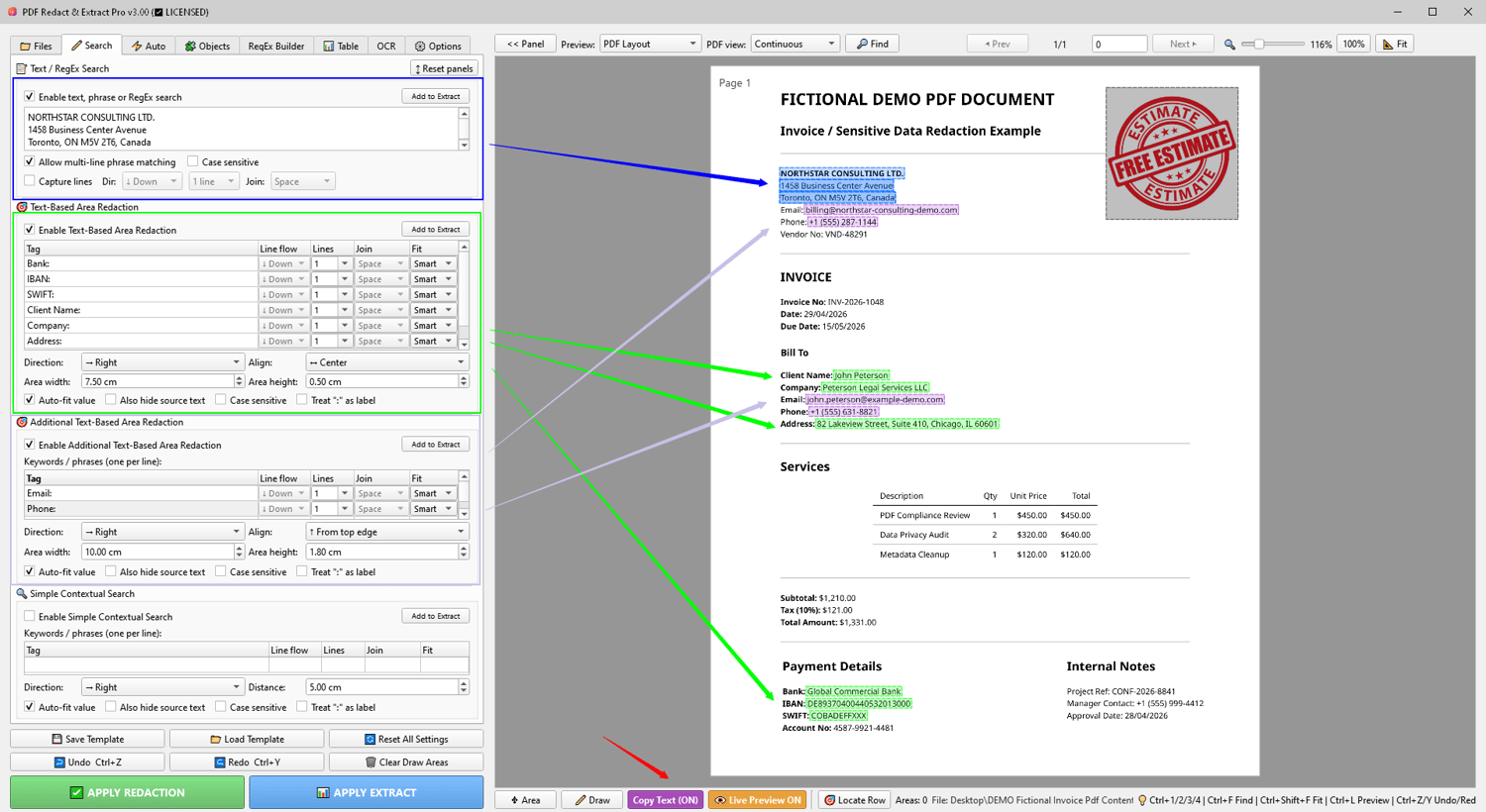
  • Text and phrases: exact phrase search, keywords, multi-line text
  • Custom formats: regular expressions for IDs, case numbers, references, account numbers and more
  • Contextual content: text near specific keywords β€” values next to labels, blocks near headings
  • Document objects: images, headers, footers, tables, PDF stamp annotations
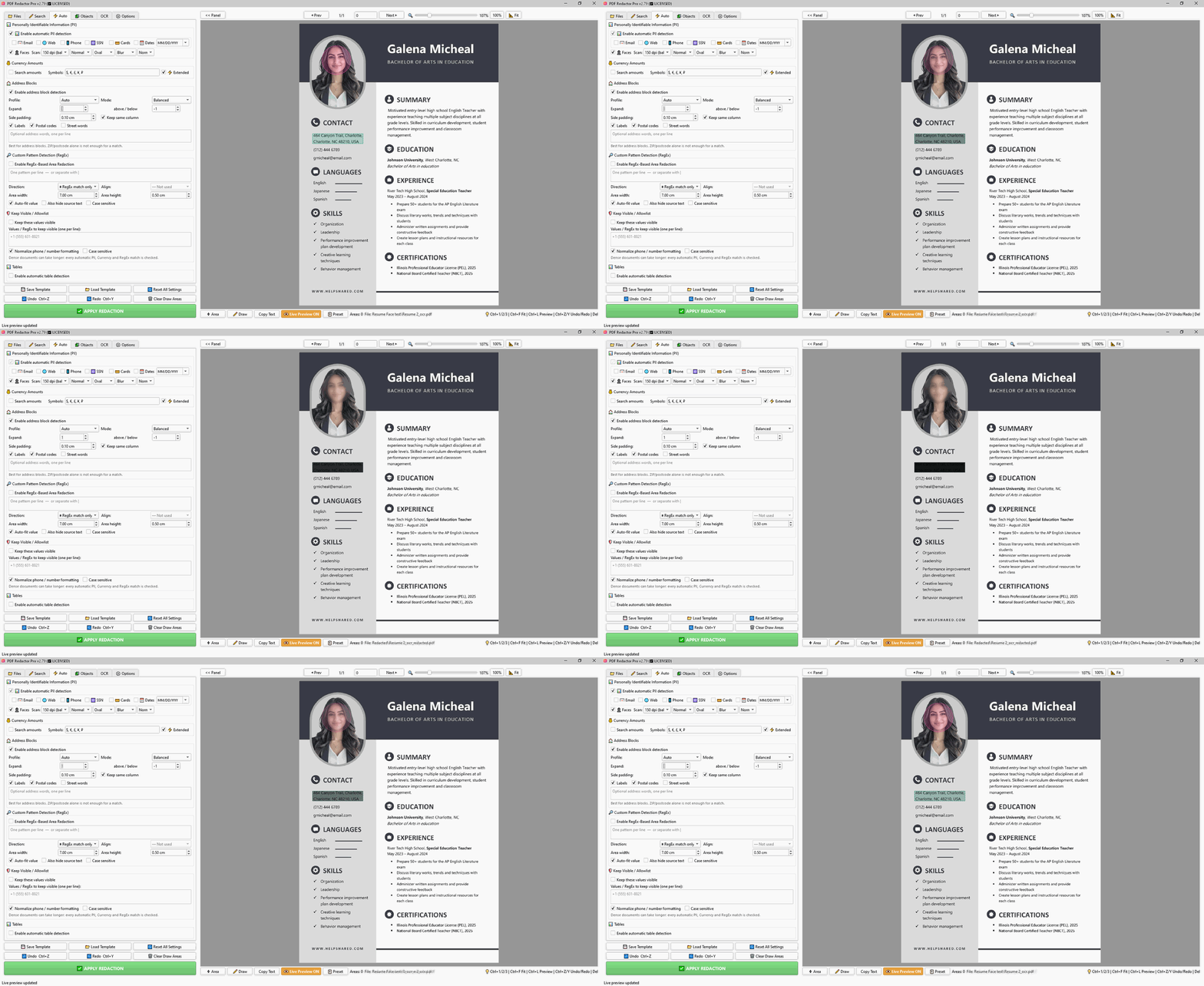
  • Faces: automatic face detection with blur, pixelate, or solid mask
  • Address blocks: automatic detection and redaction of full postal addresses
  • Page-specific content: apply different rules or manual draw areas only to selected pages


πŸ–±οΈ Manual and Automatic Workflow


  • Use automatic detection when you need speed
  • Use manual redaction when you need precise control
  • Use page-specific draw areas when only certain pages need custom manual redaction
  • Combine both: auto-detect, then manually adjust or add areas before applying


βš™οΈ Page-specific Rules and Draw Areas


PDF files often contain different layouts on different pages: invoices, forms, cover pages, tables, signatures, scanned pages, appendices, and attachments may all require different redaction settings.


PDF Redactor Pro v2.79 allows you to use page-specific rules for selected pages.


You can apply separate settings for:

  • PII detection
  • Face detection
  • Address block detection
  • Search and text-based redaction
  • RegEx rules
  • Currency detection
  • Object inspection
  • Manual draw areas


Pages without saved page-specific rules continue to use the main redaction profile.

This gives you more control without creating separate projects or splitting the PDF manually.


πŸ”£ Advanced RegEx Workflows


PDF Redactor Pro includes advanced RegEx tools for users who need custom redaction patterns.


Use RegEx workflows to redact:


  • Case numbers
  • Account numbers
  • Reference IDs
  • Invoice numbers
  • Order numbers
  • Internal codes
  • Custom business formats
  • Structured text patterns


You can also use RegEx area redaction to focus pattern matching on selected zones of the document, helping reduce false matches and improve precision.


πŸ“¦ Batch Processing


  • PDF Redactor Pro is designed for real document workflows, not just single-file editing.
  • Process multiple PDFs in a single run using reusable templates and consistent settings.
  • One-by-one review mode is also available when you want to inspect each file before saving.


πŸ“‹ Reusable Templates


  • Save your redaction settings as templates and load them later.

This is useful for repeated document types such as invoices, purchase orders, forms, statements, reports and client files.


πŸ’» Private and Offline


PDF Redactor Pro works locally on your Windows PC.


  • No files are uploaded anywhere.
  • No internet connection required after activation.


This is especially important for law firms, accounting offices, healthcare providers, business teams and anyone handling confidential information.


βš™οΈ Main Features


  • Permanent PDF redaction
  • Manual draw redaction areas
  • Exact phrase search
  • Keyword-based block redaction
  • Contextual redaction
  • PII auto-detection
  • Currency amount detection
  • RegEx search
  • Image redaction
  • Header and footer removal
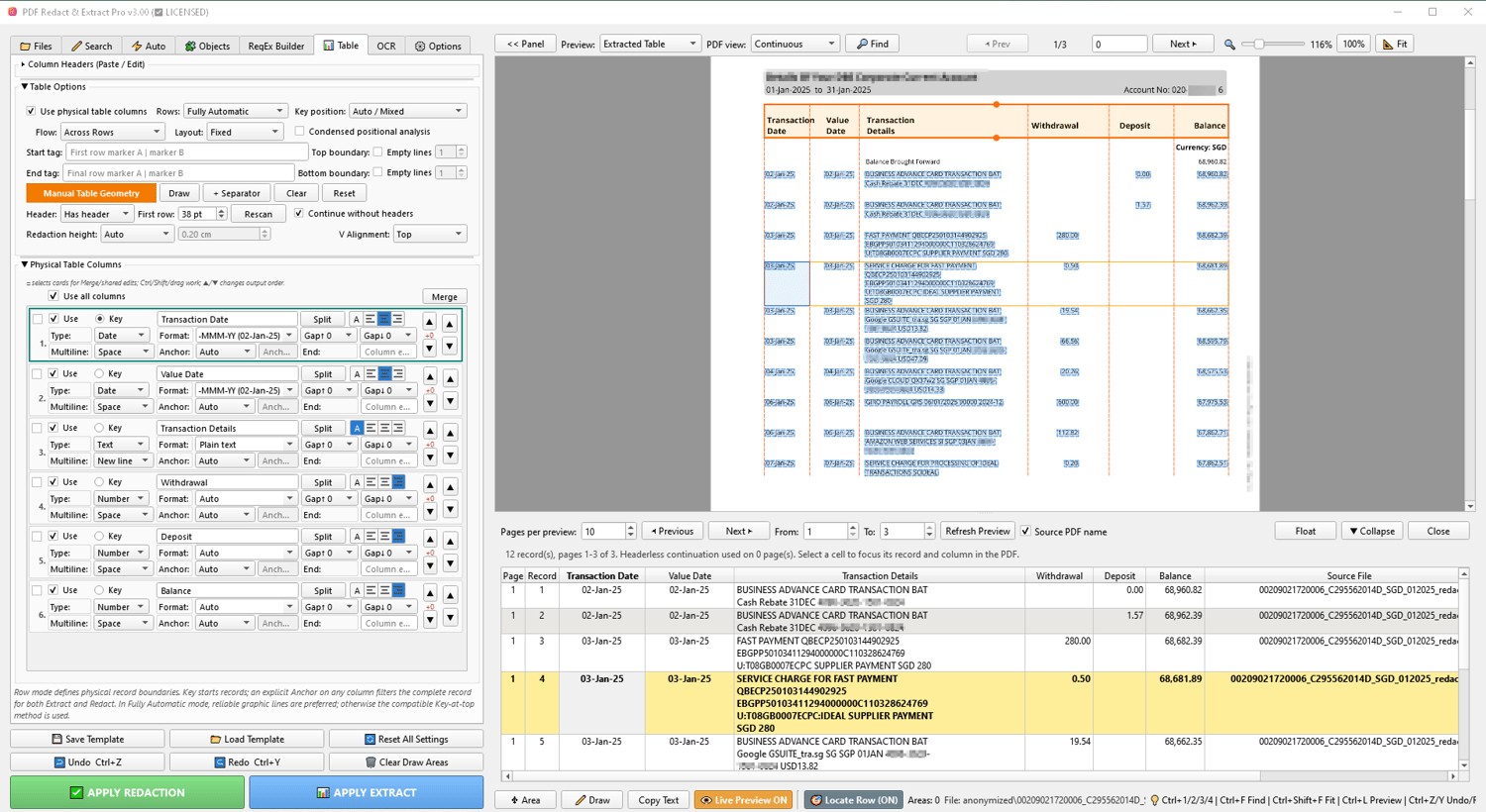
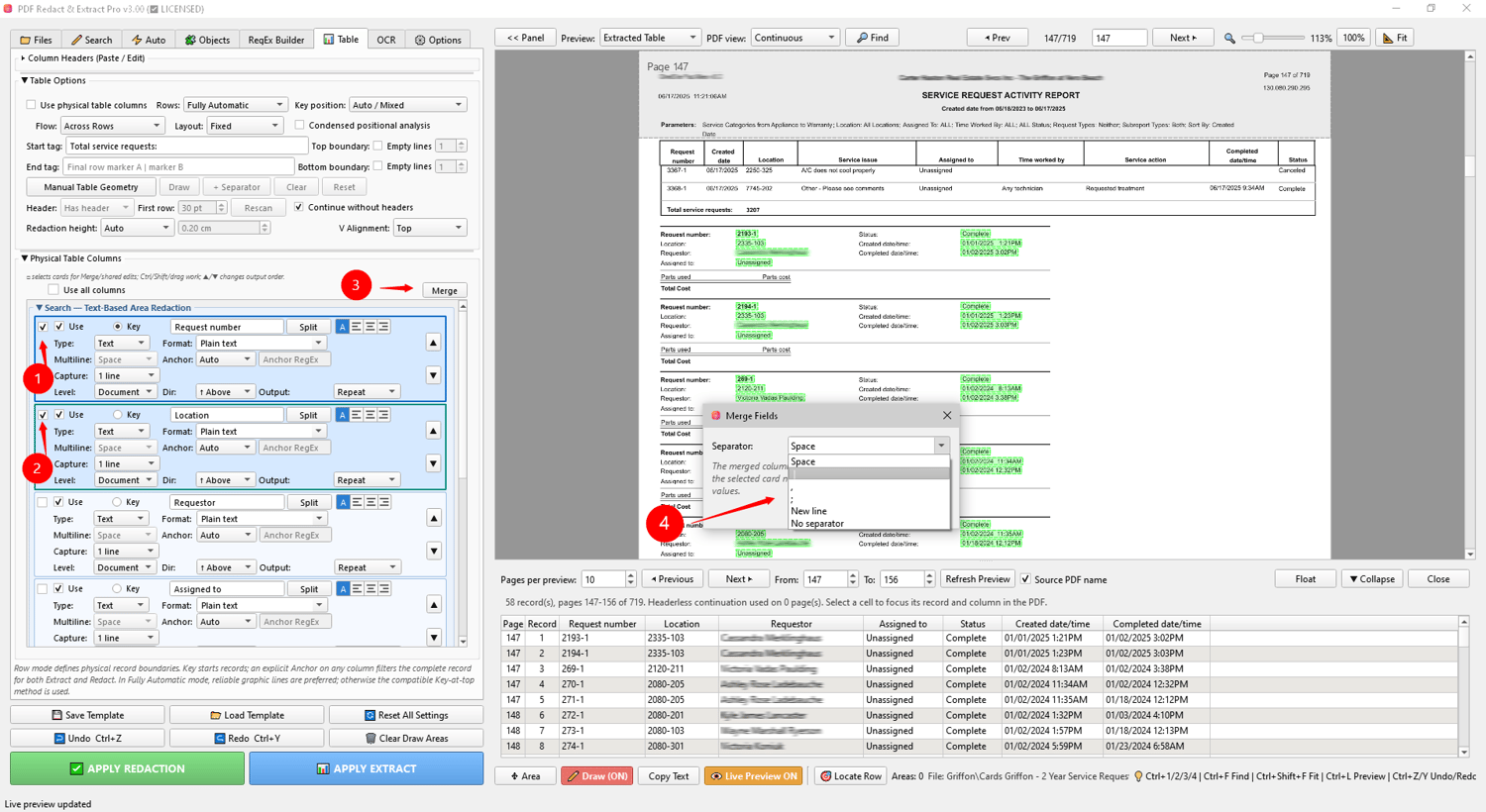
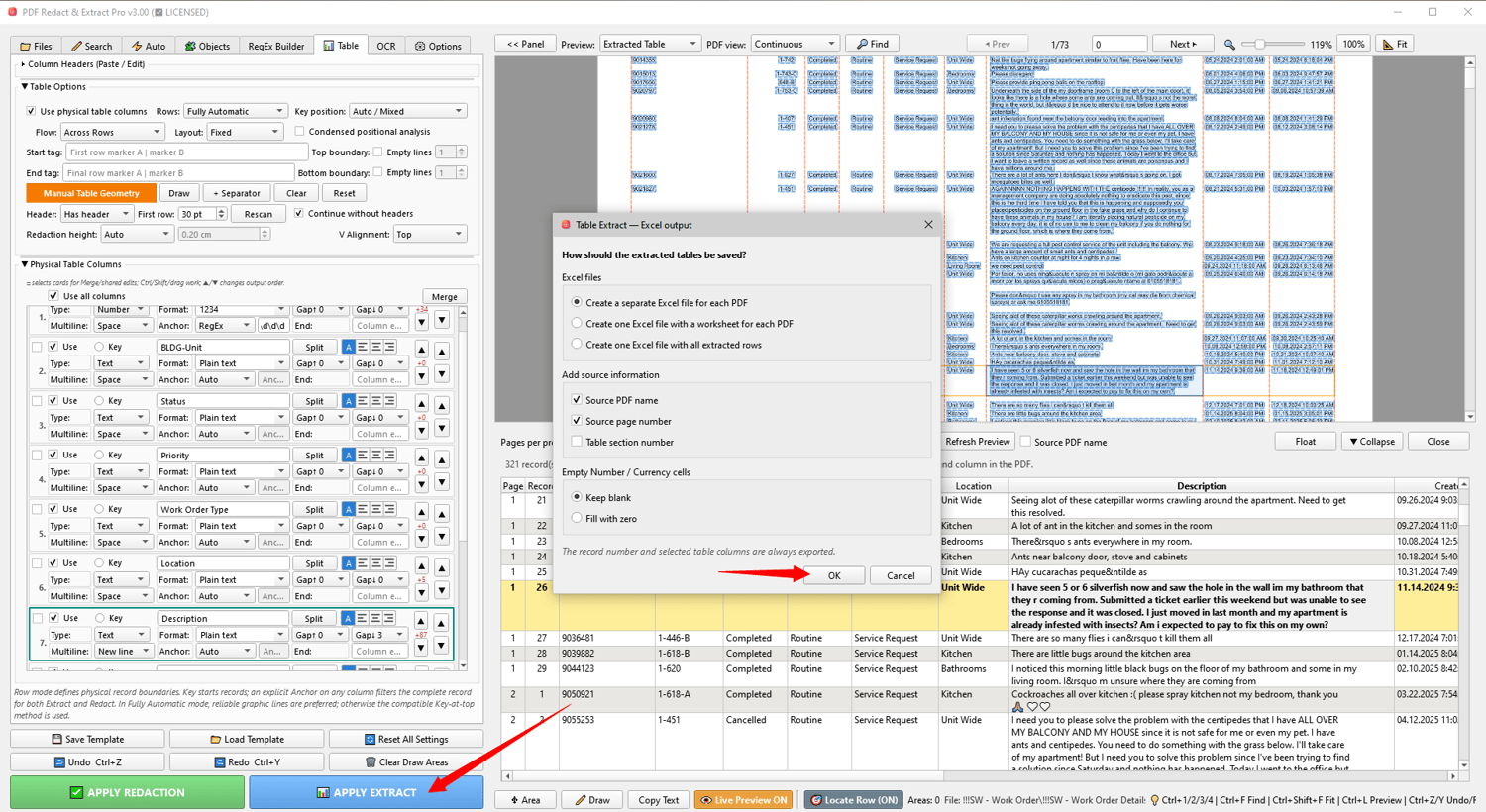
  • Table detection
  • PDF stamp annotation removal
  • Face detection with blur / pixelate / solid mask
  • Address block detection
  • OCR workflow for scanned PDFs (eng, deu, fra, spa, por)
  • Batch processing
  • One-by-one review mode
  • Reusable templates
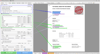
  • Live preview of detected areas
  • Local offline processing β€” no cloud, no subscription


πŸ–₯️ System Requirements


Windows 10/11 64-bit

OCR engine included β€” no separate Tesseract installation required


πŸ“₯ What’s Included


  • PDF Redactor Pro v2.78 for Windows
  • License key for 1 PC
  • Full OCR support
  • Free updates for the current major version


πŸ”’ 100% Private & Offline


  • Your documents never leave your machine.
  • No internet connection required after activation.
  • Perfect for law firms, accounting offices, medical practices, and any organization with strict data privacy requirements.


You will get a ZIP (154MB) file

Customer Reviews

There are no reviews yet.