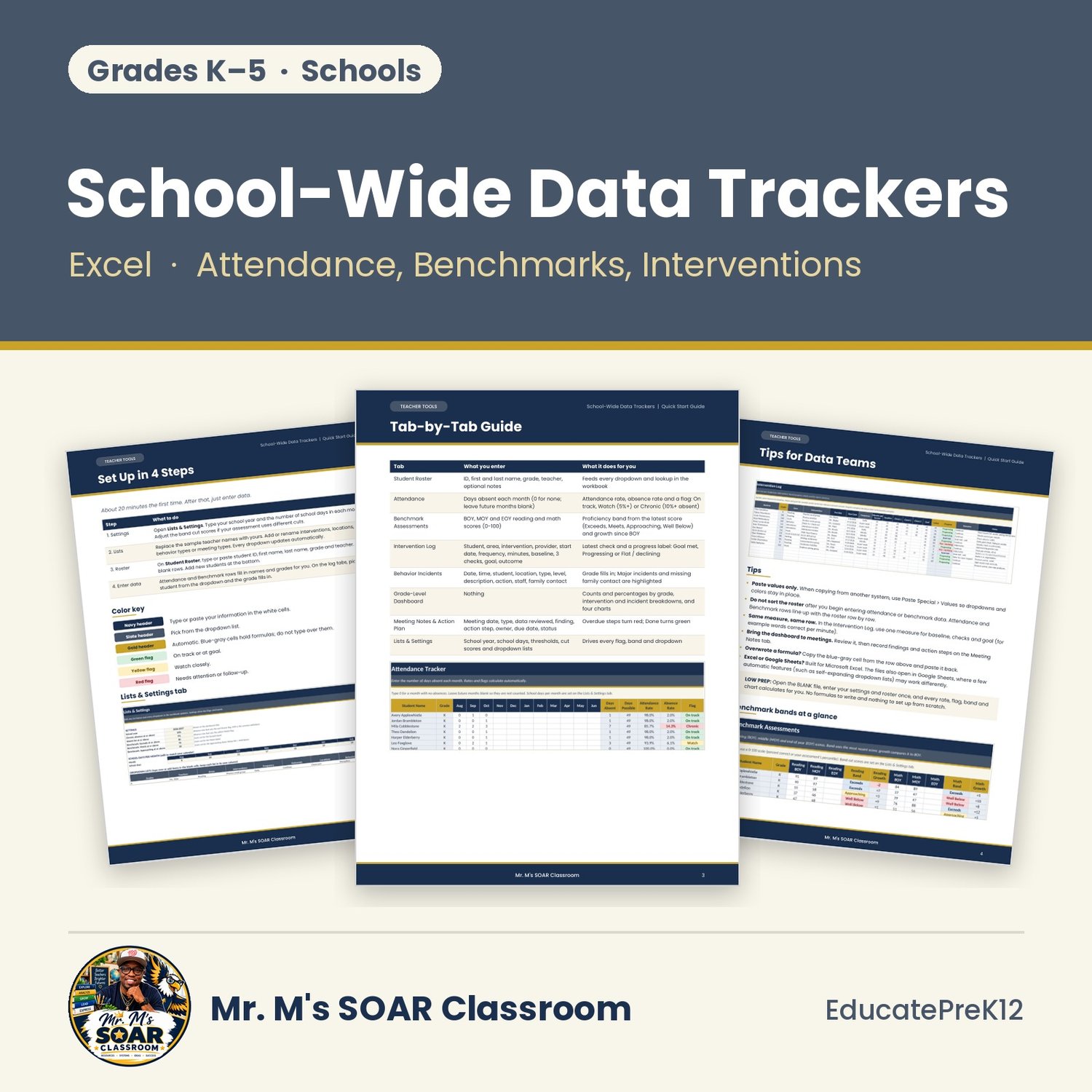

School-Wide Data Trackers Excel K-5 Attendance, Benchmark, Intervention & Behavior Dashboard
Turn attendance, benchmark, intervention and behavior data into a grade-level dashboard your K-5 team can act on.
What's inside
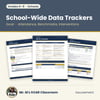
- Start Here: how to use the workbook, setup steps and a color key
- Student Roster: set up once; names and grades feed every dropdown and lookup
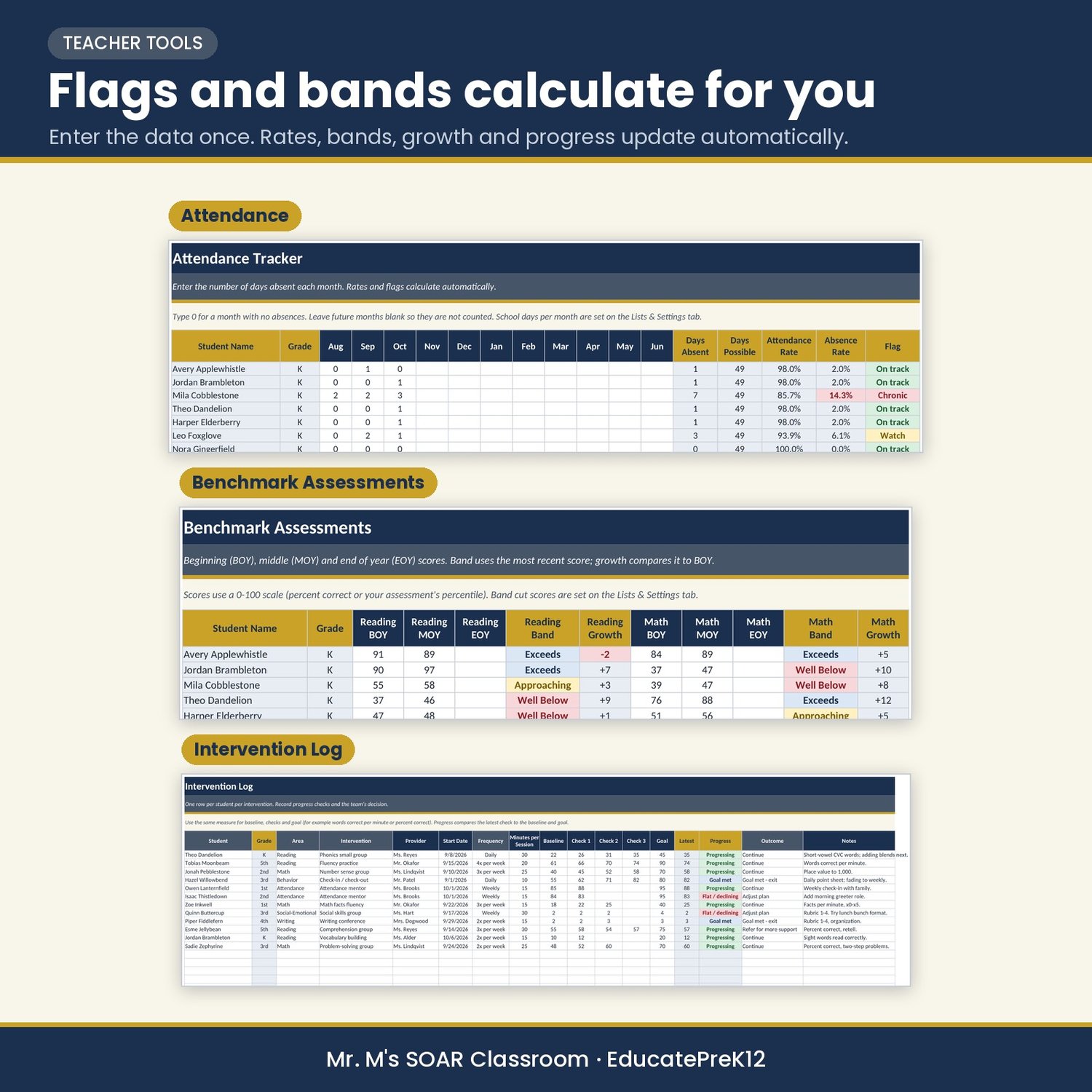
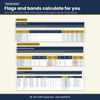
- Attendance: monthly days absent with automatic attendance rate and a Chronic flag at 10% or more absent
- Benchmark Assessments: BOY, MOY and EOY reading and math scores with proficiency bands and growth
- Intervention Log: student, area, intervention, start date, frequency, minutes, progress checks and outcome
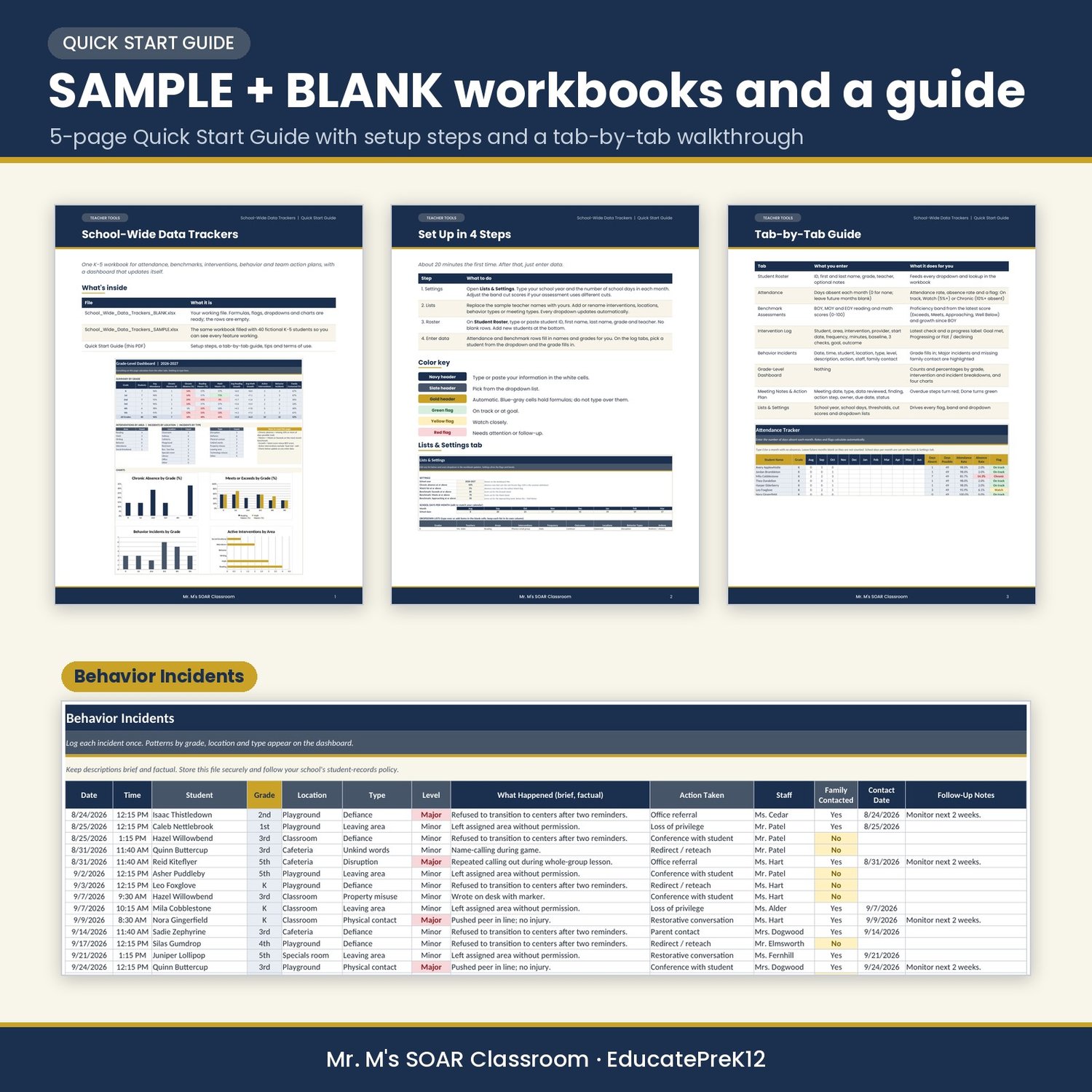
- Behavior Incidents: date, time, location, type, action taken and family contact
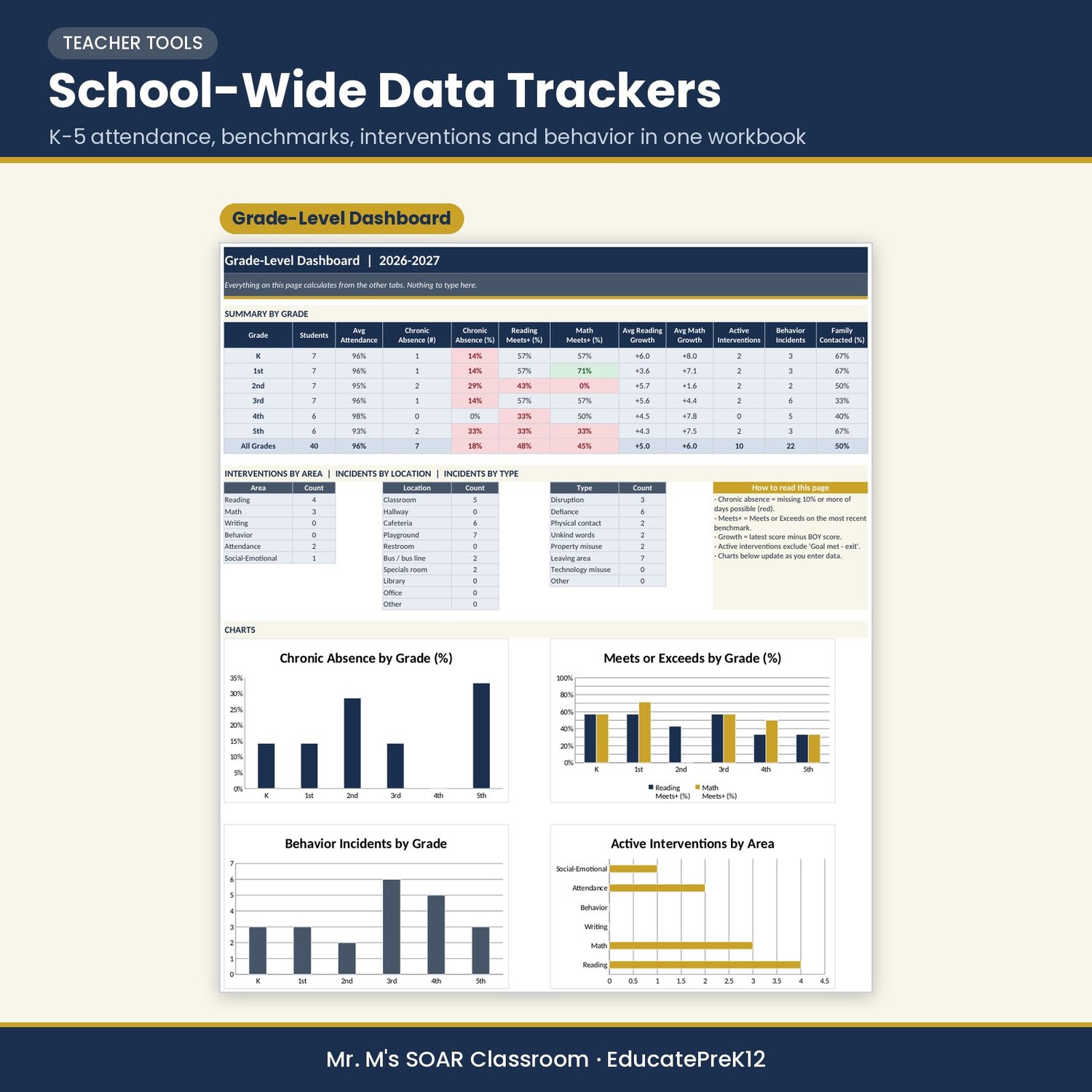
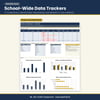
- Grade-Level Dashboard: formula-driven counts, percentages and four charts by grade
- Meeting Notes & Action Plan: findings, action steps, owners, due dates and status
- Lists & Settings: edit dropdown lists, school days, thresholds and cut scores
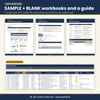
LOW PREP: Enter your settings and roster once, then type data in the white cells. Rates, flags, bands, growth and charts calculate automatically. Includes a SAMPLE workbook with 40 fictional students, a BLANK workbook and a 5-page Quick Start Guide.
Built for Microsoft Excel. The files also open in Google Sheets, where a few automatic features (such as self-expanding dropdown lists) may work differently.
License: Single-school license. For multi-school or district licenses, send a message through the store's Contact page.
Designed by a classroom teacher and instructional coach. Illustrations are created with AI tools; all content is written and reviewed for standards alignment and classroom use.