

Senior Digital Confidence Workbook | 30-Page Technology Guide for Seniors
Help make everyday technology feel simpler, safer, and less intimidating with the Senior Digital Confidence Workbook from CareFlow System.
This 30-page printable workbook is designed especially for seniors who want to feel more comfortable using phones, tablets, computers, email, video calls, healthcare portals, online banking, shopping tools, and more.
Inside, readers will learn how to:
Understand common device icons and settings
Connect safely to Wi-Fi
Adjust text size and accessibility features
Add contacts and make video calls
Use email and text messaging with confidence
Create stronger passwords and use two-factor authentication
Download apps safely and understand permissions
Use maps, alarms, reminders, and voice assistants
Prepare for telehealth visits
Navigate healthcare and pharmacy portals
Shop and bank online more safely
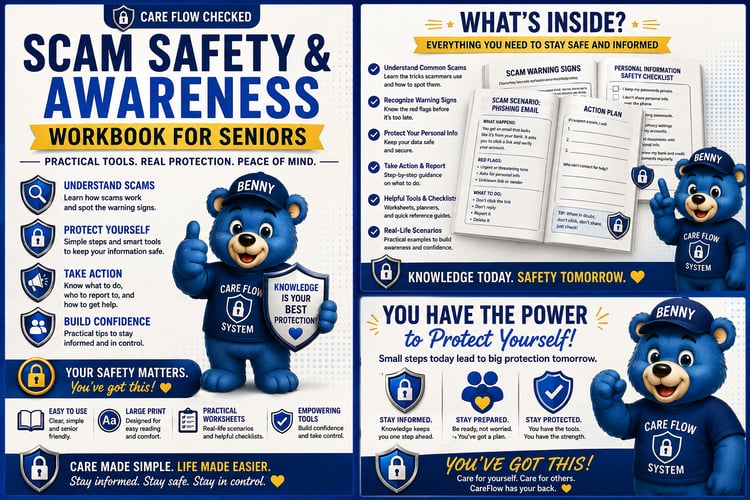
Recognize scams, fake tech support, and suspicious messages
Use QR codes and cloud storage
Troubleshoot common device problems
Learn 20 common technology terms in plain English
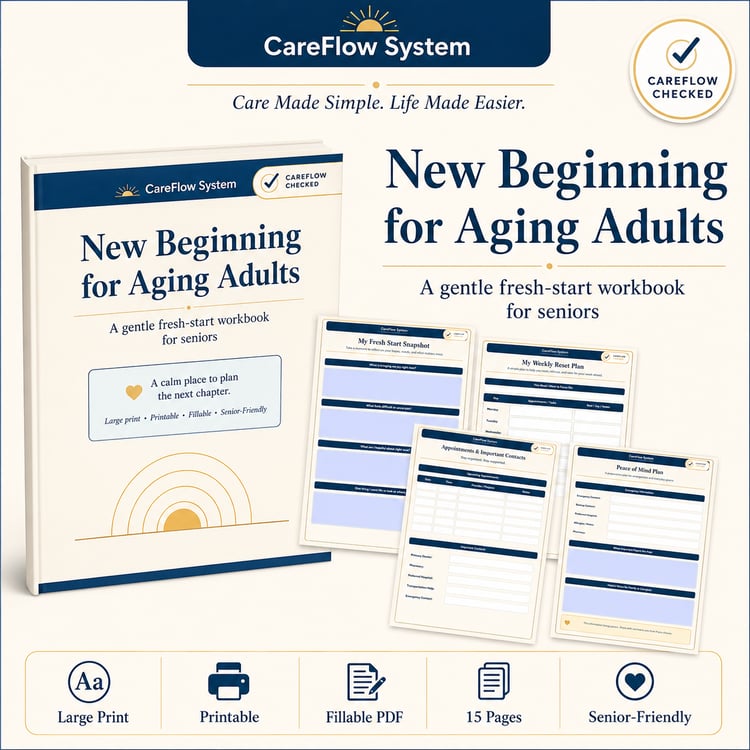
The workbook uses large, easy-to-read text, simple explanations, helpful visuals, checklists, and step-by-step guidance throughout.
Perfect for seniors, caregivers, families, community programs, retirement communities, workshops, or anyone helping an older adult become more comfortable with technology.
Digital Product Includes:
30-page printable PDF
Instant download
Easy-to-follow senior-friendly layout
Practical safety and scam-awareness guidance
Helpful technology cheat sheet
Please note: This is a digital download. No physical product will be shipped.
CareFlow System
careflowsystem@yahoo.com
Care Made Simple. Life Made Easier.