
Website Lead Capture Bot Automation System — n8n Workflow Template
## Stop losing leads inside your chatbot's dashboard.
If you run a website chatbot to collect leads, you already know the problem: leads get stuck inside the chatbot's UI, your team doesn't see them fast enough, and moving them into your CRM or spreadsheet means paying for another tool or writing glue code you don't have time for.
**This template fixes that in one import.**
The *Website Lead Capture Bot Automation System* is a production-ready **n8n workflow** that takes over the moment a visitor submits a lead. It validates the data, scores it, stores it in a Google Sheet, emails you and the lead, and sends an extra alert when the lead is high-value — all automatically, all in one place.
---
## What it does, step by step
1. **Receives** a POST from your chatbot with the lead's name, email, phone, service, and budget.
2. **Validates** every field — required checks, email format, numeric budget.
3. **Normalizes** the data (trims spaces, lowercases email) and generates a unique lead ID.
4. **Scores** the lead: budget over $1,000 is flagged as **High Value**.
5. **Saves** a new row to your Google Sheet (8 columns: Lead ID, Name, Email, Phone, Service, Budget, Lead Type, Timestamp).
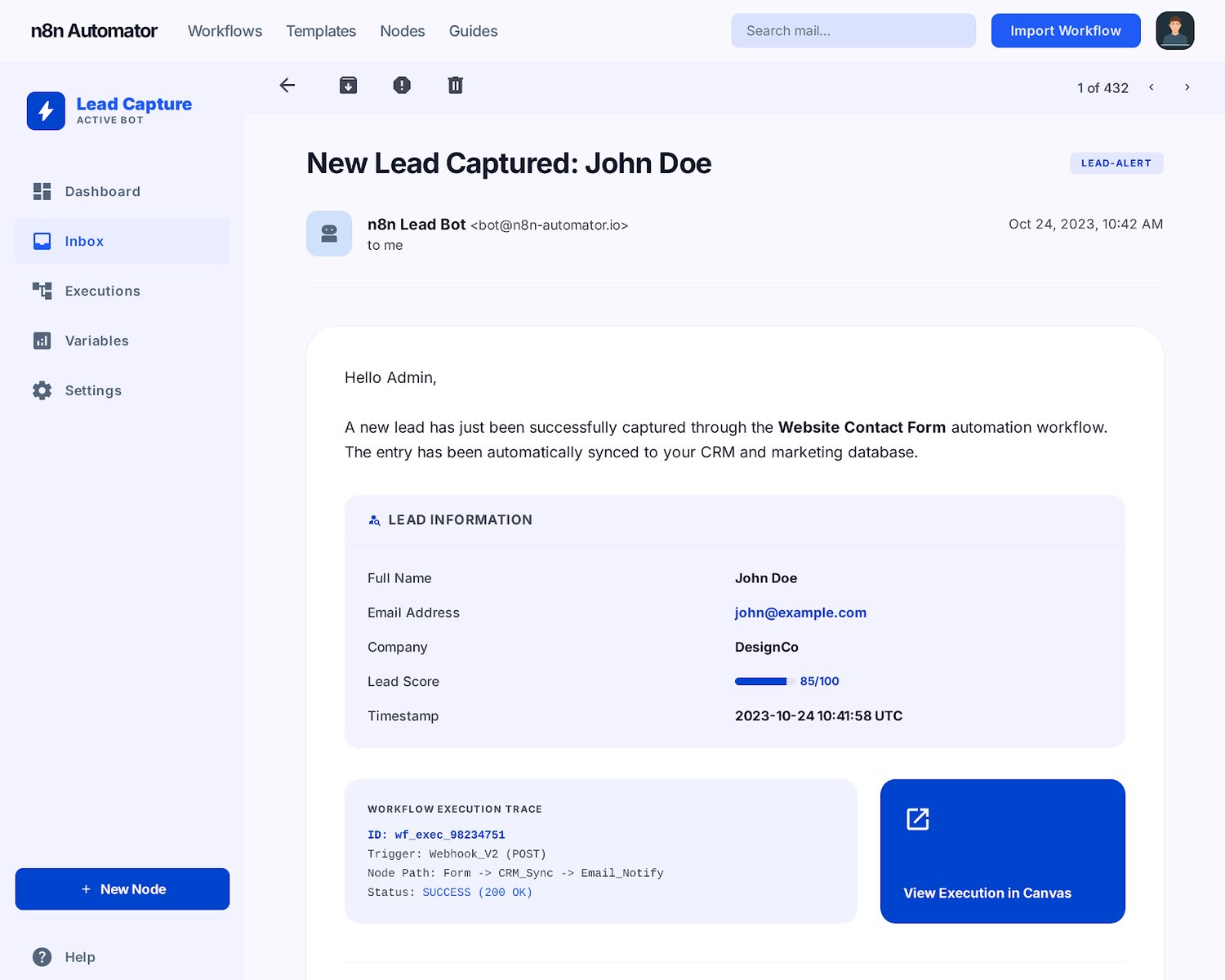
6. **Emails you** a neatly-formatted notification with all lead details.
7. **Auto-replies** to the lead — "Thanks for your inquiry, we will contact you soon."
8. **Sends an extra alert** for high-value leads so you never miss a big one.
9. **Responds** to your chatbot with a clean JSON success or error message.
---
## What makes it production-ready
- **Error handling built in.** Google Sheets down? Gmail quota exceeded? The workflow returns a proper HTTP 500 instead of crashing silently.
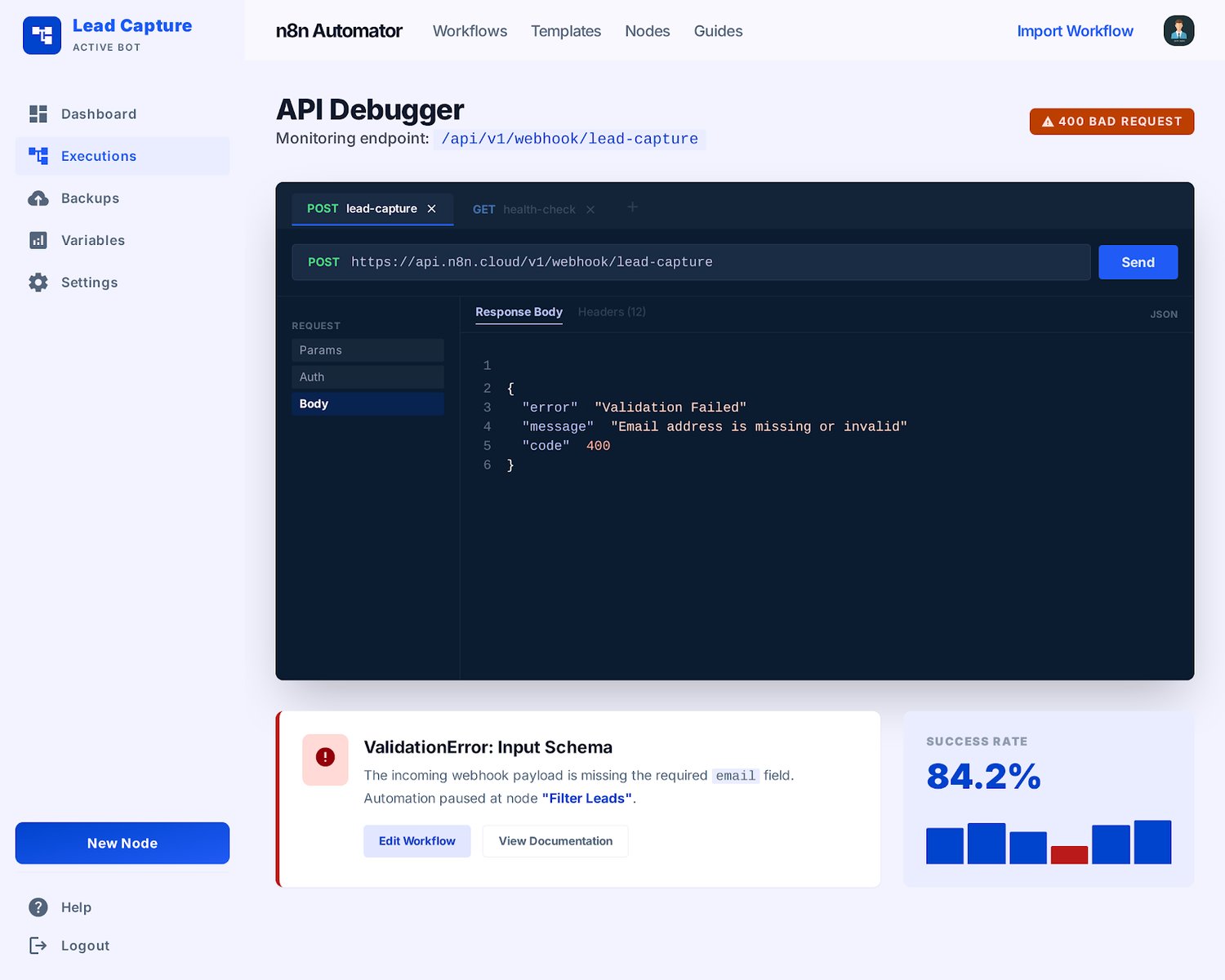
- **Three tested response paths.** Success (200), validation error (400 with field list), server error (500) — each verified with a cURL test payload included.
- **Clean canvas.** Every node is named for what it does. Every code and IF node is commented. A single sticky note at the top walks you through setup.
- **Customization-friendly.** All downstream nodes reference the normalized lead data, so swapping Google Sheets for Airtable, Notion, or Postgres takes one node replacement — not a rewrite.
- **SMTP-friendly.** Prefer Postmark, SES, or Mailgun over Gmail? Included guide walks you through the swap.
---
## What's included
- The full n8n workflow JSON (14 nodes, ready to import).
- A 5-minute install guide with a setup checklist and troubleshooting section.
- Three cURL test scripts covering every response path.
- A privacy-policy snippet you can paste into your own site's privacy page.
- An SMTP migration guide (Postmark, SES, Mailgun, SendGrid, Resend).
- Commercial license for unlimited internal and client use.
---
## Requirements
- An n8n instance (Cloud or self-hosted, v1.50 or newer).
- A Google account with Sheets and Gmail access.
- A chatbot that can send HTTP POST requests with JSON (virtually all of them can).
## What you don't need
- A server to deploy.
- A Node.js, Python, or PHP runtime.
- CRM subscriptions or per-lead fees.
- Any code whatsoever.
---
## 5-minute setup
1. Import the workflow JSON into n8n.
2. Connect your Google Sheets and Gmail credentials.
3. Set your admin email address.
4. Activate the workflow and copy the webhook URL.
5. Paste the webhook URL into your chatbot's HTTP action.
The included README walks you through every step with screenshots and a troubleshooting section.
—
## License
Commercial single-buyer license. Use on unlimited client projects. Do not resell as a standalone template. Full terms included in the download.