
Back to Middle C
You’ve heard of "Ear Training"
This is "Eye Training."
It’s Good to be a Beginner Again
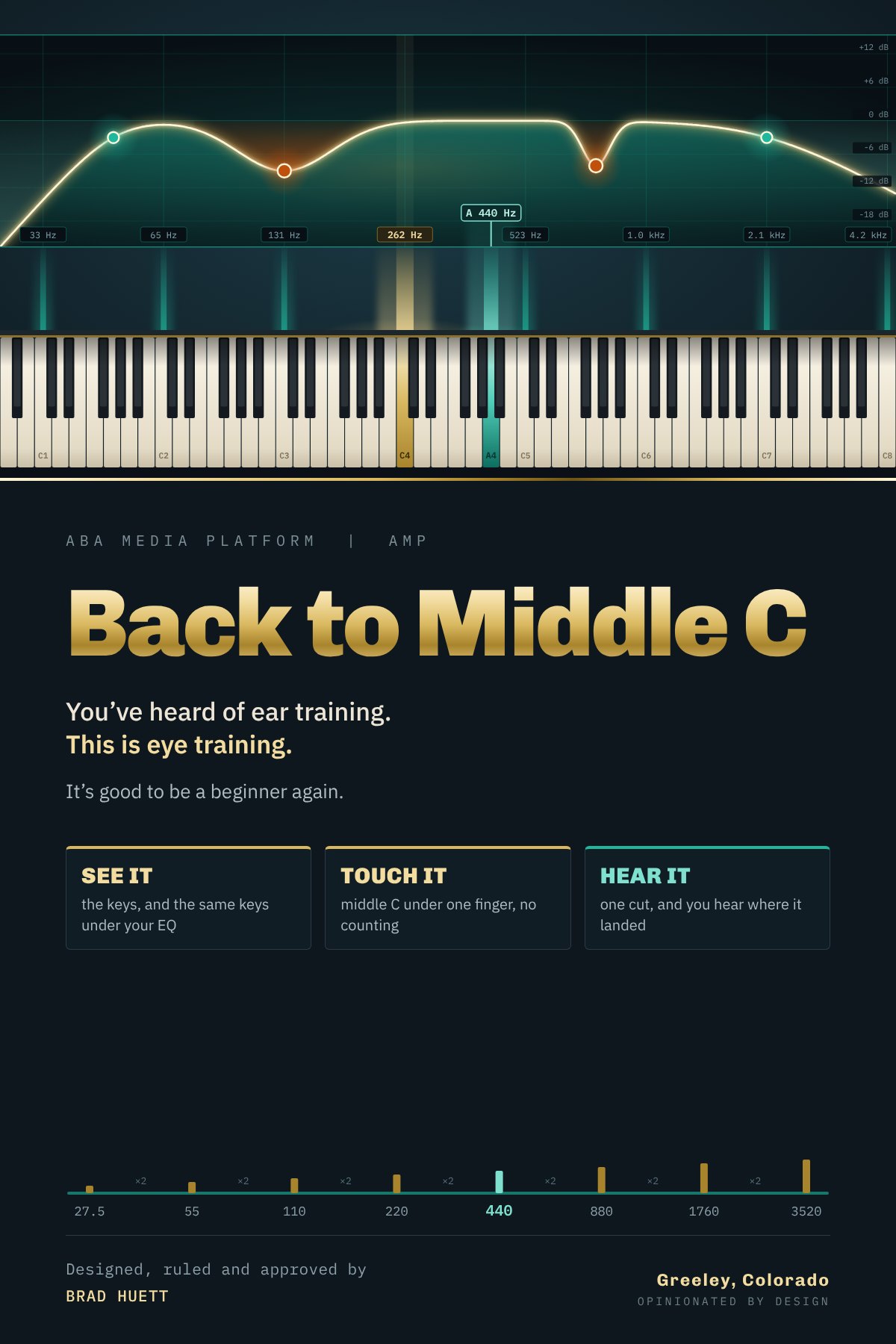
A cut at 130 Hz is just a number. Most screens leave it that way.
On a keyboard it’s the C one octave below middle C, and you can put your finger on it.
Once the number has a key, the move has a place. You can hear it land, see where, and make the next move on purpose.
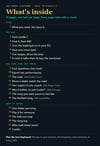
The kit comes with:
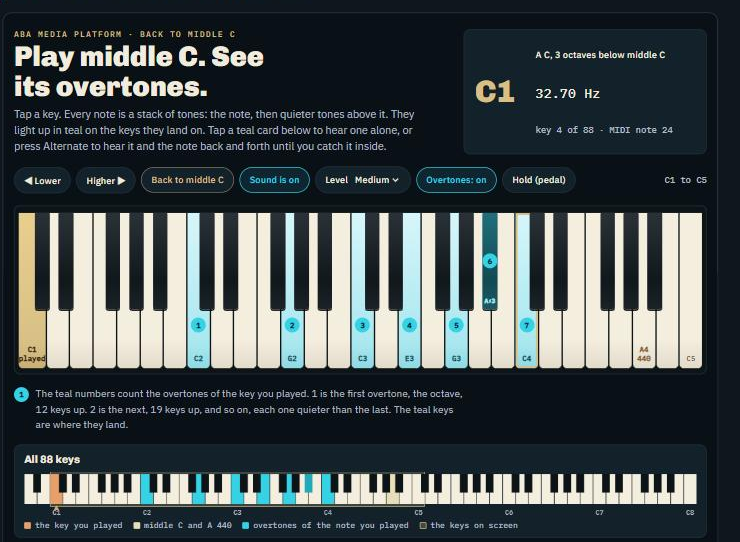
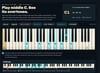
- Eighty-eight key Virtual Keyboard that plays right in your browser
- The frequency of every key shown as you play it. Press a key, hear the note, see its MIDI number
- With "Overtones On" see the harmonic structure Right On the Keyboard!
- Then find the range each tone sits in on the fold-out frequency map
- Locate the tonal bands with your favorite EQ plugin
- A session log utility to help you learn to log events that happen during your creative sessions
Try our Virtual Keyboard, it runs in your Browser, nothing is sent to us.
Most people learn to read a keyboard long before they learn to name a note by ear.
This booklet uses that: it puts every frequency on a key you can see and point to.
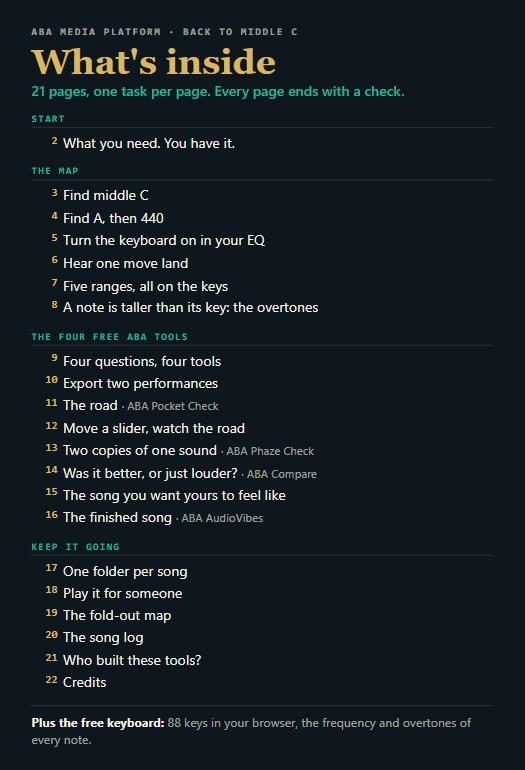
→ 21 pages, one task per page
→ Learn it, use it, prove it. Not yet? Go back with no penalty.
→ An 88-key fold-out map and a Song Log
→ Works with BandLab, GarageBand and Fender Studio, all free, and with the four free ABA tools
One booklet, four readers.
- A teen or young adult beginner
- A seasoned teen or adult beginner
- A struggling mid-level professional
- An established professional
Edition 1.0. Every new edition is free to you. A PDF, delivered the moment you buy.
A full 14-day refund.
If the booklet isn't what you expected, write to brad@abamediaplatform.com within 14 days.
1. Tell us what you expected that it didn't deliver.
2. Let us help you work toward the sound you were after.
3. Or a full refund of your payment.
Your choice. Your answers help us improve the booklet for the next reader.