
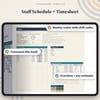
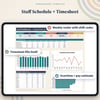

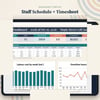
Staff Schedule & Timesheet Spreadsheet - Employee Shift Roster, Overtime & Pay Estimate
Plan your team's week in one place. Pick a shift code for each person and day, and this spreadsheet fills in the timesheet, adds up hours and overtime, and estimates gross pay for every staff member, with a dashboard that shows the week at a glance.
WHAT YOU RECEIVE
- A 1-page PDF with your link to make your own editable copy of the spreadsheet (works in a free online spreadsheet app; a free account is needed)
- Staff-Schedule-Timesheet-BLANK.xlsx (ready for your team) and Staff-Schedule-Timesheet-EXAMPLE.xlsx (filled with a made-up sample cafe team so you can see how it works)
- A 4-page how-to guide (PDF)
- 9 tabs: Start Here, Dashboard, Setup, Weekly Roster, Timesheet, Pay Summary, Time Off, Weekly Log, Printable Roster
WHAT IT DOES
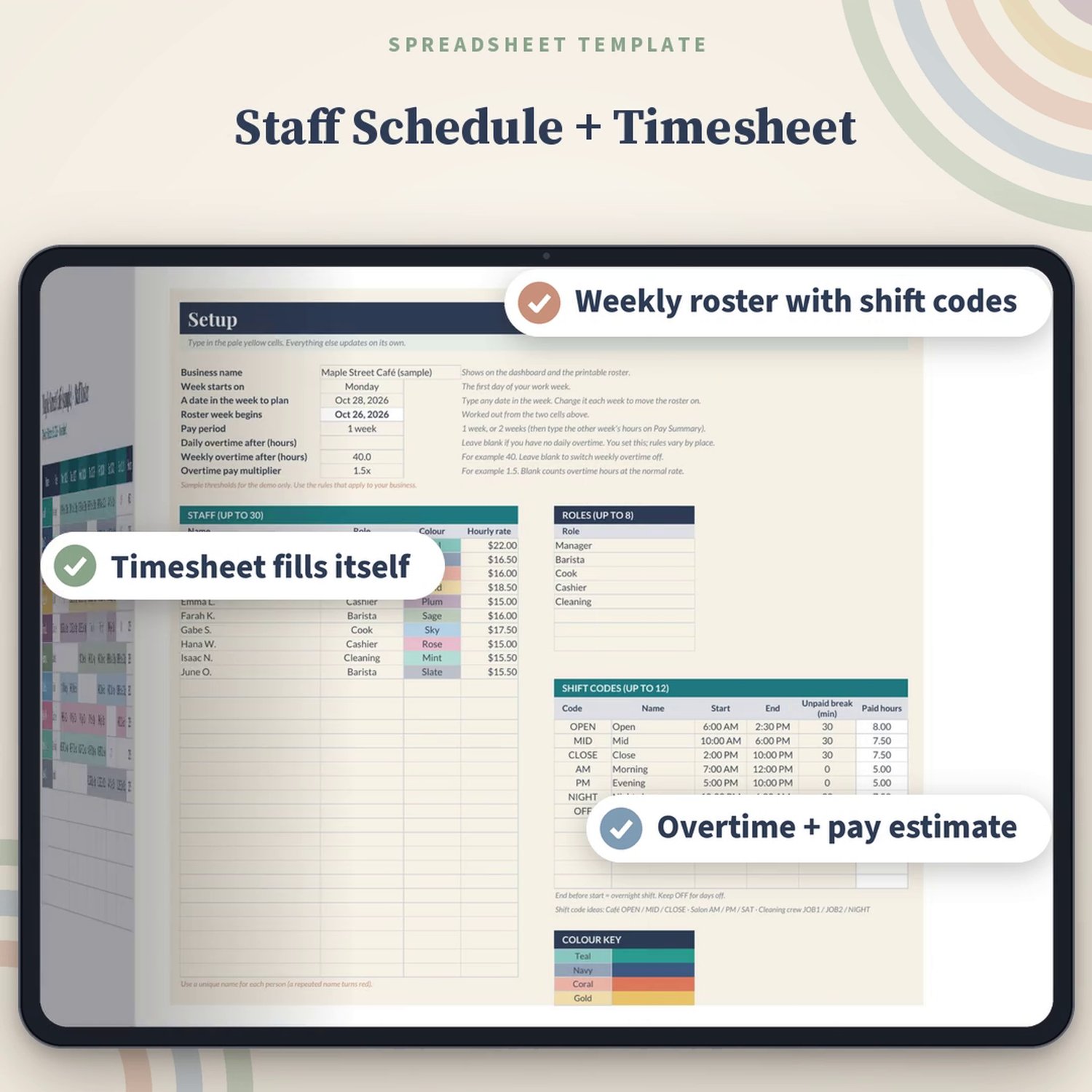
- Setup: your business name, week start date, up to 30 staff with role and hourly rate, and your own shift codes (start, end, unpaid break)
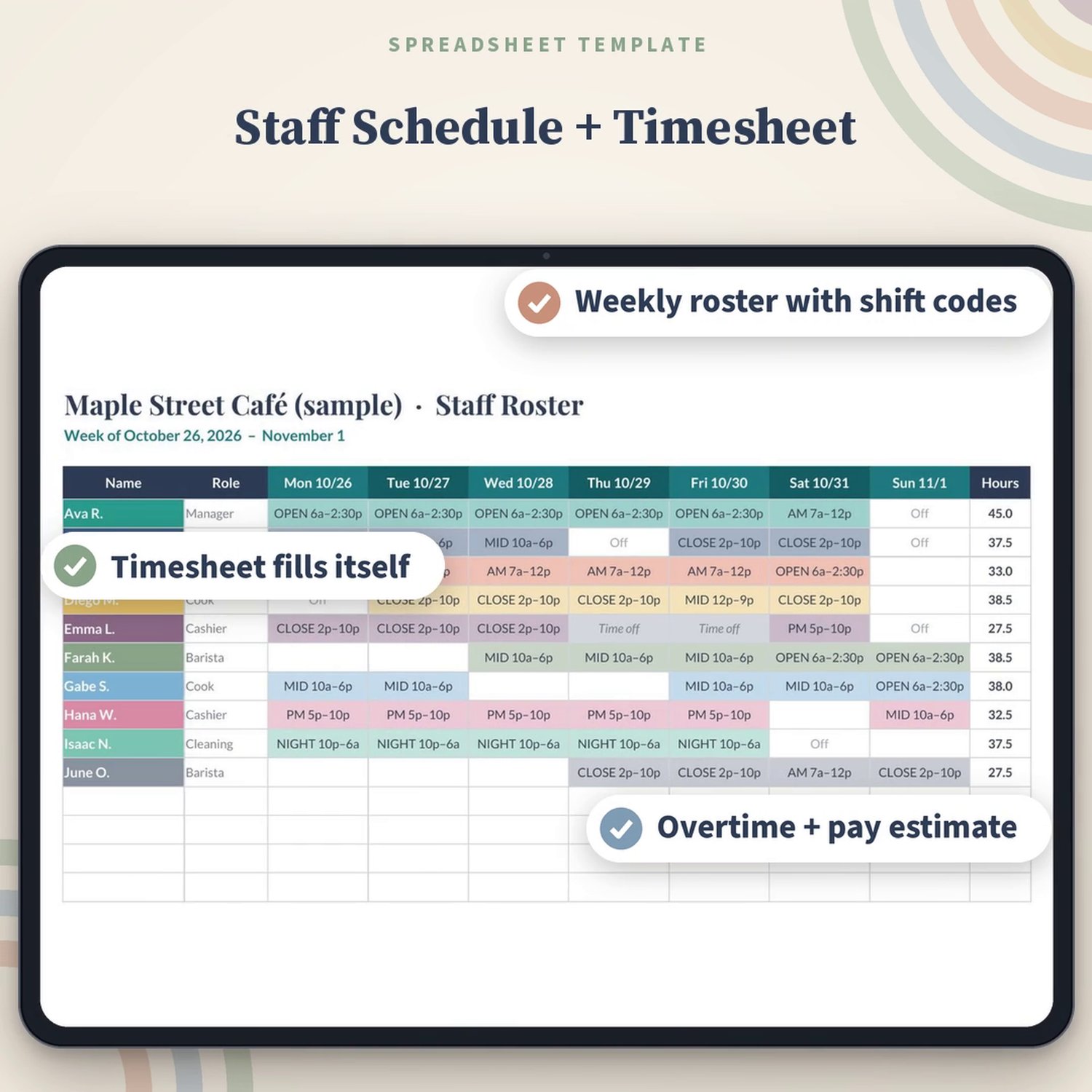
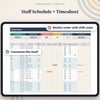
- Weekly roster: a dropdown shift code for each person and day. For a one-off shift, type the start and end time next to the code. Overnight shifts work. Coverage per day and per role is counted at the bottom, and double-bookings or time-off clashes are flagged
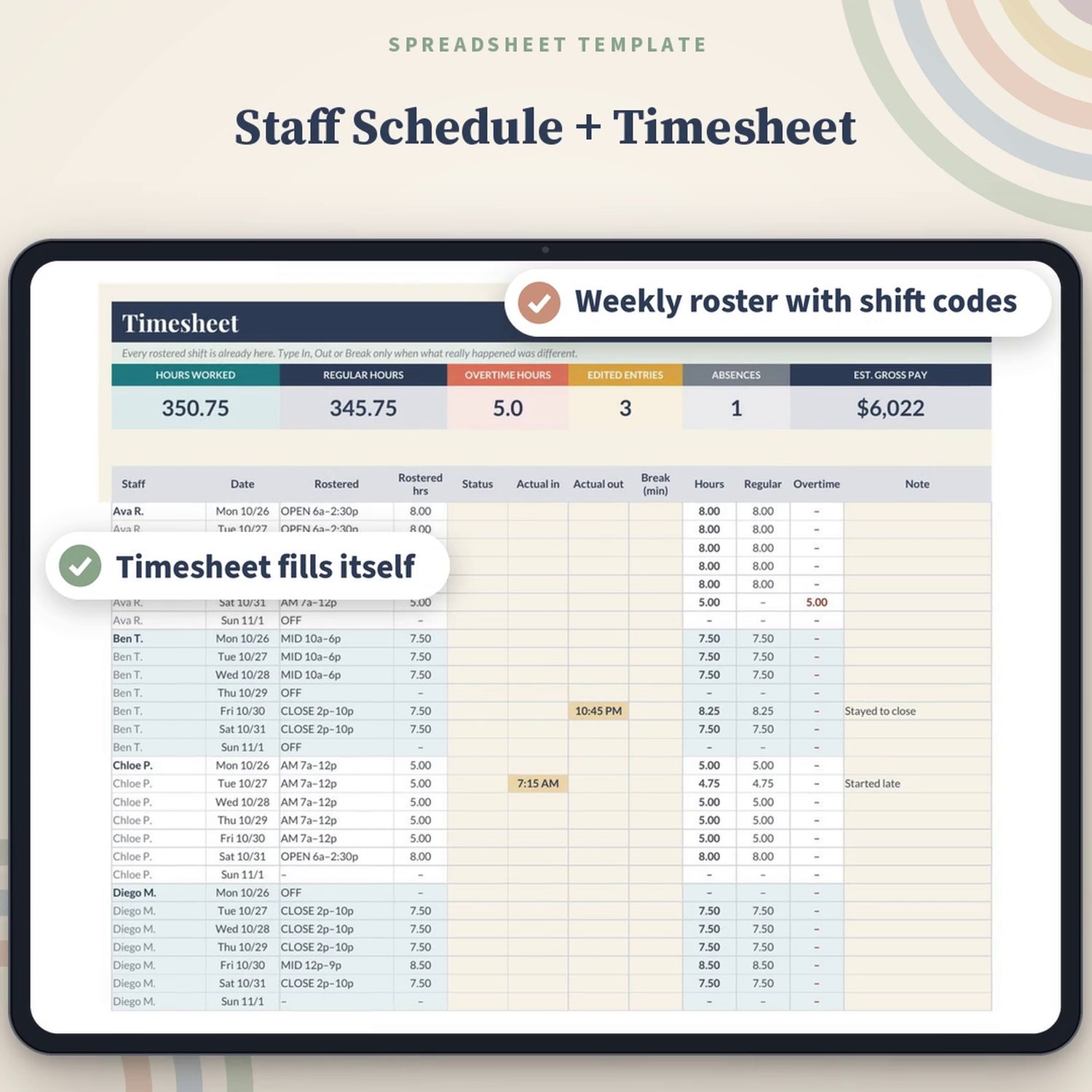
- Timesheet: fills itself from the roster with in, out, break and hours. Type the actual times if someone stays late or leaves early
- Overtime: daily and/or weekly thresholds and a multiplier you set (for example 1.5x)
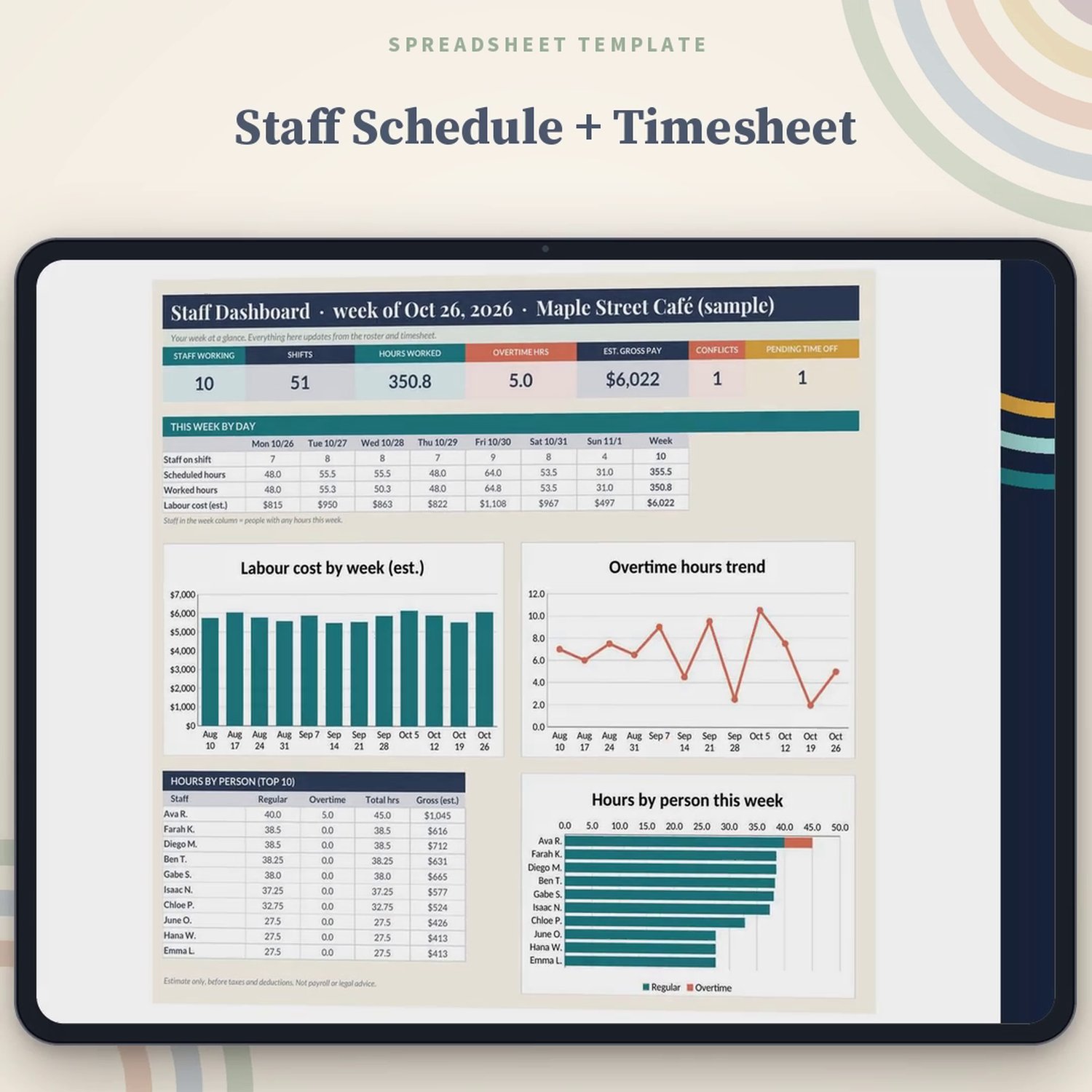
- Pay summary: regular hours, overtime hours, estimated gross pay per person and for the week or a 2-week pay period
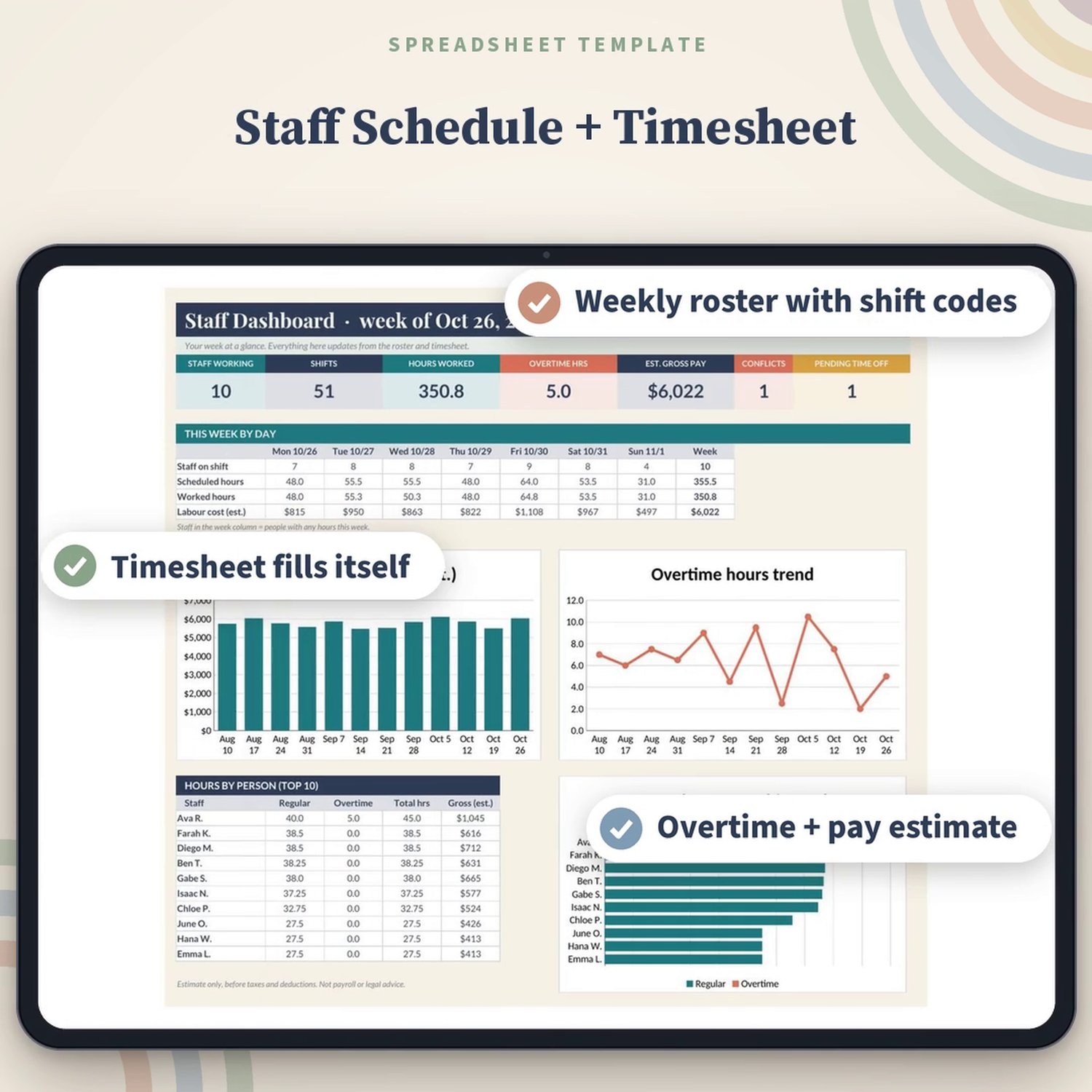
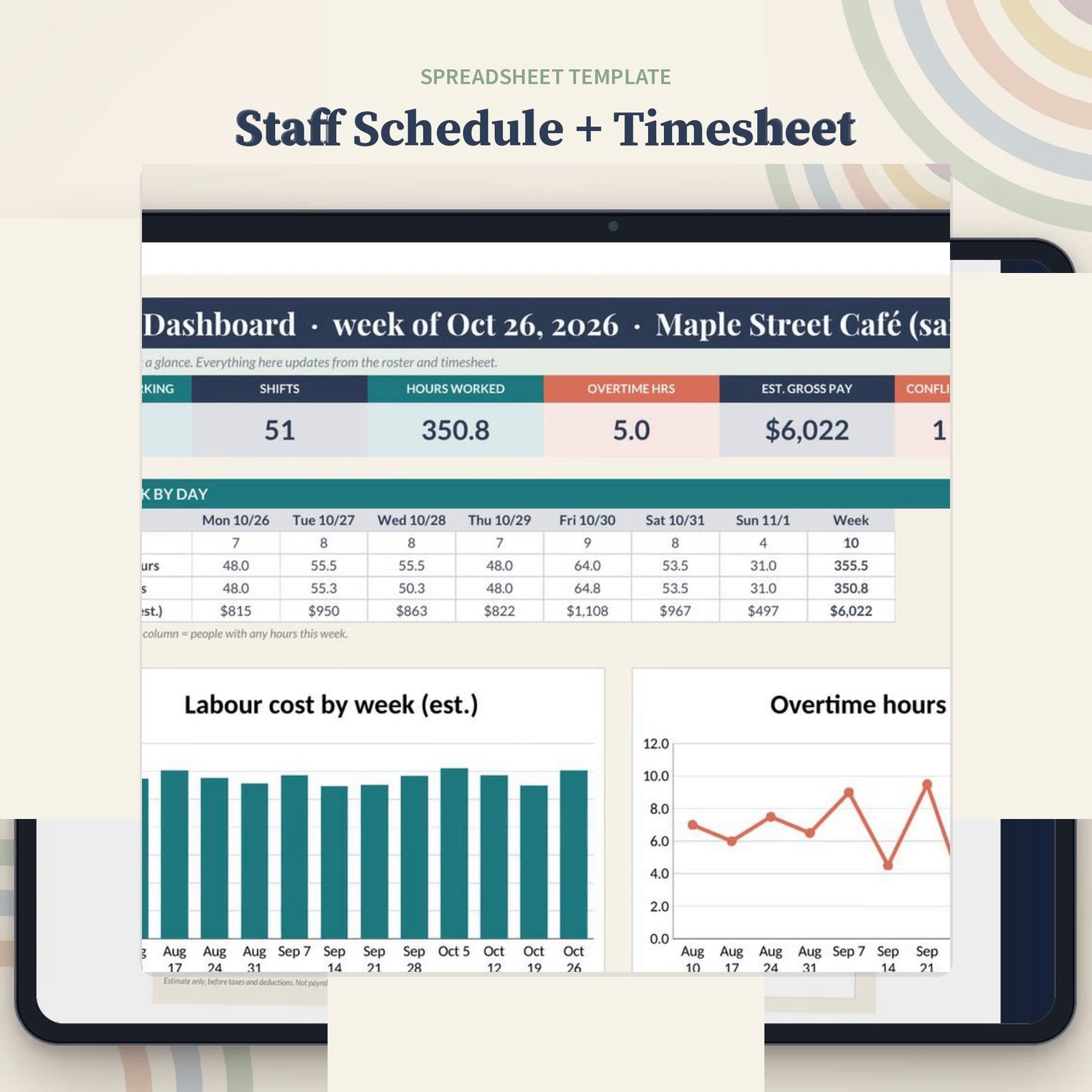
- Dashboard: staff working, shifts, hours, overtime, estimated labour cost, cost by day and charts for labour cost and overtime over time
- Time off: log requests with Approved / Requested / Denied status; approved days show on the roster
- Weekly log: save each week's totals to see trends
- Printable roster: a clean one-page schedule to print or pin up
- Formula cells are locked (no password) so you can't break them by accident; pale yellow cells are for typing
ESTIMATE ONLY, NOT PAYROLL
Pay figures are your hours multiplied by the rates and overtime rules you type in, before taxes and deductions. The spreadsheet does not contain any labour law and does not run payroll. Check your local overtime and break rules.
HOW IT WORKS
This is an instant digital download. Open the PDF, click the link and make your own copy, or open the .xlsx file. Formulas are already set up; you type in your team and shifts. Works in Google Sheets (free Google account, 'make a copy' link in the PDF) and Microsoft Excel 365 (.xlsx included).
GOOD TO KNOW
- Charts are redrawn in the online app's own style, so they look slightly different from the photos (same data).
- Times follow your spreadsheet's locale (File > Settings > Locale).
PLEASE NOTE
- This spreadsheet is a planning tool, not payroll, legal, tax or financial advice.
- Don't store sensitive personal data such as ID or bank numbers in it.
- For use in your own business only. Please don't resell or share the file or the link.
- Digital file only. Nothing physical will be shipped.
Designed by me with help from AI tools.
Digital download - delivery is final once files are available; contact the seller within 48h if a file won't open and we'll replace it.