
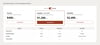
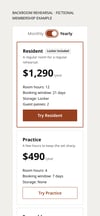
Pricing Access — accessible pricing table for Framer
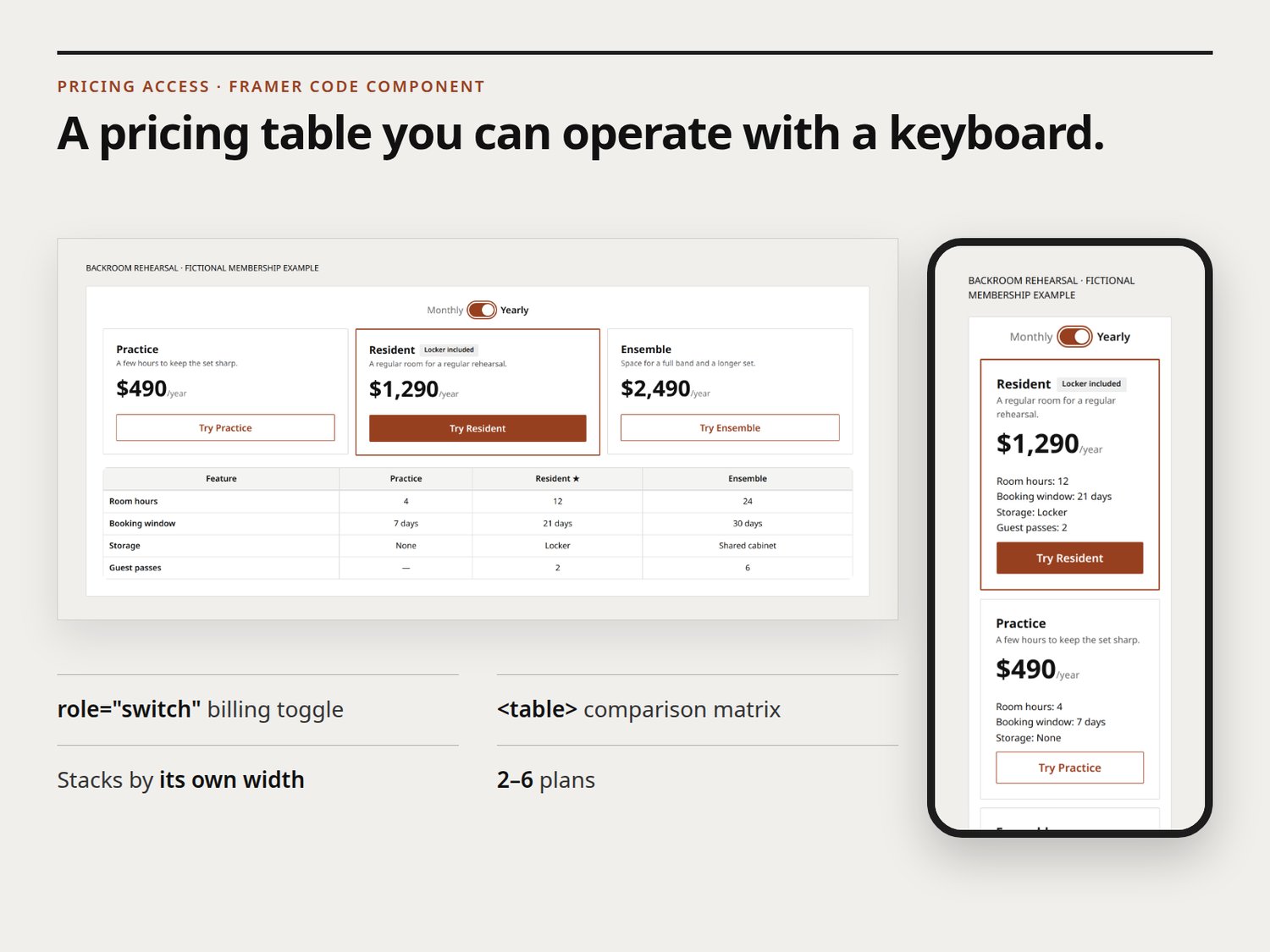
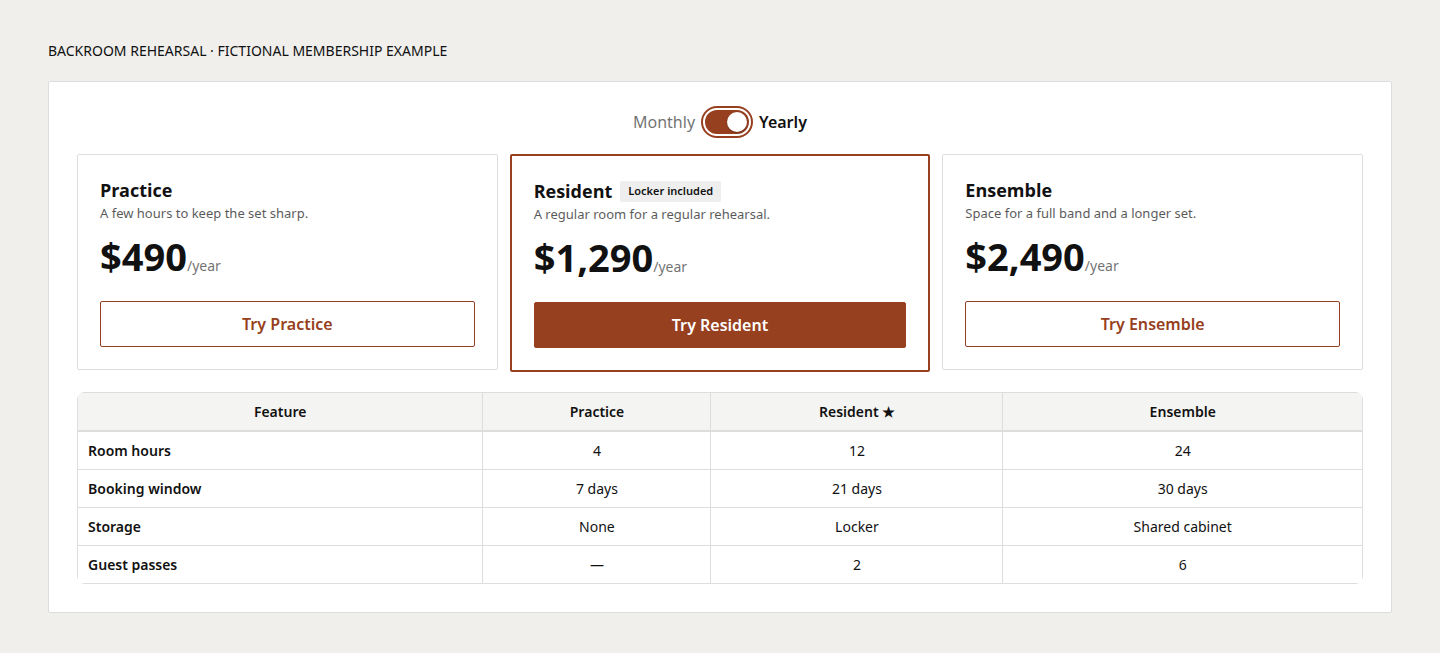
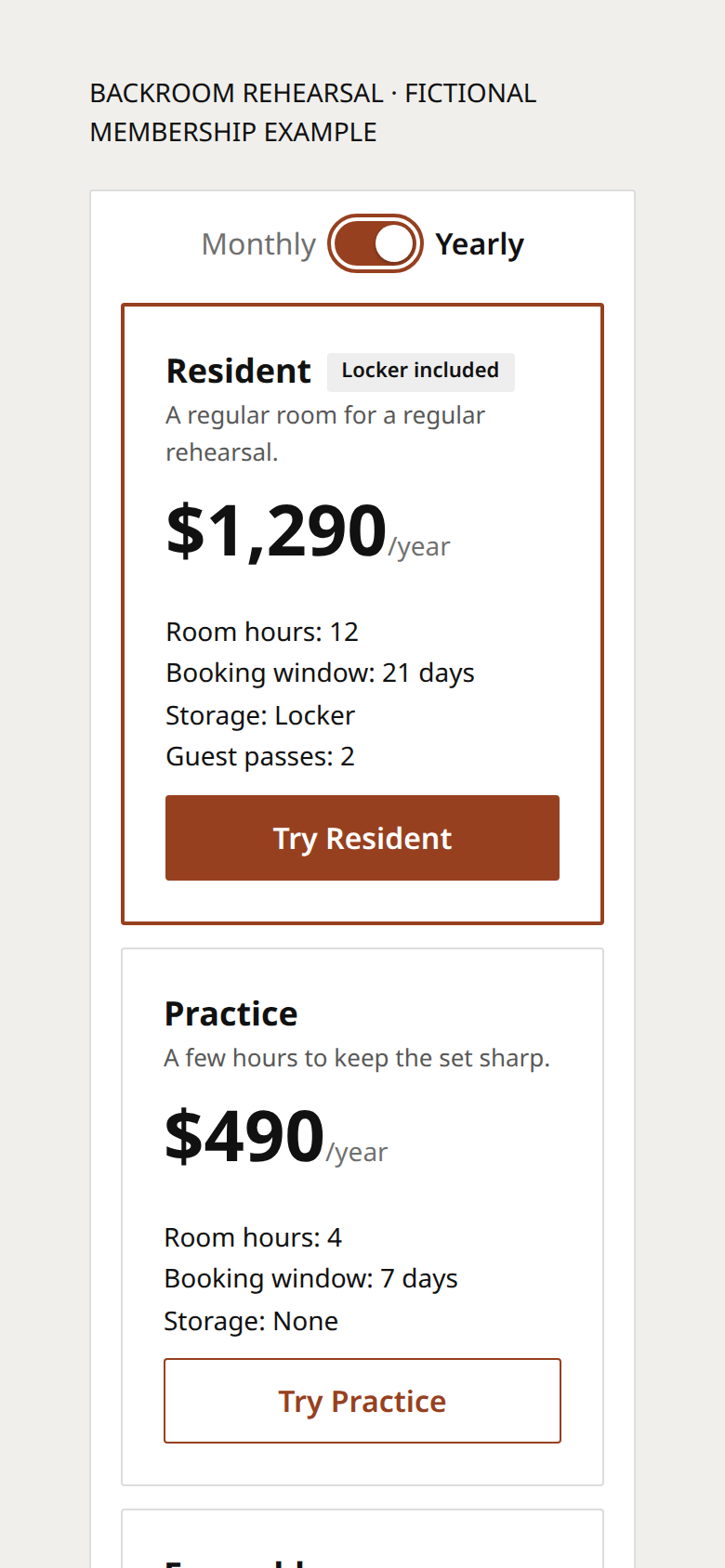
The billing toggle in Pricing Access is a real switch. Tab to it and press Space: the price changes and the new amount goes to a polite live region for screen readers. The comparison matrix is a real table. Cards stack when the component's own measured width drops below your breakpoint, so it also works inside narrow frames and sidebars.
Built around keyboard and screen-reader behaviour: role="switch" with aria-checked, a visible focus ring, polite price announcements, a focusable comparison region, reduced-motion support and static canvas rendering. Try the keyboard controls and layout without Framer in the free demo: https://ntoledo319.github.io/many-routes-pricing-access-demo/
What you get: PricingAccess.jsx (one file, framer + react imports only), a standalone demo page, two example plan configs, an install guide, verification steps, a licence and the test suite for the pricing logic.
Input: the property panel (2–6 plans, features one per line) or pasted JSON (up to 6 plans). Features written Label: Value build the comparison matrix automatically.
Licence: $12 covers one project (one website or app). Another project needs another purchase. Full terms are in LICENSE.txt; copies obtained through the Framer Marketplace follow Framer's Single-Use Commercial License.
Limits: up to 6 plans. The matrix is built from plan features. No CMS bindings, A/B testing or analytics.
Support: reproducible defects in the delivered version, through https://payhip.com/TheLanternLibrary/contact. Custom design work and Framer-account setup are not included. Refunds: contact the seller within 14 days if the component doesn't install as described; your statutory rights still apply.
"Framer" is a trademark of its owner; this independent component is not affiliated with or endorsed by Framer. Made with AI assistance: the code and text were written with AI tools, then checked with the included tests and the demo.