
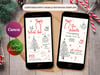






Oh What Fun Christmas Invitation
Oh What Fun Christmas Digital Party Invitation – Editable Digital Template (Canva)
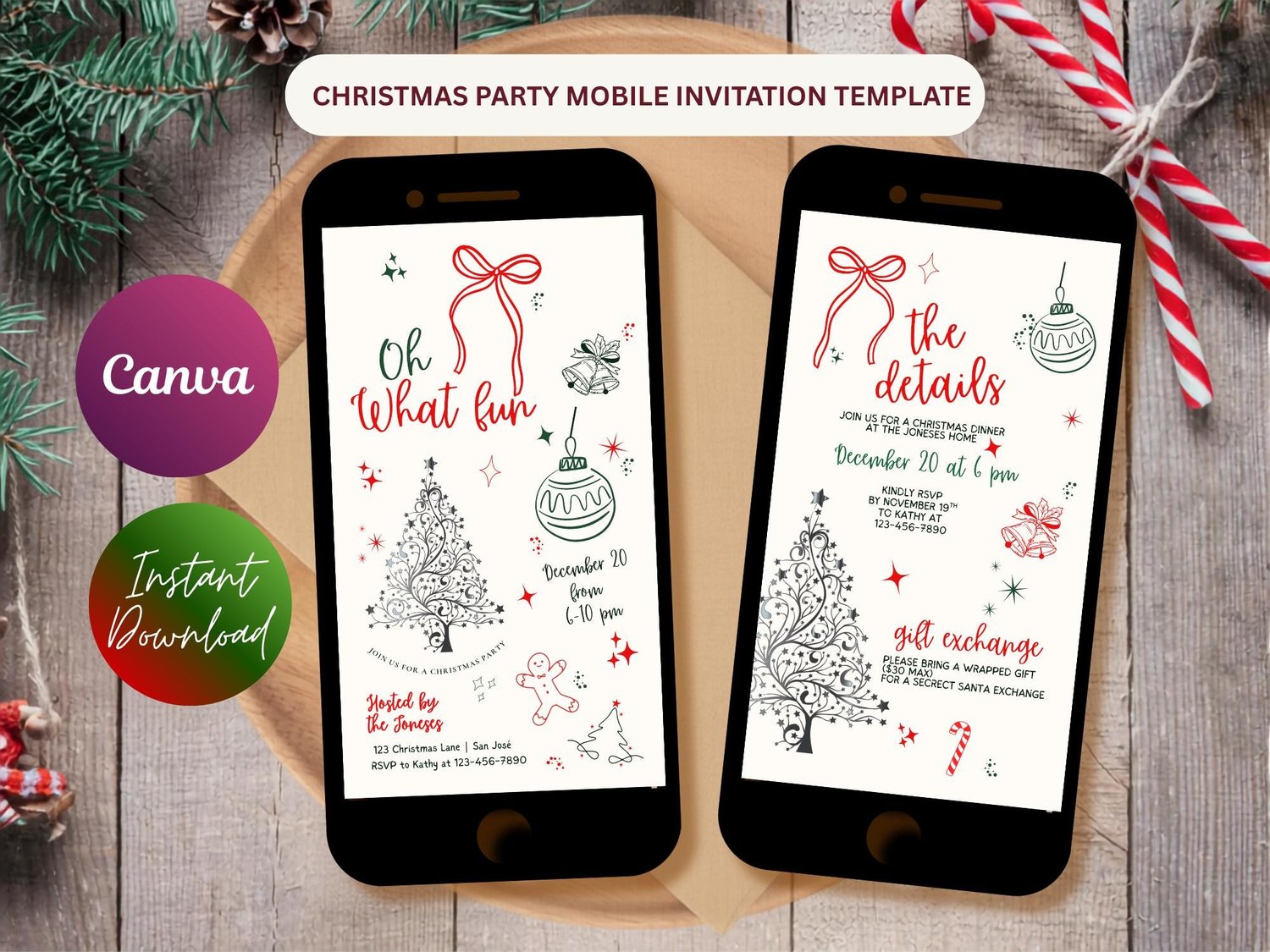
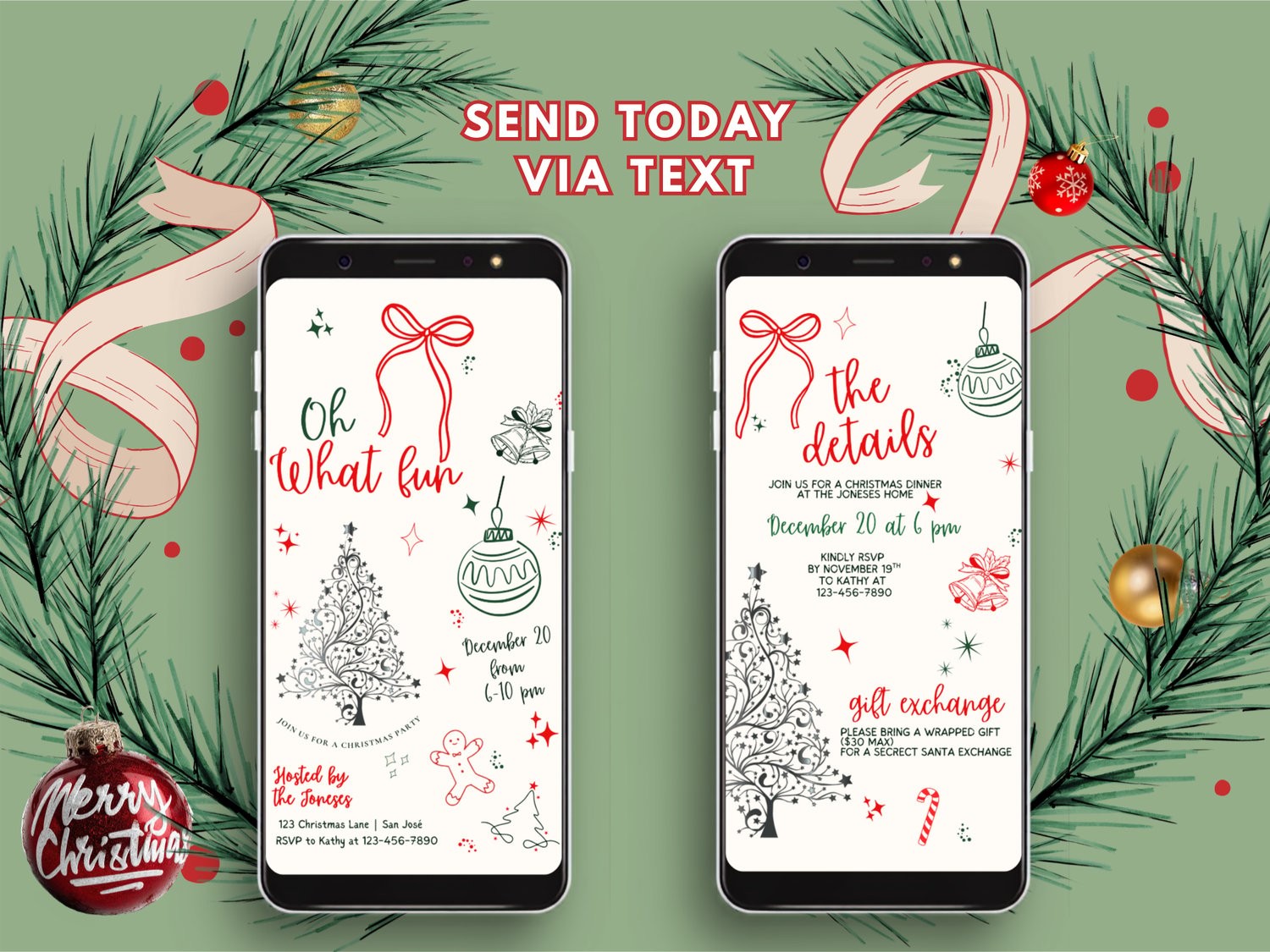
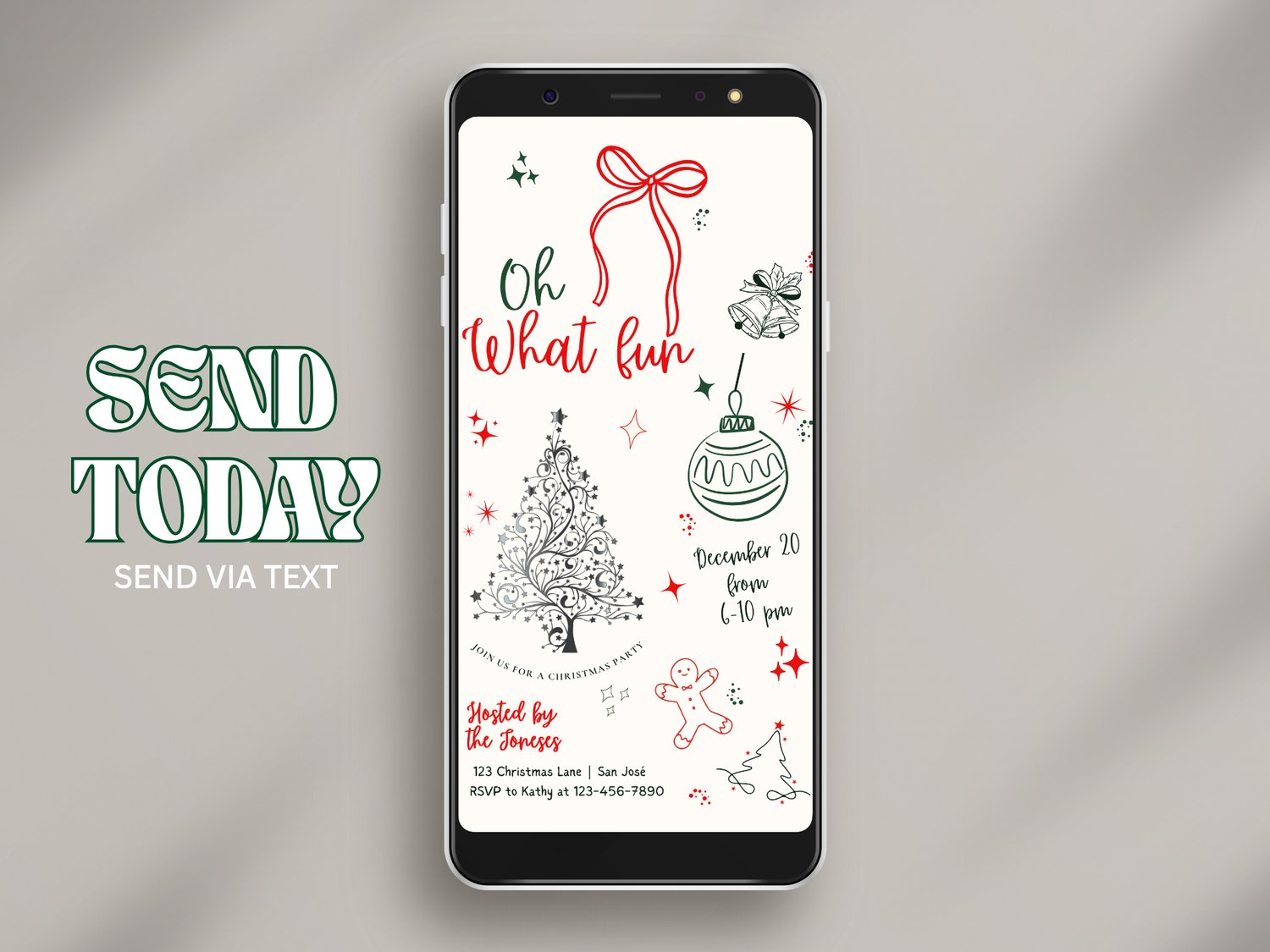
Send festive cheer instantly with this “Oh What Fun” Christmas invitation, designed for text or digital sharing! Featuring playful holiday doodles, a Christmas tree illustration, and cheerful red and green accents — this design brings cozy, fun nostalgia to your holiday gathering.
Designed for busy hosts, this editable template lets you create a stunning invitation in minutes, no design skills needed. Perfect for Christmas parties, holiday cocktail nights, family dinners, office gatherings, or festive open houses. This template is easy to personalize in Canva and instantly ready to send digitally. Whether you're planning an intimate evening or a big celebration, this editable Christmas invitation helps you set the perfect tone with ease. Create your perfect invitation today and make your holiday party unforgettable!
What you will receive:
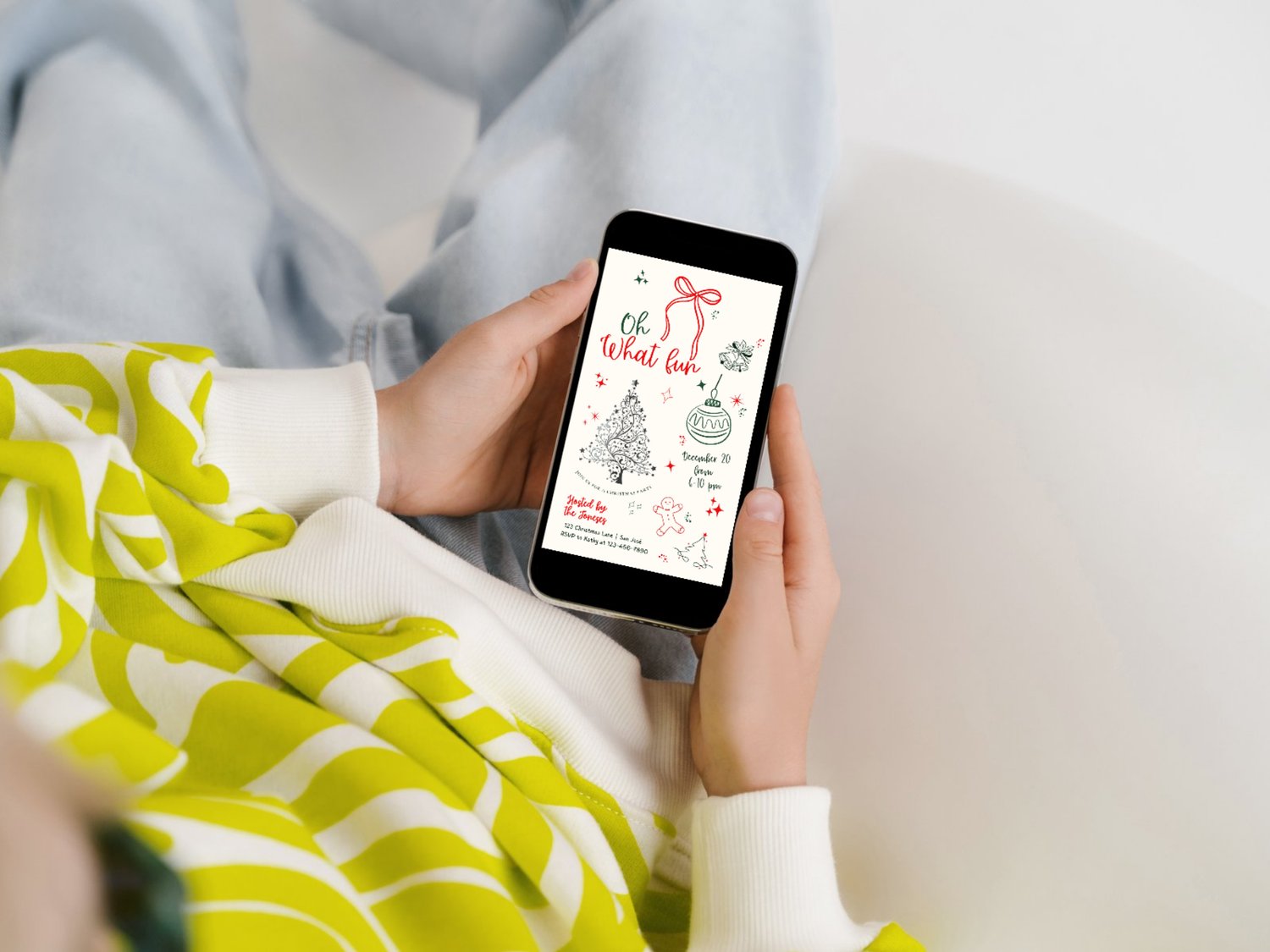
• Page 1: 1080×1920 px mobile evite (ideal for texting or social sharing) for general info
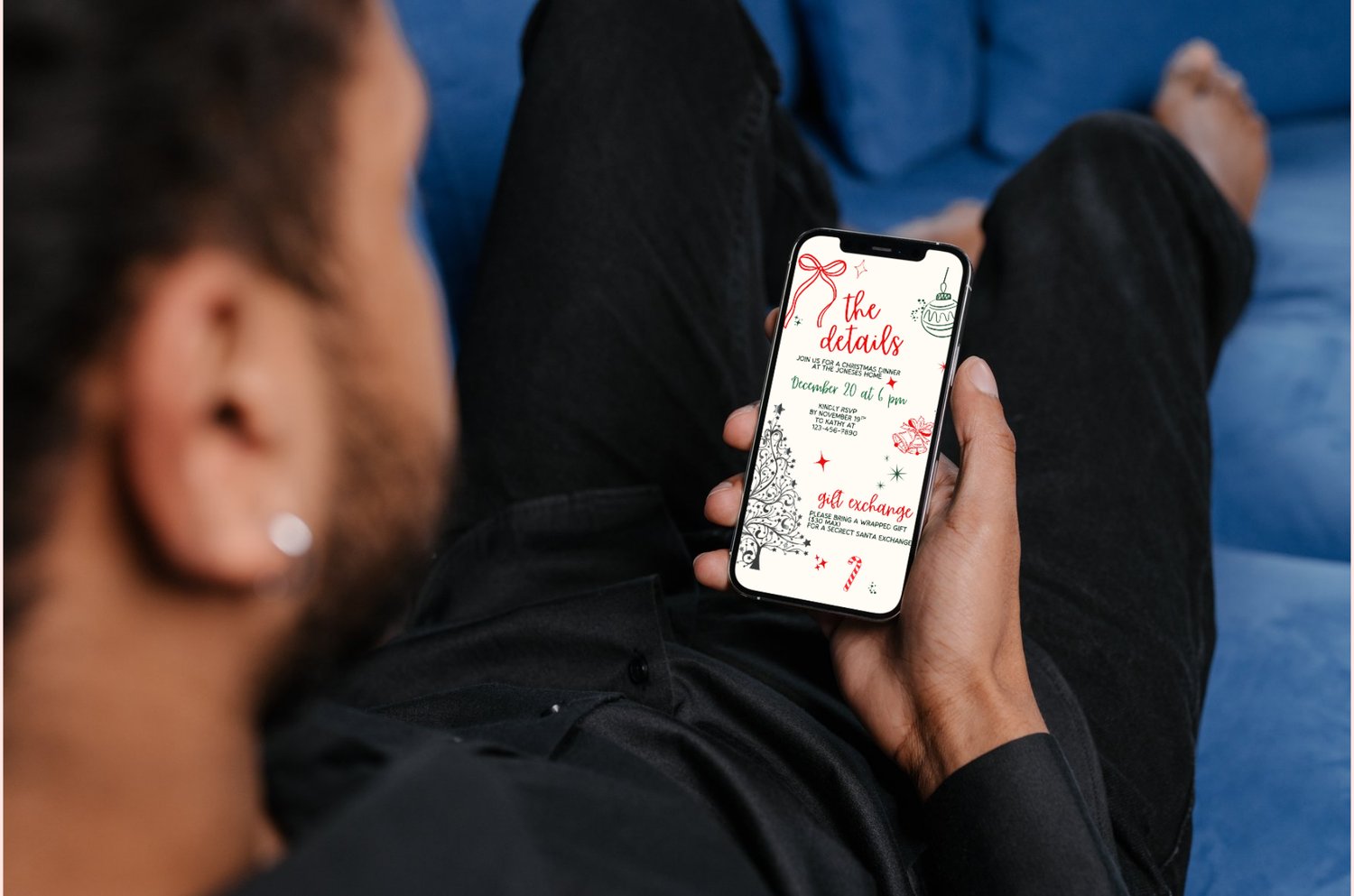
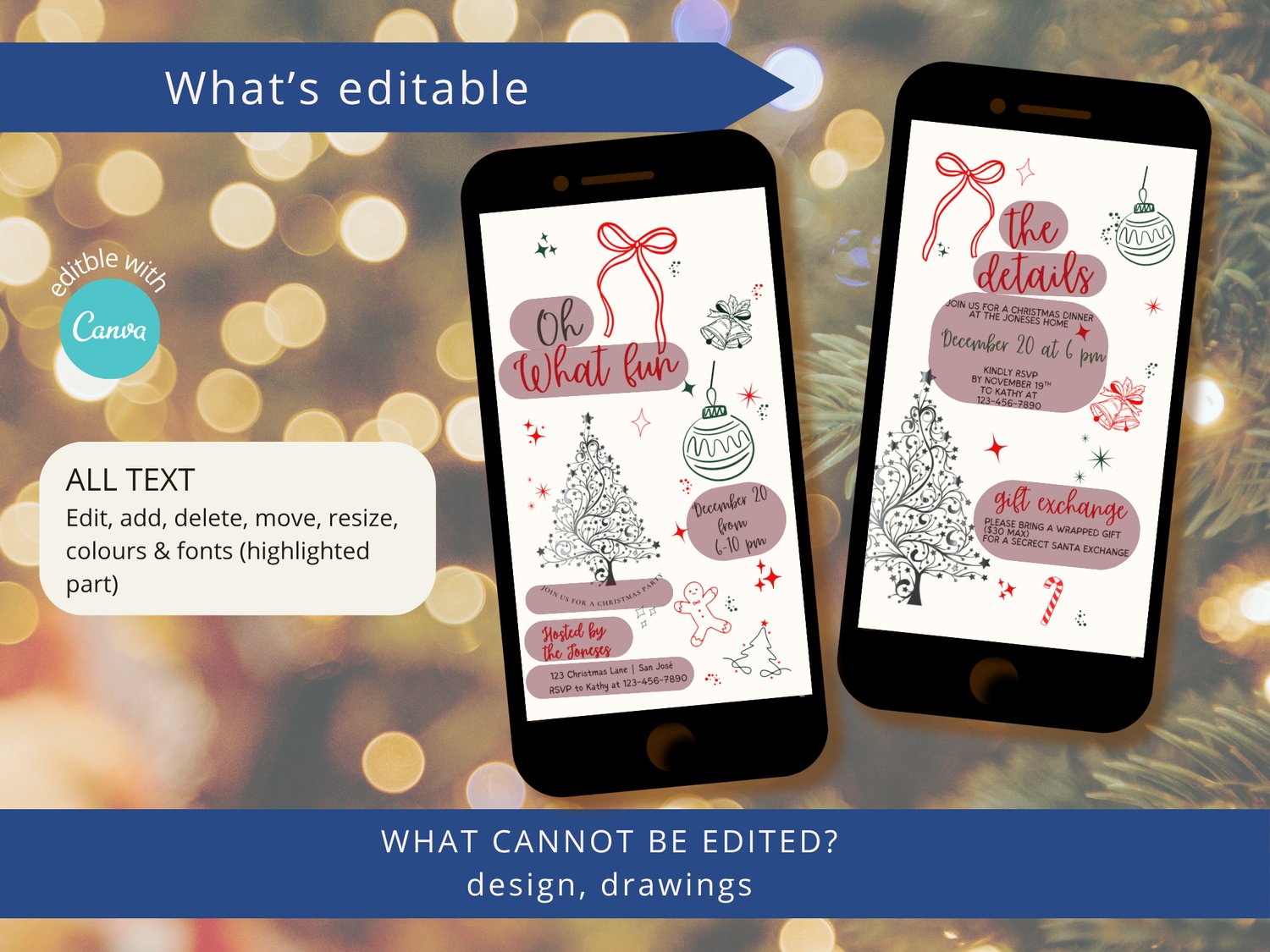
• Page 2: 1080×1920 px mobile evite (ideal for texting or social sharing) for the details
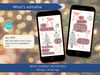
• All text is fully editable, Canva template, free to use, no software required
• A quick Canva starters guide
• How-to-sheet
How it works
• Purchase the listing
• Download the PDF with your Canva access link
• Edit text, colors and details to match your party
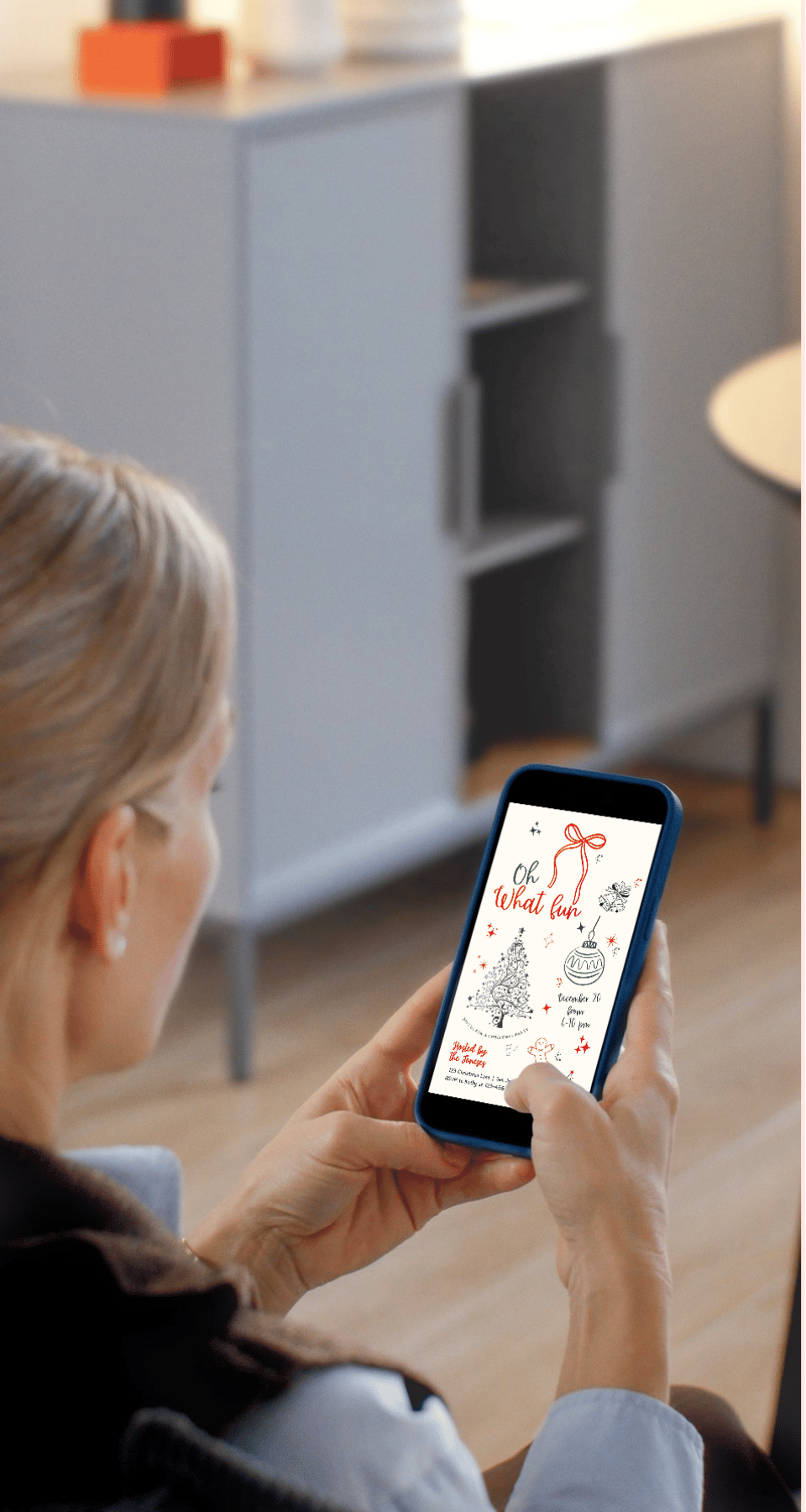
• Download and send your digital evite instantly
• Fast, simple, and host-friendly!
What can be edited:
• Text wording
• Fonts
• Text colors
• Text size
• Text placement
What can not be edited
• Overall size and orientation
• Design (drawings)
HOW IT WORKS
• Purchase this invitation
• Check your email from Etsy for the link to access your Canva template
• Open the template in Canva and customise it with your text
• Download the finished design as a PNG
• Share it digitally
Why choose this template
• Edit everything easily, perfect for last-minute planners
• Create unlimited versions (great for matching party items)
• Professional layout with space for all event details
• Works beautifully for any Christmas party, holiday cocktail night, or festive gathering
How to Send Your Invitation Digitally
1. Finish editing your invitation in Canva and download it as a PNG or JPEG
2. Save the invite to your phone's gallery
3. Open your email app or messenger app
4. Attach the file and send it directly to your guests
5. You can also share it instantly via text message or social media
Technical Support
• Unlimited download support included
• For Canva issues, please contact Canva Helpdesk.
⚠️ Important Notes
• This is a digital product. No physical item will be shipped.
• Because this is a digital product, I can't offer refunds or exchanges. All sales are final, but if you have any questions, please feel free to send me a message, I'm happy to help!
• You can download the file unlimited times.
• Requires a free Canva account to edit the template.
• PDF reader needed for opening (Adobe Reader recommended).
❗Please note: 𝘊𝘢𝘯𝘷𝘢 𝘥𝘰𝘦𝘴 𝘯𝘰𝘵 𝘰𝘧𝘧𝘦𝘳 𝘗𝘚𝘋, 𝘈𝘐, 𝘐𝘕𝘋𝘋, 𝘚𝘝𝘎 𝘰𝘳 𝘞𝘰𝘳𝘥 𝘧𝘪𝘭𝘦𝘴. 𝘗𝘭𝘦𝘢𝘴𝘦 𝘥𝘰 𝘯𝘰𝘵 𝘱𝘶𝘳𝘤𝘩𝘢𝘴𝘦 𝘪𝘧 𝘺𝘰𝘶 𝘸𝘢𝘯𝘵 𝘵𝘰 𝘦𝘥𝘪𝘵 𝘶𝘴𝘪𝘯𝘨 𝘢 𝘱𝘳𝘰𝘨𝘳𝘢𝘮 𝘰𝘵𝘩𝘦𝘳 𝘵𝘩𝘢𝘯 𝘊𝘢𝘯𝘷𝘢
🚫 These files are for personal use only. They may not be resold, redistributed, or used commercially in any way.
Thanks for visiting! I hope my designs bring fun to your special moments.
With love,
Maggie