

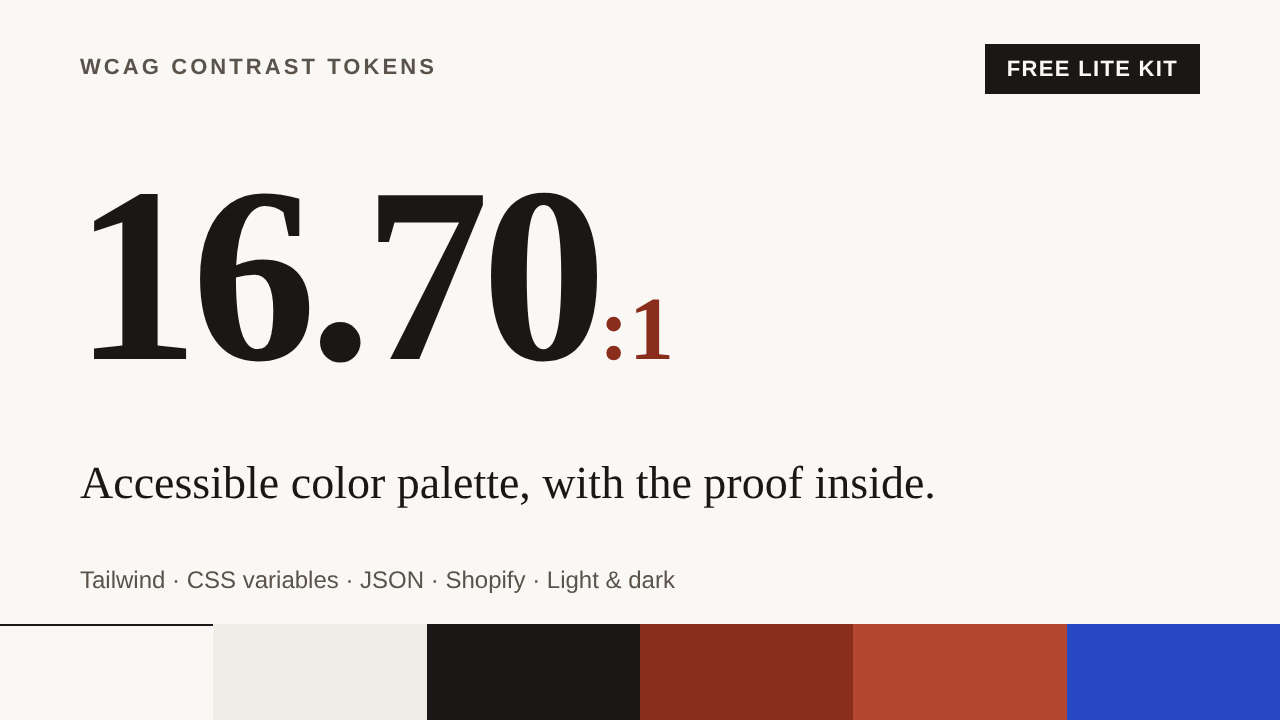
Accessible Color Palette: WCAG Contrast Tokens for Tailwind, CSS & Shopify (Free Lite Kit)
STOP GUESSING CONTRAST. SHIP AN ACCESSIBLE COLOR PALETTE WITH THE PROOF INSIDE.
Contrast-Proof Tokens Lite gives you two production-ready accessible color palettes, in light and dark, as WCAG contrast tokens you can paste into any project. Every text and UI color pair is already measured, and a self-test page lets you (and your client) verify the numbers live in a browser.
No swatch screenshots. No manual checking pair by pair. Just tokens, variables and proof.
WHAT YOU GET
- tokens.json: structured design tokens with 80 color pairs and their exact contrast ratios
- variables.css: native CSS custom properties, palette switching, light/dark and automatic system dark mode
- tailwind.config.js: a copy-paste Tailwind accessible palette (v3.4+, with a v4 snippet included)
- test_page.html: an interactive self-test page that recalculates every ratio, shows success messages, previews keyboard focus and tests your own colors
- README.md and LICENSE.txt: setup for plain CSS, Tailwind and Shopify
THE TWO PALETTES
- Minimalist Fashion (light + dark): warm paper-white and ink with a terracotta accent. Built for editorial, low-ornament stores: fashion, home and decor, jewelry.
- SaaS Tools (light + dark): crisp white and deep slate with an indigo primary and a teal accent. Built for dashboards, pricing pages, landing pages and developer tools.
WHAT "CONTRAST-PROOF" MEANS HERE
- 14 text pairs per theme at 4.5:1 or higher (WCAG 1.4.3)
- 6 UI and graphic pairs per theme at 3:1 or higher (WCAG 1.4.11): input borders, focus ring, primary icons
- Each pair is defined on both the page background and the card (surface) background
- Button labels are checked in default and hover states
- Ratios are rounded down, never up, as WCAG requires
BUILT FOR REAL STORES
- Works with Shopify Online Store 2.0 themes (setup steps included)
- Works with any CSS project and with Tailwind
- Links stay underlined and messages carry an icon and a word, so nothing relies on color alone
- 3px focus ring with offset, 24px minimum and 44px recommended target sizes
- Respects reduced-motion preferences
WHO IT'S FOR
- Freelance web designers and Shopify freelancers who need a safe color base for client stores
- Small agencies that want a repeatable, verifiable starting point
- Developers and store owners who want an accessible color palette without a design-system project
- Anyone preparing a site for the European Accessibility Act who wants to remove the most common contrast defects at the token level
HOW IT WORKS
- Download the ZIP and open test_page.html to see every ratio recalculated in your browser.
- Copy variables.css (or the Tailwind config) into your theme or project.
- Set data-palette="fashion" or data-palette="saas" on your html tag and map your buttons, inputs and links to the tokens.
WANT MORE PALETTES?
The full Contrast-Proof Tokens kit is out: 8 sector palettes (Minimalist Fashion, SaaS Tools, Jewelry & Luxury, Home & Decor, Food & Cafe, Health & Wellness, Education & Courses, Real Estate & Architecture), each in light and dark, with 320 measured color pairs, a palette-comparison gallery in the self-test page, one CSS file per palette, a Shopify install guide and a command-line checker. The two palettes in this free kit are included with identical colors. Get the full kit: https://payhip.com/b/1C2PJ?utm_source=payhip&utm_medium=lite_page&utm_campaign=lite_to_full
FREQUENTLY ASKED QUESTIONS
Is this really free?
Yes. The Lite kit is free to use in personal and commercial projects, including client work. You may not resell or redistribute the files as a standalone product.
Does it work with Tailwind CSS?
Yes. The included tailwind.config.js provides themeable classes (for example bg-cpt-primary) driven by the CSS variables, plus static palettes. Tailwind v3.4+ is supported, and a v4 snippet is in the file comments.
Does it work with Shopify?
Yes, with Online Store 2.0 themes. Upload variables.css to Assets, link it in theme.liquid, set the palette on the html tag and map your theme's selectors. Always test on a duplicate of your live theme first.
Can I use it without Tailwind?
Yes. variables.css is plain CSS and needs no build step.
How do I check that the contrast is really correct?
Open test_page.html in a browser. It contains the WCAG formula in plain JavaScript and recalculates every pair on load. You can also test your own two colors in the same page.
Does it include images or illustrations?
No. The kit is purely color, type and layout: code and data only.
What file formats are included?
.json, .css, .js, .html, .md and .txt. No installation, no account and no external requests.
Will this make my site compliant?
No. See the notice below.
IMPORTANT: Color contrast is only one part of web accessibility. Keyboard access, text alternatives, page structure, form labels, error handling, motion, media and many other requirements also matter. This kit does not guarantee the full compliance of any website with WCAG, EN 301 549 or the European Accessibility Act, and it is not legal advice. Contrast values apply to the colors exactly as defined in the kit; text over images, gradients or transparency, and third-party widgets, need their own checks. You are responsible for testing your own website.