

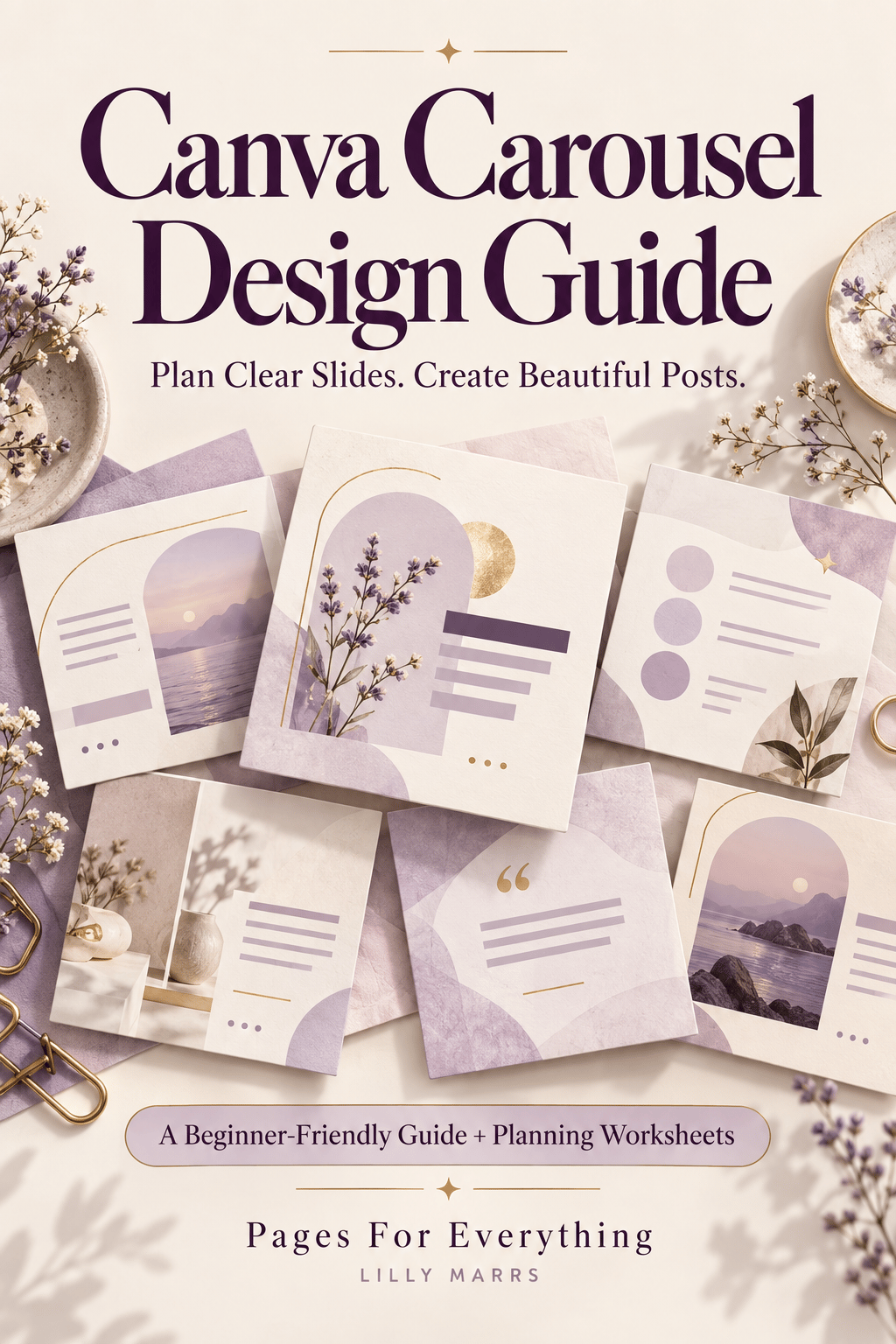
CANVA CAROUSEL DESIGN GUIDE Plan Clear Slides. Create Beautiful Posts.
Turn your ideas into clear, consistent social posts with a beginner-friendly guide to designing carousels in Canva. Learn how to choose a useful template, plan a sequence of slides, customize your colors, improve readability, and prepare the right files for publishing.
WHAT'S INSIDE
- Eight instructional chapters with worked business examples and practical checklists.
- Template selection and page setup.
- Hooks, useful content slides, and a clear final action.
- Typography, contrast, colors, grids, alignment, and spacing.
- Optional animated video adaptations, with clear distinctions from static carousels.
- Exporting, phone testing, and reviewing available results.
- Six printable planning worksheets: a carousel brief, six-slide outline, brand style record, layout review, publishing checklist, and results tracker.
- Links to official technical help.
FORMAT
62-page PDF guide, including cover and six worksheets. Page size: 6 x 9 inches. Read on your device or print; choose Fit to printable area when printing on larger paper. The worksheets are for handwriting and are not digitally fillable.
IMPORTANT
This product is an instructional guide with planning worksheets. It does not include editable Canva template links, finished social media graphics, or a Canva subscription. Choose templates and assets available in your own Canva account. Some tools or assets may require a paid plan. Platform and editor options can change.
Independent educational resource by Lilly Marrs for Pages For Everything. Not affiliated with or endorsed by Canva, Instagram, or LinkedIn. Digital download only; no physical item is shipped.