
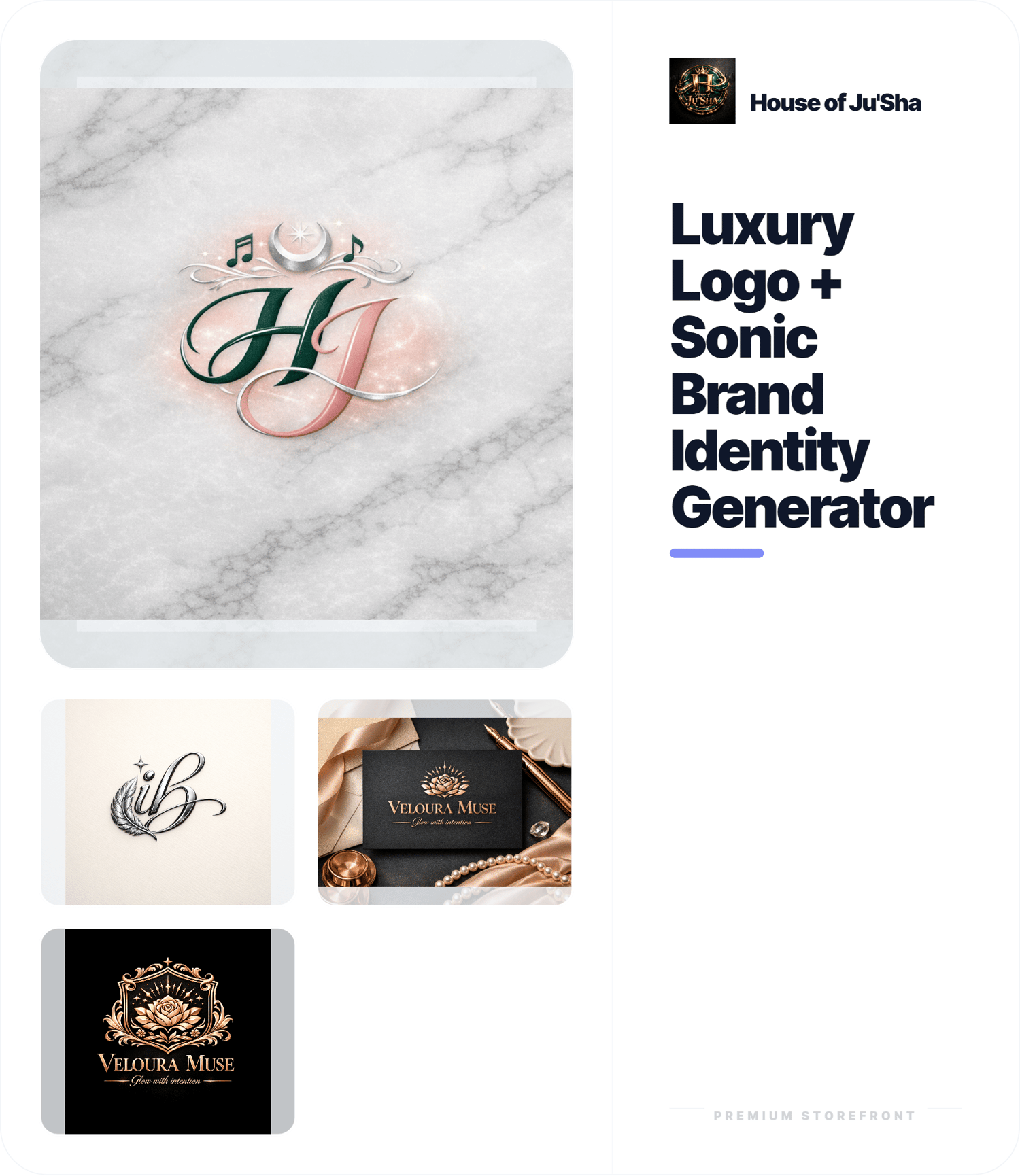
Luxury Logo + Sonic Brand Identity Generator
Make using your generator easy from the very beginning.
The House of Ju’Sha Generator Save + Open Instructions Guide is a polished PDF created to show you exactly how to save, open, organize, and use your HTML generator files correctly. This guide is perfect for beginners, customers, and digital product users who want a simple, stress-free way to work with their generators.
No more confusion about file names, where your generator was saved, or how to open it in your browser. This guide walks you through the process in a clean, easy-to-follow format so you can get right to creating.
What’s inside:
- step-by-step instructions for saving your generator
- how to make sure your file is saved as an HTML file
- how to open your generator in your browser
- how to organize and store your files
- how to update or edit your generator later
- quick troubleshooting help for common issues
Perfect for:
- generator buyers
- beginners using HTML generators
- digital product customers
- creative entrepreneurs
- House of Ju’Sha customers
- anyone who wants clear instructions with their generator purchase
This guide is a great add-on for generator sales and helps make the customer experience feel more polished, professional, and easy to follow.
Product format:
- 1 PDF digital download
Please note:
This is a digital product. No physical item will be shipped.
For personal use or customer instruction use only.
Do not resell, redistribute, copy, or share without permission.
Created in the polished premium style of House of Ju’Sha.
House of Ju’Sha Generator Save + Open Instructions
This step-by-step instruction guide helps remove confusion and makes it easy to:
- save your generator as an HTML file
- open it in your browser
- edit it later if needed
- organize your files
- troubleshoot common issues
Perfect for beginners, generator buyers, and digital product users who want a clear and professional guide to follow.
Digital download only. No physical product will be shipped.