


Light Gray
Light Gray & 50% Plot Tool — AutoLISP + DCL
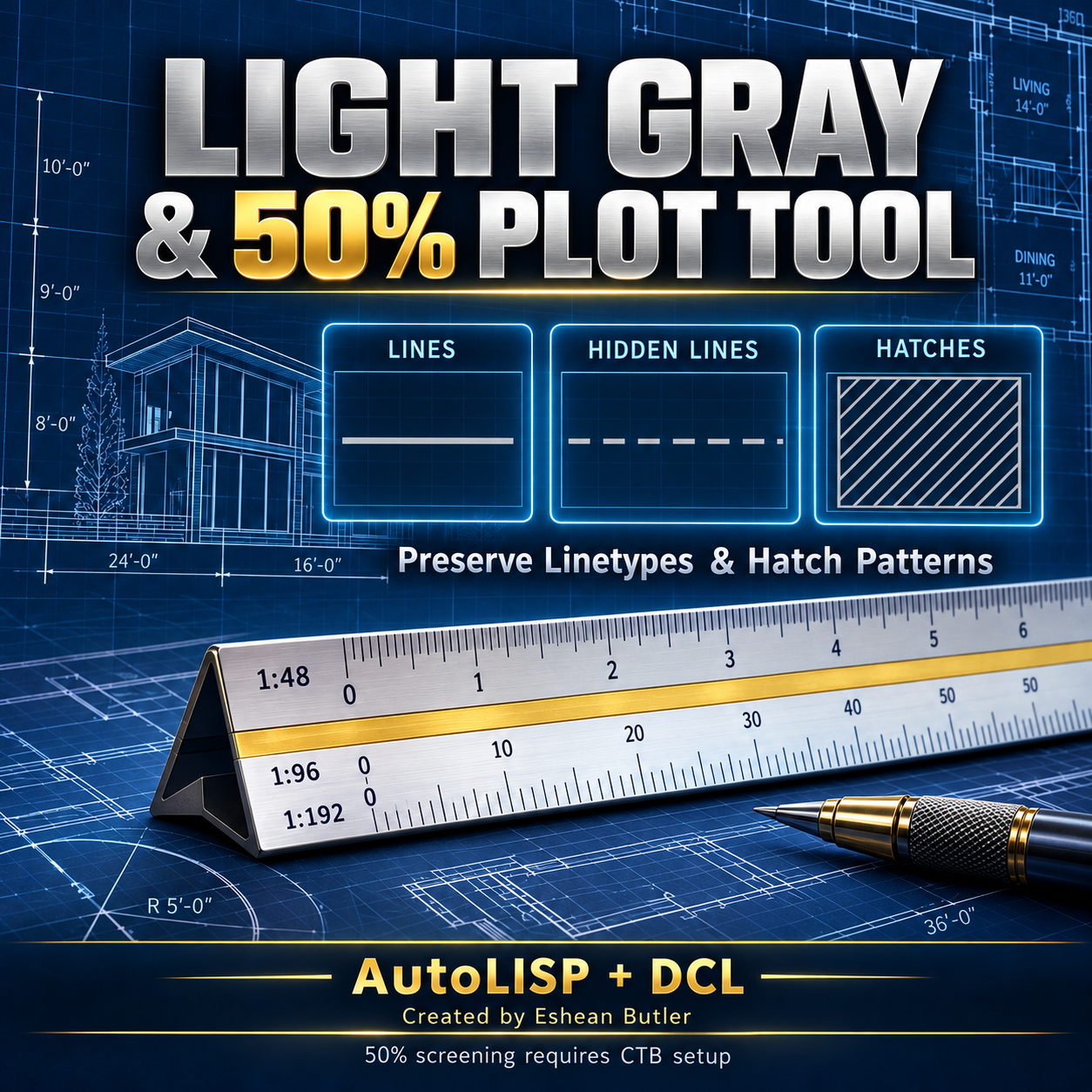
Make selected drawing objects light gray while keeping their existing linetypes and hatch patterns. Hidden lines stay hidden, and hatches retain their pattern, scale, and angle.
Ideal for reducing the visual emphasis of background linework, existing conditions, and reference geometry in architectural drawings.
Features
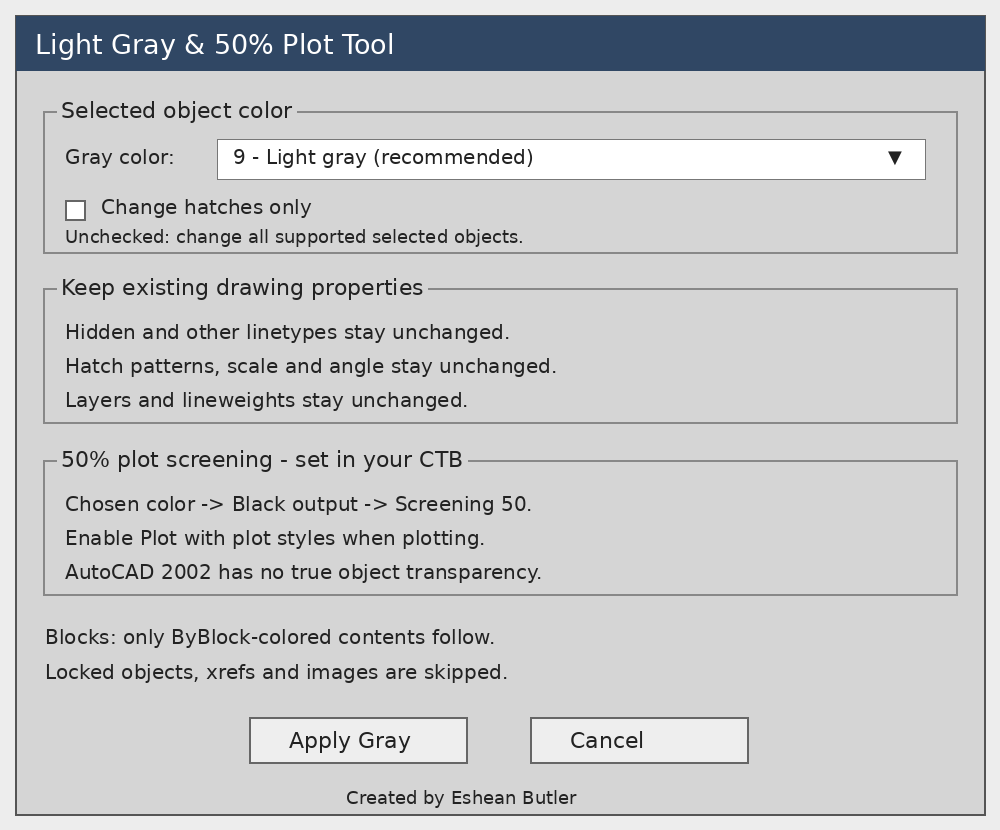
- Change multiple selected objects to gray in one operation.
- Choose Color 9, Color 8, or Color 253.
- Use a hatches-only option.
- Preserve layers, linetypes, and lineweights.
- Skip locked-layer objects, xrefs, and unsupported objects.
- Quick commands: GRAY50 and HATCHGRAY50.
Included matching CTB
The supplied DESIGN_DEPOT_Gray50.ctb sets Color 9 to 50% screening, with black output and object linetype and lineweight settings retained. Select this CTB and enable Plot with plot styles when plotting.
Your download includes: AutoLISP routine, DCL dialog, matching CTB, setup instructions, and gray DCL preview.
Easy setup: Load the LISP using APPLOAD, then type LIGHTGRAY50.
Please note: AutoCAD 2002 uses plot screening rather than true object transparency. Solid hatches remain opaque. Every Color 9 object plots at 50% screening when using the supplied CTB. Fixed-color block contents may retain their original appearance.
Designed for Windows AutoCAD 2002. Source and CTB file checks completed; not yet tested inside AutoCAD 2002.
Created by Eshean Butler — Residential CAD Solutions
Digital download. No physical product.