
Paycheck Budget Spreadsheet – Biweekly Budget Template for Google Sheets & Excel
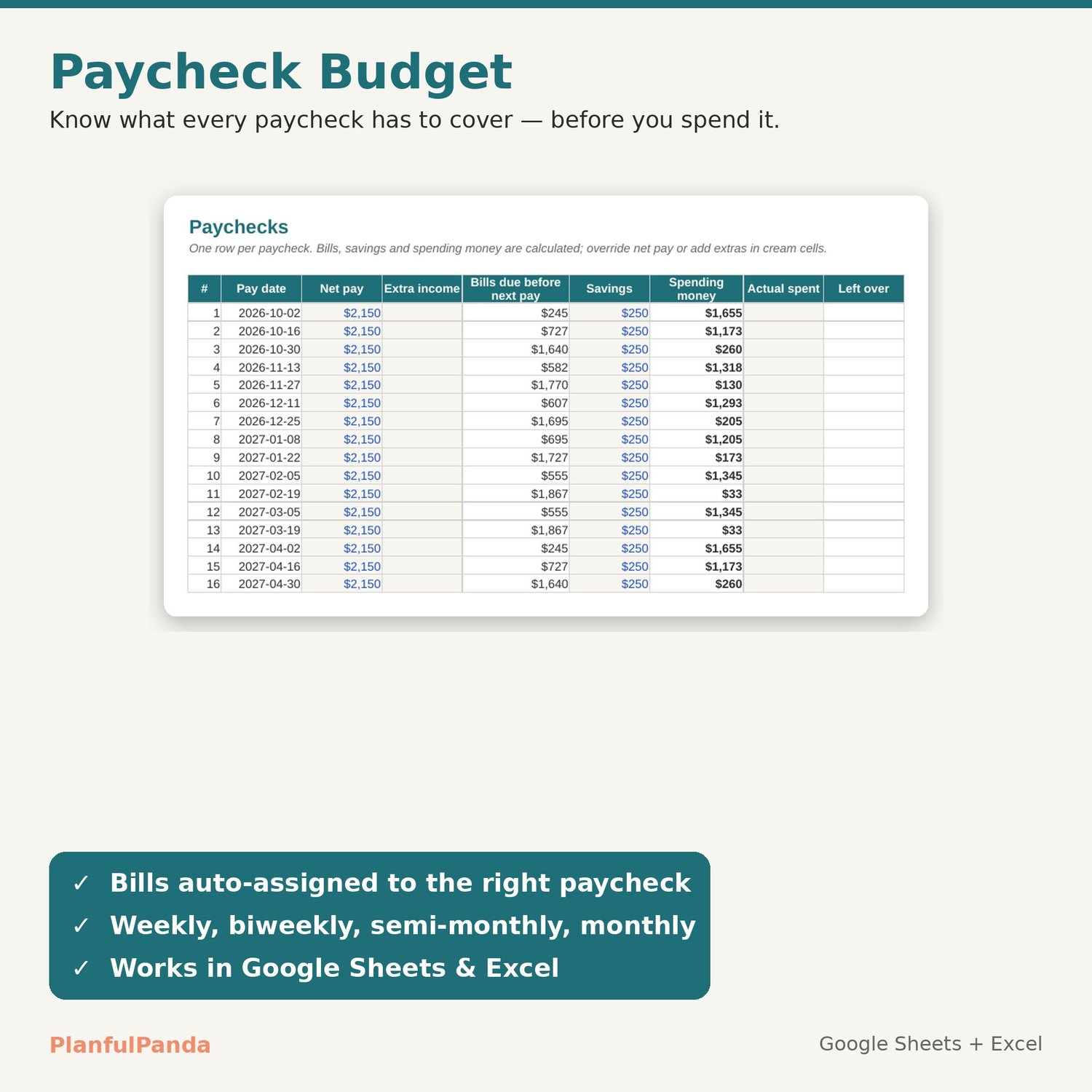
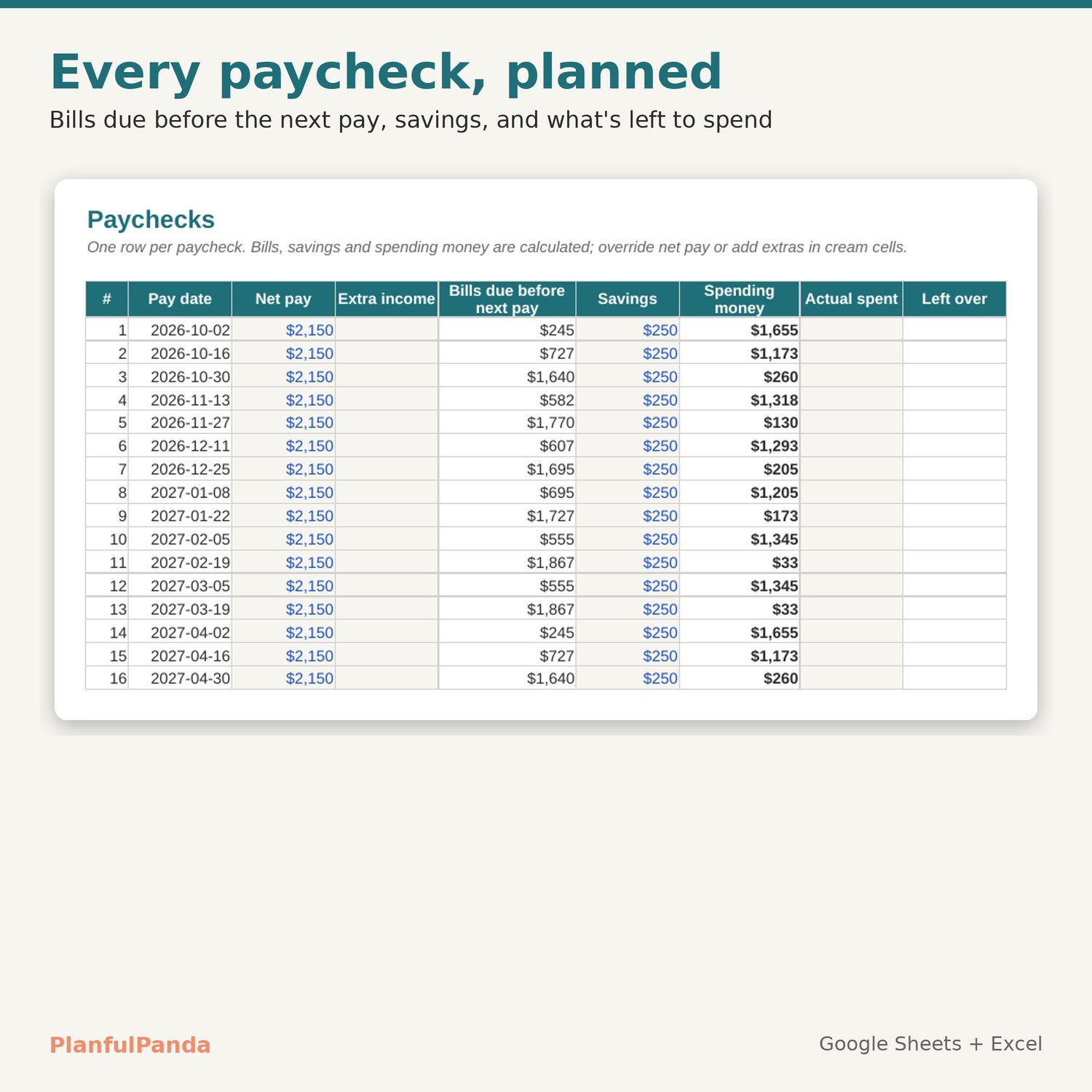
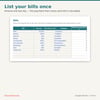
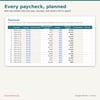
Budget by paycheck, not by month. List your bills once with their due days, set your pay schedule, and every paycheck shows exactly which bills it has to cover, how much goes to savings, and what's left to spend. Works in Google Sheets and Excel with no formulas to touch.
WHAT IT DOES
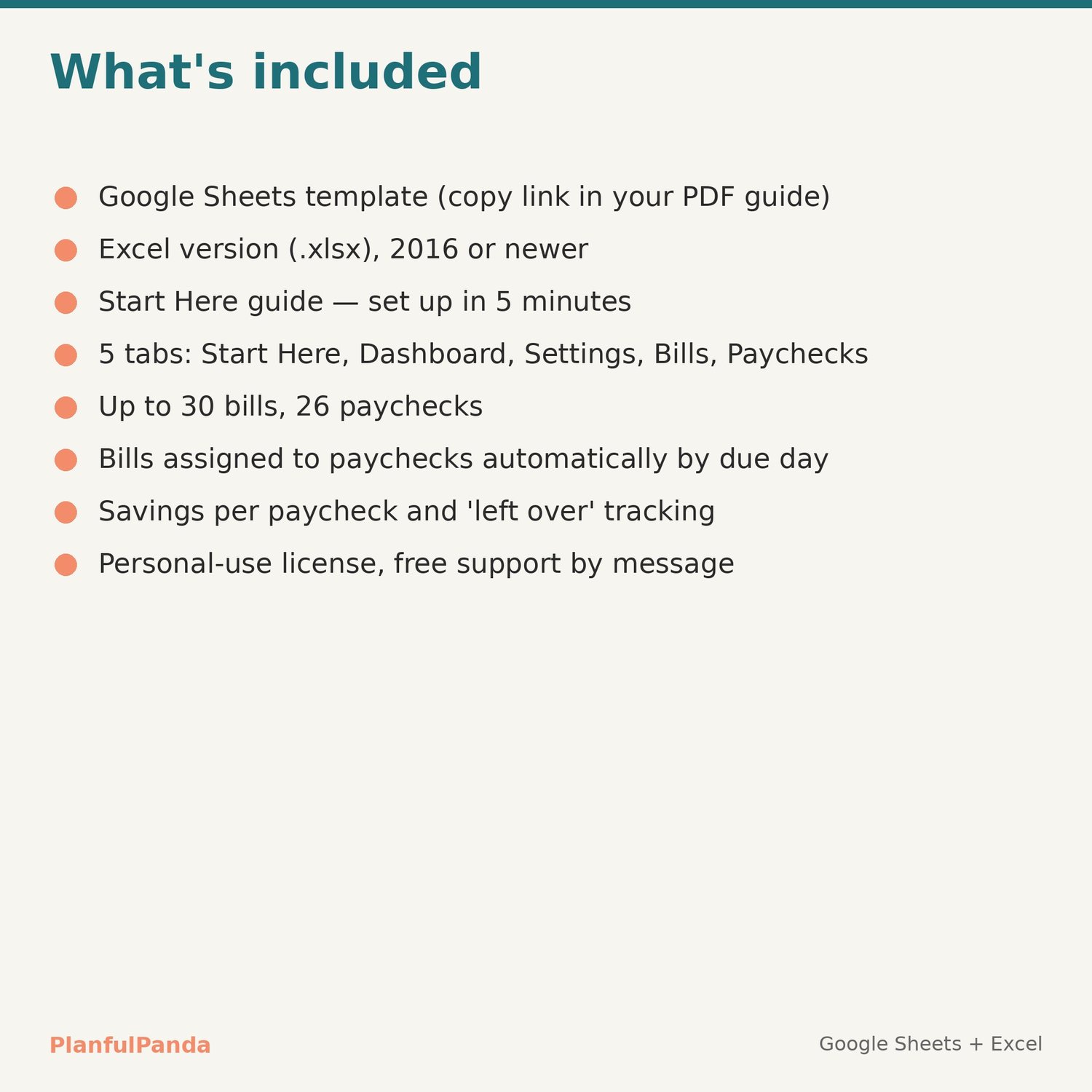
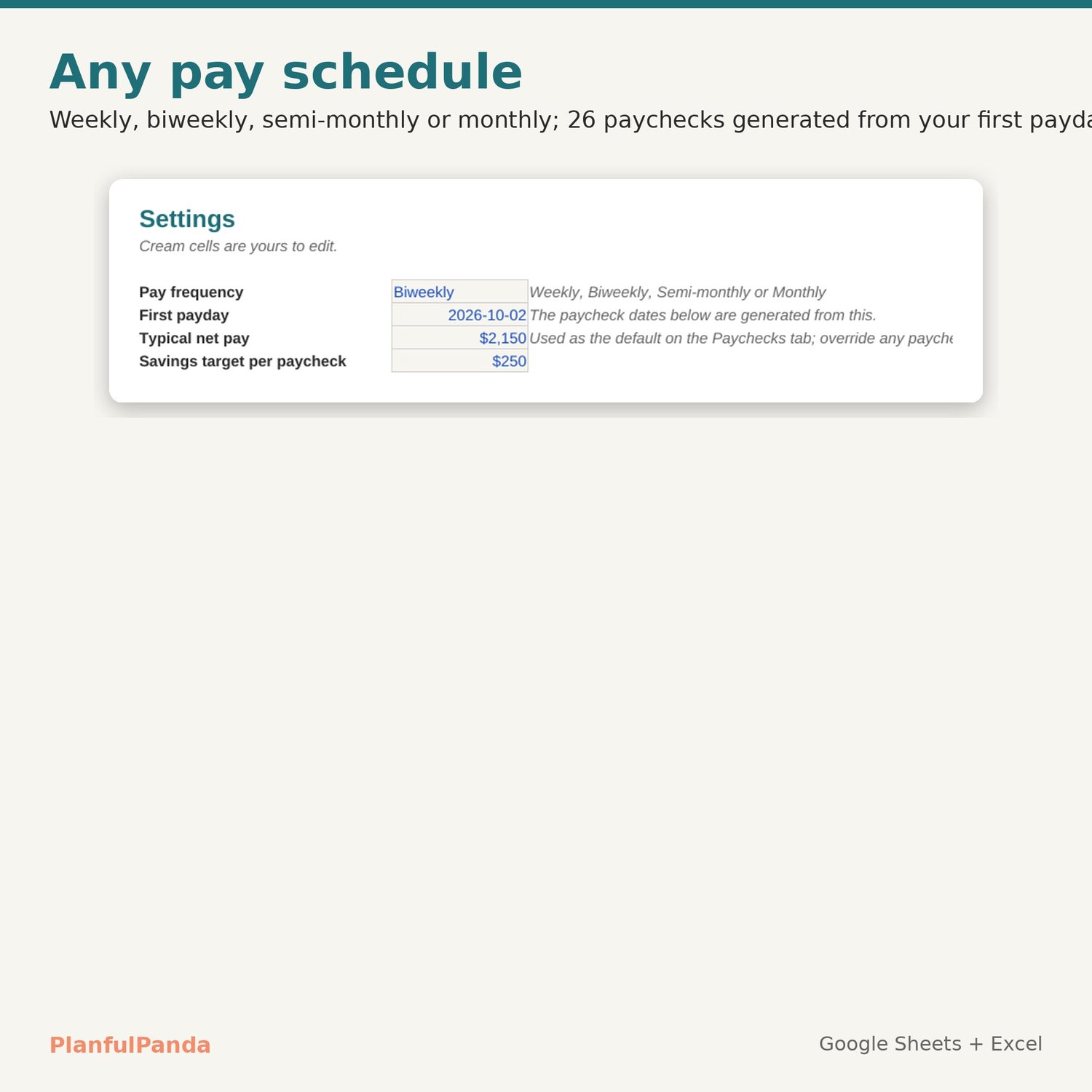
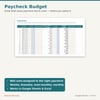
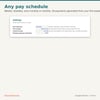
• Paychecks: 26 paychecks generated from your first payday (weekly, biweekly, semi-monthly or monthly). For each one: net pay, bills due before the next paycheck, savings, spending money, and what you actually spent.
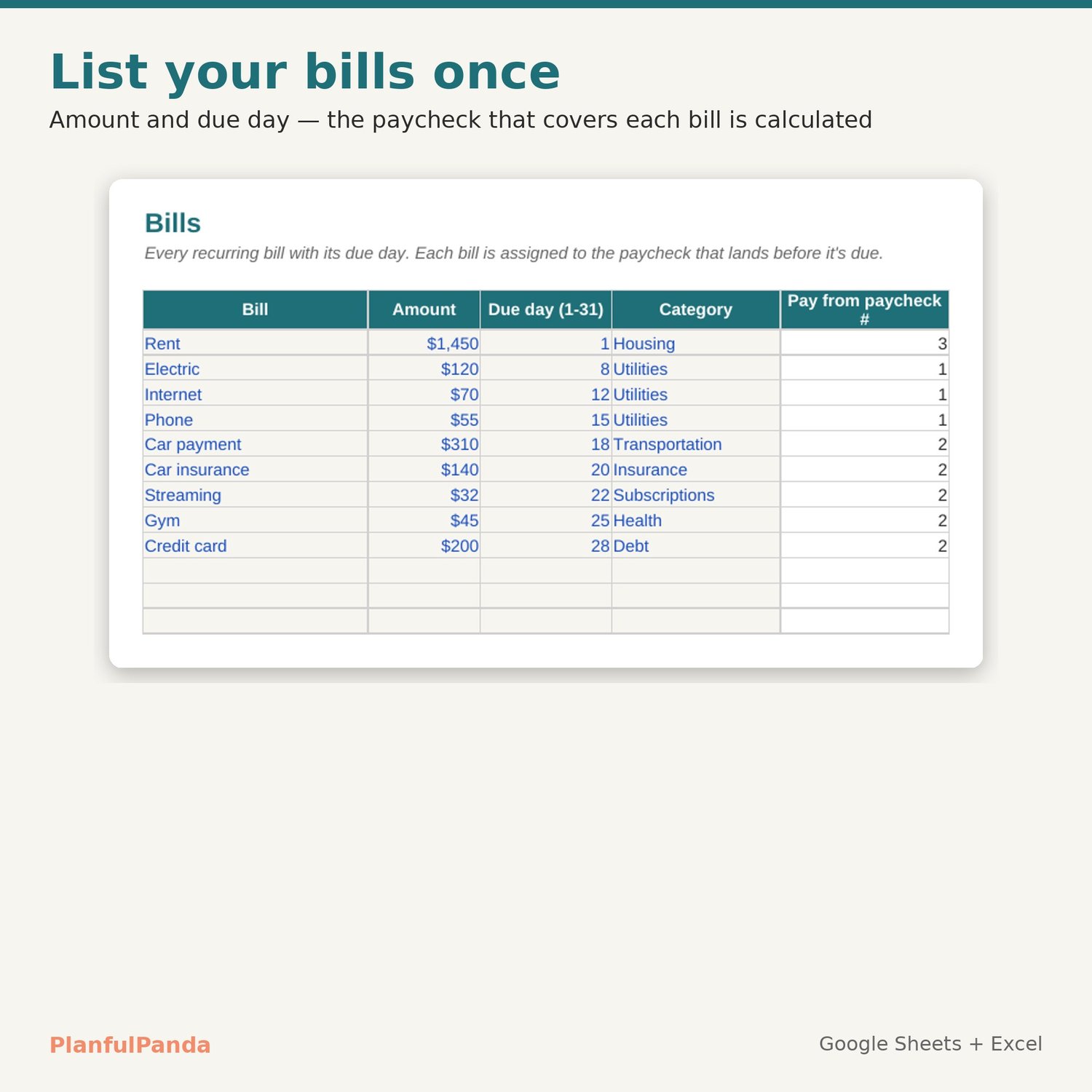
• Bills: up to 30 recurring bills with amount and due day. The paycheck that covers each bill is calculated.
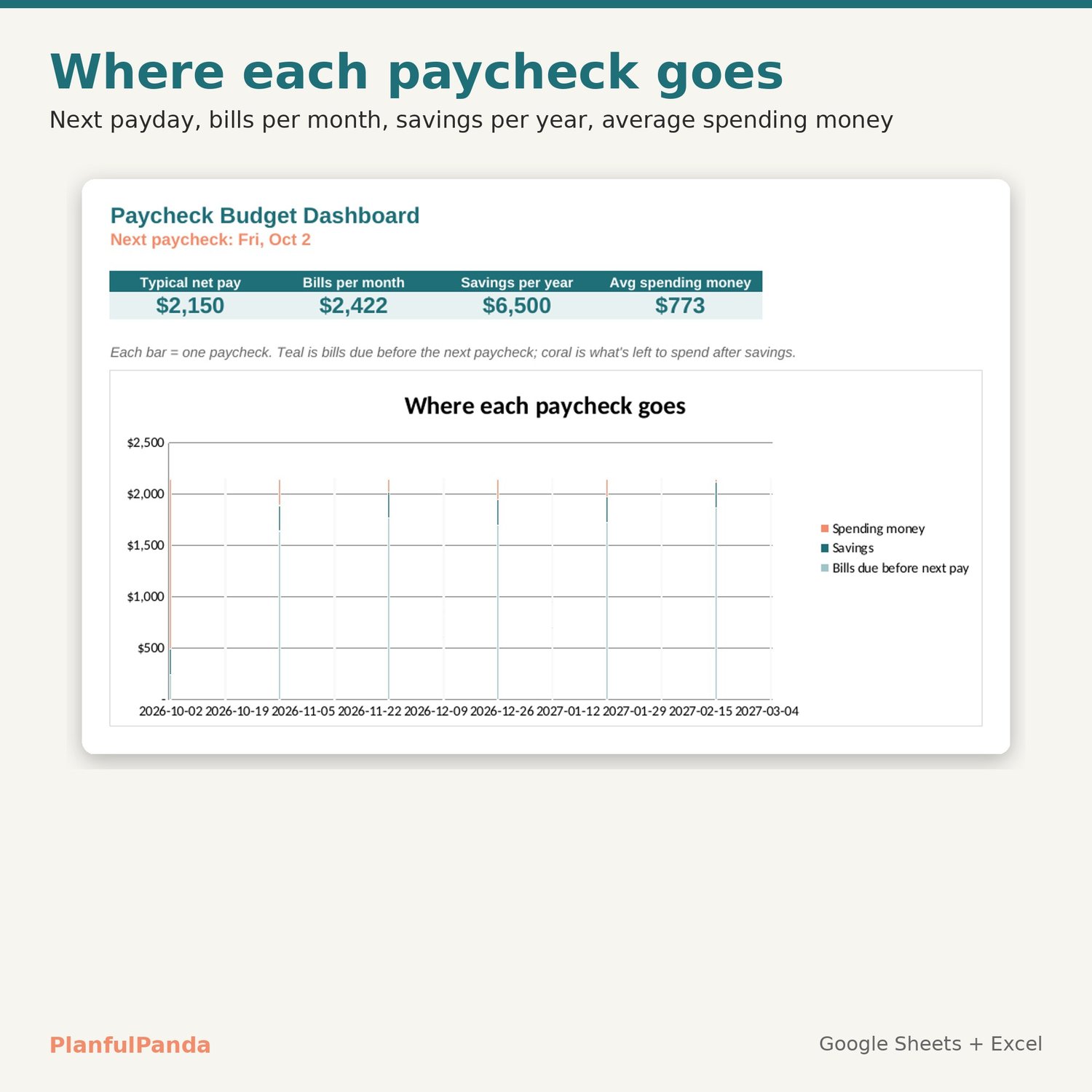
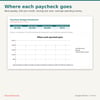
• Dashboard: next payday, bills per month, savings per year, average spending money, and a stacked chart of where each paycheck goes.
• Settings: pay frequency, first payday, typical net pay, savings per paycheck.
WHAT YOU GET (instant download)
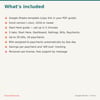
• PDF guide with your Google Sheets copy link
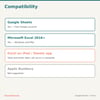
• Excel file (.xlsx) for Excel 2016 or newer, Windows and Mac
• Start Here tab with 5 set-up steps and sample bills you can replace
HOW IT WORKS
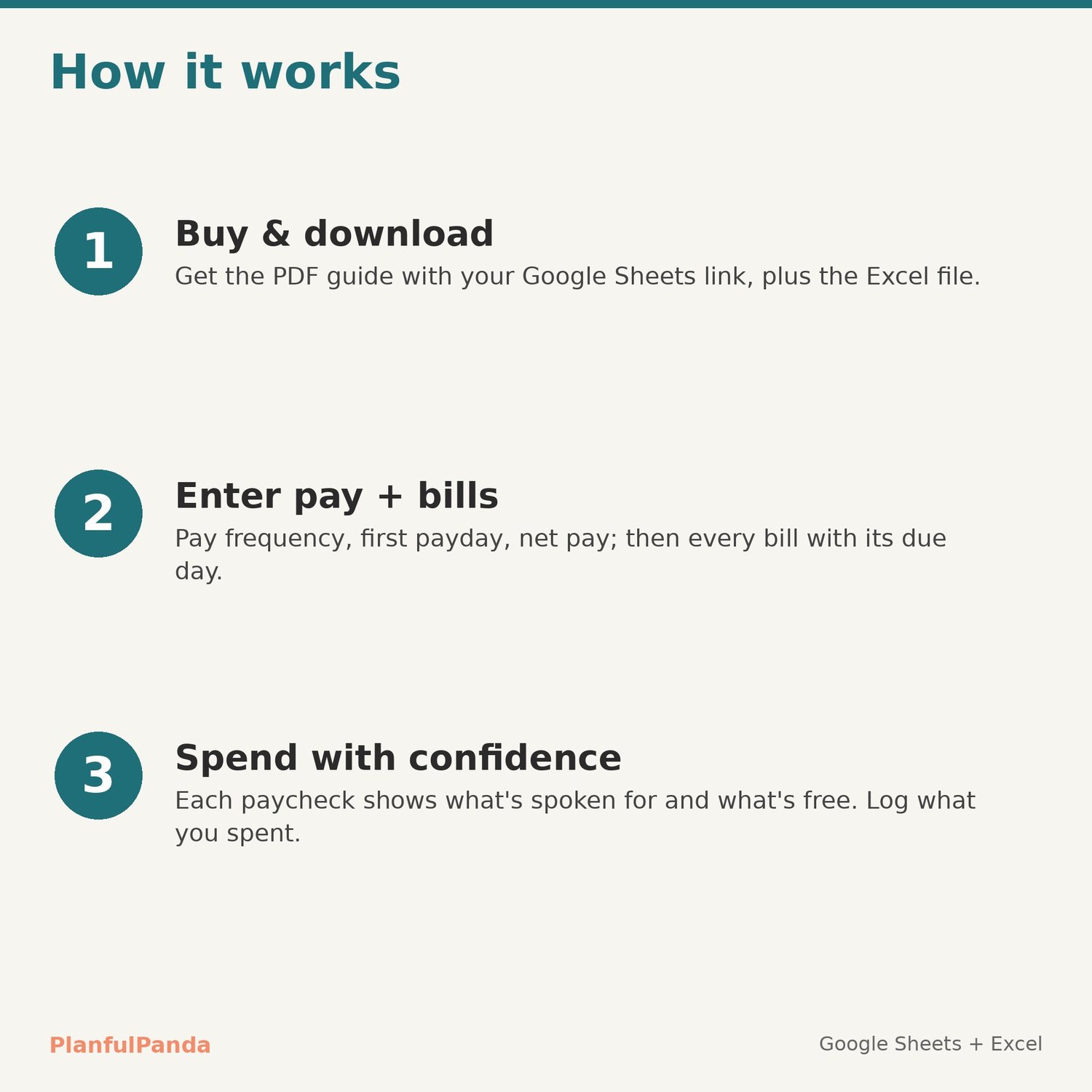
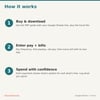
1. Download the PDF, open the link, File → Make a copy (or open the Excel file).
2. Fill in Settings and Bills.
3. Before each payday, check the Paychecks row; after, type what you spent.
COMPATIBILITY
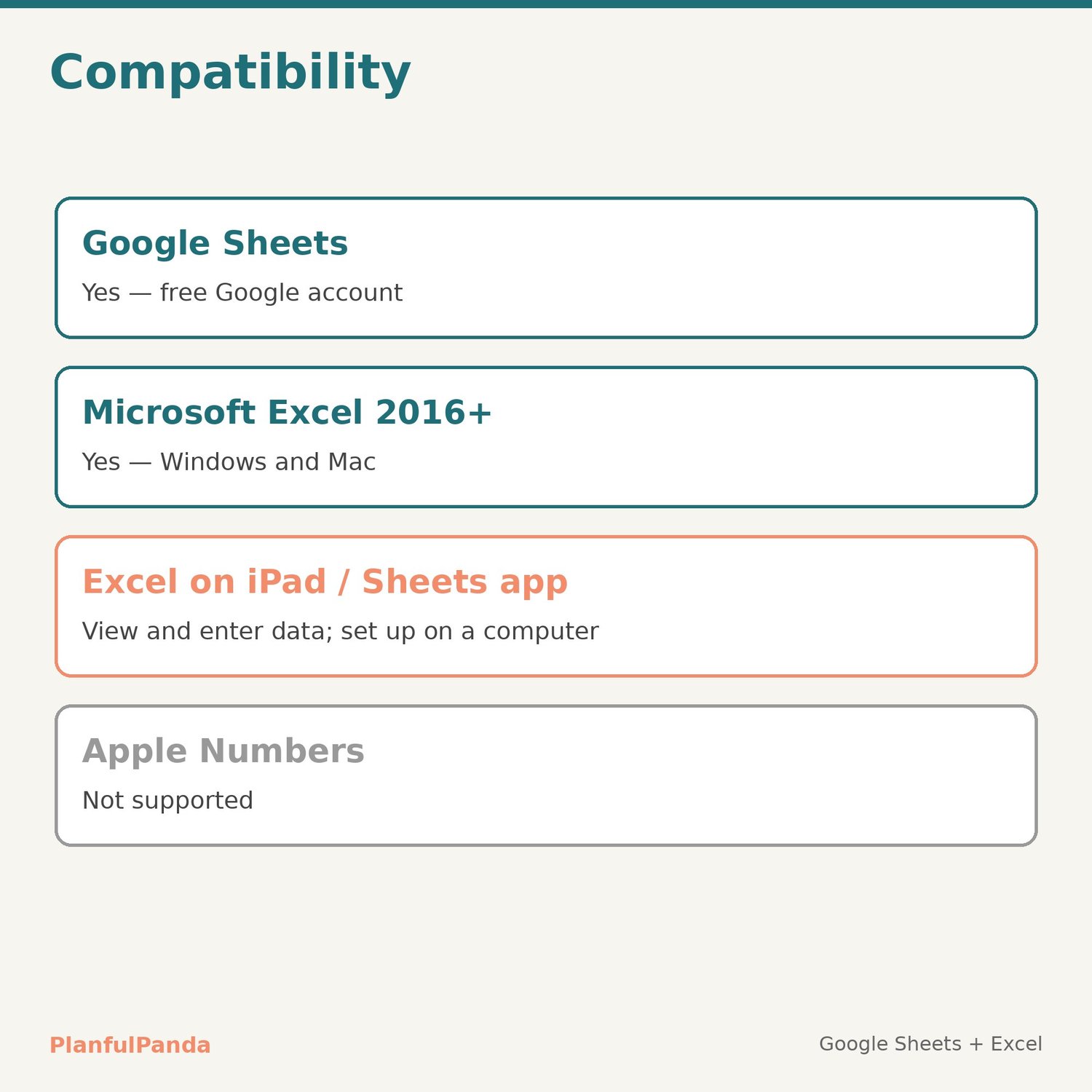
Google Sheets (free Google account) and Microsoft Excel 2016+. Set-up is easiest on a computer. Not designed for Apple Numbers.
LICENSE
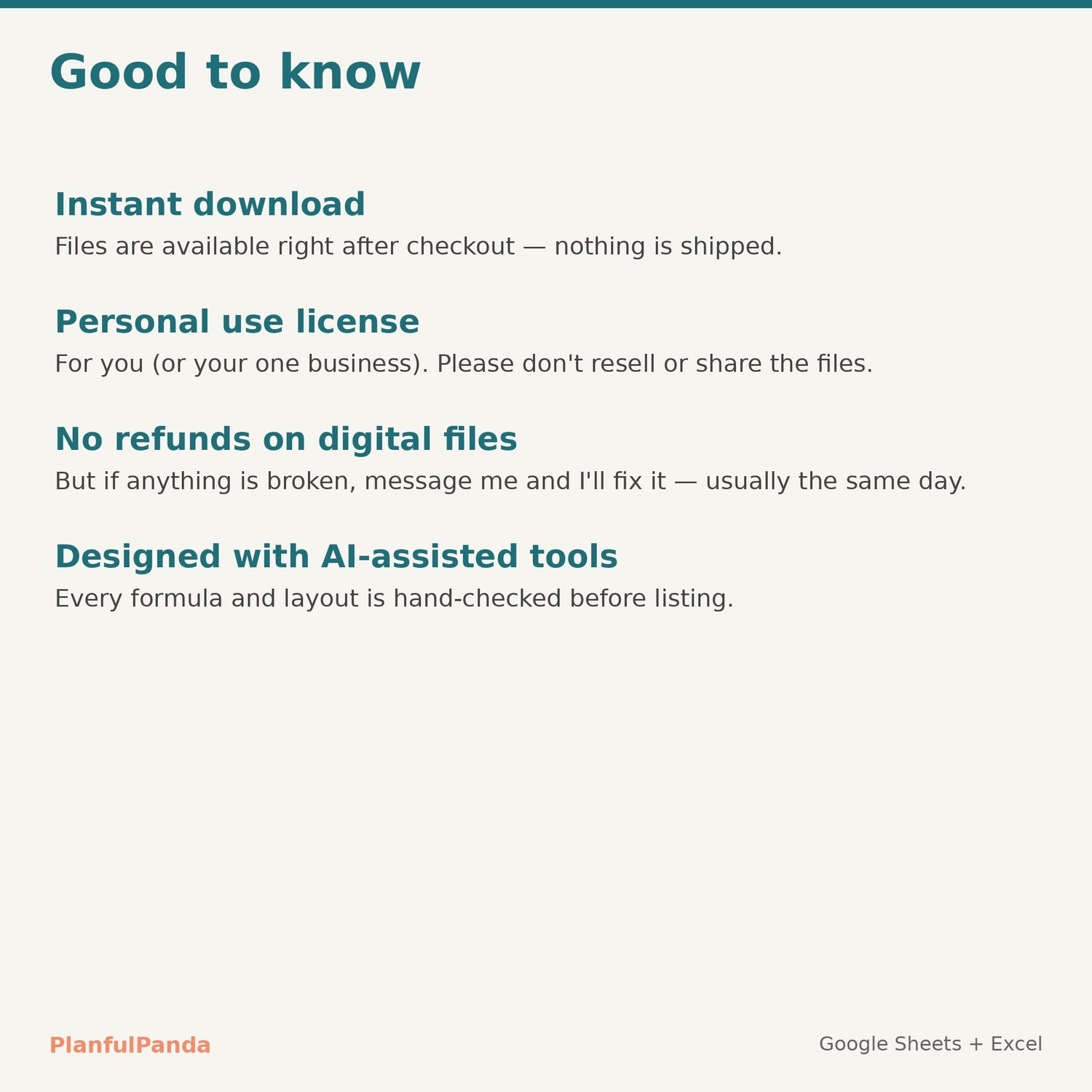
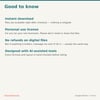
Personal use (or one business of your own). Please don't resell, share or redistribute the files.
FAQ
Refunds: digital files can't be returned once downloaded, but if anything doesn't work as described, contact me and I'll fix it — usually the same day.
Irregular income? Override net pay on any paycheck row.
Support: use the Contact link on the PlanfulPanda store. Replies within one business day.
Designed by PlanfulPanda with AI-assisted tools; every formula and layout is hand-checked.