
Synvora – Local Wi-Fi File Sharing (No Cloud, No Account)
Synvora – Secure Mobile to PC File Sharing
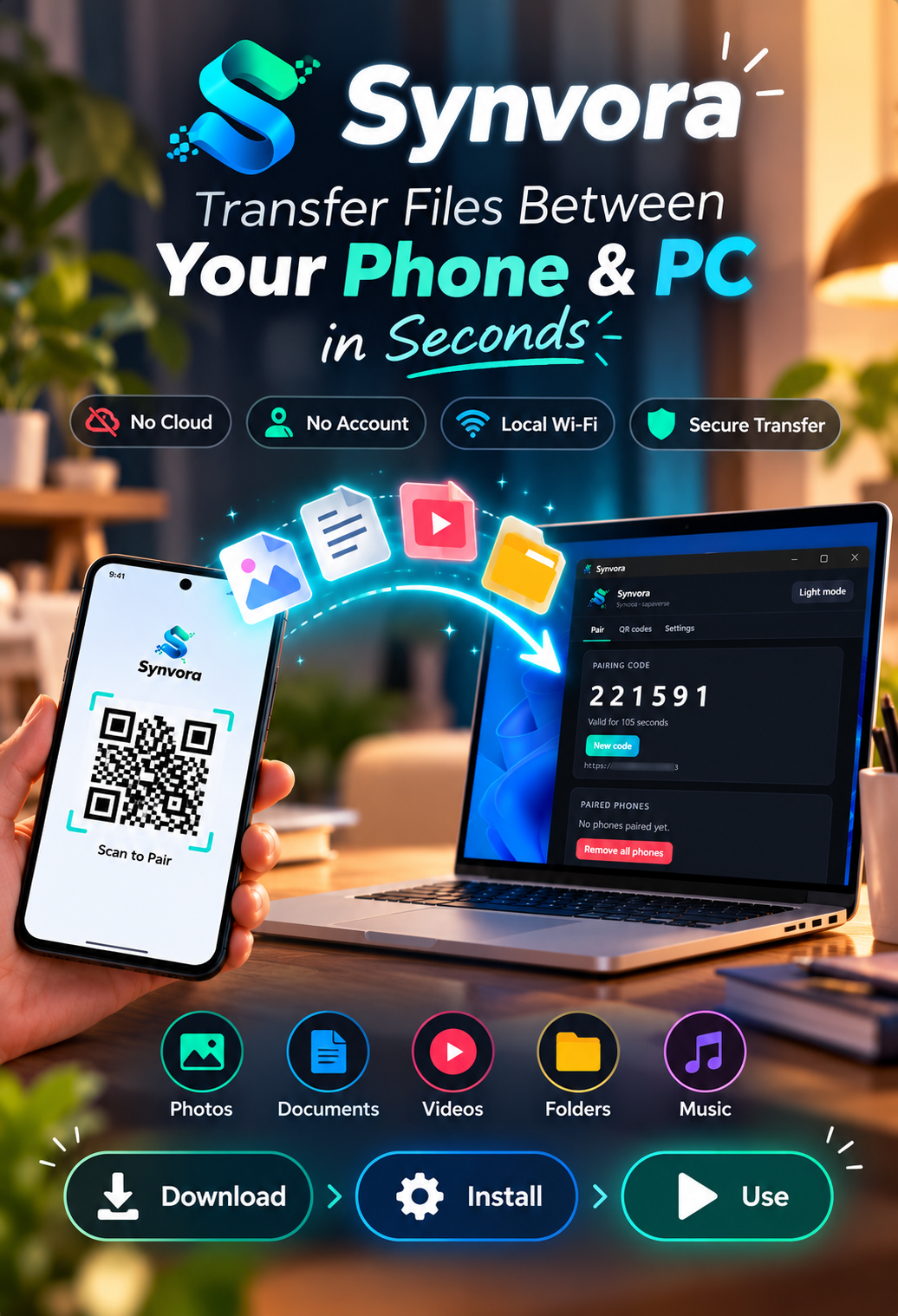
Transfer files between your Windows computer and your phone over your local Wi-Fi. No cloud storage. No accounts. No cables. Everything stays on your own network using encrypted HTTPS. Built by sapaxverse. README
What's Included
- Windows desktop application
- QR Code pairing system
- One-time pairing codes
- Secure HTTPS communication
- Chunked file uploads with resume support
- Dark & Light mode UI
- Multi-device pairing
- Certificate generation
- File previews
- Automatic duplicate filename handling
Features
✅ Phone - PC file transfer
✅ QR Code pairing
✅ 6-digit secure pairing code
✅ HTTPS encryption
✅ Resume interrupted uploads
✅ SHA-256 file verification
✅ Supports photos, videos, documents, audio and PDFs
✅ No cloud storage required
✅ Works completely on your local network
These capabilities are part of Synvora's core design.
Perfect For
- Developers
- IT Professionals
- Students
- Home users
- Small businesses
- Learning Electron
- Learning secure local networking
Requirements
- Windows 10 or Windows 11
- Node.js 22+
- Phone connected to the same Wi-Fi network
- Android or iPhone
Why Synvora?
Unlike traditional file sharing services, Synvora keeps your files private.
✔ No internet upload
✔ No third-party servers
✔ No subscriptions
✔ No account creation
✔ Your files never leave your home network
Its security model includes one-time pairing codes, encrypted HTTPS transfers, token-based access, and local-only networking.
Built With
- Electron
- TypeScript
- Node.js
- HTTPS
- QR Code Pairing
- SHA-256 Verification
License
ISC License. See the included LICENSE file for details.